Radiation Dose Optimization in Dental X-Ray Imaging: ALARA Principles and Advanced Techniques

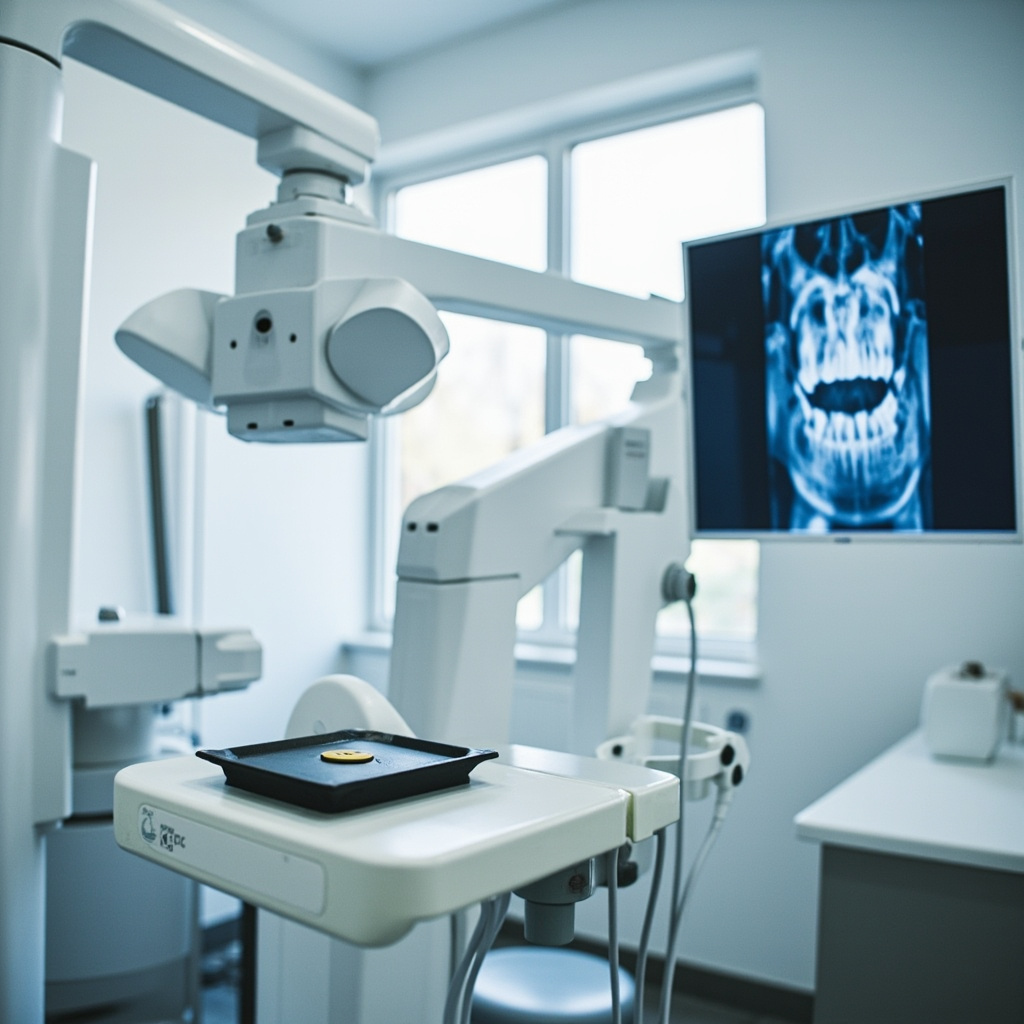
In modern dental practice, balancing diagnostic image quality with patient safety requires implementing advanced radiation dose optimization techniques. The ALARA principle (As Low As Reasonably Achievable) serves as the foundation for all dental radiographic procedures, ensuring patients receive the minimum radiation exposure necessary for accurate diagnosis.

Understanding ALARA Principles in Dental Radiography

The ALARA principle mandates that every radiographic exposure should deliver the lowest possible radiation dose while maintaining diagnostic quality. This approach involves three key strategies: reducing exposure time, maximizing distance from the radiation source, and implementing proper shielding techniques.

Modern digital radiography systems can achieve dose reductions of up to 90% compared to conventional film-based systems, while simultaneously improving image quality and diagnostic capabilities. These systems utilize advanced sensor technologies and sophisticated image processing algorithms to optimize exposure parameters automatically.

Advanced Filtration and Collimation Techniques

Implementing proper beam filtration represents one of the most effective methods for dose reduction without compromising image quality. Adding 1.0mm of aluminum filtration to the X-ray tube head significantly improves beam quality by filtering out low-energy photons that contribute only to patient dose without enhancing image formation.
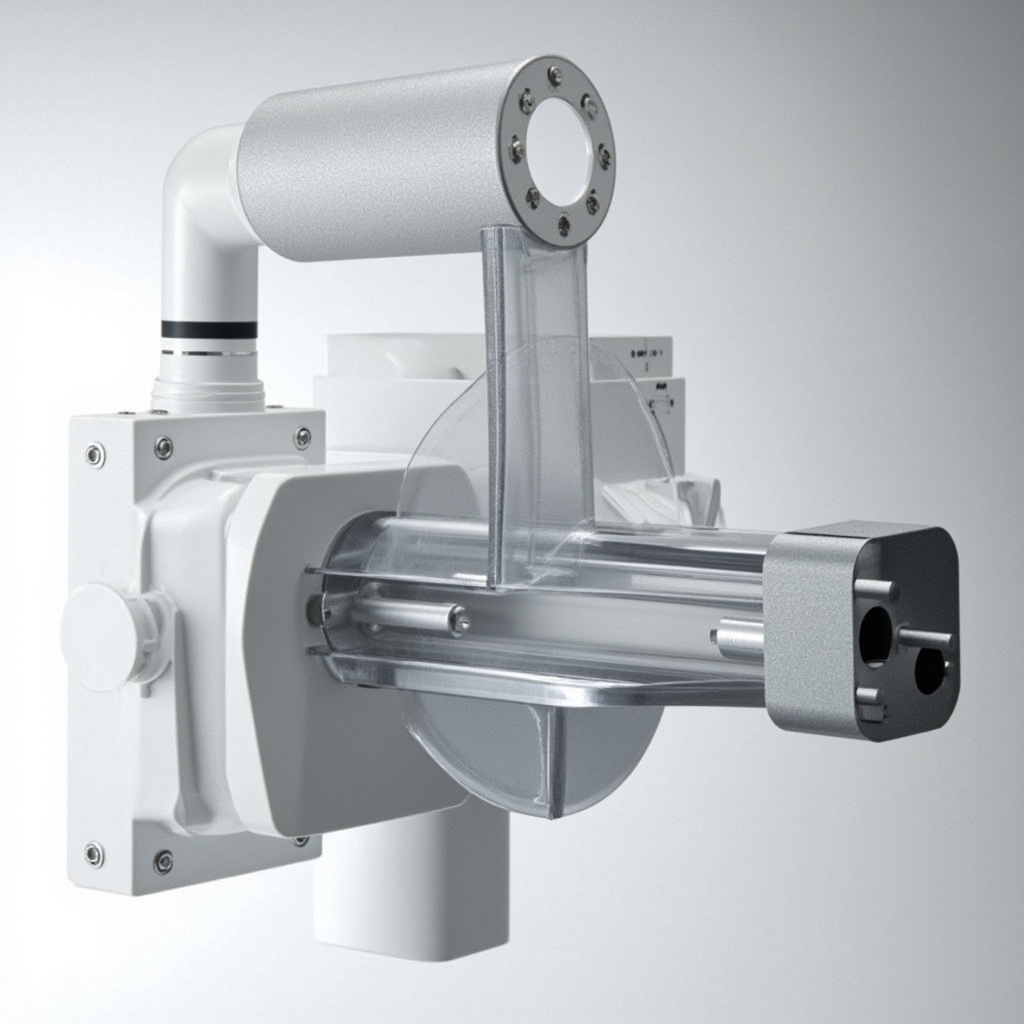
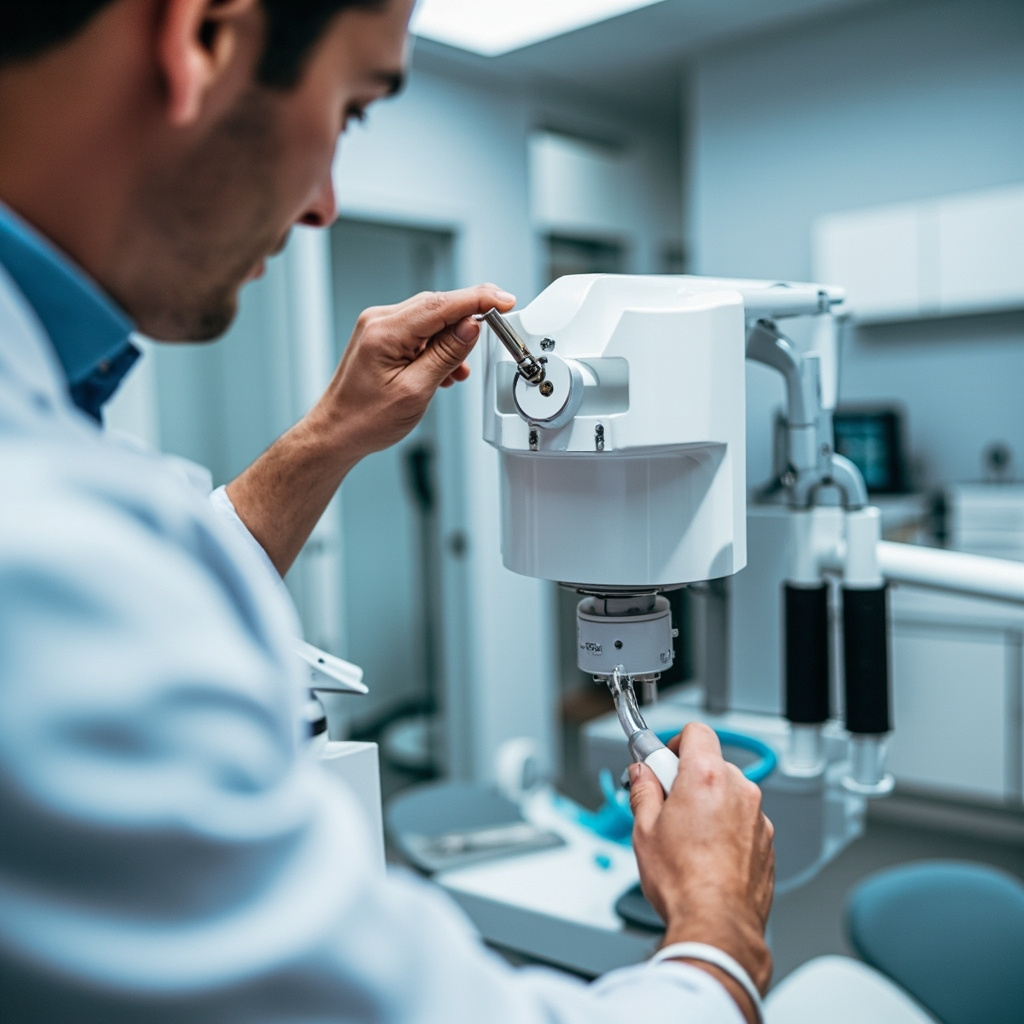
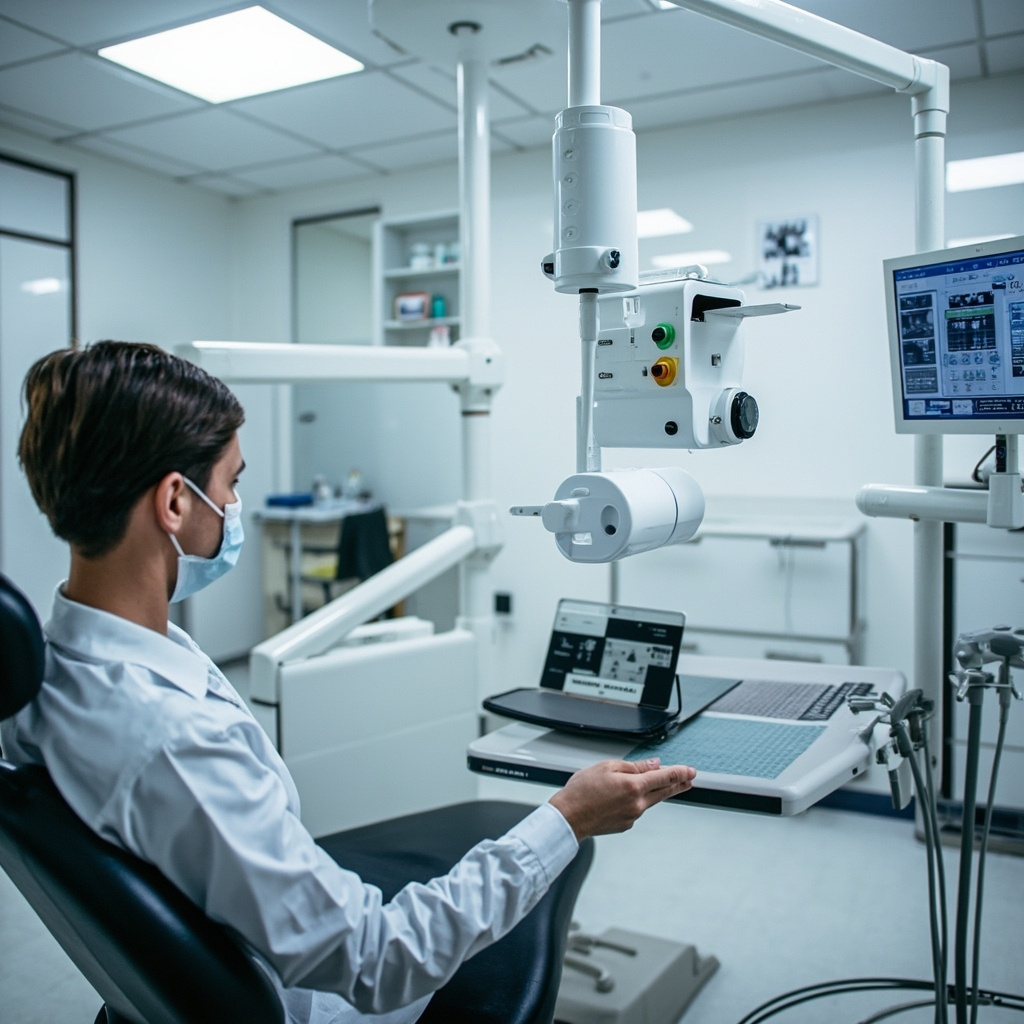
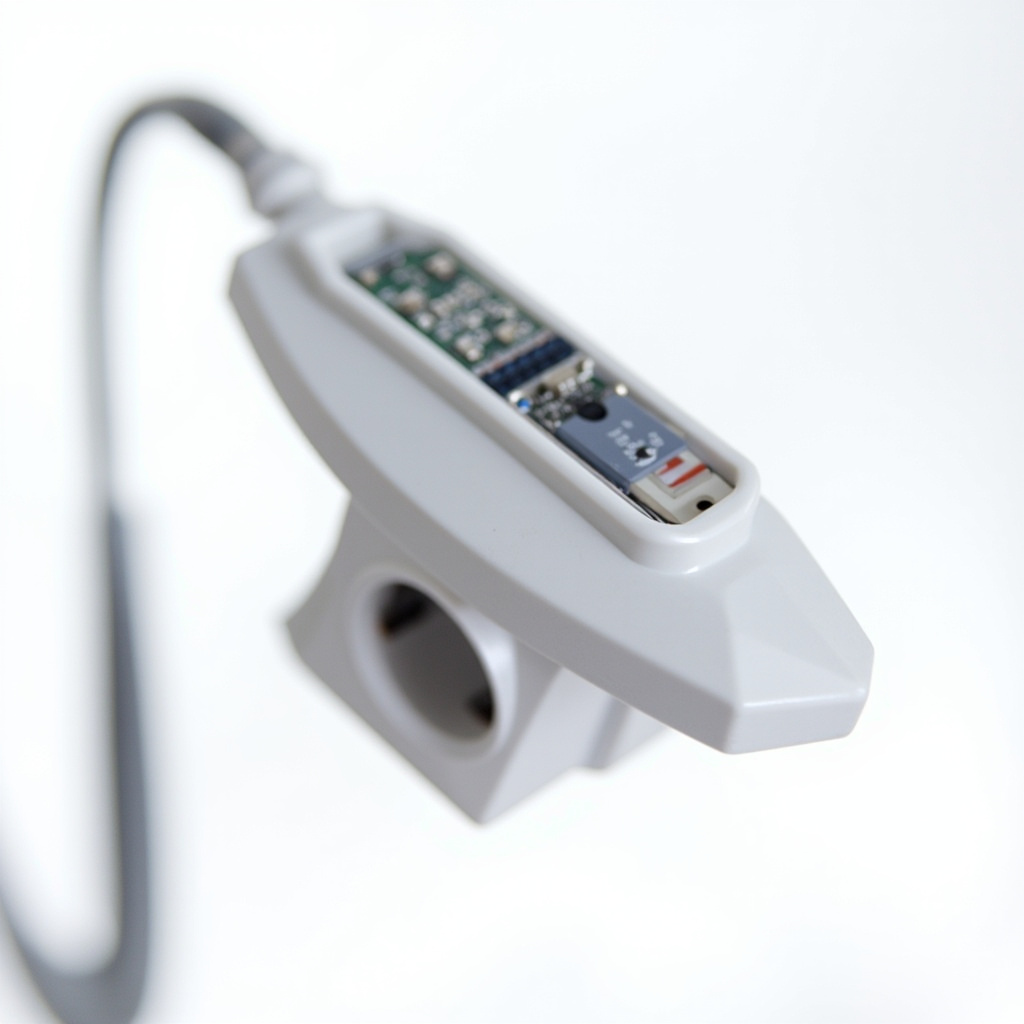
X-ray tube head with aluminum filtration and collimation system

Rectangular collimation reduces the irradiated tissue volume by up to 60% compared to round collimation, dramatically decreasing patient exposure while maintaining diagnostic information. This technique is particularly effective for intraoral radiography, where precise beam restriction directly correlates with dose reduction.

Optimization Parameters and Quality Assurance

Establishing standardized exposure protocols based on patient size, anatomy, and clinical requirements ensures consistent image quality while minimizing radiation exposure. Regular calibration of equipment parameters, including kVp accuracy, timer precision, and output consistency, maintains optimal performance and prevents unnecessary repeat exposures.

Implementation of comprehensive quality assurance programs should include periodic evaluation by qualified medical physics professionals. These assessments verify that equipment produces clinically acceptable images at the lowest possible patient radiation dose while ensuring personnel safety protocols remain effective.

Digital Processing and Image Enhancement

Modern digital radiography systems incorporate sophisticated image processing algorithms that enhance diagnostic information from lower-dose exposures. These technologies include noise reduction filters, contrast enhancement, and edge sharpening capabilities that improve image interpretation without requiring higher radiation doses.
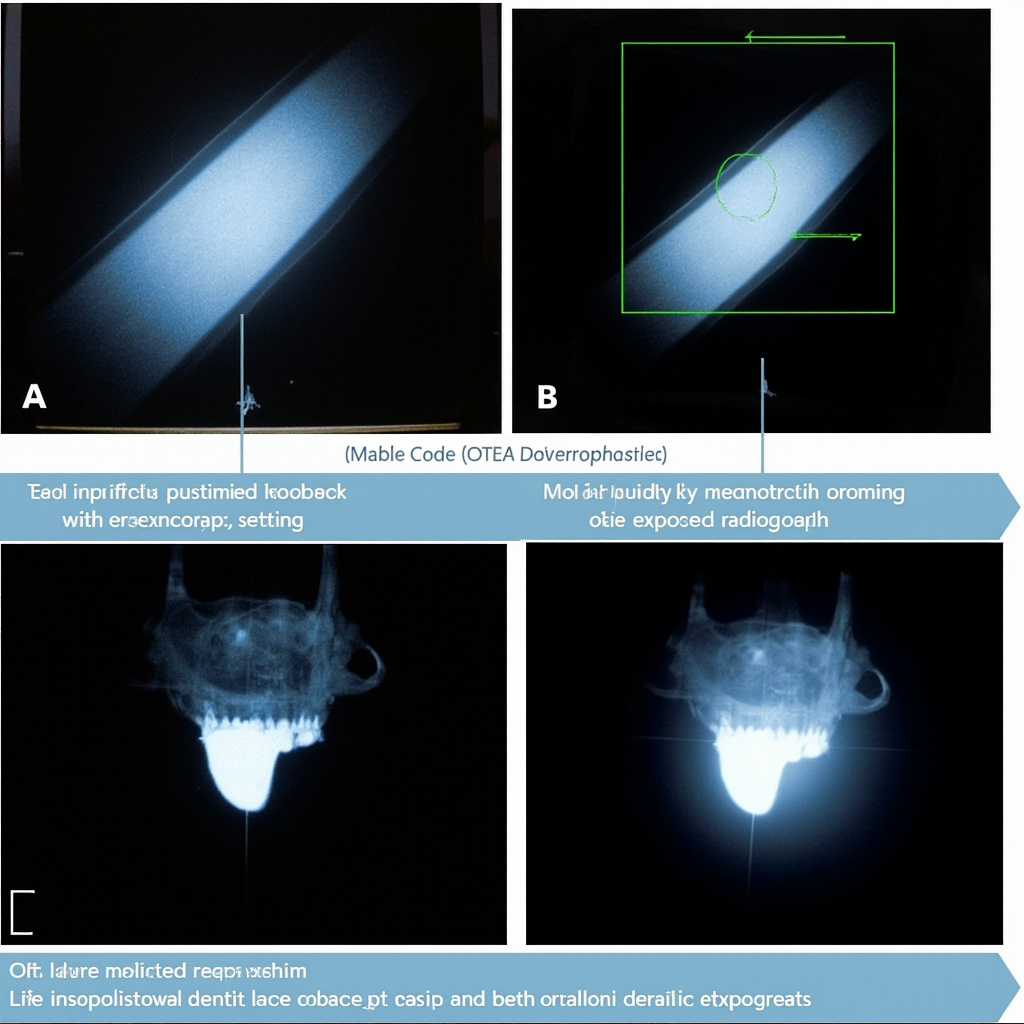
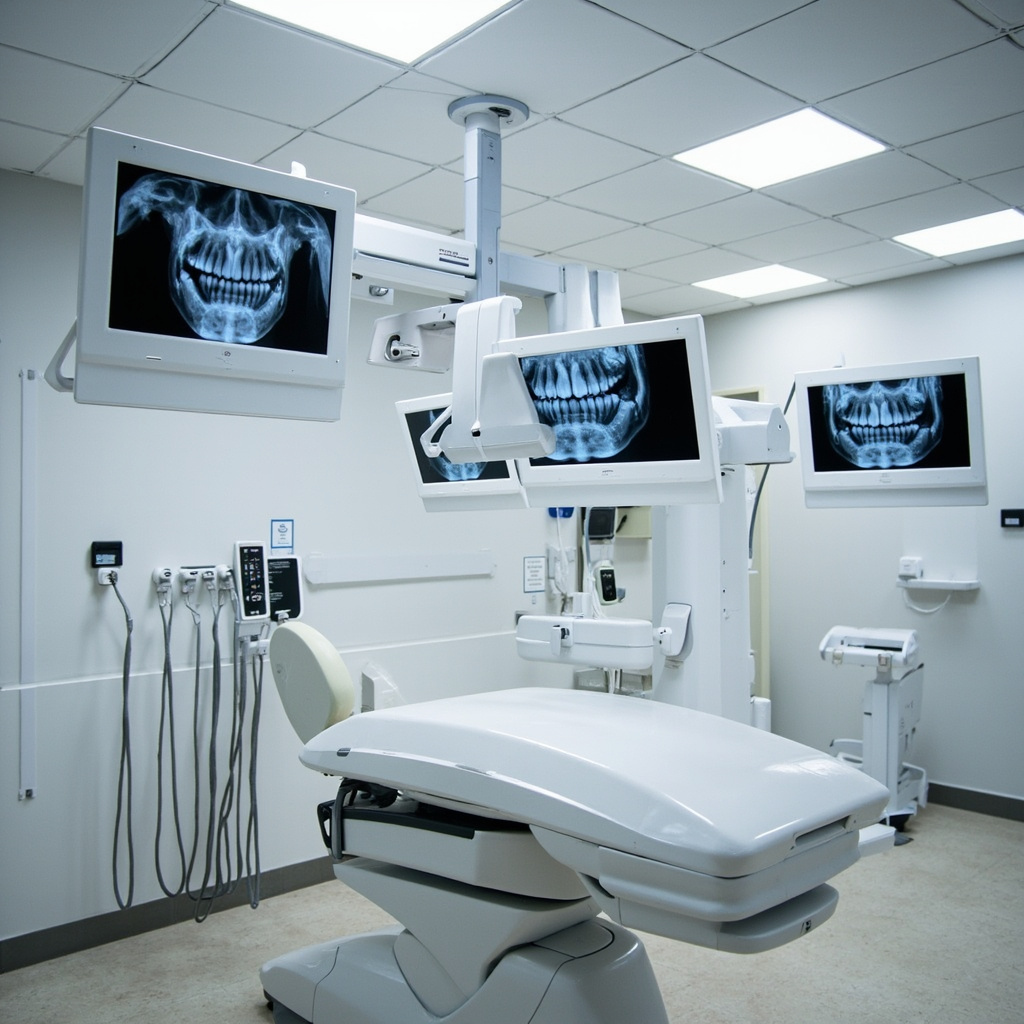
Comparison of optimized versus overexposed dental radiographs

Proper sensor positioning and technique standardization prevent retakes, which represent one of the largest sources of unnecessary patient exposure in dental radiography. Staff training on positioning aids, patient positioning techniques, and quality control procedures significantly reduces radiation dose through improved first-time success rates.

By implementing these advanced dose optimization techniques, dental practices can achieve significant radiation dose reductions while maintaining or improving diagnostic image quality, demonstrating commitment to patient safety and regulatory compliance.
Dental X-Ray Equipment Infection Control: Essential Sterilization and Safety Protocols

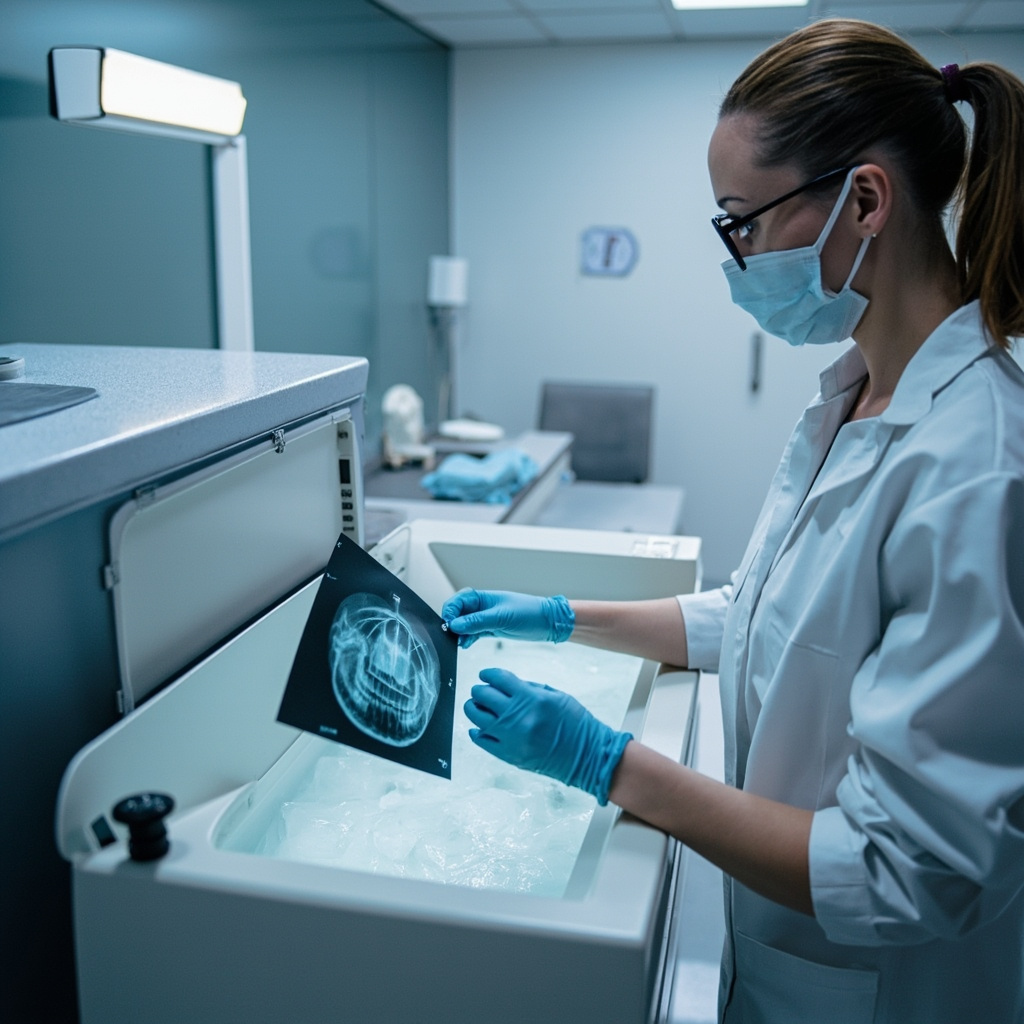
Proper infection control and sterilization procedures for dental X-ray equipment are essential for preventing cross-contamination and maintaining patient safety. With increasing regulatory scrutiny and evolving infection control standards, dental practices must implement comprehensive protocols that address all aspects of radiographic equipment sterilization.

Understanding the Critical Points of Contamination

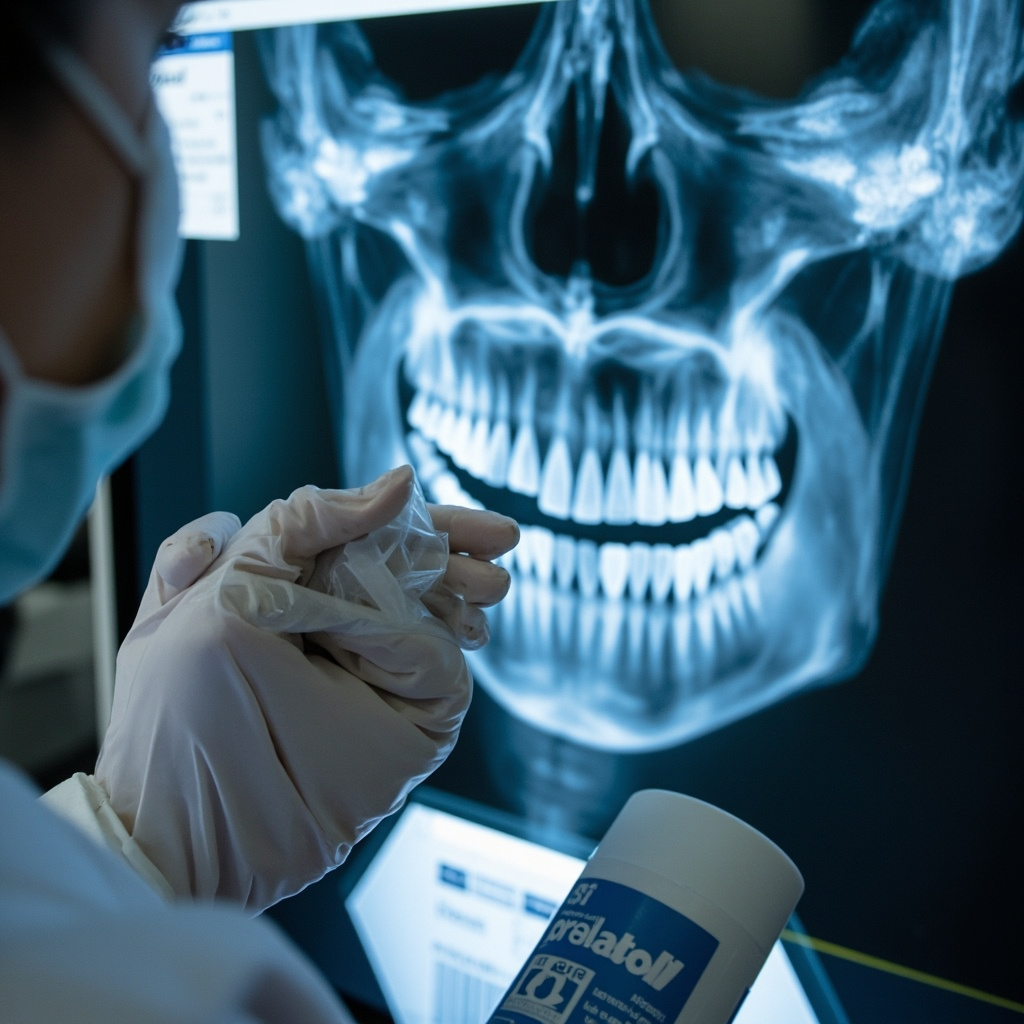
Digital X-ray sensors, positioning devices, and associated equipment present multiple opportunities for cross-contamination during patient care. Unlike traditional film-based systems, digital sensors require specialized handling to maintain both sterility and equipment functionality.

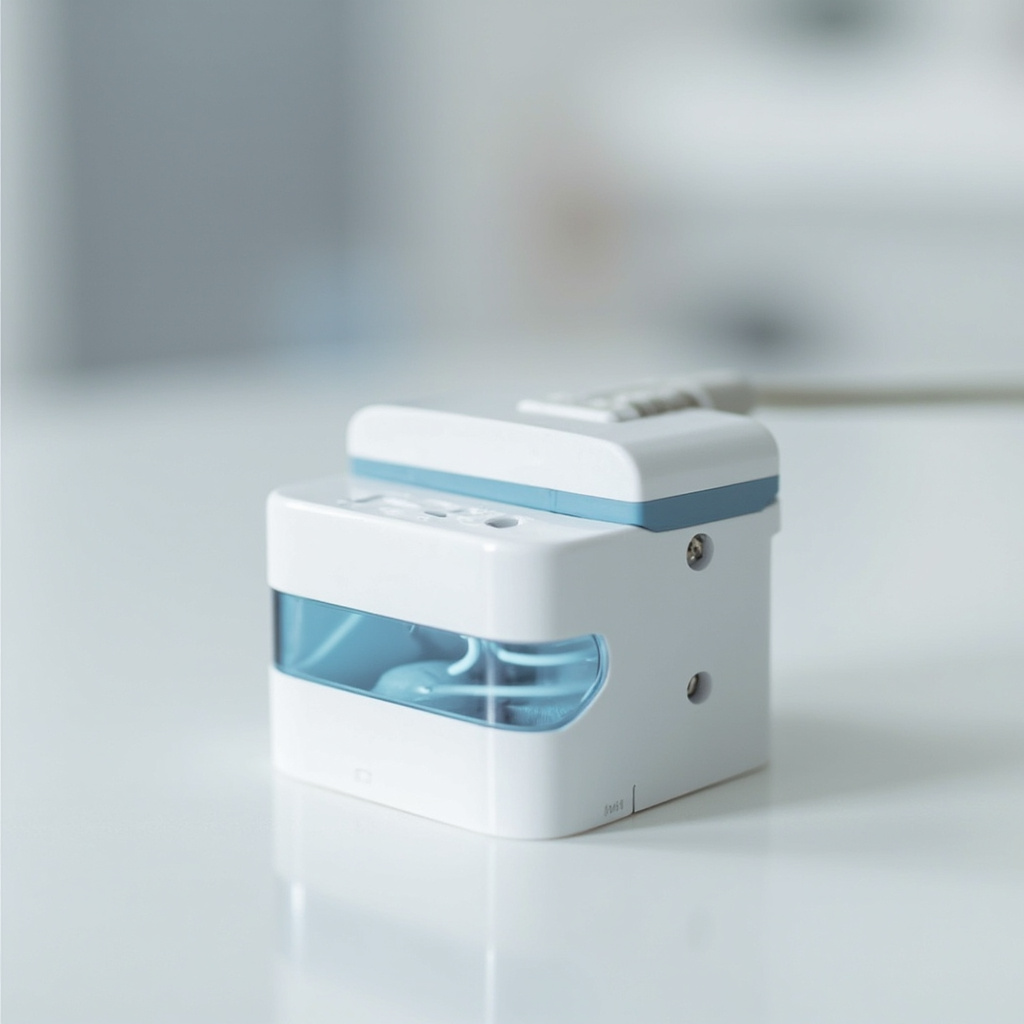
Professional disinfecting digital X-ray sensor

The sensor surface, connector cables, and positioning aids all require attention during the sterilization process. Failure to properly address these contact points can result in pathogen transmission between patients and potential regulatory violations.

CDC Guidelines for Digital Radiography Equipment

The Centers for Disease Control and Prevention provides specific guidance for dental radiographic equipment sterilization:

  • Heat-sterilizable accessories: All bite blocks, positioning rings, and guides that can withstand autoclave temperatures should undergo routine steam sterilization
  • Digital sensor protection: FDA-cleared barrier envelopes must protect sensors during use, with additional high-level disinfection between patients
  • Surface disinfection: Equipment surfaces require EPA-registered intermediate-level disinfectants with appropriate contact times
  • Cable management: Sensor cables should be covered with protective sleeves or undergo surface disinfection protocols

Barrier Protection Systems

Implementing comprehensive barrier protection significantly reduces contamination risk and simplifies sterilization workflows. Modern barrier systems include sensor-specific sleeves, cable covers, and positioning device protectors.

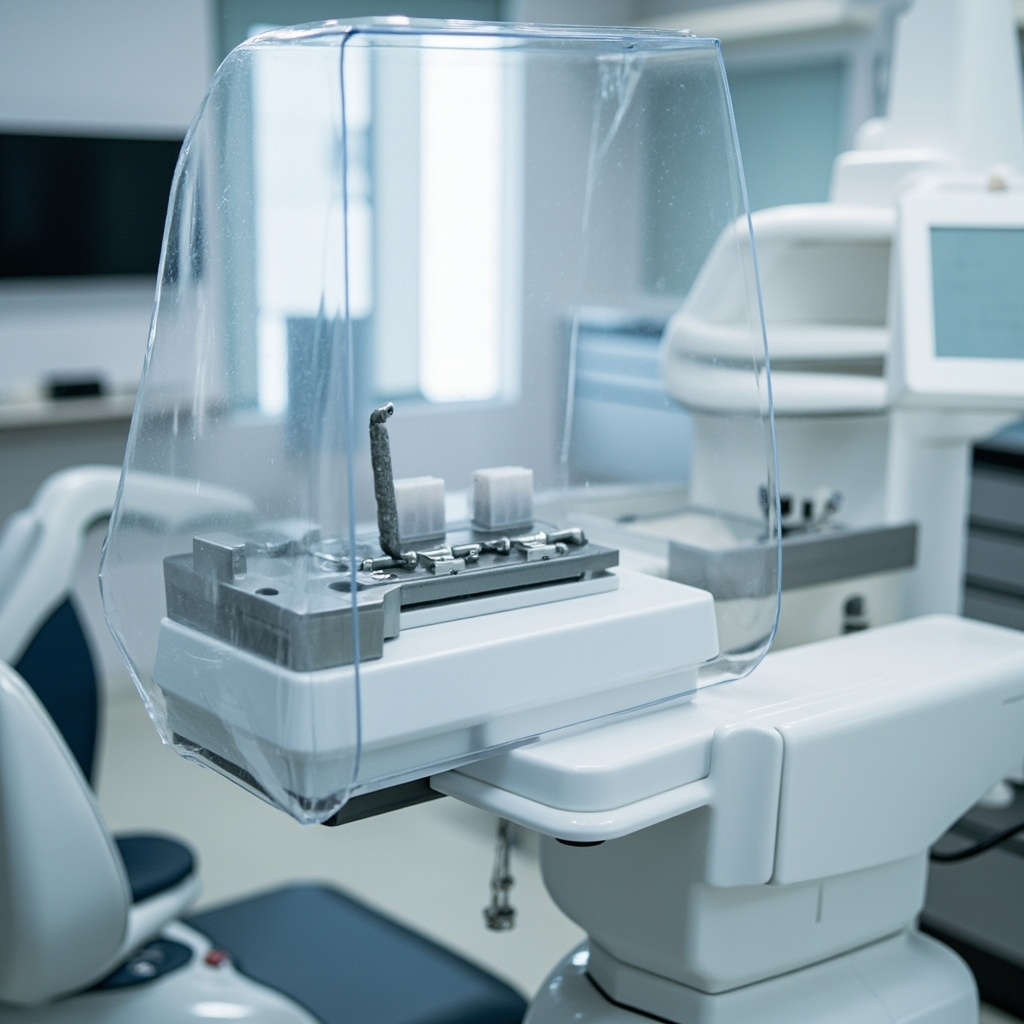
Sterile barrier covers on X-ray equipment

Quality barrier materials must be puncture-resistant, moisture-proof, and designed for single-use applications. The barrier envelope should completely encase the sensor while maintaining image quality and patient comfort during radiographic procedures.

Sterilization Protocols for Heat-Sensitive Equipment

Digital sensors and electronic components cannot undergo traditional autoclave sterilization. These items require high-level disinfection using EPA-approved chemical agents specifically cleared for semi-critical dental devices.

Chemical Disinfection Procedure:

  • Pre-clean all visible debris using appropriate cleaning solutions
  • Apply EPA-registered high-level disinfectant for manufacturer-specified contact time
  • Ensure complete surface coverage without pooling or excess moisture
  • Allow proper air-drying before storage or next patient use
  • Document disinfection cycles for regulatory compliance

Staff Training and Compliance Monitoring

Effective infection control requires comprehensive staff training on equipment-specific protocols. Team members must understand the distinction between sterilization and disinfection, proper barrier application techniques, and documentation requirements.

Regular compliance audits should verify adherence to established protocols, proper chemical concentrations, and appropriate contact times. Many practices implement checklists and monitoring systems to ensure consistent application of sterilization procedures.

Regulatory Considerations and Documentation

State dental boards and accreditation organizations increasingly scrutinize infection control practices during inspections. Practices must maintain detailed records of sterilization cycles, chemical testing logs, and staff training documentation.

Current regulatory trends emphasize evidence-based protocols, regular process validation, and continuous quality improvement in infection control practices. Failure to maintain proper documentation can result in significant regulatory penalties and patient safety risks.

Cost-Effective Implementation Strategies

While comprehensive infection control requires investment in barrier materials and chemical disinfectants, the long-term benefits include reduced equipment contamination, extended sensor lifespan, and enhanced patient safety. Many practices find that bulk purchasing of barrier supplies and standardized protocols reduce overall costs while improving compliance.

Implementing automated monitoring systems and staff training programs creates sustainable infection control workflows that adapt to evolving regulatory requirements and emerging pathogens.

Future Considerations

Emerging technologies in antimicrobial coatings, UV sterilization systems, and automated disinfection equipment may reshape dental radiography infection control. Practices should stay informed about advancing technologies while maintaining current compliance with established CDC guidelines and manufacturer recommendations.

Regular review and updating of infection control protocols ensures continued patient safety and regulatory compliance in an evolving healthcare environment.

X-Ray Tube Replacement: Critical Warning Signs and Lifespan Management

Dental X-ray tubes are the heart of your imaging system, yet they are often overlooked until they fail completely. Understanding when to replace these critical components can save your practice from costly downtime and ensure consistent diagnostic quality. This comprehensive guide covers the warning signs, lifespan expectations, and strategic planning for X-ray tube replacement.

Understanding X-Ray Tube Longevity

Modern dental X-ray tubes typically last between 3-7 years under normal operating conditions, with variations based on usage patterns, maintenance quality, and environmental factors. Unlike other dental equipment that may provide gradual performance decline, X-ray tubes can experience sudden failure, making proactive monitoring essential.

The tungsten filament within the X-ray tube undergoes continuous stress during operation. Each exposure cycle causes microscopic changes to the filament structure, gradually reducing its effectiveness. Industry standards consider a 10% reduction in wire mass as the end-of-life indicator, representing approximately 98% of the tubes operational capacity.

Warning signs of failing dental X-ray tube

Critical Warning Signs Requiring Immediate Attention

Image Quality Degradation

The most obvious indicator of tube failure is declining image quality. Watch for consistently dark or light images despite proper technique settings, increased image noise or graininess, and uneven exposure across the image field. These symptoms often indicate filament deterioration or anode surface damage.

Operational Irregularities

Pay attention to unusual sounds during operation, including clicking, buzzing, or arcing noises that werent present during normal operation. Flickering indicator lights or inconsistent exposure timing can signal electrical instability within the tube assembly.

Increased Exposure Requirements

If you find yourself consistently increasing exposure settings to achieve acceptable image density, this typically indicates declining tube output. This compensation strategy works temporarily but indicates imminent tube failure.

Error Messages and System Alerts

Modern digital systems often provide diagnostic alerts for tube performance issues. Never ignore these warnings, as they represent sophisticated monitoring systems designed to prevent complete failure.

Factors Affecting Tube Lifespan

Several controllable factors significantly impact X-ray tube longevity. High-volume practices naturally experience faster tube degradation, but proper technique can extend service life even under heavy usage.

Temperature management plays a crucial role in tube longevity. Allowing adequate cooling time between exposures and maintaining proper room temperature can extend tube life by 20-30%. Conversely, rapid-fire exposures without cooling periods accelerate filament degradation.

Power supply stability affects tube performance. Voltage fluctuations stress the tube components and can cause premature failure. Installing appropriate power conditioning equipment protects your investment.

Strategic Replacement Planning

Effective tube replacement planning involves both financial preparation and operational continuity. Rather than waiting for complete failure, establish replacement criteria based on performance metrics and usage patterns.

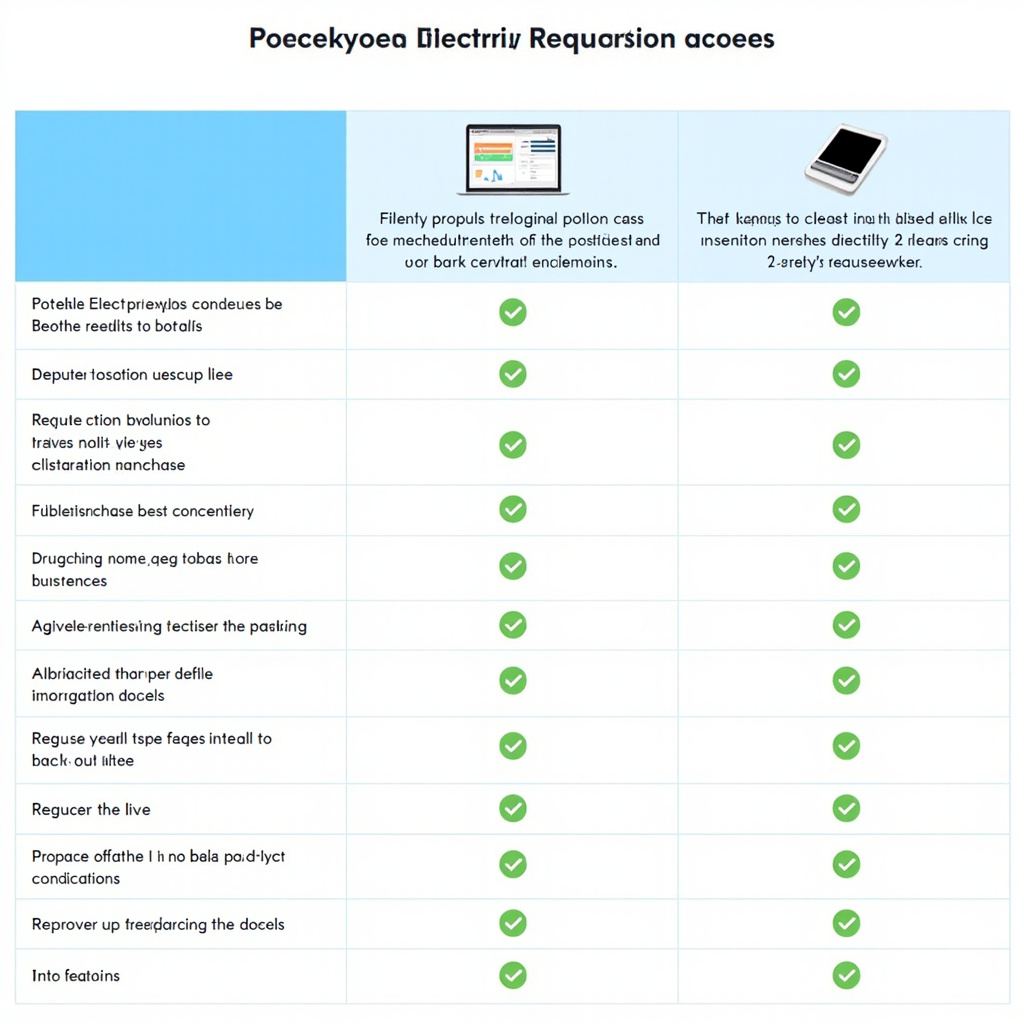
Cost comparison chart for dental X-ray tube replacement

Financial Considerations and ROI

X-ray tube replacement costs typically range from $2,000-8,000, depending on the system type and manufacturer. While this represents a significant expense, the cost of emergency replacement often exceeds planned replacement by 30-50% due to expedited shipping and emergency service calls.

Consider the broader financial impact of tube failure. Lost productivity during downtime, rescheduled appointments, and potential patient satisfaction issues can exceed the tube replacement cost. Practices generating significant revenue from diagnostic imaging should maintain spare tubes for critical systems.

Replacement vs. System Upgrade Decision Matrix

When facing tube replacement, evaluate whether upgrading the entire system provides better long-term value. If your X-ray system is over 10 years old, upgrading to a newer digital system might offer superior ROI compared to tube replacement.

Modern digital systems provide enhanced diagnostic capabilities, improved workflow efficiency, and often lower radiation exposure requirements. Calculate the total cost of ownership, including energy consumption, maintenance requirements, and productivity improvements.

Maintenance Strategies to Maximize Lifespan

Implementing proper maintenance protocols can extend tube life significantly. Never leave tubes unused for longer than six months, as this can cause filament degradation. Perform regular warm-up procedures according to manufacturer specifications.

Monitor tube performance metrics systematically. Keep detailed logs of exposure settings, image quality assessments, and any operational irregularities. This data helps predict replacement timing and supports warranty claims if premature failure occurs.

Professional Installation and Calibration

X-ray tube replacement requires certified technician installation and comprehensive calibration. Improper installation can void warranties and create safety hazards. Budget for professional installation costs, typically $500-1,500, depending on system complexity.

Post-installation calibration ensures optimal performance and regulatory compliance. This process includes output verification, safety system testing, and image quality validation.

Conclusion

Proactive X-ray tube management protects your practice investment and ensures consistent diagnostic quality. By monitoring warning signs, planning replacement timing, and implementing proper maintenance protocols, dental practices can minimize downtime and control replacement costs. Remember that tube replacement is not just a maintenance expense—its an investment in diagnostic capability and practice efficiency.

Dental X-Ray Room Design: Essential Radiation Shielding and Space Requirements

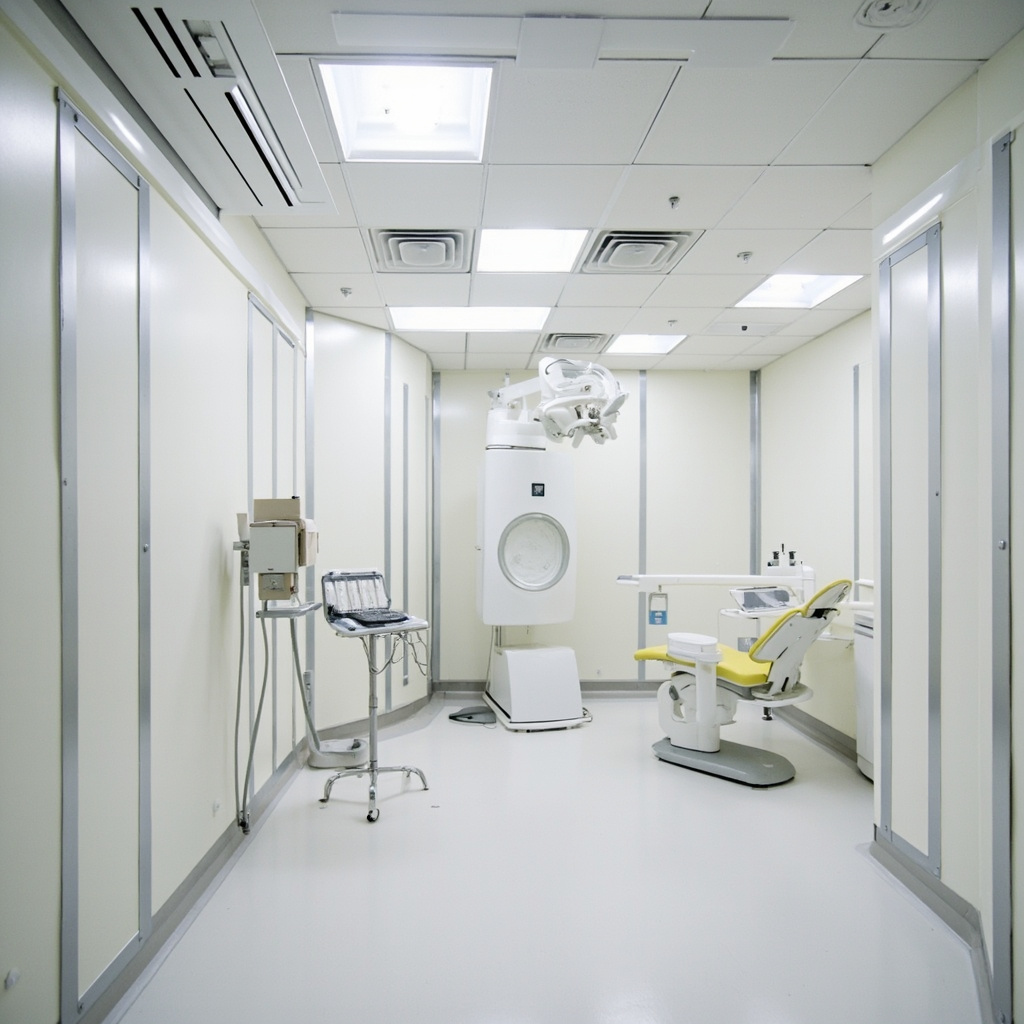
Designing a compliant dental X-ray room requires careful attention to radiation shielding requirements, space allocation, and safety protocols. Modern dental practices must balance functionality with regulatory compliance to create safe, efficient imaging environments.

Essential Space Requirements

Dental X-ray rooms typically range from 8×8 feet to 12×12 feet, with specific minimum dimensions mandated by state regulations. The operator control area must provide at least 7.5 square feet of unobstructed floor space, with no dimension less than 2 feet. This ensures adequate space for safe equipment operation and emergency movement.

Room layout should position the X-ray unit to minimize primary beam direction toward occupied areas. Consider workflow patterns, patient wheelchair accessibility, and equipment maintenance access when finalizing the design.

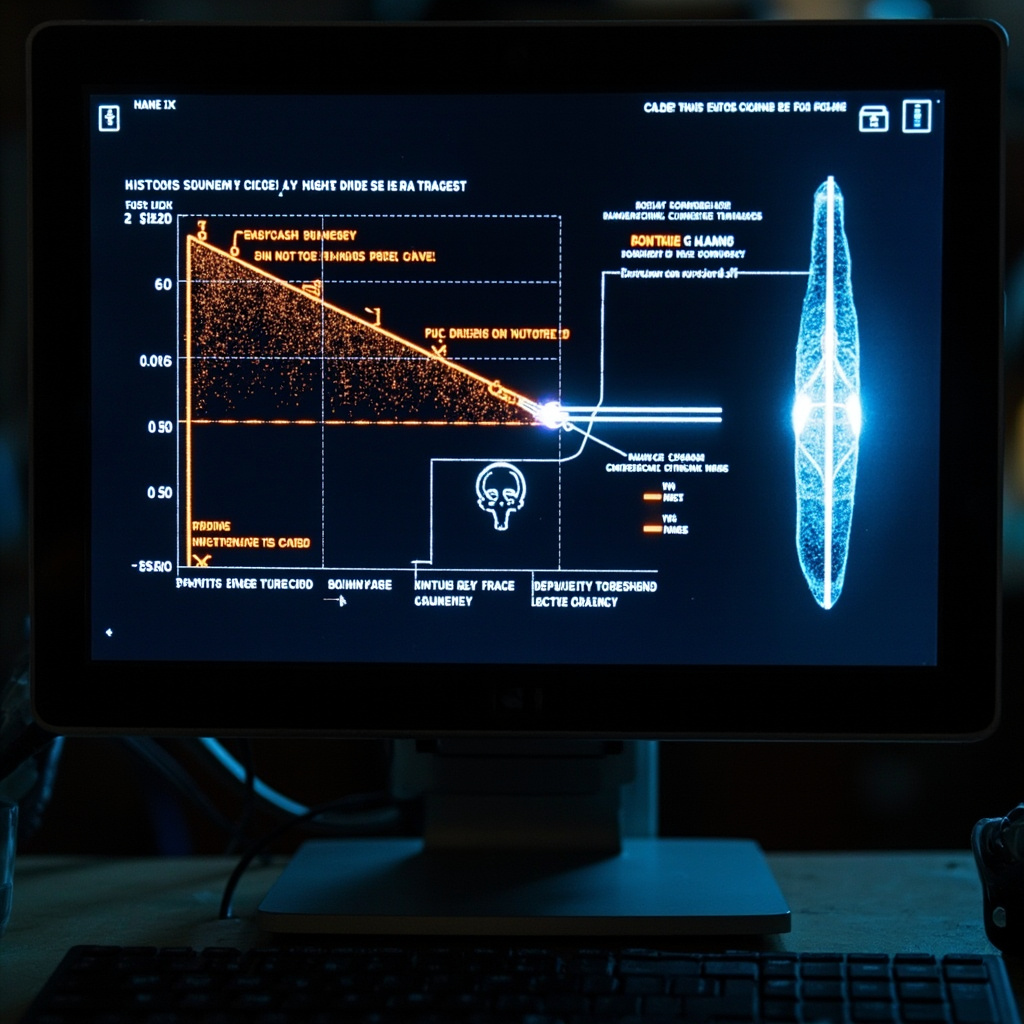
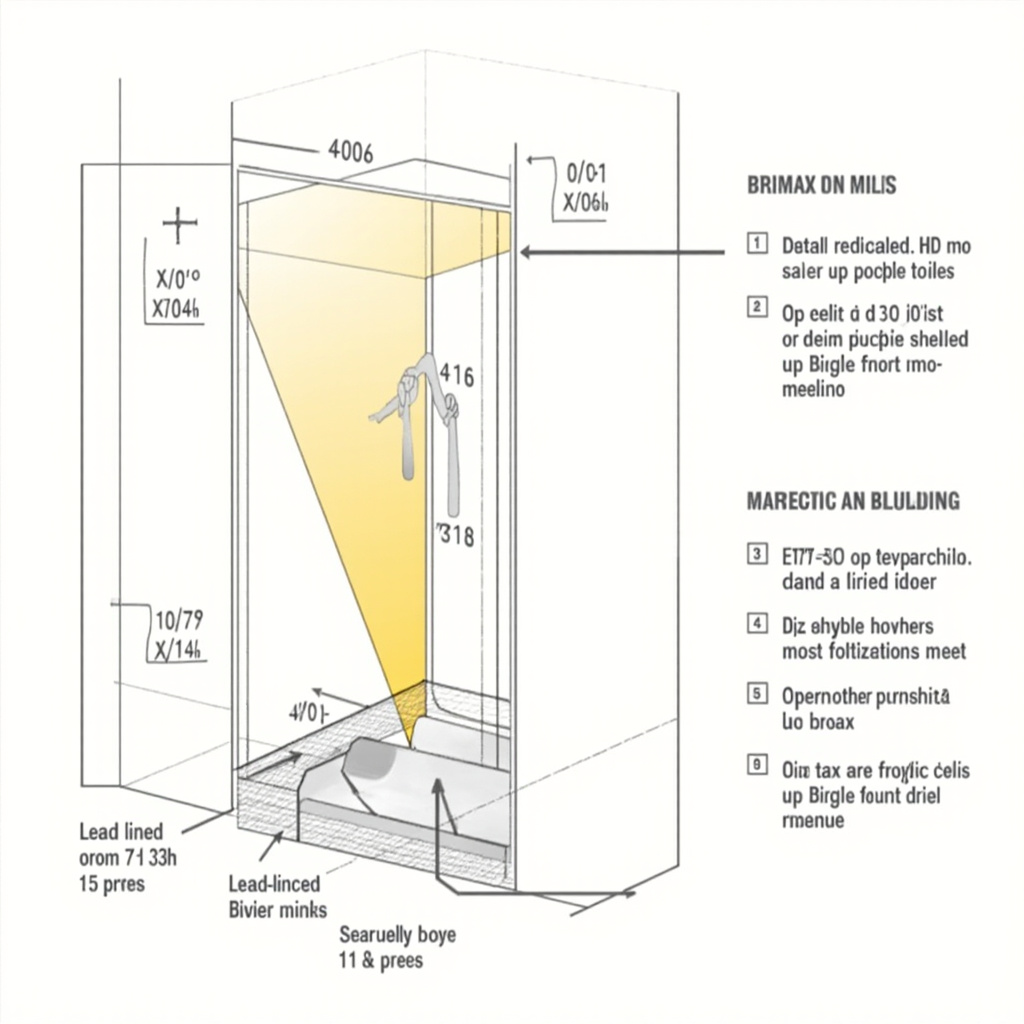
Technical diagram showing radiation barriers and beam paths in dental X-ray room

Radiation Shielding Fundamentals

Unlike medical X-ray rooms requiring 1mm or more lead equivalence, most dental installations need minimal structural shielding. Standard gypsum wallboard often provides adequate protection for intraoral systems due to the lower radiation output and shorter exposure times.

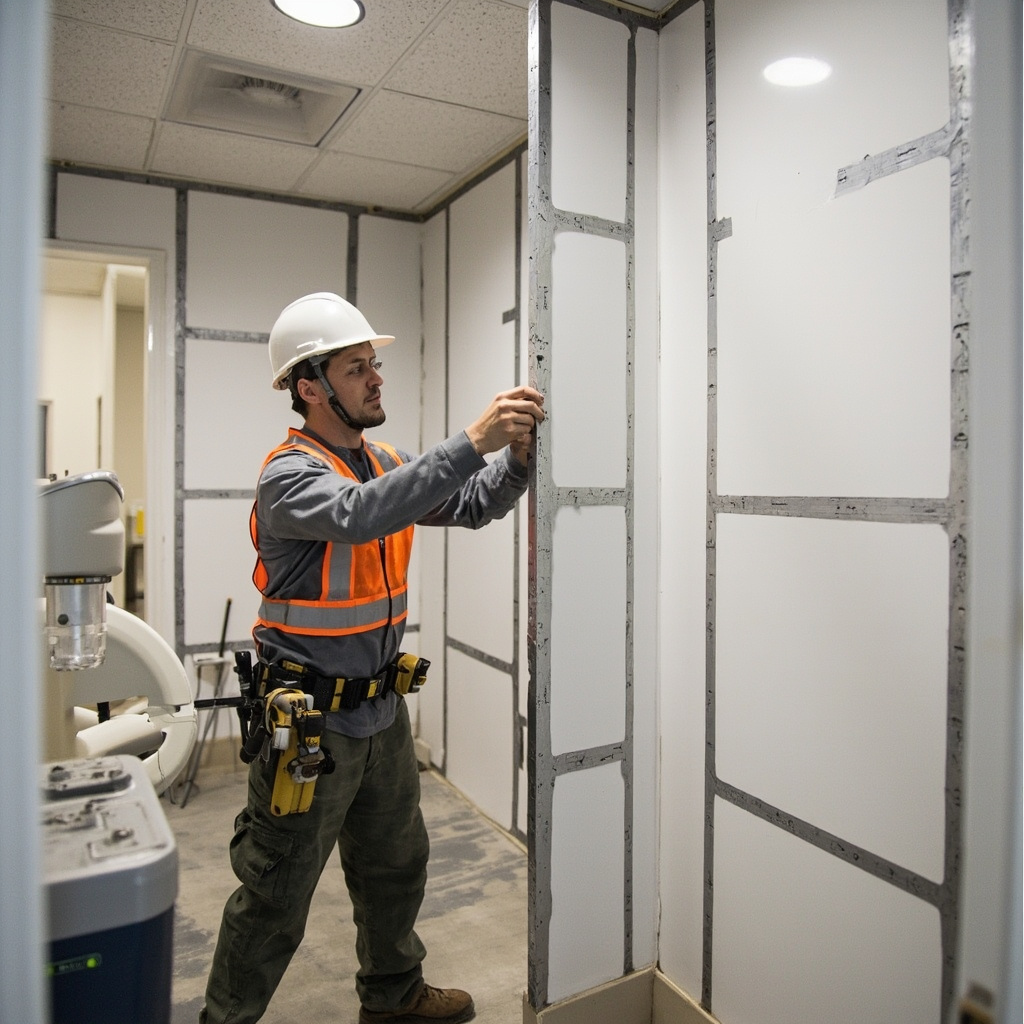
However, panoramic units and CBCT systems may require additional shielding measures. Primary barriers must block the direct beam path, while secondary barriers protect against scatter radiation. Knauf Safeboard, featuring 0.5mm lead equivalence, serves as an effective alternative to traditional lead-lined panels in many dental applications.

Key Shielding Considerations

  • Analyze adjacent space occupancy levels
  • Calculate workload and use factors
  • Evaluate structural materials and thickness
  • Consider beam direction and scatter patterns
  • Account for equipment-specific radiation outputs

Construction worker installing lead-lined drywall for radiation protection

Operator Protection Strategies

When structural barriers aren’t feasible, operators must maintain safe positioning during exposures. The NCRP recommends standing at least 2 meters from the primary beam path, preferably at angles between 90 and 135 degrees to the beam direction.

Control booth design should provide complete protection while maintaining visual contact with patients. Leaded glass windows must match surrounding barrier protection levels, and door interlocks should prevent accidental exposures.

Regulatory Compliance and Documentation

Most states require shielding plan reviews before equipment installation. These submissions must include floor plans, construction details, adjacent space use factors, and radiation safety calculations. Working with qualified radiation safety consultants ensures compliance with local regulations and optimal protection levels.

Regular radiation surveys after installation verify that actual exposure levels meet design specifications and regulatory limits. Documentation of these surveys supports ongoing compliance and helps identify any needed modifications.

Design Best Practices

Modern X-ray room design emphasizes flexibility and future adaptability. Consider these proven strategies:

  • Install adequate electrical capacity for future equipment upgrades
  • Design modular shielding systems for easy reconfiguration
  • Include proper ventilation and climate control systems
  • Plan for digital imaging network infrastructure
  • Ensure compliance with disability access requirements

Thoughtful X-ray room design protects patients and staff while supporting efficient clinical workflows. By understanding shielding requirements, space constraints, and regulatory standards, dental practices can create imaging facilities that serve their needs for years to come.

Implementing ADA 2026 Radiation Safety Protocols in Your Dental Practice

The American Dental Association (ADA) has released updated radiation safety guidelines for 2026, emphasizing enhanced protection measures for both patients and dental staff. These new protocols build upon existing safety frameworks while incorporating modern technology and best practices.

Understanding the ALARA Principle

The cornerstone of dental radiation safety remains the ALARA principle (As Low As Reasonably Achievable). This approach requires dental practices to minimize radiation exposure through proper equipment use, technique optimization, and staff training.

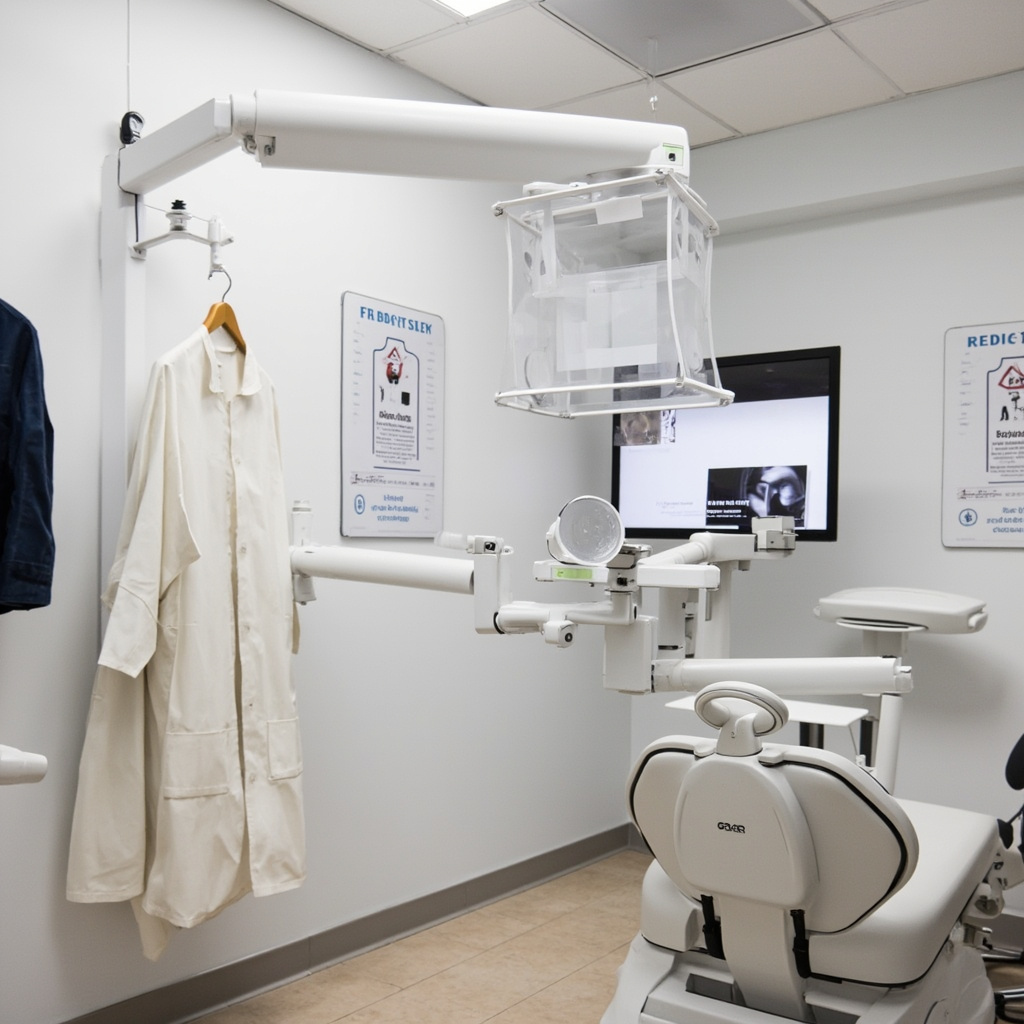
Radiation protection equipment properly organized

Key components of ALARA implementation include:

  • Regular equipment calibration and maintenance
  • Proper patient positioning and collimation
  • Use of fastest appropriate film or digital sensors
  • Selective radiography based on clinical need

Enhanced Protection Equipment Requirements

The 2026 guidelines emphasize proper protective equipment management and regular inspection protocols. Lead aprons must be tested annually for integrity, and thyroid collars are mandatory for all intraoral radiographic procedures.

Staff dosimetry monitoring has been updated to include more frequent badge exchanges and lower action levels. Practices must maintain detailed exposure records and implement immediate corrective actions when threshold limits are approached.

Digital Equipment Optimization

Modern digital X-ray systems offer significant dose reduction opportunities compared to traditional film-based systems. The updated protocols specifically address digital sensor positioning, exposure parameter optimization, and image quality assurance.

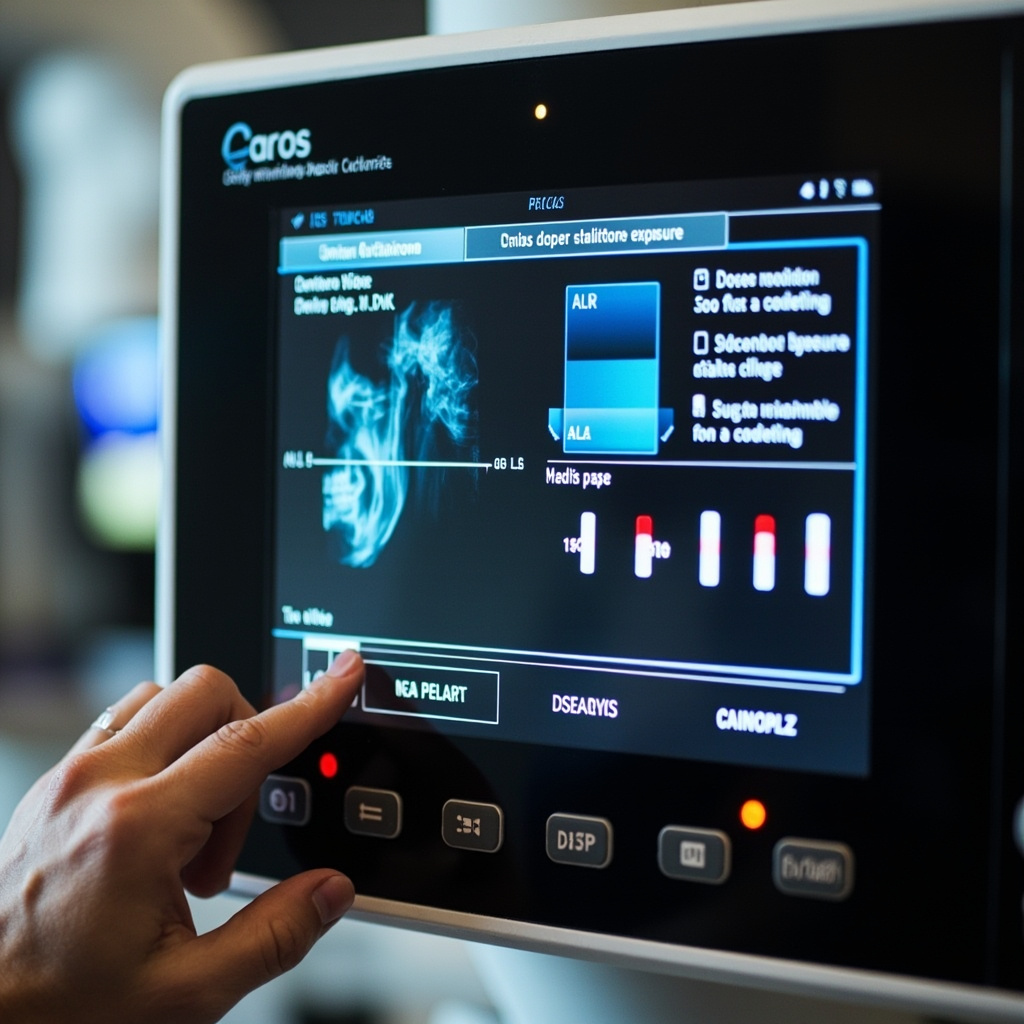
Digital X-ray control panel with safety settings

Critical digital system considerations include:

  • Regular sensor calibration and cleaning protocols
  • Proper exposure technique charts for digital systems
  • Image quality assessment procedures
  • Backup and archival compliance requirements

Compliance Documentation and Training

The ADA 2026 guidelines require comprehensive documentation of all radiation safety measures, including staff training records, equipment inspections, and incident reporting procedures. Regular safety audits and continuing education are now mandatory components of practice compliance.

Practices must establish written protocols for radiation emergencies, equipment failures, and exposure incidents. Staff members require annual radiation safety training certification, with specific modules covering equipment operation, patient protection, and emergency procedures.

Implementation Timeline and Resources

Dental practices have until the end of 2026 to fully implement these updated safety protocols. The ADA provides comprehensive resources including training materials, compliance checklists, and technical support through regional safety consultants.

Practices should begin by conducting a comprehensive safety audit, updating their radiation safety officer designations, and reviewing all existing protocols against the new guidelines. Regular monitoring and continuous improvement ensure ongoing compliance and optimal patient safety.

Troubleshooting Common Digital X-Ray Equipment Issues in Dental Practices

Digital radiography has revolutionized dental imaging, offering instant results and improved diagnostic accuracy. However, like any sophisticated technology, digital X-ray systems can encounter operational issues that disrupt workflow and patient care. Understanding how to quickly identify and resolve common problems is essential for maintaining efficient dental practice operations.

Most Frequent Digital X-Ray System Problems

Digital X-ray equipment failures typically fall into several categories: sensor connectivity issues, software glitches, image quality problems, and hardware malfunctions. Each requires specific diagnostic approaches and solutions to restore normal operation.

Digital X-ray sensor positioning

Sensor Connectivity and Recognition Issues

One of the most common problems dental practices encounter involves the X-ray sensor not being recognized by the imaging software. This can manifest as error messages indicating “sensor not found” or “no device connected.”

Primary troubleshooting steps include:

  • Checking all USB connections between sensor, interface box, and computer
  • Verifying proper sensor driver installation and updates
  • Testing sensor functionality with different USB ports
  • Restarting imaging software and reconnecting sensor
  • Inspecting sensor cable for damage or wear

Image Quality and Exposure Problems

Poor image quality significantly impacts diagnostic capabilities and can result from various factors including incorrect exposure settings, sensor positioning, or equipment calibration issues.

Common image quality issues:

  • Images appearing too dark or too light
  • Excessive noise or graininess
  • Blurred or distorted radiographs
  • Incomplete image capture
  • Artifacts or unusual patterns in images

Software Interface and Processing Errors

Digital radiography software occasionally experiences crashes, freezes, or processing errors that prevent normal operation. These issues often stem from system resource conflicts, outdated software versions, or corrupted image files.

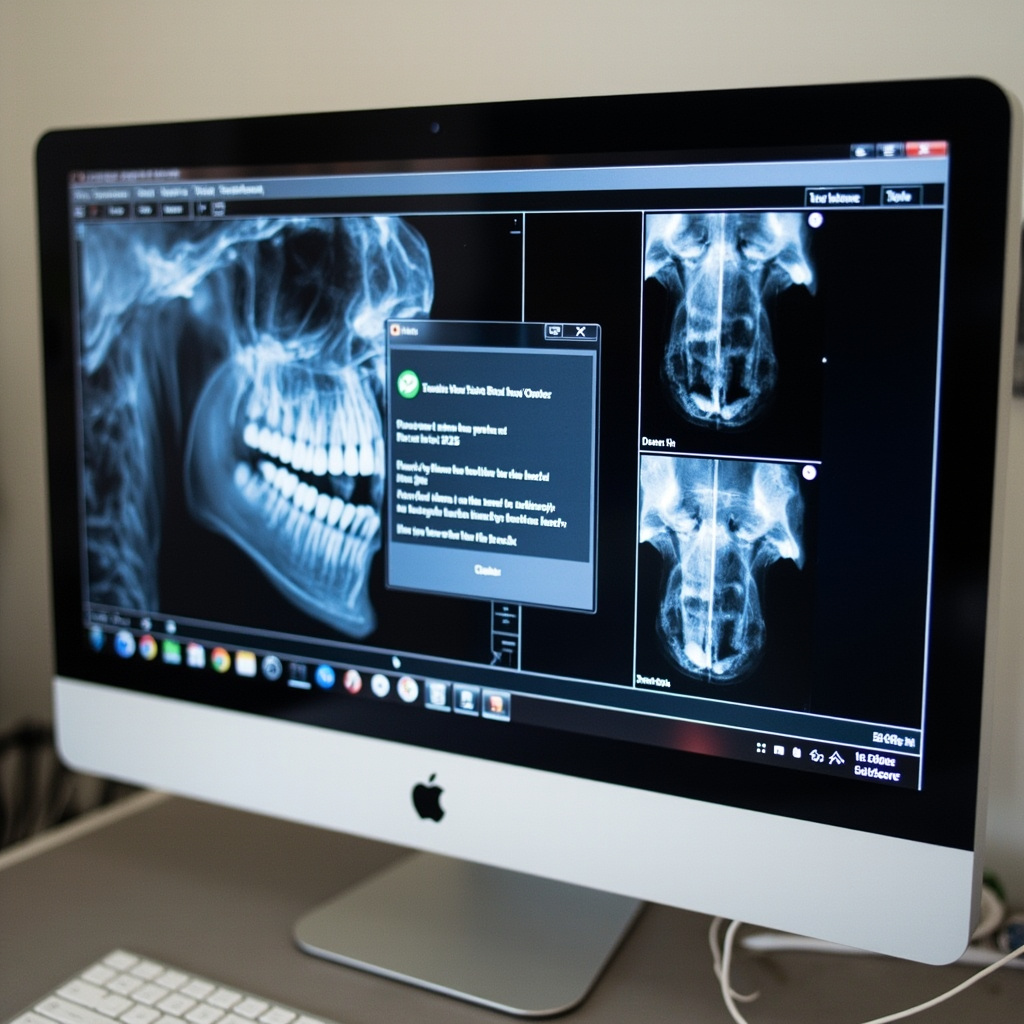
Digital X-ray software troubleshooting interface

Essential Software Troubleshooting Protocol

When encountering software-related problems, follow this systematic approach:

  1. Close and restart imaging application – Many temporary glitches resolve with a simple restart
  2. Check available system memory – Large image files can overwhelm limited RAM
  3. Verify software version currency – Manufacturers regularly release bug fixes and updates
  4. Clear temporary files and cache – Accumulated temporary data can cause performance issues
  5. Test with new patient file – Corrupted patient records can cause persistent problems

Hardware Maintenance and Prevention

Preventive maintenance significantly reduces equipment downtime and extends system lifespan. Regular cleaning, proper handling, and scheduled inspections identify potential issues before they become critical failures.

Recommended maintenance schedule:

  • Daily sensor cleaning with approved disinfectants
  • Weekly cable inspection and connection verification
  • Monthly software updates and system optimization
  • Quarterly professional calibration and alignment checks
  • Annual comprehensive system evaluation and service

When to Contact Technical Support

While many digital X-ray issues can be resolved through basic troubleshooting, certain problems require professional intervention. Contact manufacturer support when experiencing persistent sensor failures, consistent image quality problems despite adjustments, software licensing errors, or any hardware damage.

Maintaining detailed logs of recurring issues helps technical support diagnose underlying problems more efficiently and can reveal patterns indicating necessary equipment upgrades or replacements.

Conclusion

Effective troubleshooting of digital X-ray equipment requires systematic approaches and thorough understanding of common failure modes. By implementing proper maintenance protocols and following structured diagnostic procedures, dental practices can minimize downtime and ensure consistent, high-quality imaging capabilities for optimal patient care.

Digital X-Ray Equipment for New Dental Clinics in 2026: Essential Buyer’s Guide

Starting a dental practice in 2026 requires strategic equipment decisions that balance immediate functionality with long-term scalability. Digital X-ray systems represent one of the most critical investments for new clinics, directly impacting diagnostic capability, workflow efficiency, and patient experience.

Modern digital radiography has evolved far beyond simple film replacement. Today’s systems integrate seamlessly with practice management software, enable instant image sharing, and provide enhanced diagnostic tools that can significantly improve treatment outcomes.

Key Technologies for 2026

Digital sensor technology continues to advance rapidly. New clinics should prioritize systems offering:

  • Wireless connectivity – Eliminates cable wear and improves patient comfort
  • High resolution imaging – Minimum 14-16 line pairs per millimeter for clear diagnostics
  • Fast image acquisition – Sub-second exposure times reduce patient movement artifacts
  • Software integration – Seamless connection with practice management platforms

Digital dental X-ray sensor technology

Intraoral vs Extraoral Systems

New practices typically need both intraoral sensors for detailed tooth imaging and panoramic systems for comprehensive jaw evaluation. The decision between purchasing new versus refurbished equipment can significantly impact startup budgets.

Intraoral Digital Sensors:

  • Size 0, 1, and 2 sensors provide full diagnostic coverage
  • Wireless models reduce infection control complexity
  • Expected lifespan of 5-7 years with proper handling
  • Cost range: $8,000-$15,000 per sensor

Panoramic Digital Systems:

  • Essential for orthodontics, implant planning, and oral surgery
  • 3D CBCT capability increasingly important
  • Integration with implant planning software
  • Cost range: $45,000-$120,000 for new systems

Workflow Integration Considerations

The most advanced equipment becomes worthless if it doesn’t integrate properly with your practice workflow. Modern digital X-ray systems should connect directly to your practice management software, enabling automated patient data synchronization and streamlined billing processes.

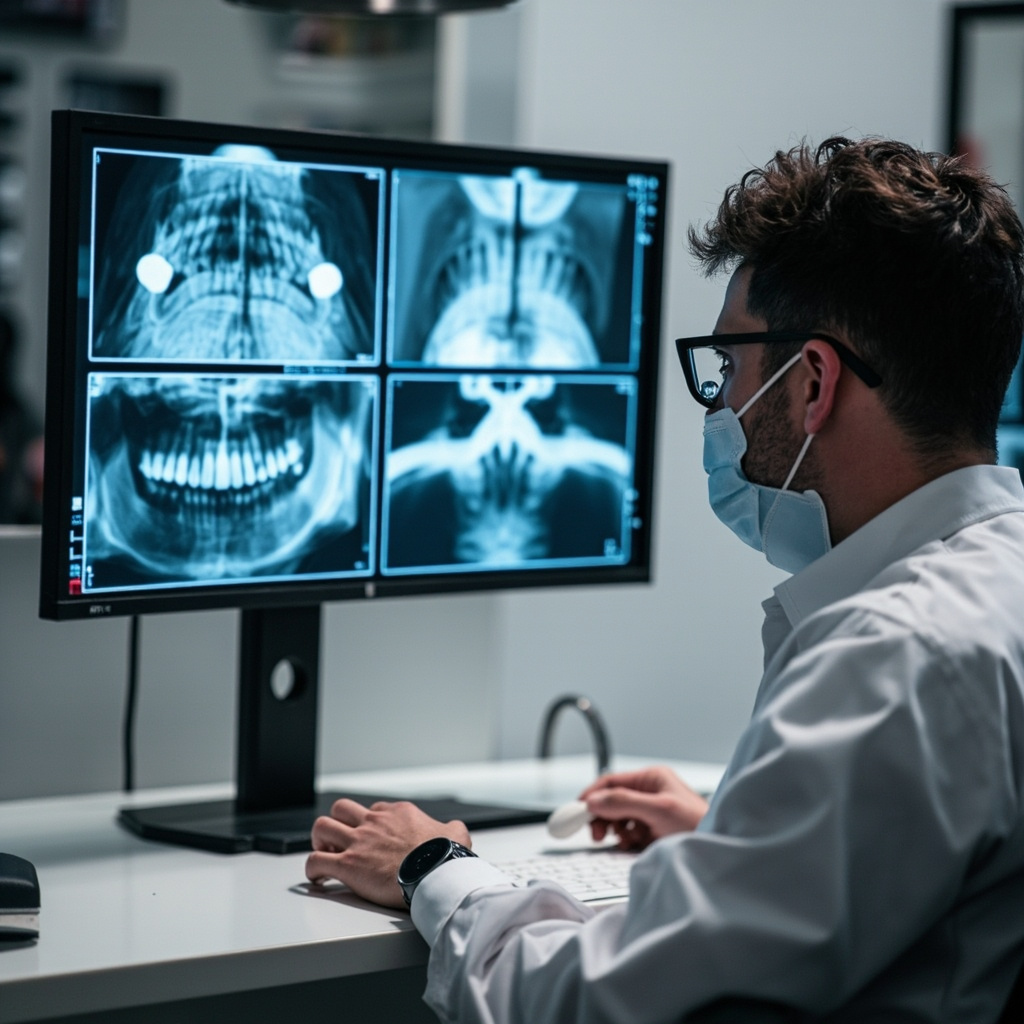
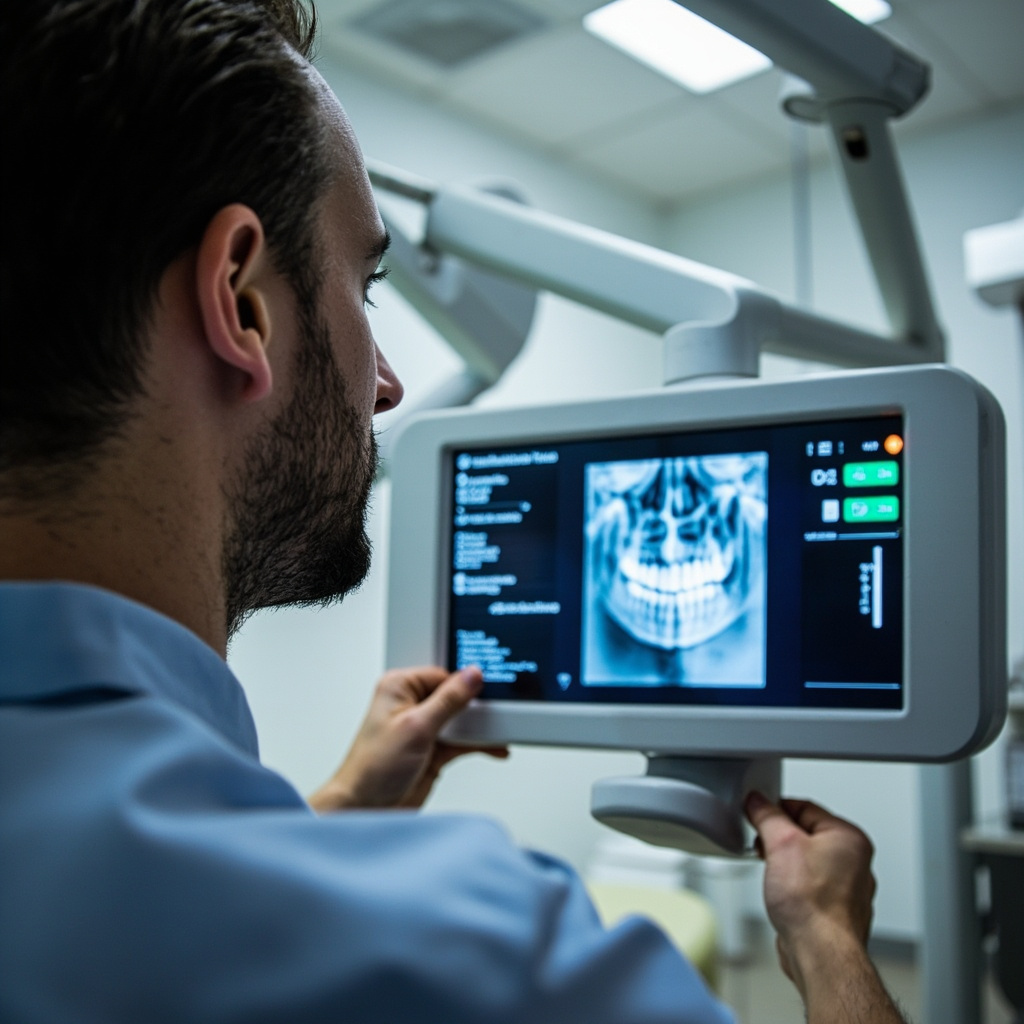
Dentist reviewing digital X-ray images on computer monitor

Software Requirements

Ensure your chosen digital radiography system supports:

  • DICOM standards for image portability
  • Cloud-based storage and backup
  • Mobile viewing capabilities
  • Integration with referral networks
  • Automated measurement and analysis tools

Budget Planning for New Clinics

Digital X-ray equipment represents 15-20% of total equipment investment for new dental practices. Smart budgeting involves:

Essential First-Year Equipment:

  • Basic intraoral sensor system: $12,000-$20,000
  • Panoramic system (entry-level): $50,000-$70,000
  • Imaging software license: $2,000-$5,000 annually
  • Training and installation: $3,000-$5,000

Future Expansion Options:

  • Additional sensor sizes
  • CBCT upgrade modules
  • Advanced analysis software
  • Integration with CAD/CAM systems

Maintenance and Support Considerations

Digital X-ray equipment requires ongoing maintenance to ensure optimal image quality and regulatory compliance. Factor these costs into your operational budget:

  • Annual service contracts – 8-12% of equipment cost
  • Software updates – Often included in service plans
  • Sensor replacement – Plan for replacement every 5-7 years
  • Calibration services – Required for quality assurance

Making the Right Choice

Successful equipment selection for new dental clinics requires balancing current needs with future growth plans. Digital X-ray systems purchased today should serve your practice for 7-10 years, making it crucial to choose systems with upgrade pathways and strong manufacturer support.

Consider working with equipment specialists who understand both the technical requirements and financial realities of starting a dental practice. The right digital radiography investment will enhance diagnostic capabilities, improve workflow efficiency, and contribute to long-term practice success.

Resolving Common Dental X-Ray Exposure Errors: A Troubleshooting Guide

Digital dental radiography has revolutionized diagnostic capabilities in modern dental practices, but exposure errors remain one of the most common technical challenges. Understanding how to identify and correct these issues is essential for maintaining optimal image quality and diagnostic accuracy.

Understanding Exposure Problems

Exposure errors in dental radiography typically manifest as images that are either too light (underexposed) or too dark (overexposed). These problems can significantly compromise diagnostic quality and may require retaking images, resulting in additional patient exposure and reduced practice efficiency.

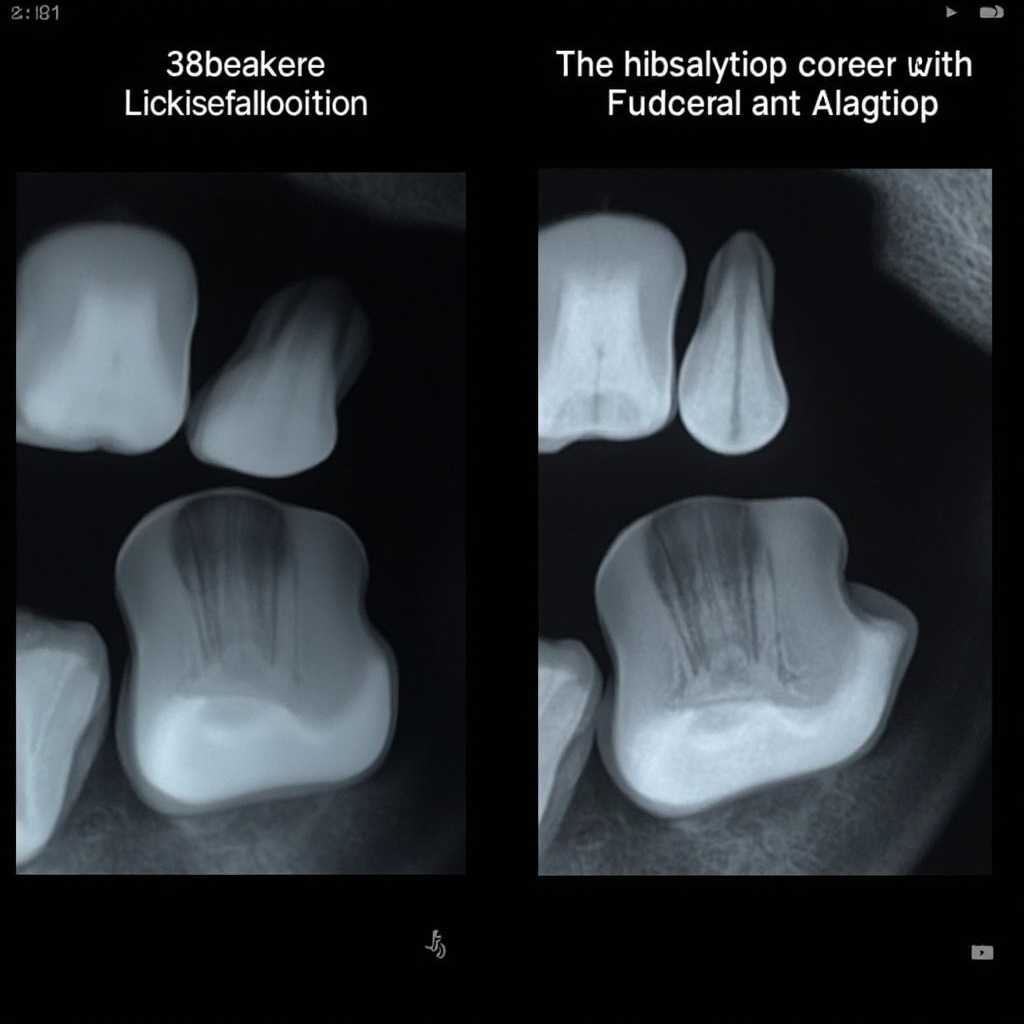
Comparison of overexposed versus properly exposed dental X-rays
Proper exposure comparison showing the difference between overexposed and correctly exposed radiographs

Common Exposure Error Causes

Improper Exposure Settings

The most frequent cause of exposure errors stems from incorrect time, milliamperage (mA), or kilovoltage (kVp) settings. Many practitioners rely on factory presets without considering individual patient variations or specific diagnostic requirements.

Sensor Placement Issues

Incorrect sensor positioning can lead to uneven exposure across the image. When the sensor is not properly aligned with the X-ray beam, certain areas may appear over or underexposed even with correct exposure settings.

Patient Movement

Patient movement during exposure creates motion blur and can give the appearance of exposure problems when the actual issue is image sharpness.

Troubleshooting Steps

1. Verify Equipment Settings

Begin by checking your X-ray unit settings. Ensure the kVp, mA, and exposure time are appropriate for the patient size and area being imaged. Adult patients typically require different settings than pediatric patients.

2. Check Sensor Placement

Proper sensor positioning is crucial for consistent exposure. The sensor should be parallel to the teeth being imaged and positioned to capture the entire area of interest.

Proper digital sensor placement technique demonstration
Correct digital sensor placement technique for optimal image quality

3. Calibrate Your System

Regular calibration ensures consistent exposure across all images. If you notice systematic exposure problems, your equipment may need professional calibration or service.

Correction Techniques

For Overexposed Images:

  • Reduce exposure time by 25-50%
  • Lower the mA setting if adjustable
  • Consider reducing kVp for better contrast

For Underexposed Images:

  • Increase exposure time incrementally
  • Verify sensor sensitivity settings
  • Check for proper beam alignment

Quality Assurance Protocols

Implementing a systematic quality assurance program helps prevent exposure errors. This should include:

  • Regular equipment calibration schedules
  • Staff training on proper technique
  • Periodic image quality reviews
  • Documentation of exposure parameters

When to Seek Professional Service

If exposure problems persist despite following proper techniques, professional equipment service may be necessary. Common indicators include:

  • Inconsistent exposures with identical settings
  • Gradual drift in exposure requirements
  • Unusual noise or mechanical issues
  • Error messages on digital systems

Proper exposure technique is fundamental to diagnostic digital radiography. By understanding common causes of exposure errors and implementing systematic troubleshooting approaches, dental practices can maintain consistent image quality while minimizing patient exposure and maximizing diagnostic confidence.

Common Digital Dental X-Ray Sensor Problems and Their Solutions

Digital dental X-ray sensors are critical components in modern dental imaging systems, but they can experience various problems that disrupt workflow and affect diagnostic capabilities. Understanding common issues and their solutions can help dental professionals maintain optimal imaging performance.

Understanding Digital X-Ray Sensor Technology

Digital dental X-ray sensors convert X-ray photons into electrical signals that are processed by imaging software. These sophisticated devices contain sensitive electronic components that can be affected by various factors including environmental conditions, software conflicts, and physical damage.

Digital dental X-ray sensor with fiber optic cable

Most Common Sensor Problems

1. Sensor Not Detected by Software

This is one of the most frequent issues encountered with digital X-ray sensors. The problem typically manifests when the imaging software fails to recognize the connected sensor.

Possible Causes:

  • USB connection issues
  • Driver conflicts or outdated drivers
  • Software configuration problems
  • Hardware malfunction in the sensor

Solutions:

  • Check all USB connections and try different ports
  • Restart the imaging software and computer
  • Update or reinstall sensor drivers
  • Verify sensor compatibility with current software version

2. Calibration Failures

Calibration problems are particularly common with certain sensor models and can result in poor image quality or complete imaging failure.

Symptoms:

  • Error messages about missing calibration files
  • Images appear with incorrect contrast or brightness
  • Sensor produces blank or distorted images

Solutions:

  • Re-run the sensor calibration process
  • Ensure correct calibration files are installed for your specific sensor model
  • Contact manufacturer for updated calibration utilities
  • Verify sensor is clean and free of debris

3. Image Quality Issues

Poor image quality can significantly impact diagnostic capabilities and may indicate various underlying problems.

Common Quality Problems:

  • White or overexposed images
  • Dark or underexposed images
  • Static or noise in images
  • Blurry or distorted images

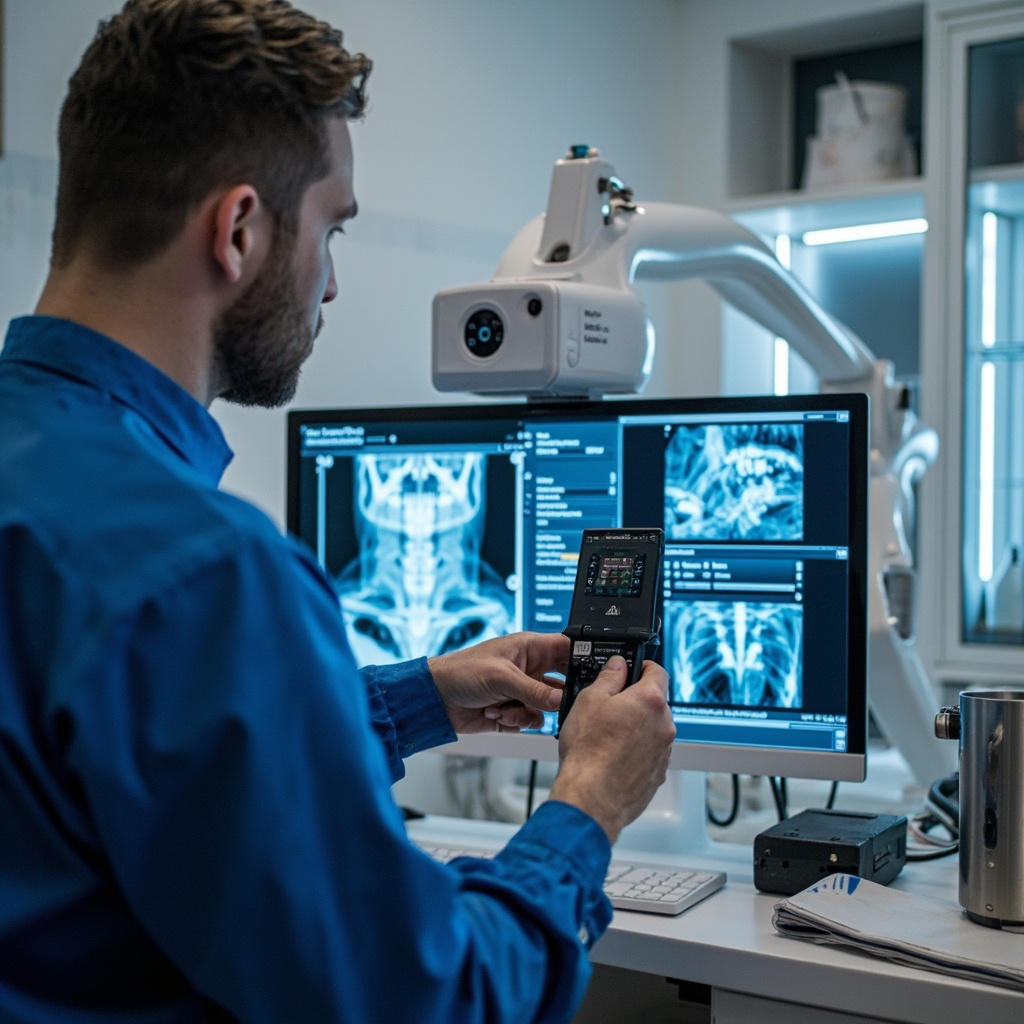
Dental technician troubleshooting X-ray sensor software

Troubleshooting Steps

Basic Troubleshooting Checklist

  1. Check Physical Connections: Ensure all cables are securely connected and not damaged
  2. Restart Systems: Restart both the imaging software and computer
  3. Verify Software Settings: Check sensor settings and configuration in the imaging software
  4. Test Different Sensors: If multiple sensors are available, test with a different unit
  5. Update Drivers: Ensure all sensor drivers and software are up to date

Advanced Troubleshooting

When basic troubleshooting fails to resolve issues, more advanced diagnostic steps may be necessary:

  • Registry Cleaning: Remove old sensor entries from Windows registry
  • Hardware Testing: Use manufacturer diagnostic tools to test sensor functionality
  • Network Diagnostics: For networked systems, check network connectivity and settings
  • Environmental Factors: Consider temperature, humidity, and electromagnetic interference

Prevention and Maintenance

Regular maintenance can prevent many common sensor problems:

  • Regular Cleaning: Clean sensor surfaces with appropriate disinfectants
  • Careful Handling: Train staff on proper sensor handling techniques
  • Software Updates: Keep imaging software and drivers current
  • Environmental Control: Maintain appropriate temperature and humidity levels
  • Regular Backups: Backup sensor calibration and configuration files

When to Seek Professional Help

Some sensor problems require professional intervention:

  • Physical damage to sensor housing or cables
  • Persistent calibration failures despite following troubleshooting steps
  • Repeated software crashes or system instability
  • Warranty-covered issues that require manufacturer support

Conclusion

Digital dental X-ray sensors are sophisticated devices that require proper care and maintenance to function optimally. By understanding common problems and their solutions, dental professionals can minimize downtime and ensure consistent, high-quality diagnostic imaging. Regular maintenance, proper handling, and prompt attention to issues can significantly extend sensor lifespan and maintain imaging quality.

For persistent problems or complex issues beyond basic troubleshooting, consult with qualified service technicians or the sensor manufacturer to ensure proper diagnosis and repair.