Storage Phosphor Plate Artifacts in Dental X-Ray Imaging: Identification and Resolution Guide


Storage phosphor plates (PSP) have become essential components in digital dental radiography, offering reusable imaging solutions with excellent image quality. However, various artifacts can compromise image integrity and diagnostic accuracy. Understanding these artifacts, their causes, and resolution strategies is crucial for maintaining optimal imaging performance.
Understanding PSP Artifacts
Storage phosphor plate artifacts are unwanted image distortions that can appear on digital radiographs. These artifacts can be categorized into three main types: physical plate damage, scanning system issues, and handling-related problems. Each category presents distinct visual characteristics that require specific identification and resolution approaches.
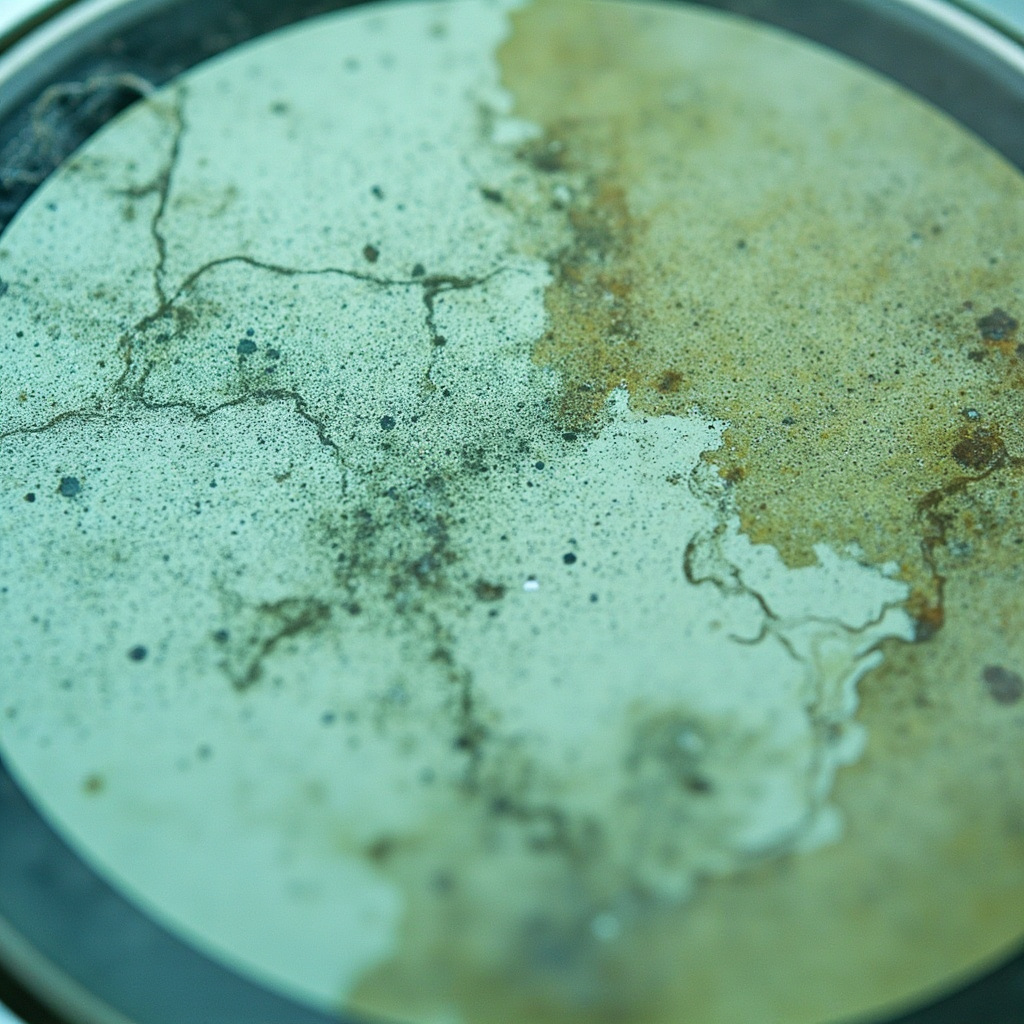
Common Types of PSP Artifacts
Physical Damage Artifacts
Physical damage to PSP plates manifests as permanent marks or distortions on radiographic images. These include:
- Scratches and Abrasions: Appear as white or dark linear marks across the image, typically caused by improper handling or contact with sharp objects
- Creases and Bends: Result in permanent deformation lines that show as artifacts on all subsequent images
- Edge Damage: Worn or damaged plate edges can cause border artifacts and reduced image area
Contamination Artifacts
Foreign material on PSP plates creates distinctive artifact patterns:
- Dust and Debris: Small particles appear as white spots or specks on the final image
- Fingerprints and Moisture: Create cloudy or smudged areas that can obscure diagnostic information
- Chemical Contamination: Residues from cleaning solutions can cause permanent staining or altered sensitivity areas
Scanner-Related Artifacts
Issues with the PSP scanner system can introduce systematic artifacts:
- Dirty Scanner Components: Dust or debris in the scanner creates repeating line patterns
- Calibration Drift: Improper scanner calibration results in density variations or color shifts
- Mechanical Wear: Worn transport mechanisms can cause irregular spacing or speed variations
Artifact Prevention Strategies
Preventing PSP artifacts requires systematic attention to handling, storage, and maintenance protocols. Proper preventive measures significantly reduce artifact occurrence and extend plate lifespan.

Proper Handling Techniques
Implement standardized handling procedures to minimize physical damage:
- Use clean, dry hands or appropriate gloves when handling plates
- Hold plates by edges only, avoiding contact with the active imaging surface
- Store plates in protective sleeves or containers when not in use
- Avoid stacking plates without adequate protection between surfaces
Environmental Controls
Maintain appropriate environmental conditions:
- Control humidity levels to prevent moisture-related artifacts
- Minimize dust exposure through proper air filtration
- Maintain stable temperature conditions to prevent thermal stress
- Implement clean room practices in imaging areas
Resolution and Troubleshooting
Immediate Response Protocols
When artifacts are detected, immediate assessment and action are essential:
- Identify the Artifact Type: Determine whether the issue is physical damage, contamination, or scanner-related
- Isolate Affected Equipment: Remove damaged plates from service and identify problematic scanner components
- Document Findings: Record artifact patterns, affected equipment, and suspected causes
Cleaning and Restoration Procedures
For contamination-related artifacts:
- Use manufacturer-approved cleaning solutions and techniques
- Employ lint-free cloths and gentle circular motions
- Ensure complete drying before returning plates to service
- Test cleaned plates with quality assurance exposures
Scanner Maintenance and Calibration
Regular scanner maintenance prevents systematic artifacts:
- Clean scanner transport mechanisms and optical components
- Perform regular calibration checks using reference standards
- Replace worn components according to manufacturer schedules
- Monitor scanner performance through quality control testing
Quality Assurance Testing
Implement comprehensive quality assurance programs to detect artifacts early:
- Daily Testing: Perform basic functionality checks and artifact screening
- Weekly Assessment: Conduct detailed plate inspections and scanner calibration verification
- Monthly Evaluation: Complete comprehensive quality assurance testing including exposure consistency and artifact assessment
Cost-Benefit Considerations
Effective artifact management provides significant economic benefits:
- Reduced retake rates and associated radiation exposure
- Extended equipment lifespan through proper maintenance
- Improved diagnostic accuracy and patient satisfaction
- Decreased downtime and productivity losses
Conclusion
Storage phosphor plate artifacts in dental X-ray imaging require systematic identification, prevention, and resolution strategies. By implementing proper handling procedures, maintaining environmental controls, and establishing comprehensive quality assurance programs, dental practices can minimize artifact occurrence and maintain optimal imaging performance. Regular training and protocol adherence ensure consistent results and maximize the benefits of PSP technology in modern dental radiography.