Common Digital Dental X-ray Sensor Problems and How to Fix Them

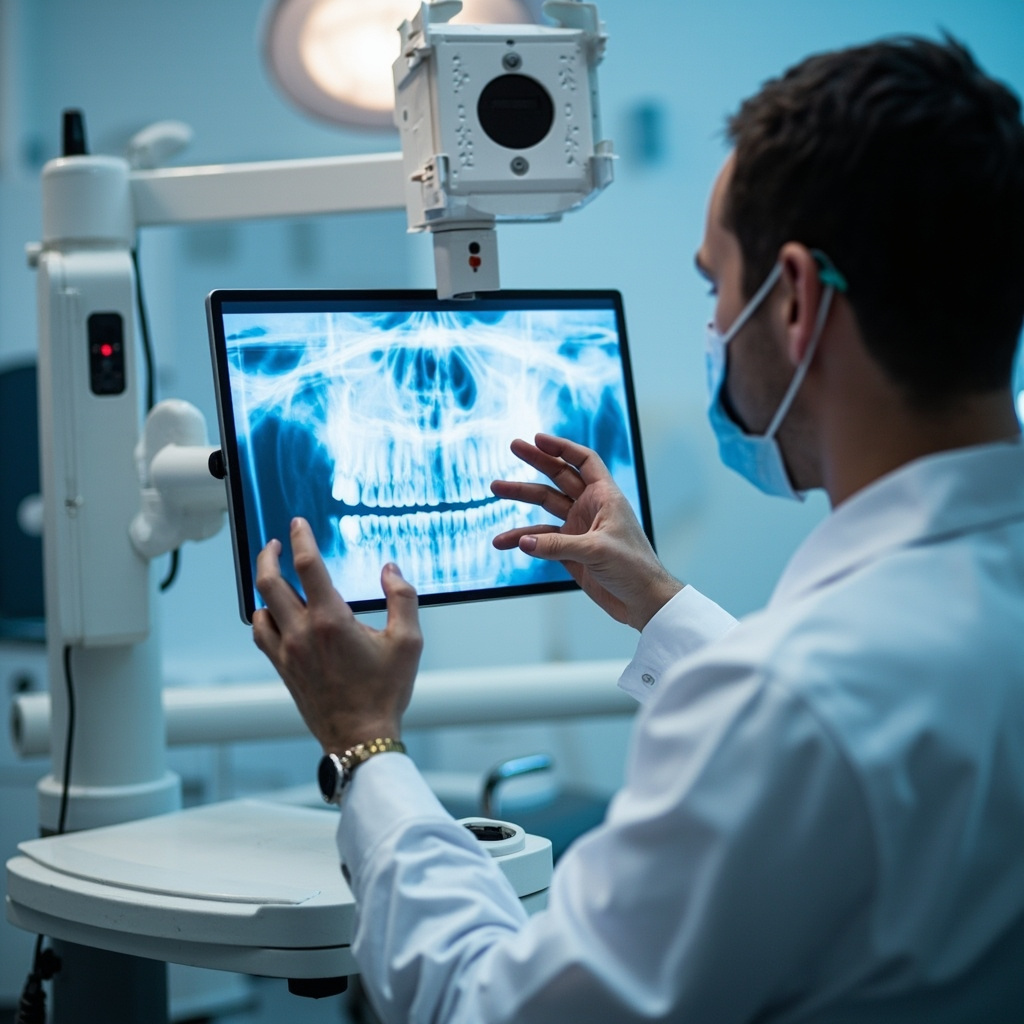
Digital dental X-ray sensors have revolutionized modern dentistry, providing instant high-quality images while reducing radiation exposure. However, like all electronic devices, digital sensors can experience various problems that disrupt workflow and patient care. Understanding common sensor issues and their solutions can help dental practices maintain optimal imaging performance.
Sensor Detection and Connection Issues
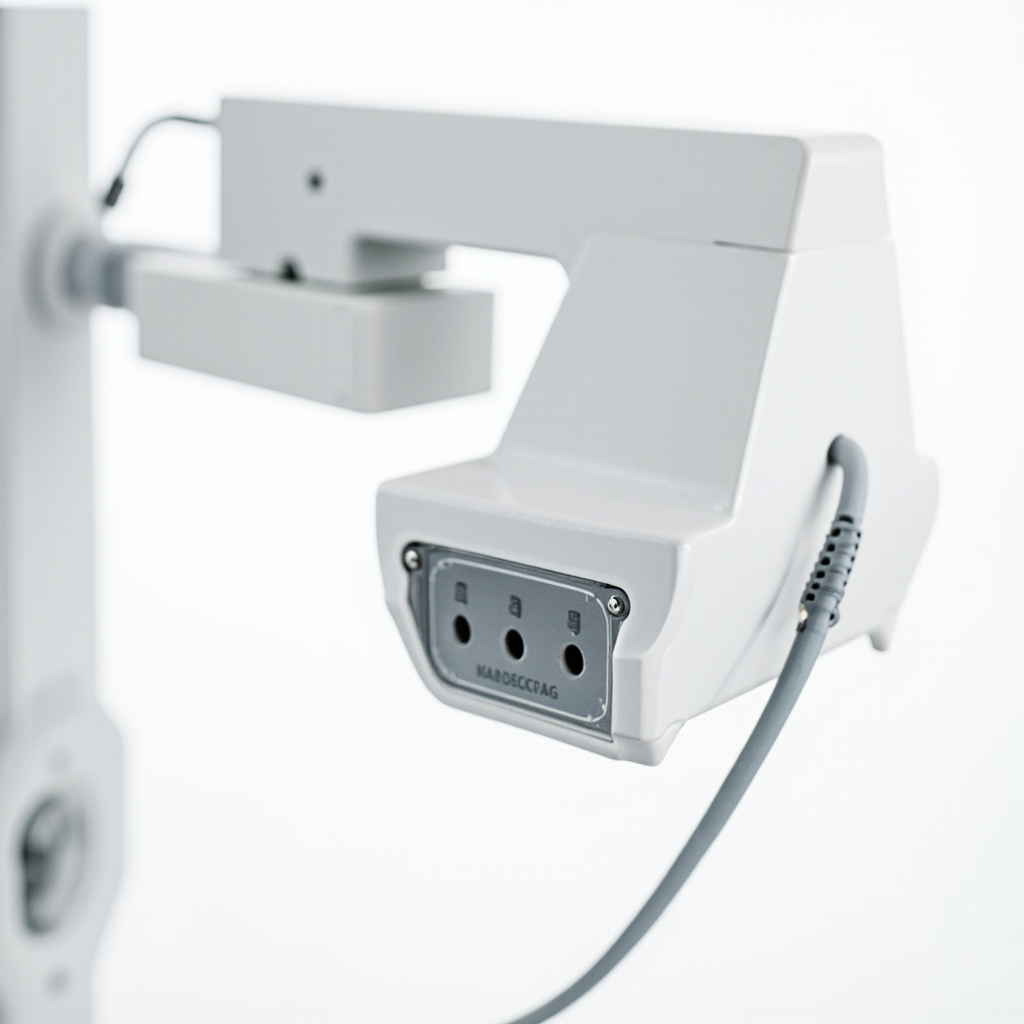
One of the most frequent problems dental practices encounter is when the imaging software fails to detect the digital sensor. This typically manifests as error messages stating “sensor not found” or “no device detected.” The issue often stems from loose USB connections, faulty cables, or driver conflicts.
Troubleshooting steps:
- Check all cable connections and ensure they are firmly seated
- Try a different USB port on the computer
- Restart the imaging software and computer
- Update or reinstall sensor drivers
- Test with a known working cable if available
Image Quality Problems
Poor image quality can significantly impact diagnostic accuracy. Common image quality issues include:
- White or overexposed images: Often caused by sensor misfiring or pre-triggering
- Dark or underexposed images: Usually indicates insufficient X-ray exposure
- Static or noise: Can result from electromagnetic interference or sensor malfunction
- Partial images or cone cuts: Typically caused by improper positioning
Many image quality problems can be resolved by adjusting exposure settings, ensuring proper sensor positioning, and checking for external interference sources such as cell phones or other electronic devices.
Software and Calibration Issues
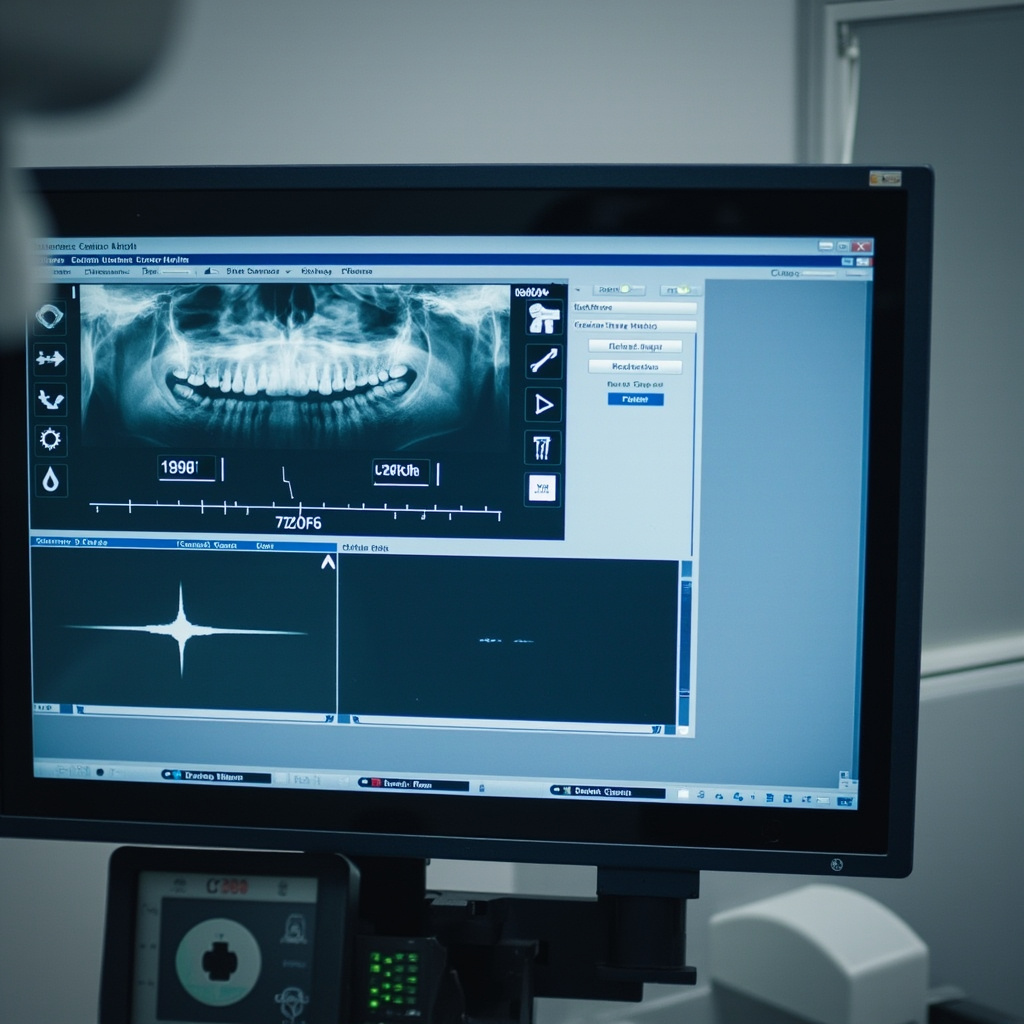
Digital radiography systems require proper calibration to function optimally. When sensors lose calibration, images may appear distorted, have incorrect contrast, or display unusual artifacts.
Common software-related problems include:
- Sensor calibration drift over time
- Compatibility issues after software updates
- Incorrect exposure settings for specific sensor types
- Integration problems with practice management software
Physical Sensor Damage
Digital sensors are delicate instruments that can be damaged through normal use. Physical damage often occurs from:
- Patient biting down too hard on the sensor
- Dropping the sensor on hard surfaces
- Excessive bending or twisting of cables
- Exposure to moisture or sterilization solutions
Signs of physical damage include cracked sensor housings, visible cable damage, or permanent dead pixels in images. Physical damage typically requires professional repair or sensor replacement.
Preventive Maintenance
Proper maintenance can prevent many sensor problems and extend equipment lifespan:
- Handle sensors gently and use protective sheaths
- Clean sensors according to manufacturer guidelines
- Store sensors in designated holders when not in use
- Regularly check cables for wear or damage
- Keep imaging software updated
- Schedule regular calibration checks
When to Call for Professional Help
While many sensor problems can be resolved in-house, certain issues require professional technical support:
- Persistent hardware failures after basic troubleshooting
- Sensor calibration problems that cannot be corrected
- Physical damage to sensors or cables
- Recurring software crashes or system instability
- Integration problems with existing dental software
By understanding these common digital X-ray sensor problems and their solutions, dental practices can minimize downtime and maintain consistent imaging quality. Regular maintenance and proper handling procedures are essential for maximizing the lifespan and reliability of digital radiography equipment.