Common Digital Dental X-Ray Sensor Problems and Their Solutions

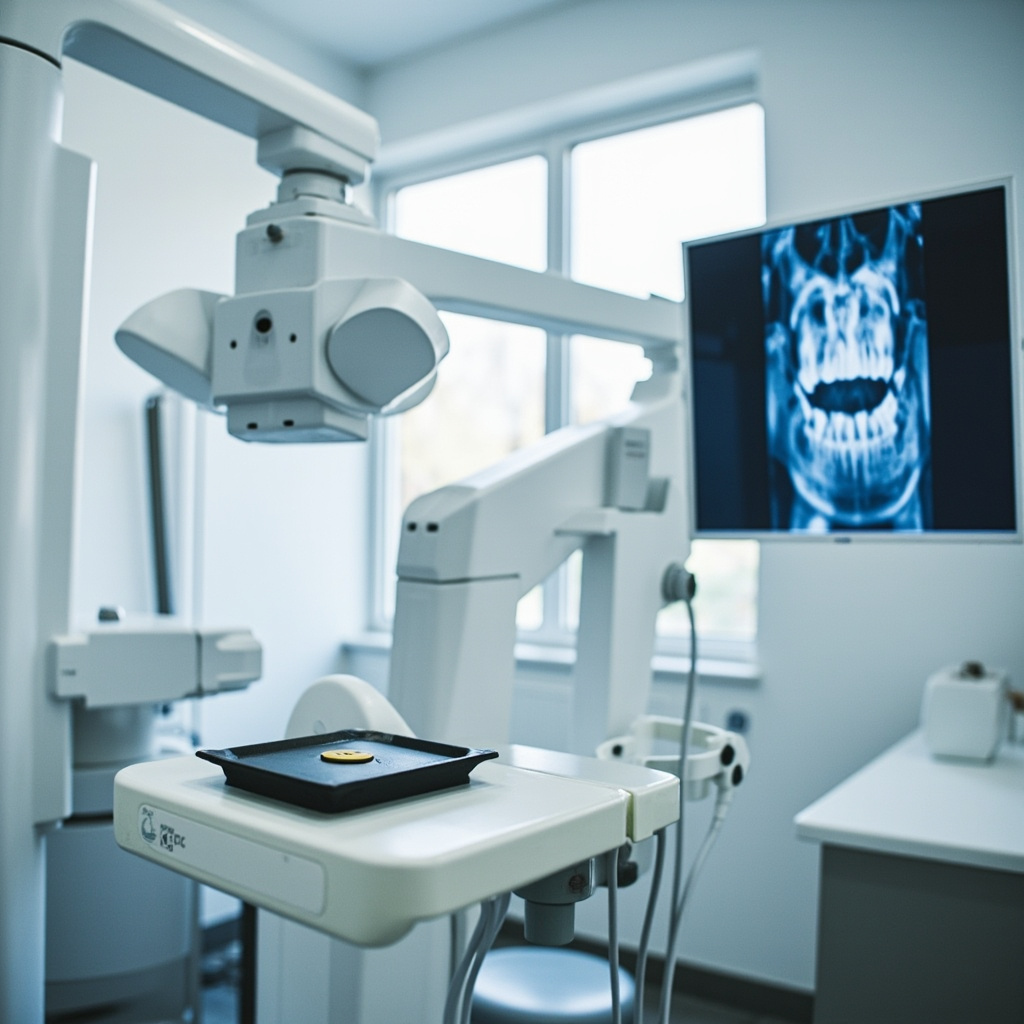
Digital dental X-ray sensors are critical components in modern dental imaging systems, but they can experience various problems that disrupt workflow and affect diagnostic capabilities. Understanding common issues and their solutions can help dental professionals maintain optimal imaging performance.
Understanding Digital X-Ray Sensor Technology
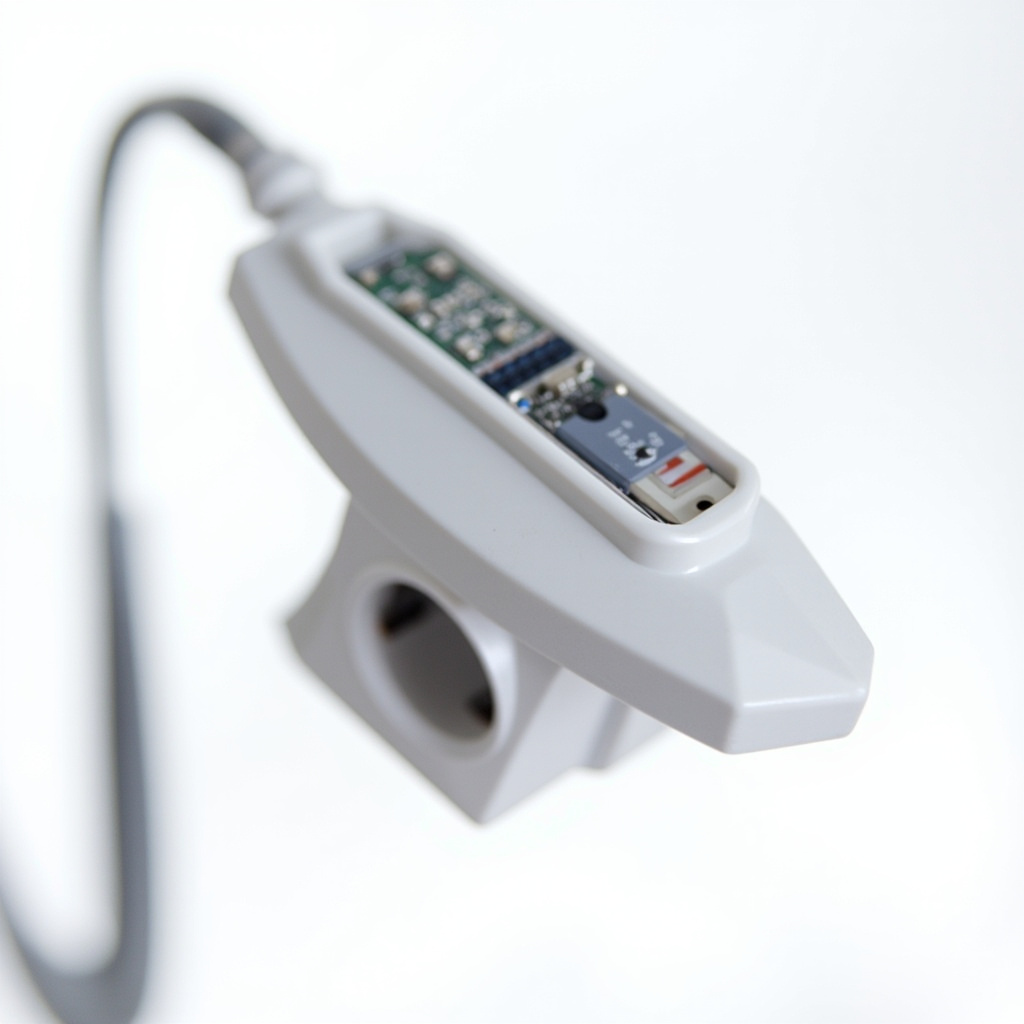
Digital dental X-ray sensors convert X-ray photons into electrical signals that are processed by imaging software. These sophisticated devices contain sensitive electronic components that can be affected by various factors including environmental conditions, software conflicts, and physical damage.
Most Common Sensor Problems
1. Sensor Not Detected by Software
This is one of the most frequent issues encountered with digital X-ray sensors. The problem typically manifests when the imaging software fails to recognize the connected sensor.
Possible Causes:
- USB connection issues
- Driver conflicts or outdated drivers
- Software configuration problems
- Hardware malfunction in the sensor
Solutions:
- Check all USB connections and try different ports
- Restart the imaging software and computer
- Update or reinstall sensor drivers
- Verify sensor compatibility with current software version
2. Calibration Failures
Calibration problems are particularly common with certain sensor models and can result in poor image quality or complete imaging failure.
Symptoms:
- Error messages about missing calibration files
- Images appear with incorrect contrast or brightness
- Sensor produces blank or distorted images
Solutions:
- Re-run the sensor calibration process
- Ensure correct calibration files are installed for your specific sensor model
- Contact manufacturer for updated calibration utilities
- Verify sensor is clean and free of debris
3. Image Quality Issues
Poor image quality can significantly impact diagnostic capabilities and may indicate various underlying problems.
Common Quality Problems:
- White or overexposed images
- Dark or underexposed images
- Static or noise in images
- Blurry or distorted images

Troubleshooting Steps
Basic Troubleshooting Checklist
- Check Physical Connections: Ensure all cables are securely connected and not damaged
- Restart Systems: Restart both the imaging software and computer
- Verify Software Settings: Check sensor settings and configuration in the imaging software
- Test Different Sensors: If multiple sensors are available, test with a different unit
- Update Drivers: Ensure all sensor drivers and software are up to date
Advanced Troubleshooting
When basic troubleshooting fails to resolve issues, more advanced diagnostic steps may be necessary:
- Registry Cleaning: Remove old sensor entries from Windows registry
- Hardware Testing: Use manufacturer diagnostic tools to test sensor functionality
- Network Diagnostics: For networked systems, check network connectivity and settings
- Environmental Factors: Consider temperature, humidity, and electromagnetic interference
Prevention and Maintenance
Regular maintenance can prevent many common sensor problems:
- Regular Cleaning: Clean sensor surfaces with appropriate disinfectants
- Careful Handling: Train staff on proper sensor handling techniques
- Software Updates: Keep imaging software and drivers current
- Environmental Control: Maintain appropriate temperature and humidity levels
- Regular Backups: Backup sensor calibration and configuration files
When to Seek Professional Help
Some sensor problems require professional intervention:
- Physical damage to sensor housing or cables
- Persistent calibration failures despite following troubleshooting steps
- Repeated software crashes or system instability
- Warranty-covered issues that require manufacturer support
Conclusion
Digital dental X-ray sensors are sophisticated devices that require proper care and maintenance to function optimally. By understanding common problems and their solutions, dental professionals can minimize downtime and ensure consistent, high-quality diagnostic imaging. Regular maintenance, proper handling, and prompt attention to issues can significantly extend sensor lifespan and maintain imaging quality.
For persistent problems or complex issues beyond basic troubleshooting, consult with qualified service technicians or the sensor manufacturer to ensure proper diagnosis and repair.