Dental X-Ray Equipment Firmware Updates: Complete Management and Recovery Guide for 2026

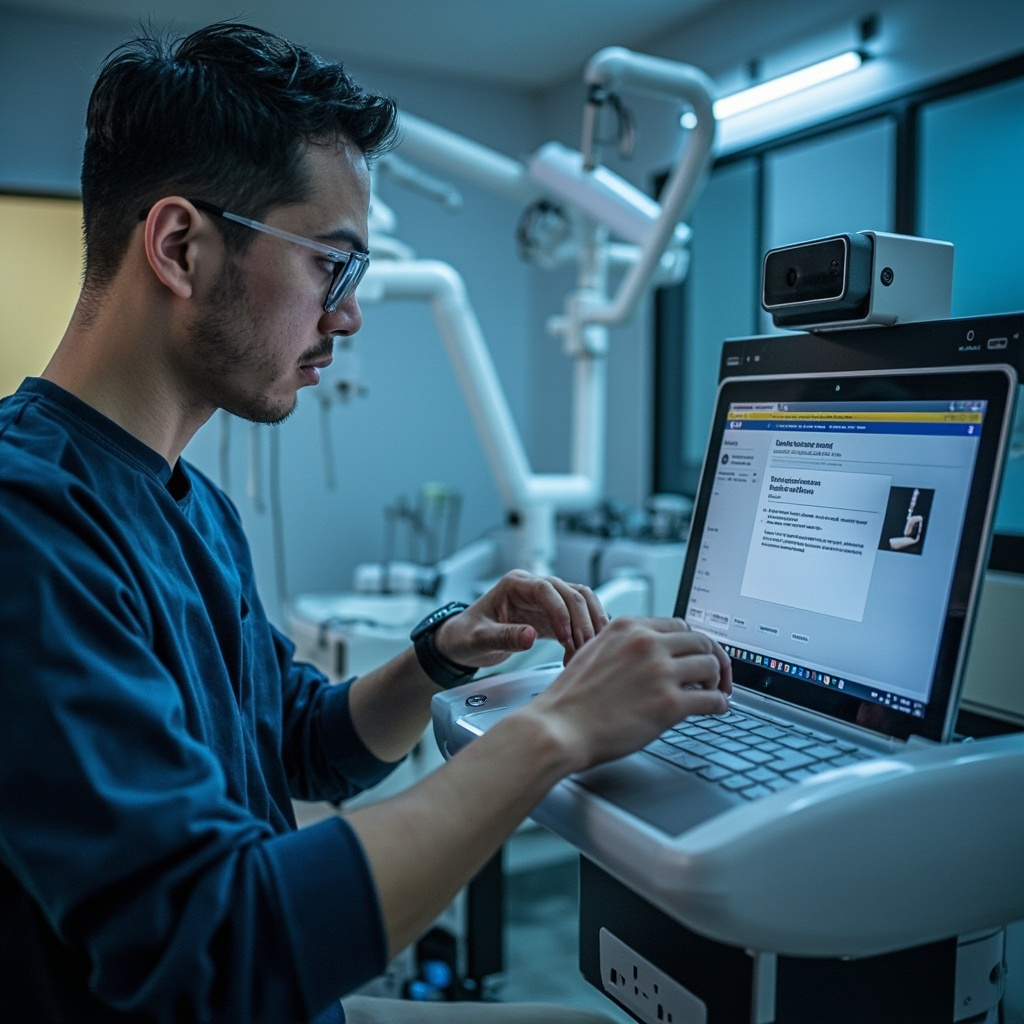
Modern dental X-ray equipment relies heavily on firmware to operate efficiently and maintain optimal image quality. Regular firmware updates ensure your equipment performs at peak capacity, addresses security vulnerabilities, and incorporates the latest imaging enhancements. This comprehensive guide covers firmware update procedures, troubleshooting common issues, and recovery strategies for dental practices.
Understanding Firmware in Dental X-Ray Equipment
Firmware serves as the bridge between your X-ray equipment hardware and software systems. It controls exposure timing, image processing algorithms, communication protocols, and safety mechanisms. Unlike software updates that can be easily reversed, firmware changes directly modify the equipment operating system, making proper procedures essential.
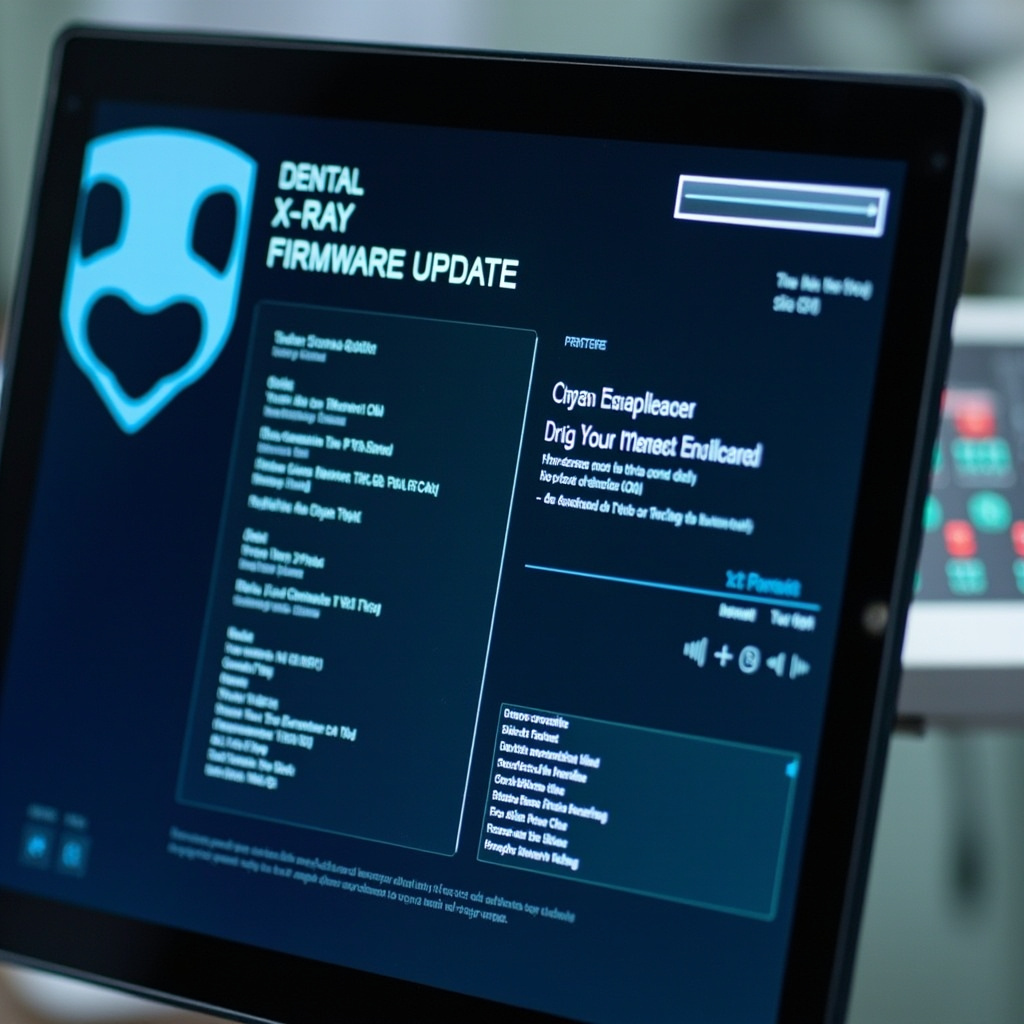
Most dental X-ray manufacturers release firmware updates quarterly to address performance improvements, security patches, and regulatory compliance requirements. These updates typically include enhanced image processing algorithms, improved network connectivity, and refined calibration procedures.
Pre-Update Preparation and Best Practices
Before initiating any firmware update, establish a comprehensive backup strategy. Document current firmware versions, calibration settings, and system configurations. Create recovery media using manufacturer-provided tools, and ensure you have stable power supply with uninterrupted power source (UPS) protection.
Schedule firmware updates during non-patient hours to avoid disrupting clinical operations. Notify all staff members about planned maintenance windows and establish contingency protocols for emergency imaging needs during the update process.
Essential Pre-Update Checklist
- Verify current firmware version and compatibility requirements
- Download latest firmware from manufacturer verified sources only
- Test network connectivity and bandwidth stability
- Backup existing configuration files and calibration data
- Prepare recovery USB drives with emergency firmware
- Document all custom settings and user preferences
Firmware Update Procedures by Equipment Type
Different X-ray equipment types require specific update procedures. Intraoral sensors typically update through USB connections or network protocols, while panoramic units often require direct console access. CBCT systems generally use network-based updates with extended installation times due to their complex imaging algorithms.
Always follow manufacturer-specific procedures precisely. Generic update methods can result in equipment failure, warranty voidance, and potential safety hazards. Maintain documentation throughout the process for regulatory compliance and future reference.
Network-Based Updates
Most modern dental X-ray equipment supports network-based firmware updates. These systems download updates directly from manufacturer servers, verify digital signatures, and install automatically. Monitor network traffic during updates to ensure stable connections and avoid interruptions.
Common Firmware Update Problems and Solutions
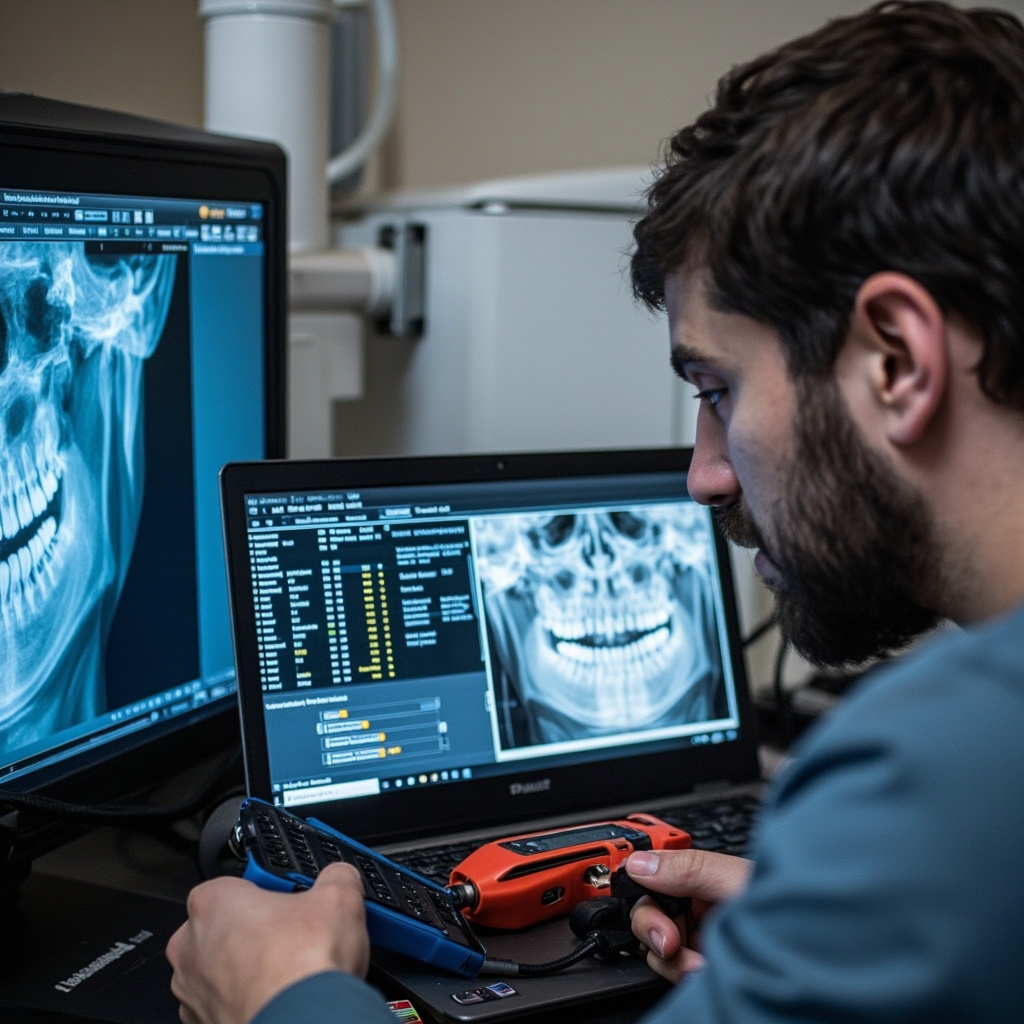
Firmware update failures can occur due to power interruptions, network instability, corrupted download files, or incompatible hardware configurations. Understanding common failure modes enables rapid diagnosis and resolution, minimizing equipment downtime.
Update Interruption Recovery
If firmware updates are interrupted by power loss or network disconnection, most equipment enters recovery mode automatically. This protective mechanism prevents complete system failure by maintaining core functionality while allowing firmware restoration.
Recovery procedures typically involve connecting recovery media to equipment USB ports and following manufacturer-specific boot sequences. Some systems require specific key combinations during startup to access recovery modes.
Version Compatibility Issues
Installing incompatible firmware versions can cause system instability, imaging artifacts, or complete equipment failure. Always verify hardware model numbers, software version requirements, and regional compliance standards before proceeding with updates.
Maintain detailed equipment inventories including model numbers, serial numbers, and current firmware versions. This documentation streamlines compatibility verification and simplifies support interactions with manufacturers.
Recovery and Rollback Strategies
When firmware updates fail or cause unexpected issues, rapid recovery procedures restore equipment functionality. Most manufacturers provide emergency recovery tools and procedures for critical situations requiring immediate equipment restoration.
Factory reset procedures return equipment to original firmware versions but eliminate all custom configurations and calibration data. Use this option only when other recovery methods fail, and ensure you have complete backup documentation for reconfiguration.
Creating Recovery Media
Prepare recovery USB drives before problems occur. Download manufacturer recovery tools and emergency firmware images to dedicated storage devices. Test recovery procedures during scheduled maintenance to verify functionality and familiarity with processes.
Label recovery media clearly with equipment model numbers, firmware versions, and creation dates. Store recovery drives in secure locations accessible during emergency situations but protected from environmental damage.
Post-Update Verification and Testing
After successful firmware updates, comprehensive testing ensures all systems function correctly. Verify imaging quality, calibration accuracy, network connectivity, and safety interlocks before returning equipment to clinical service.
Perform test exposures using standardized phantoms to verify image quality consistency. Check exposure timing accuracy, dose output stability, and image processing functionality. Document all test results for regulatory compliance and quality assurance records.
Performance Validation
Compare post-update performance metrics with baseline measurements. Monitor exposure consistency, image noise levels, and processing speeds to identify any degradation requiring attention. Address performance issues immediately to maintain optimal patient care standards.
Ongoing Firmware Management
Establish systematic firmware management procedures including regular update schedules, security monitoring, and performance tracking. Subscribe to manufacturer notification services for critical updates and security advisories.
Maintain current firmware inventories across all equipment and coordinate updates to avoid compatibility conflicts between interconnected systems. Plan update schedules to minimize clinical disruption while maintaining security compliance.
Document all firmware changes with detailed logs including dates, versions, personnel involved, and any issues encountered. This documentation supports regulatory audits, warranty claims, and troubleshooting future problems.