Digital X-Ray Sensor and PSP Plate Cleaning: Essential Maintenance Protocols for 2026


Proper cleaning and maintenance of digital X-ray sensors and photostimulable phosphor (PSP) imaging plates are critical for ensuring optimal image quality, extending equipment lifespan, and maintaining strict infection control standards. This comprehensive guide covers essential protocols and best practices for both intraoral sensors and PSP plates in dental imaging systems.
Understanding Digital Imaging Components
Modern dental practices rely on two primary digital imaging technologies: direct digital sensors and PSP plate systems. Each requires specific cleaning protocols to maintain performance while preventing cross-contamination between patients.
Direct digital sensors contain sensitive electronic components that require careful handling, while PSP plates use photostimulable phosphor coatings that can be damaged by improper cleaning agents. Both systems demand meticulous attention to manufacturer specifications and infection control guidelines.

Intraoral Sensor Cleaning Protocols
Digital intraoral sensors require immediate cleaning after each patient use to prevent biofilm formation and ensure consistent image quality. The cleaning process must balance thorough disinfection with component protection.
Pre-Cleaning Preparation
Before beginning the cleaning process, ensure all personnel wear appropriate personal protective equipment, including disposable gloves and eye protection. Remove the sensor from the patient’s mouth carefully, avoiding contact with contaminated surfaces.
- Use sterile gauze to remove visible debris
- Handle sensors by the cable or designated grip areas only
- Avoid touching the imaging surface directly
- Place sensors on a clean, designated surface
Primary Cleaning Steps
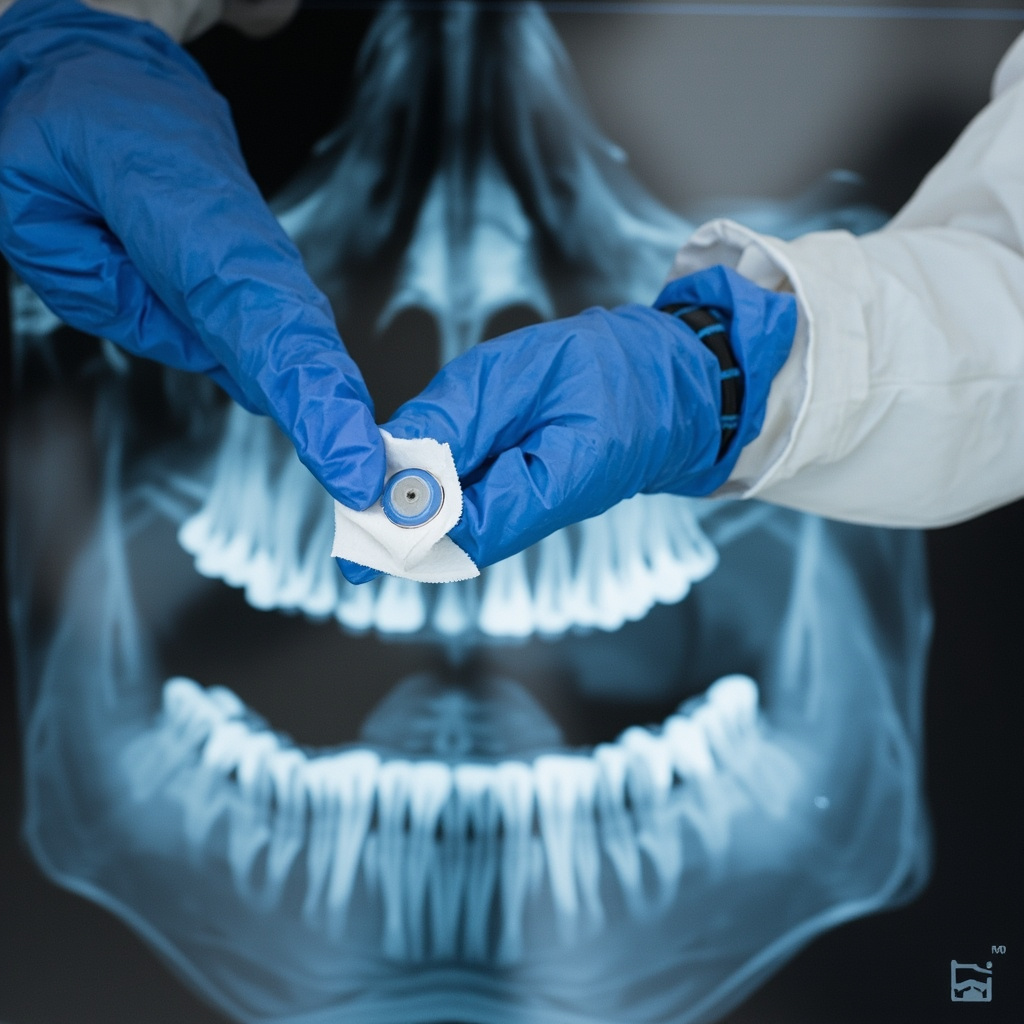
The manufacturer-approved cleaning process typically involves multiple steps to ensure complete disinfection without component damage. Always consult your specific sensor manufacturer’s guidelines, as cleaning agents and procedures vary between brands.
- Apply manufacturer-approved disinfectant wipes or solutions
- Clean all surfaces including the sensor body and cable
- Use gentle circular motions, avoiding excessive pressure
- Allow appropriate contact time as specified by disinfectant manufacturer
- Dry thoroughly with sterile lint-free cloths
PSP Plate Maintenance Procedures
Photostimulable phosphor plates require specialized care due to their sensitive phosphor coating. These reusable plates can provide thousands of exposures when properly maintained, making correct cleaning procedures essential for maximizing return on investment.
Daily Cleaning Protocol
PSP plates should be cleaned after each use and undergo daily maintenance to remove accumulated debris and prevent phosphor degradation. The cleaning process differs significantly from sensor cleaning due to the plate’s unique construction.
- Remove plates from protective sleeves immediately after use
- Use only manufacturer-recommended cleaning solutions
- Clean with gentle, linear motions to avoid scratching
- Never use alcohol-based cleaners unless specifically approved
- Ensure complete drying before storage
Weekly Deep Cleaning
In addition to daily cleaning, PSP plates benefit from weekly deep cleaning procedures that remove accumulated residue and maintain optimal phosphor sensitivity. This process typically involves more intensive cleaning agents and longer contact times.
- Perform visual inspection for scratches or damage
- Use approved enzyme cleaners for protein removal
- Follow extended contact time protocols
- Conduct quality control testing after deep cleaning
Disinfection Agent Selection
Choosing appropriate disinfection agents is crucial for maintaining both infection control standards and equipment integrity. Not all disinfectants are suitable for digital imaging equipment, and using incorrect products can cause permanent damage.
Approved Cleaning Solutions
Most manufacturers provide specific lists of approved cleaning agents. Common approved solutions include certain quaternary ammonium compounds, glutaraldehyde-based solutions, and specialized medical device disinfectants. Always verify compatibility before use.
- EPA-registered hospital-grade disinfectants
- Manufacturer-specified cleaning wipes
- pH-neutral enzyme cleaners for protein removal
- Alcohol-based solutions (when manufacturer-approved)
Prohibited Substances
Certain chemicals can cause irreversible damage to digital imaging equipment. These substances should never be used on sensors or PSP plates, regardless of their effectiveness on other dental equipment.
- High-concentration bleach solutions
- Phenolic compounds
- Iodophors (unless specifically approved)
- Abrasive cleaners or scrubbing pads
- Autoclave sterilization
Quality Control and Testing
Regular quality control testing ensures that cleaning procedures maintain both infection control standards and image quality. Establish routine testing protocols to identify issues before they affect patient care.
Perform weekly image quality assessments using standardized test objects to detect any cleaning-related issues. Document results and investigate any degradation in image quality immediately.
Storage and Handling
Proper storage conditions are essential for maintaining cleaned sensors and PSP plates. Store equipment in clean, dry environments away from direct sunlight and temperature extremes.
Use appropriate storage containers or sleeves to prevent contamination between uses. Implement inventory rotation systems to ensure even wear across multiple plates or sensors.
Staff Training and Compliance
Comprehensive staff training ensures consistent adherence to cleaning protocols. Provide initial training for all personnel handling digital imaging equipment, followed by regular refresher sessions and competency assessments.
Document all training activities and maintain records of compliance monitoring. Address any deviations from established protocols immediately through additional training or process modifications.
Troubleshooting Common Issues
Even with proper cleaning protocols, digital imaging equipment may develop performance issues. Understanding common problems and their solutions helps maintain optimal system performance.
Image artifacts, reduced sensitivity, or visible scratches often indicate cleaning-related problems. Implement systematic troubleshooting procedures to identify root causes and prevent recurrence.
Conclusion
Effective cleaning and maintenance of digital X-ray sensors and PSP plates requires dedicated attention to manufacturer specifications, infection control guidelines, and quality assurance protocols. By implementing comprehensive cleaning procedures and maintaining strict adherence to established protocols, dental practices can ensure optimal image quality while providing safe, effective patient care.
Regular review and updates of cleaning protocols help practices stay current with evolving technology and regulatory requirements, ultimately supporting better patient outcomes and equipment longevity.