Digital X-Ray Sensor Troubleshooting: Common Issues and Solutions

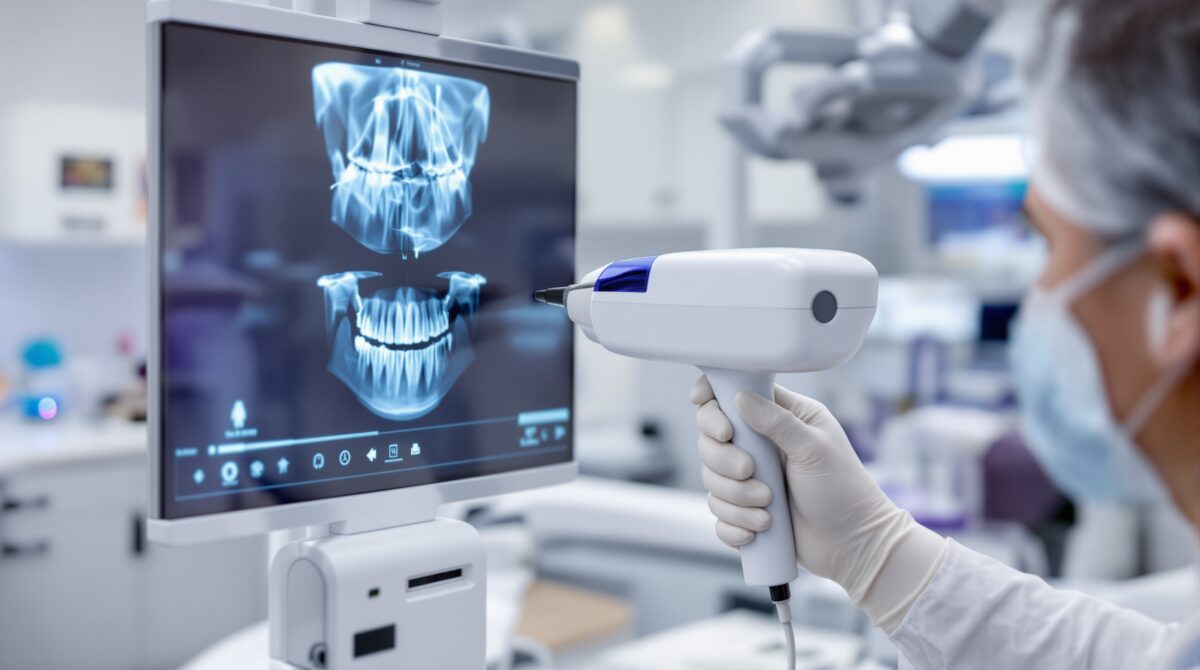
Digital X-ray sensors have revolutionized dental radiography, offering instant image acquisition, reduced radiation exposure, and enhanced diagnostic capabilities. However, like any sophisticated technology, these devices can encounter various technical issues that may disrupt clinical workflow. This comprehensive guide addresses the most common problems dental professionals face with digital X-ray sensors and provides practical solutions to keep your imaging systems running smoothly.
Understanding Digital X-Ray Sensor Technology
Digital X-ray sensors use either Complementary Metal-Oxide-Semiconductor (CMOS) or Charge-Coupled Device (CCD) technology to capture X-ray images. These sensors convert X-ray photons into electrical signals, which are then processed into digital images. The two main types of digital sensors include wired sensors connected via USB or fiber optic cables, and wireless sensors that transmit data through radio frequency or Wi-Fi connections.
Modern sensors typically feature protective coatings, ergonomic designs, and advanced image processing algorithms. However, their electronic components and connections make them susceptible to specific types of failures that require systematic troubleshooting approaches.
Most Common Sensor Issues and Solutions
1. Connection Problems
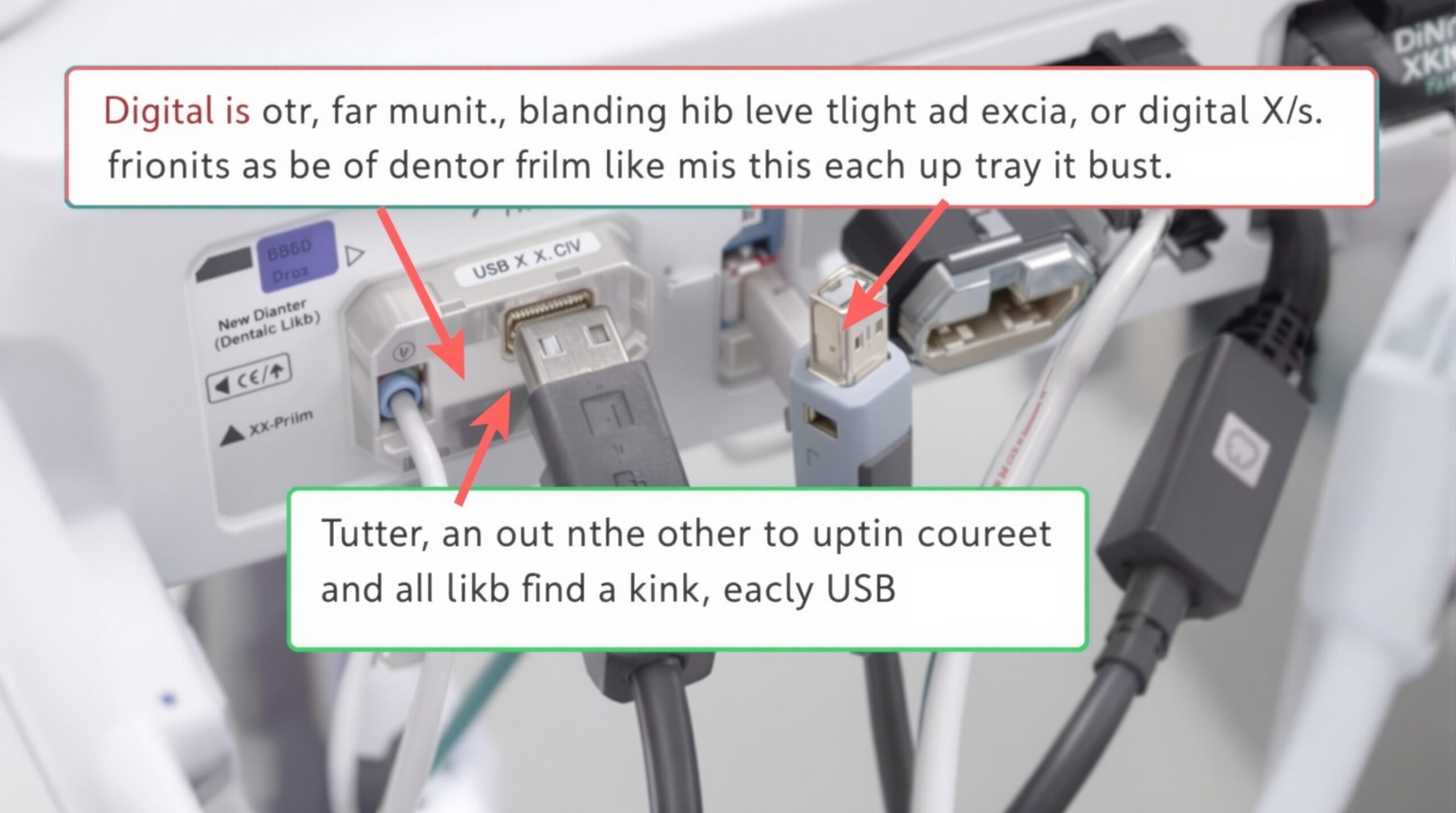
Connection issues represent the most frequent source of digital sensor problems. These can manifest as sensors not being recognized by the imaging software, intermittent connectivity, or complete signal loss during image acquisition.
- USB Connection Issues: Check all USB connections, including hub connections and extension cables. Try different USB ports, preferably USB 2.0 ports for older sensors. Replace damaged cables and ensure proper seating of connectors.
- Power Supply Problems: Verify that powered USB hubs are functioning correctly and providing adequate power. Some sensors require specific voltage levels to operate properly.
- Driver Conflicts: Update or reinstall sensor drivers. Check Windows Device Manager for conflict indicators and ensure the correct driver version matches your sensor model.
2. Image Quality Issues
Poor image quality can significantly impact diagnostic accuracy and patient care. Common image quality problems include pixelation, artifacts, noise, and inconsistent exposure levels.
- Calibration Problems: Perform regular sensor calibration according to manufacturer specifications. Most imaging software includes calibration utilities that should be run monthly or after any hardware changes.
- Exposure Settings: Verify that X-ray machine settings match sensor specifications. Incorrect kVp, mA, or time settings can result in over- or under-exposed images.
- Sensor Contamination: Clean sensor surfaces with appropriate disinfectants and ensure barrier covers are properly applied without air bubbles or wrinkles.
3. Software Integration Problems
Digital sensors must work seamlessly with practice management and imaging software. Integration issues can cause workflow disruptions and data loss.
- Software Compatibility: Ensure imaging software is compatible with your sensor model and operating system version. Check for software updates and patches regularly.
- Network Configuration: For networked systems, verify network settings, IP addresses, and firewall configurations. Ensure adequate network bandwidth for image transmission.
- Database Corruption: Implement regular database maintenance and backups. Use software repair utilities when database errors occur.
Preventive Maintenance Strategies
Proactive maintenance significantly reduces sensor failures and extends equipment lifespan. Establish a regular maintenance schedule that includes both daily checks and periodic comprehensive inspections.
Daily Maintenance Tasks
- Visual inspection of sensor housing for cracks or damage
- Verification of cable integrity and connection security
- Cleaning and disinfection following infection control protocols
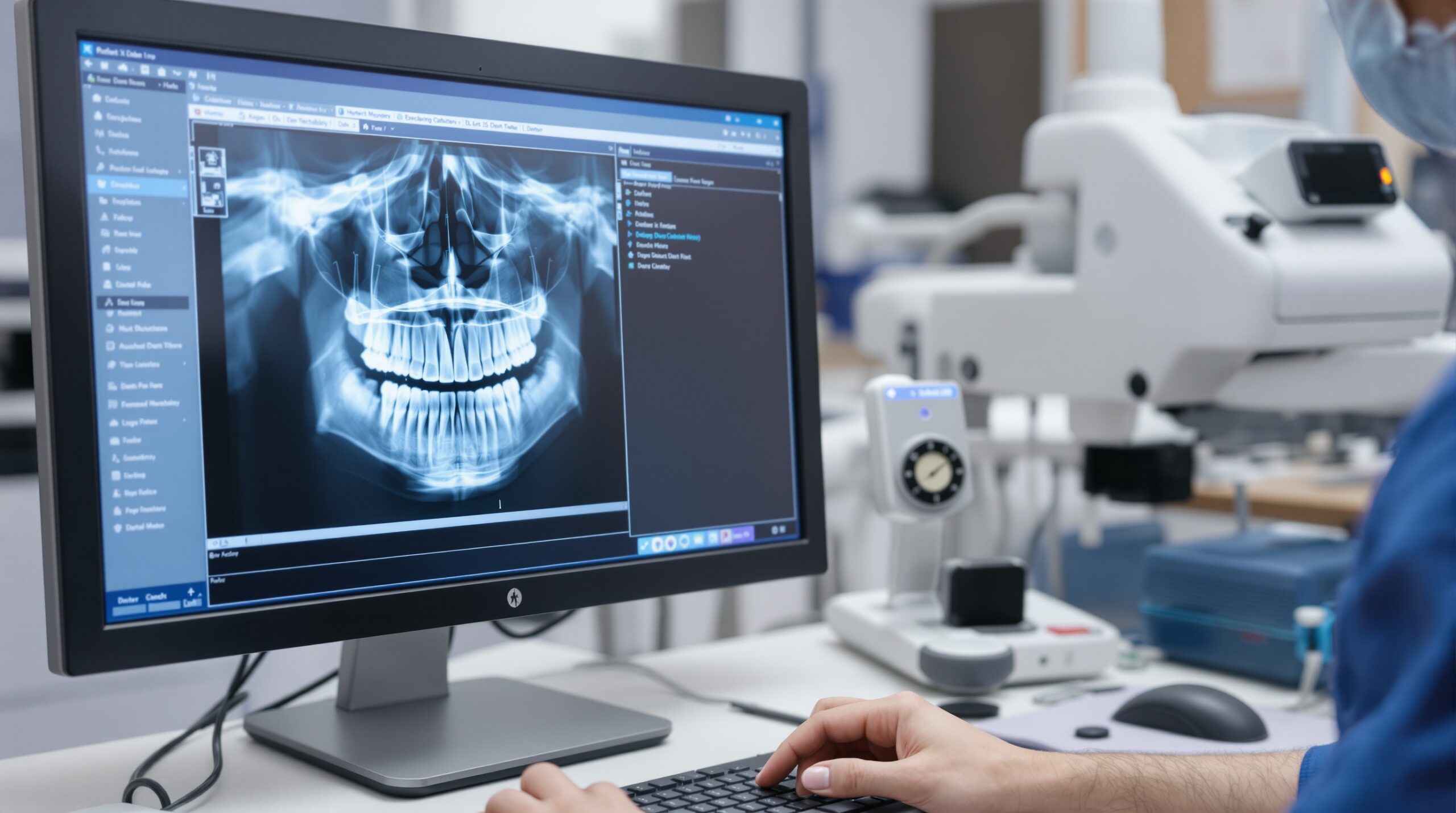
- Basic image quality check with test exposures
- Software functionality verification
Weekly and Monthly Procedures
More comprehensive maintenance tasks should be performed on a regular schedule to ensure optimal performance and early detection of potential issues.
- Comprehensive sensor calibration procedures
- Cable flexibility and connector wear assessment
- Software database optimization and cleanup
- Network connectivity testing for wireless sensors
- Backup verification and system updates
Advanced Troubleshooting Techniques
When basic troubleshooting steps fail to resolve sensor issues, advanced diagnostic techniques may be necessary. These procedures require more technical expertise but can identify and resolve complex problems.
Hardware-Level Diagnostics
Advanced hardware diagnostics involve testing individual sensor components and analyzing electrical characteristics. Use oscilloscopes to examine signal integrity, multimeters to verify power supply voltages, and specialized sensor testing equipment when available.
For CMOS sensors, check pixel array functionality using manufacturer diagnostic software. CCD sensors may require charge transfer efficiency testing and dark current measurements. Document all test results for warranty claims and service calls.
Software-Level Analysis
Sophisticated software analysis can identify subtle performance degradations before they become critical failures. Monitor image statistics over time, including mean pixel values, noise levels, and uniformity measurements.
Log file analysis can reveal intermittent errors and communication problems that aren’t immediately apparent. Use system monitoring tools to track resource utilization and identify performance bottlenecks.
When to Contact Technical Support
While many sensor issues can be resolved through systematic troubleshooting, certain problems require manufacturer technical support or professional service. Recognizing when to escalate issues prevents further damage and minimizes downtime.
Contact technical support immediately if you observe physical damage to sensor housing, unusual heating, burning odors, or electrical anomalies. Persistent image quality problems that don’t respond to calibration and cleaning procedures also warrant professional attention.
Maintain detailed records of all troubleshooting attempts, including error messages, test results, and environmental conditions. This information significantly improves technical support efficiency and resolution times.
Future-Proofing Your Digital Imaging System
As digital imaging technology continues to evolve, planning for future upgrades and compatibility becomes increasingly important. Consider emerging technologies like artificial intelligence enhancement, cloud-based storage, and improved sensor materials when making equipment decisions.
Implement standardized procedures for sensor handling, maintenance, and troubleshooting to ensure consistent performance across your practice. Regular staff training on proper sensor care and basic troubleshooting techniques reduces service calls and improves overall system reliability.
By following these comprehensive troubleshooting guidelines and maintaining proactive maintenance schedules, dental professionals can maximize the performance and lifespan of their digital X-ray sensors while ensuring consistent, high-quality diagnostic images for optimal patient care.