Digital X-Ray Sensor Troubleshooting: Common Problems and Solutions for 2025


Digital dental X-ray sensors have revolutionized imaging in dental practices, but like any sophisticated technology, they can encounter various issues that affect image quality and workflow efficiency. Understanding common problems and their solutions is crucial for maintaining optimal diagnostic capabilities in your practice.
Most Common Digital Sensor Issues
Digital X-ray sensors face several recurring problems that can disrupt daily operations. The most frequently reported issues include sensor connectivity problems, image quality degradation, software compatibility conflicts, and hardware failures. Recognizing these problems early can prevent costly downtime and ensure consistent patient care.

Connectivity and Detection Issues
One of the most frustrating problems practitioners face is when digital sensors fail to be detected by imaging software. This issue often manifests as “sensor not found” error messages or complete lack of communication between the sensor and computer system.
USB Connection Problems
USB connectivity issues are among the most common culprits. Check all physical connections first, ensuring the USB cable is securely connected to both the sensor and computer. Damaged or worn USB cables can cause intermittent connectivity issues that may worsen over time.
Try connecting the sensor to different USB ports, preferably USB 3.0 ports for optimal data transfer speeds. If the sensor works with some ports but not others, the problem may be with specific USB controllers on your computer.
Driver and Software Conflicts
Outdated or corrupted drivers frequently cause sensor detection problems. Ensure you have the latest drivers installed for your specific sensor model. Uninstall and reinstall the sensor software if necessary, following the manufacturers step-by-step instructions.
Image Quality Problems
Poor image quality can significantly impact diagnostic accuracy. Common image quality issues include excessive noise, poor contrast, artifacts, and inconsistent exposure levels.
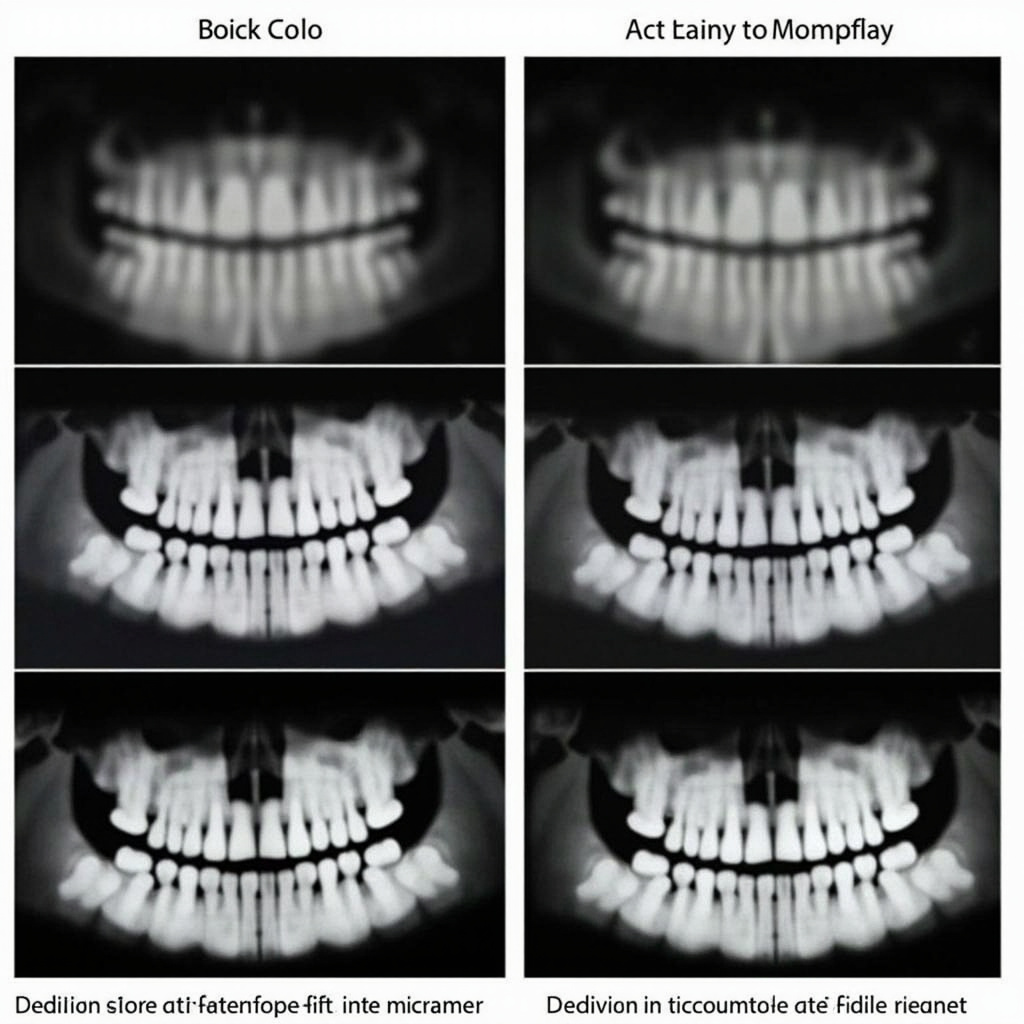
Exposure and Calibration Issues
Incorrect exposure settings remain a leading cause of poor image quality. Modern digital sensors are more sensitive than traditional film, requiring precise calibration with your X-ray generator. Review your exposure charts and ensure they are optimized for your specific sensor model.
Regular calibration checks should be performed according to manufacturer recommendations. Many practices find that quarterly calibration reviews help maintain consistent image quality standards.
Static and Interference Problems
Digital sensors can be susceptible to electromagnetic interference, which appears as static, lines, or random artifacts on images. This interference can come from various sources including nearby electronic equipment, fluorescent lighting, or improperly grounded electrical systems.
Environmental Factors
Temperature and humidity fluctuations can affect sensor performance. Ensure your sensors are stored and operated within manufacturer-specified environmental parameters. Extreme temperatures can cause temporary or permanent sensor damage.
Sensor Damage and Wear
Physical damage to sensors is unfortunately common due to their frequent handling and the demands of clinical use. Signs of sensor damage include dead pixels, permanent artifacts, or complete sensor failure.
Protective Measures
Implementing proper handling protocols can significantly extend sensor lifespan. Use protective sleeves for infection control, handle sensors gently, and avoid dropping or bending the cables. Train all staff on proper sensor care and handling procedures.
Software Integration Problems
Integration issues between sensors and practice management software can cause workflow disruptions. These problems often arise after software updates or when adding new equipment to existing systems.
Compatibility Verification
Before purchasing new sensors or updating software, verify compatibility with your existing systems. Contact manufacturers directly to confirm integration capabilities and any required configuration changes.
Preventive Maintenance Best Practices
Regular maintenance can prevent many common sensor problems. Establish a routine that includes daily visual inspections, weekly cable checks, and monthly calibration verifications. Document any issues or unusual behavior to identify patterns that might indicate developing problems.
When to Seek Professional Help
While many sensor issues can be resolved in-house, certain problems require professional intervention. Contact technical support when experiencing consistent hardware failures, software conflicts that prevent normal operation, or when simple troubleshooting steps fail to resolve issues.
Professional sensor repair services can often restore functionality to damaged sensors at a fraction of replacement cost, making them a cost-effective option for extending equipment lifespan.