Essential Maintenance Guide for Dental X-Ray Equipment

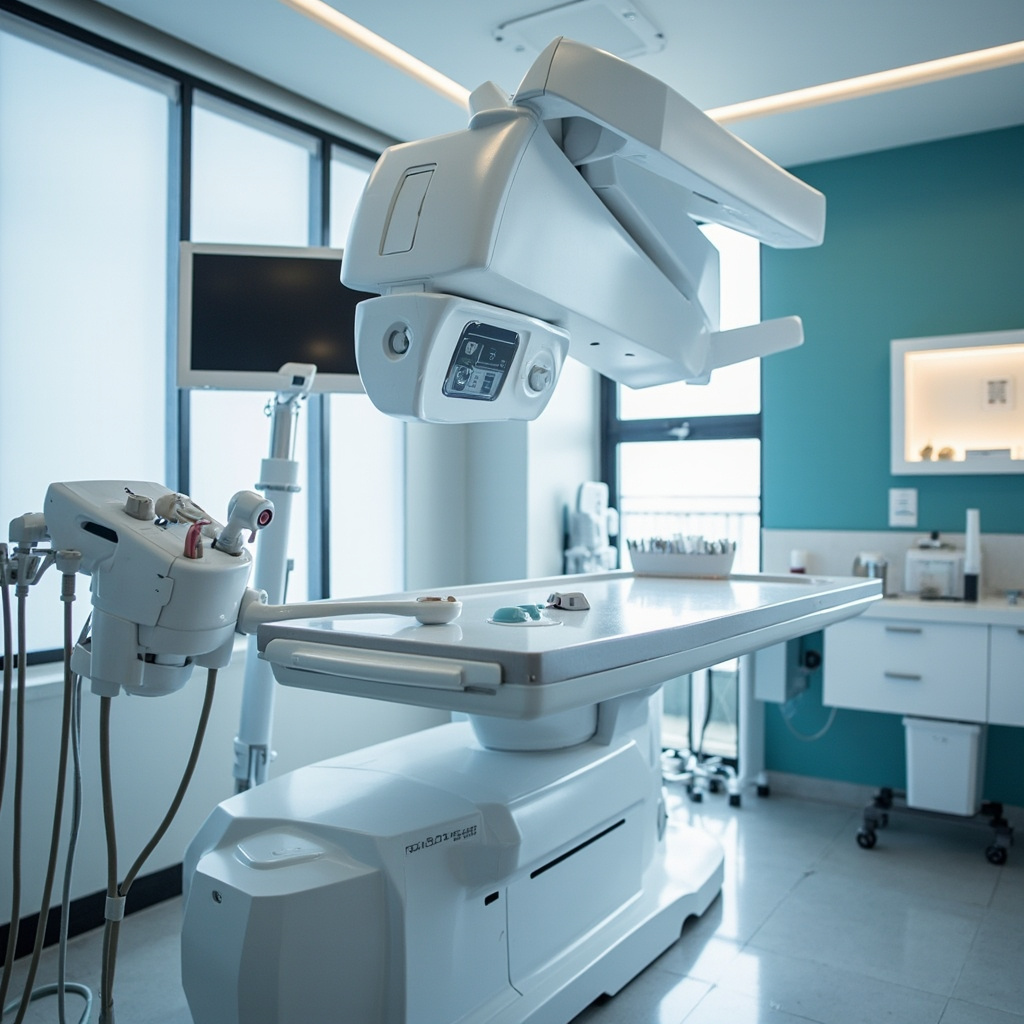
Maintaining optimal performance of your dental X-ray equipment requires a systematic approach to preventive care. Regular maintenance not only ensures patient safety and image quality but also extends the lifespan of your valuable digital radiography investment.
Essential Daily Maintenance Tasks
Start each day with a basic inspection of your X-ray equipment. Check for any visible damage to the tubehead, positioning arms, and control panel. Ensure all cables and connections are secure and undamaged. Clean the positioning devices and bite blocks according to infection control protocols using approved disinfectants.
The digital sensors require special attention. Gently clean sensor surfaces with approved wipes, avoiding harsh chemicals that could damage the protective covering. Check sensor cables for kinks, bends, or fraying that could compromise image quality or pose safety risks.
Weekly Calibration and Quality Checks
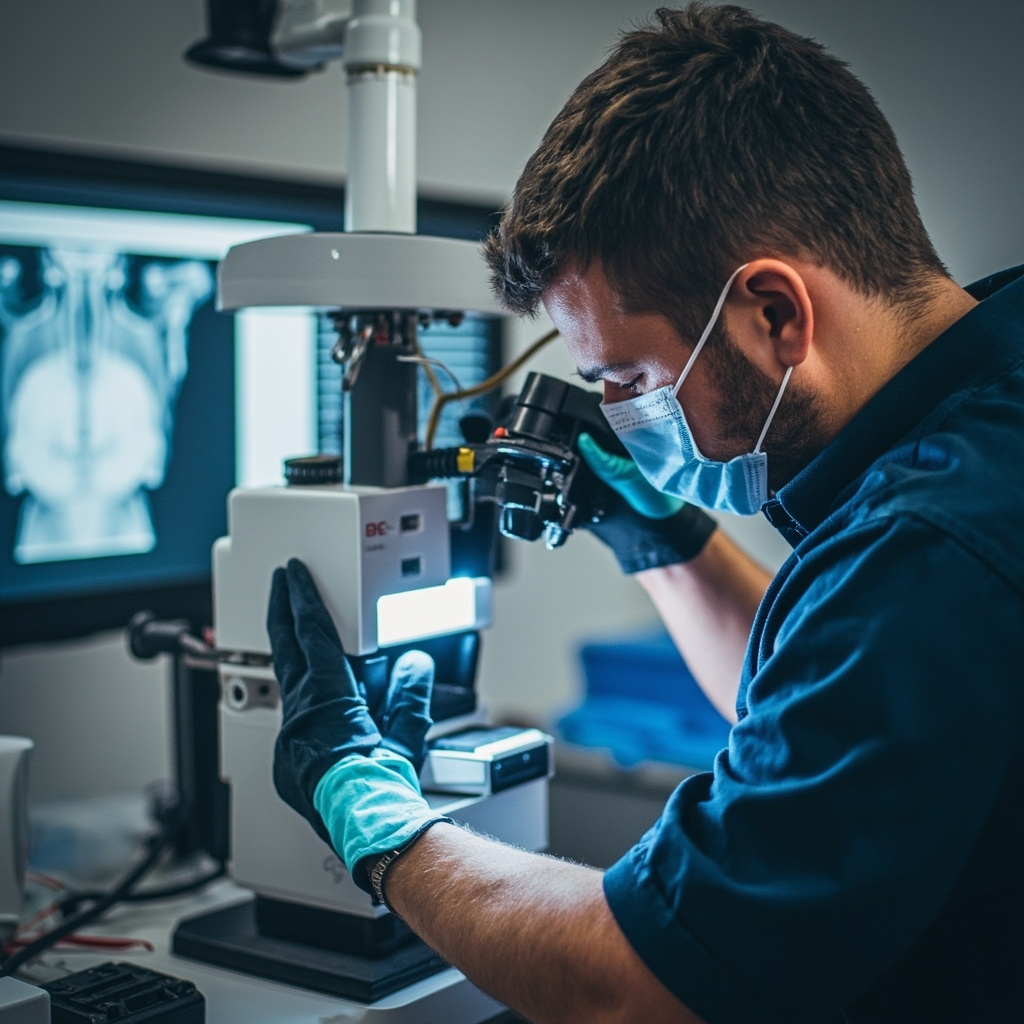
Weekly quality assurance testing ensures consistent image quality and proper equipment function. Perform step-wedge tests to verify appropriate contrast and density settings. Document exposure times and verify they match manufacturer specifications across different anatomical regions.
Check the collimation accuracy using appropriate test tools. Misaligned collimation can result in unnecessary radiation exposure and poor image quality. Verify that the positioning indicator device (PID) alignment matches the actual X-ray beam path.
Monthly System Inspections
Monthly inspections should include thorough examination of mechanical components. Check the tubehead suspension system for smooth operation and proper counterbalancing. Lubricate moving parts according to manufacturer specifications, typically using medical-grade lubricants.
Inspect the electrical systems, including control panel functions, timer accuracy, and emergency stop mechanisms. Test all safety interlocks to ensure they function properly. Document any irregularities for further investigation.
Sensor Care and Storage

Digital sensors represent a significant investment requiring careful handling. Store sensors in protective cases when not in use, avoiding extreme temperatures and humidity. Regularly inspect sensor housings for cracks or wear that could allow moisture intrusion.
Keep spare protective sleeves and positioning accessories stocked. Replace worn positioning devices promptly to maintain patient comfort and image consistency. Consider rotating sensors between operatories to distribute wear evenly.
Professional Service Requirements
Annual professional servicing by qualified technicians remains essential despite regular in-house maintenance. These inspections include radiation output measurements, safety system verification, and comprehensive mechanical assessments beyond typical practice capabilities.
Professional services typically include X-ray output calibration, safety shutter function testing, and collimation accuracy verification. They also perform electrical safety inspections and update firmware or software as needed.
Troubleshooting Common Issues
Image quality problems often trace to maintenance oversights. Dark or light images may indicate exposure setting drift or generator issues. Blurry images frequently result from patient movement, but can also indicate mechanical instability in the positioning system.
Sensor connectivity problems typically involve cable damage or connection corrosion. Regular cable inspection and gentle handling prevent most sensor-related issues. Keep backup sensors available for critical situations.
Documentation and Record Keeping
Maintain detailed maintenance logs documenting all inspections, tests, and service activities. Include dates, findings, corrective actions, and technician signatures. These records demonstrate regulatory compliance and help identify recurring issues.
Track exposure parameters, image quality metrics, and equipment performance trends. This data proves invaluable for warranty claims, regulatory inspections, and equipment replacement planning.
Cost-Effective Maintenance Strategies
Preventive maintenance costs significantly less than emergency repairs or premature equipment replacement. Budget approximately 3-5% of equipment value annually for maintenance activities, including professional services and replacement parts.
Consider service contracts for complex digital systems, particularly during warranty periods. These agreements often provide priority service response and predictable maintenance costs, crucial for busy practices.
Training and Staff Responsibilities
Ensure all staff members understand proper equipment handling procedures. Regular training updates keep everyone current on manufacturer recommendations and regulatory requirements. Designate specific maintenance responsibilities to qualified team members.
Create clear protocols for reporting equipment problems or performance changes. Early detection and correction prevent minor issues from becoming major failures affecting patient care and practice productivity.