X-ray Equipment Infection Control and Barrier Protocols for Dental Offices

Why Infection Control for X-ray Equipment Matters
Dental X-ray equipment comes into direct or indirect contact with patients during every imaging procedure. Intraoral sensors enter the mouth, tube heads are positioned near the face, and control panels are touched by gloved hands. Without rigorous infection control protocols, X-ray equipment can become a vector for cross-contamination between patients — a risk that’s entirely preventable with proper procedures.
This guide covers evidence-based infection control practices for dental X-ray equipment, including barrier techniques, disinfection protocols, and workflow strategies that protect patients and staff without damaging sensitive equipment.
Infection Control Principles for Dental Radiography
The CDC and OSAP (Organization for Safety, Asepsis and Prevention) classify dental X-ray equipment into categories based on their contact with patients:
- Critical items: Items that penetrate soft tissue or bone. No standard dental X-ray equipment falls into this category.
- Semi-critical items: Items that contact mucous membranes but don’t penetrate tissue. Intraoral X-ray sensors and sensor holders fall into this category and require high-level disinfection or sterilization between patients.
- Non-critical items: Items that contact intact skin or don’t contact the patient directly. Tube heads, PIDs, control panels, and exposure buttons fall here and require intermediate- to low-level disinfection or barrier protection.
Intraoral Sensor Infection Control
Intraoral digital sensors are the most critical pieces of X-ray equipment from an infection control standpoint because they enter the patient’s mouth. Here’s how to handle them properly:
Barrier Sleeves
Every intraoral sensor must be covered with an FDA-cleared barrier sleeve before placement in a patient’s mouth. This is non-negotiable. Key points about barrier sleeves:
- Use manufacturer-approved sleeves: Generic sleeves may not fit properly, leaving gaps that allow saliva and blood to contact the sensor. Always use sleeves designed for your specific sensor model.
- Inspect before use: Check each sleeve for tears, pinholes, or manufacturing defects before covering the sensor. A compromised sleeve provides no protection.
- Apply without contamination: Place the sensor into the sleeve using clean, ungloved hands or with clean over-gloves. Don’t contaminate the outside of the sleeve before it enters the patient’s mouth.
- Remove carefully: After imaging, remove the sleeve by turning it inside out over the sensor, trapping contaminants inside. Discard the sleeve in a regular waste container (it’s not biohazardous unless visibly soiled with blood).
Post-Barrier Disinfection
Even with barrier sleeves, sensors should be disinfected after each patient because barrier failures can occur without being visible. Follow this protocol:
- Remove the barrier sleeve carefully as described above.
- Wipe the sensor with an EPA-registered, intermediate-level disinfectant wipe (such as those containing quaternary ammonium compounds or hydrogen peroxide).
- Allow the disinfectant to remain wet on the surface for the manufacturer-specified contact time (typically 1–3 minutes).
- Let the sensor air dry or wipe with a clean, dry cloth before the next use.
Important: Never immerse digital sensors in liquid disinfectant or autoclave them unless the manufacturer explicitly states they are designed for these methods. Most digital sensors are not waterproof and will be permanently damaged by immersion or steam sterilization.
Sensor Holder Infection Control
Sensor holders (such as Rinn XCP or similar positioning devices) enter the patient’s mouth and are classified as semi-critical items. Infection control requirements are straightforward:
- Autoclavable holders: Most modern sensor holders are designed to be autoclaved. Disassemble the holder after each patient, rinse off debris, and sterilize in a steam autoclave per the manufacturer’s instructions. This is the preferred method.
- Disposable holders: Some practices use single-use disposable holders. These are discarded after each patient — no processing required. While convenient, they generate more waste and may cost more over time.
- Non-autoclavable components: If any part of your holder system cannot be autoclaved (check the manufacturer’s documentation), it must be covered with a barrier and disinfected between patients.
Tube Head and PID Barriers
The tube head and PID (position-indicating device or “cone”) are touched during positioning and can become contaminated by gloved hands that have contacted the patient’s mouth. Proper management includes:
Barrier Covers
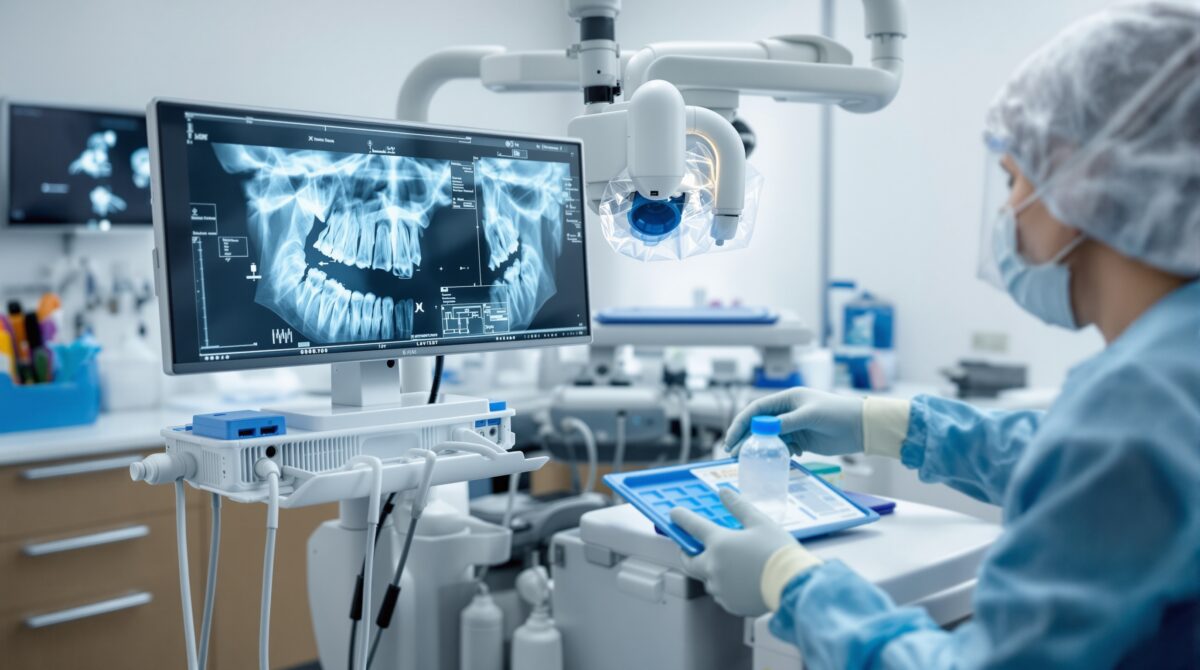
Cover the tube head and PID with disposable plastic barriers before each patient. Barrier options include:
- Plastic sleeves: Available specifically for tube heads and PIDs. These slide over the equipment and are secured with tape or elastic.
- Plastic wrap: Standard clear plastic food wrap can be used as an economical alternative. Wrap the tube head and PID snugly, ensuring all surfaces that may be touched are covered.
- Disposable plastic bags: Large enough to cover the entire tube head assembly.
After the patient appointment, remove barriers with gloved hands and discard them. If barriers were compromised or not used, disinfect the tube head and PID surfaces with an EPA-registered intermediate-level disinfectant.
Exposure Button and Control Panel
The exposure switch or button is typically located outside the operatory (or behind a shield) and is pressed by the operator. If the operator has changed gloves after positioning the sensor, the button may not be contaminated. However, best practice includes:
- Covering the exposure button with a barrier (small plastic sleeve or plastic wrap).
- Using over-gloves when transitioning from patient contact to equipment operation.
- Disinfecting the button and control panel at the end of each patient appointment.
Workflow Strategies to Minimize Cross-Contamination
Even the best barriers and disinfectants are only effective when paired with a smart workflow. Here are strategies to build infection control into your radiographic routine:
Pre-Procedure Setup
- Gather all supplies before seating the patient: barrier sleeves, sensor holders, cotton rolls, bite tabs.
- Place barriers on the tube head, PID, exposure button, and any other surfaces you’ll touch.
- Position the sensor in its barrier sleeve.
- Set exposure parameters on the control panel before gloving up for the patient.
During the Procedure
- Use gloved hands for all intraoral procedures.
- Avoid touching non-barriered surfaces with contaminated gloves. If you must touch something outside the treatment zone, use over-gloves or change gloves.
- Transfer exposed sensors carefully — if using a USB-connected sensor, avoid pulling the cable with contaminated gloves.
Post-Procedure Cleanup
- Remove and discard all barriers with gloved hands.
- Remove gloves, wash hands, and re-glove with fresh gloves for disinfection.
- Disinfect all non-barriered surfaces that may have been contacted.
- Process sensor holders for sterilization.
- Disinfect the sensor as described above.
Special Considerations for Phosphor Storage Plate (PSP) Systems
If your practice uses phosphor storage plates instead of digital sensors, infection control differs slightly:
- Barrier sleeves are mandatory — PSPs are even more vulnerable to contamination because they are handled more during processing.
- Careful sleeve removal: When removing the barrier, avoid touching the plate surface. Contaminated plates can transfer organisms to the scanner drum or rollers, contaminating subsequent plates.
- Wipe plates after sleeve removal: Use a disinfectant wipe on the plate surface before placing it in the scanner.
- Clean the scanner regularly: Wipe down the PSP scanner’s feed slot and internal rollers per the manufacturer’s recommendations.
Common Mistakes to Avoid
- Reusing barrier sleeves: Never reuse a barrier sleeve, even if it appears clean. Single-use means single-use.
- Skipping barriers because you’ll “just disinfect after”: Barriers and disinfection are complementary, not interchangeable. Both are needed for proper infection control.
- Using alcohol alone as a disinfectant: Isopropyl alcohol evaporates too quickly to achieve adequate contact time and is not EPA-registered as a surface disinfectant for dental use.
- Forgetting the lead apron and thyroid collar: These patient protection items contact multiple patients daily. Wipe them down with a disinfectant between patients.
- Ignoring the computer keyboard and mouse: If you’re entering patient data or adjusting software settings between sensor placements, you may contaminate input devices. Use keyboard covers or barrier wrap.
Staff Training and Compliance
Infection control protocols are only as strong as the team’s commitment to following them. Ensure compliance by:
- Including radiographic infection control in your written office infection control plan.
- Training all clinical staff during onboarding and at least annually thereafter.
- Posting quick-reference guides in imaging areas.
- Conducting periodic audits to verify that protocols are being followed consistently.
Conclusion
Infection control for dental X-ray equipment is straightforward when you follow established guidelines: barrier everything that can be barriered, disinfect what can’t be sterilized, sterilize what enters the mouth, and build these steps into a consistent workflow. By making infection control a seamless part of every radiographic procedure, your practice protects patients, protects staff, and demonstrates the standard of care that patients expect and deserve.