Troubleshooting Common Digital X-Ray Equipment Issues in Dental Practices

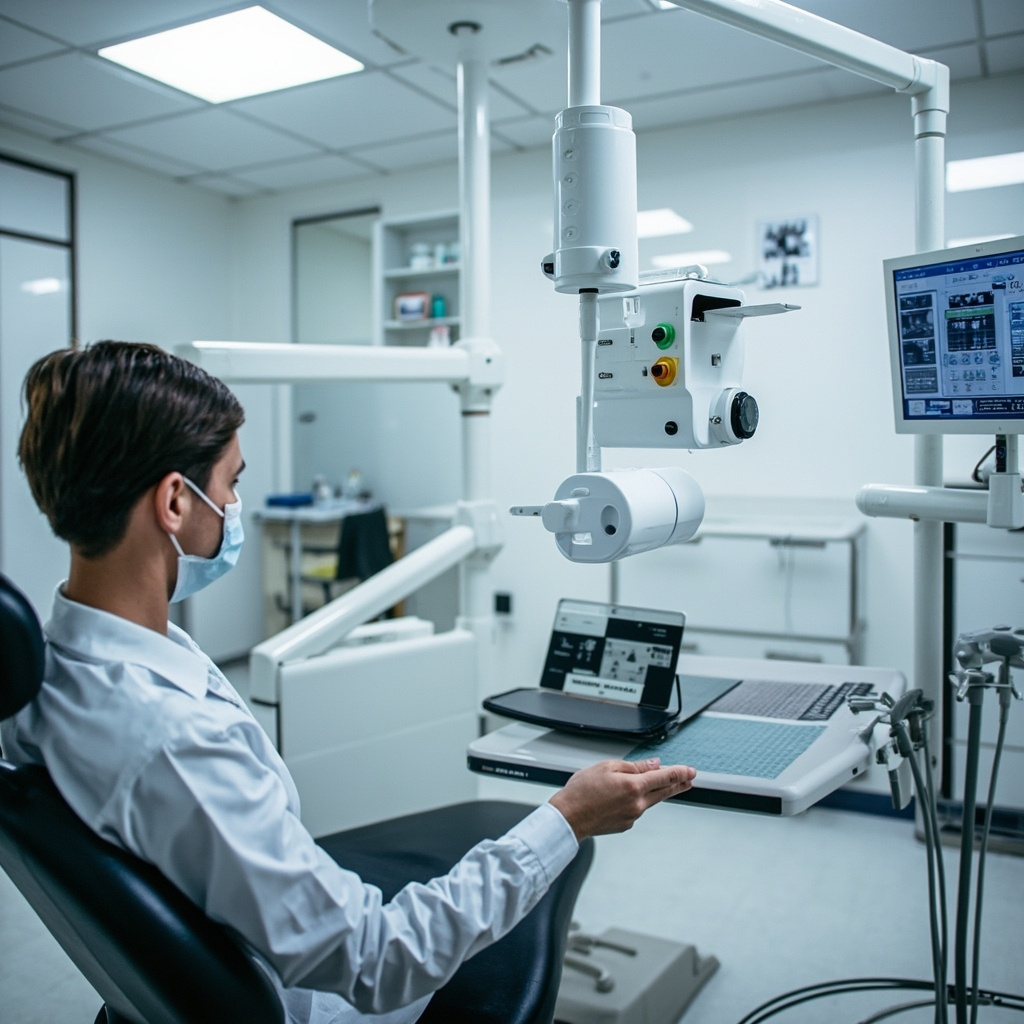
Digital radiography has revolutionized dental imaging, offering instant results and improved diagnostic accuracy. However, like any sophisticated technology, digital X-ray systems can encounter operational issues that disrupt workflow and patient care. Understanding how to quickly identify and resolve common problems is essential for maintaining efficient dental practice operations.
Most Frequent Digital X-Ray System Problems
Digital X-ray equipment failures typically fall into several categories: sensor connectivity issues, software glitches, image quality problems, and hardware malfunctions. Each requires specific diagnostic approaches and solutions to restore normal operation.

Sensor Connectivity and Recognition Issues
One of the most common problems dental practices encounter involves the X-ray sensor not being recognized by the imaging software. This can manifest as error messages indicating “sensor not found” or “no device connected.”
Primary troubleshooting steps include:
- Checking all USB connections between sensor, interface box, and computer
- Verifying proper sensor driver installation and updates
- Testing sensor functionality with different USB ports
- Restarting imaging software and reconnecting sensor
- Inspecting sensor cable for damage or wear
Image Quality and Exposure Problems
Poor image quality significantly impacts diagnostic capabilities and can result from various factors including incorrect exposure settings, sensor positioning, or equipment calibration issues.
Common image quality issues:
- Images appearing too dark or too light
- Excessive noise or graininess
- Blurred or distorted radiographs
- Incomplete image capture
- Artifacts or unusual patterns in images
Software Interface and Processing Errors
Digital radiography software occasionally experiences crashes, freezes, or processing errors that prevent normal operation. These issues often stem from system resource conflicts, outdated software versions, or corrupted image files.
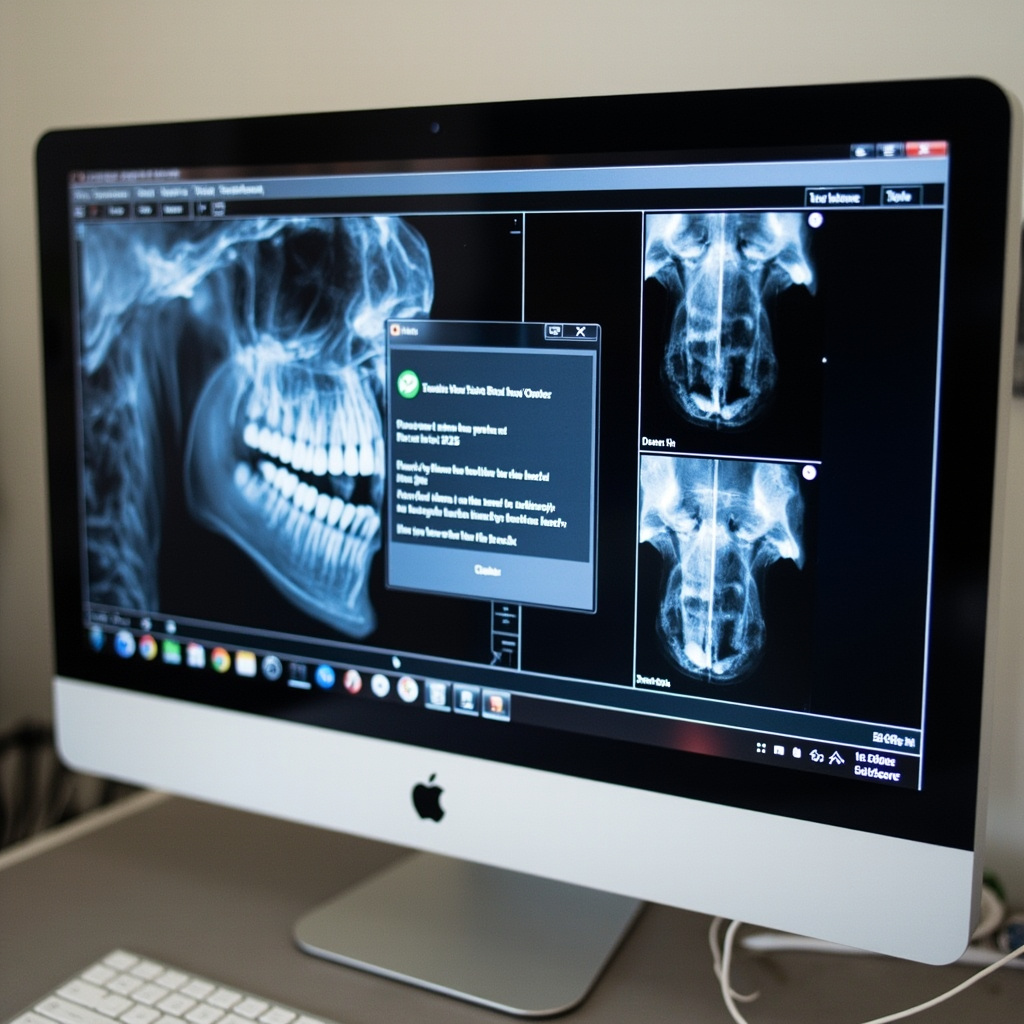
Essential Software Troubleshooting Protocol
When encountering software-related problems, follow this systematic approach:
- Close and restart imaging application – Many temporary glitches resolve with a simple restart
- Check available system memory – Large image files can overwhelm limited RAM
- Verify software version currency – Manufacturers regularly release bug fixes and updates
- Clear temporary files and cache – Accumulated temporary data can cause performance issues
- Test with new patient file – Corrupted patient records can cause persistent problems
Hardware Maintenance and Prevention
Preventive maintenance significantly reduces equipment downtime and extends system lifespan. Regular cleaning, proper handling, and scheduled inspections identify potential issues before they become critical failures.
Recommended maintenance schedule:
- Daily sensor cleaning with approved disinfectants
- Weekly cable inspection and connection verification
- Monthly software updates and system optimization
- Quarterly professional calibration and alignment checks
- Annual comprehensive system evaluation and service
When to Contact Technical Support
While many digital X-ray issues can be resolved through basic troubleshooting, certain problems require professional intervention. Contact manufacturer support when experiencing persistent sensor failures, consistent image quality problems despite adjustments, software licensing errors, or any hardware damage.
Maintaining detailed logs of recurring issues helps technical support diagnose underlying problems more efficiently and can reveal patterns indicating necessary equipment upgrades or replacements.
Conclusion
Effective troubleshooting of digital X-ray equipment requires systematic approaches and thorough understanding of common failure modes. By implementing proper maintenance protocols and following structured diagnostic procedures, dental practices can minimize downtime and ensure consistent, high-quality imaging capabilities for optimal patient care.