Troubleshooting Common Intraoral X-ray System Issues: A Technical Guide

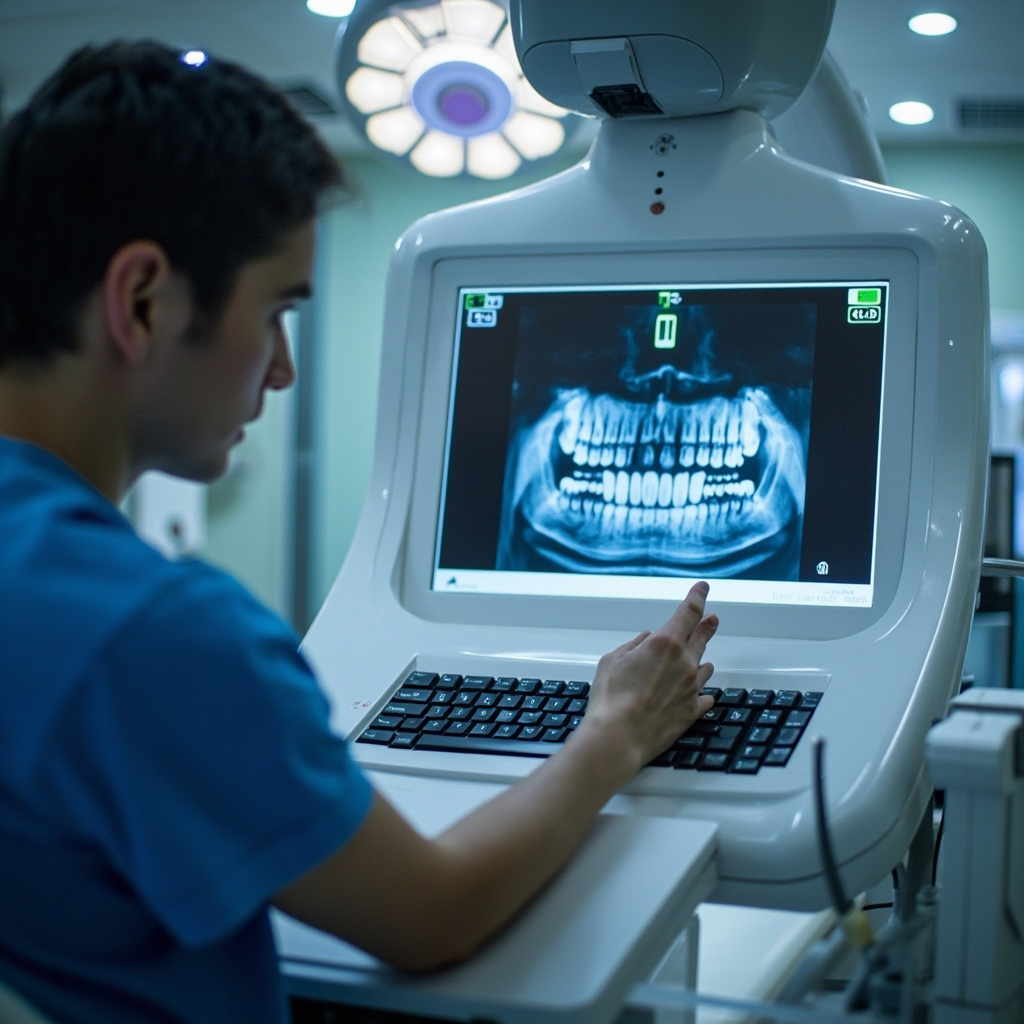
Intraoral X-ray systems are essential diagnostic tools in modern dental practices, but they can encounter various technical issues that affect image quality and workflow efficiency. Understanding common troubleshooting procedures ensures optimal performance and minimizes downtime.
Common Image Quality Issues
Poor image quality is often the first indicator of equipment problems. Dark or light images typically result from incorrect exposure settings or sensor malfunctions. When images appear consistently underexposed, check the kVp and mA settings against manufacturer recommendations. Overexposed images may indicate sensor hypersensitivity or excessive exposure parameters.
Blurred or distorted images usually stem from patient movement, improper sensor positioning, or equipment vibration. Ensure stable patient positioning and verify that all mounting components are properly secured. The 0.4 mm focal spot technology in modern systems like the Heliodent Plus requires precise positioning for optimal results.
Sensor and Positioning Problems
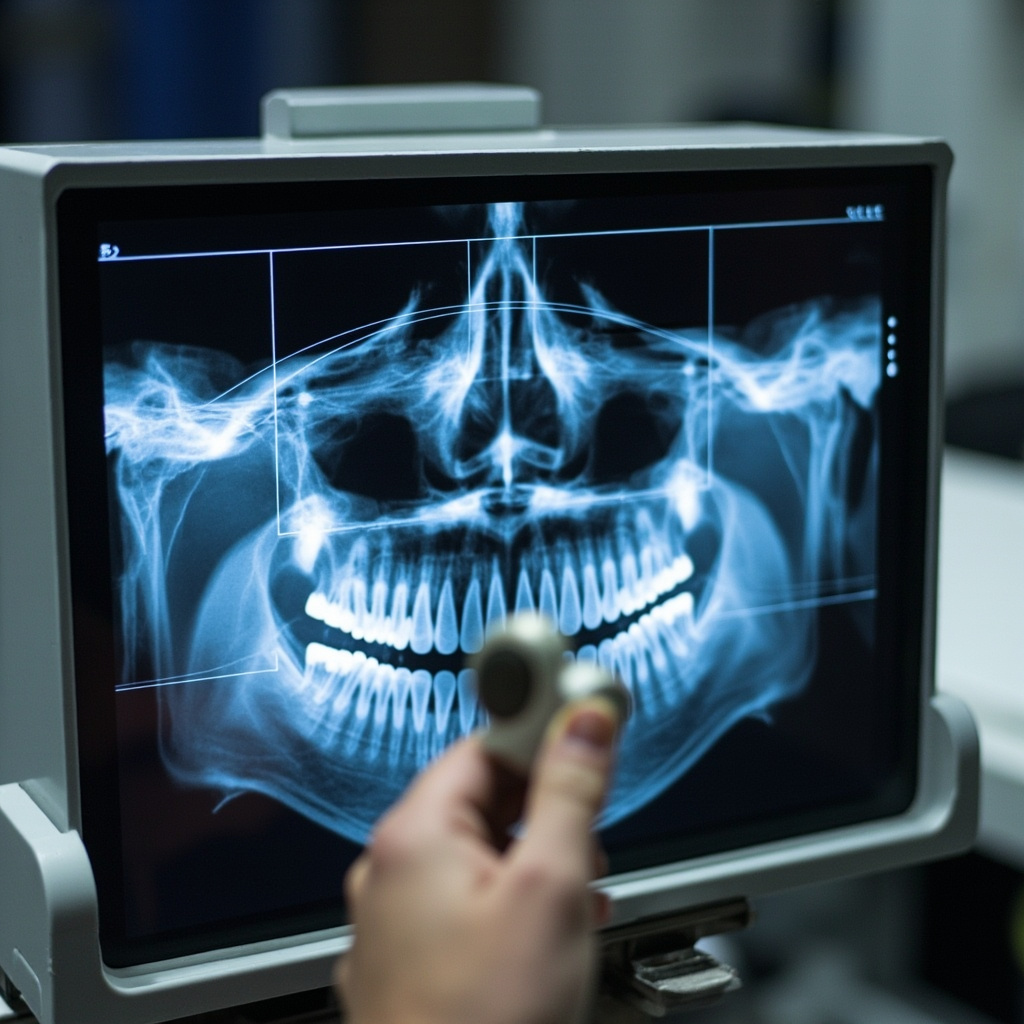
Digital sensors are sensitive components requiring careful handling and proper positioning. Sensor cables should be inspected regularly for damage, as bent or kinked cables can cause intermittent signal loss. When positioning sensors, maintain consistent angulation and ensure proper contact with tooth surfaces.
Positioning arm drift is a common mechanical issue that affects repeatability. Check all joints and adjustment mechanisms for proper tension. Lubricate moving parts according to manufacturer specifications, typically every six months or as recommended.
Exposure Control Malfunctions
Inconsistent exposures often indicate problems with the exposure control circuitry. Modern systems feature precise timing mechanisms that can be affected by electrical interference or component aging. Verify that the exposure button functions properly and that the audible signals correspond to actual exposure times.
If the system fails to expose, check the safety interlocks and ensure proper technique selection. Many newer systems include automatic exposure control features that adjust parameters based on patient anatomy and selected procedures.
Software and Connectivity Issues
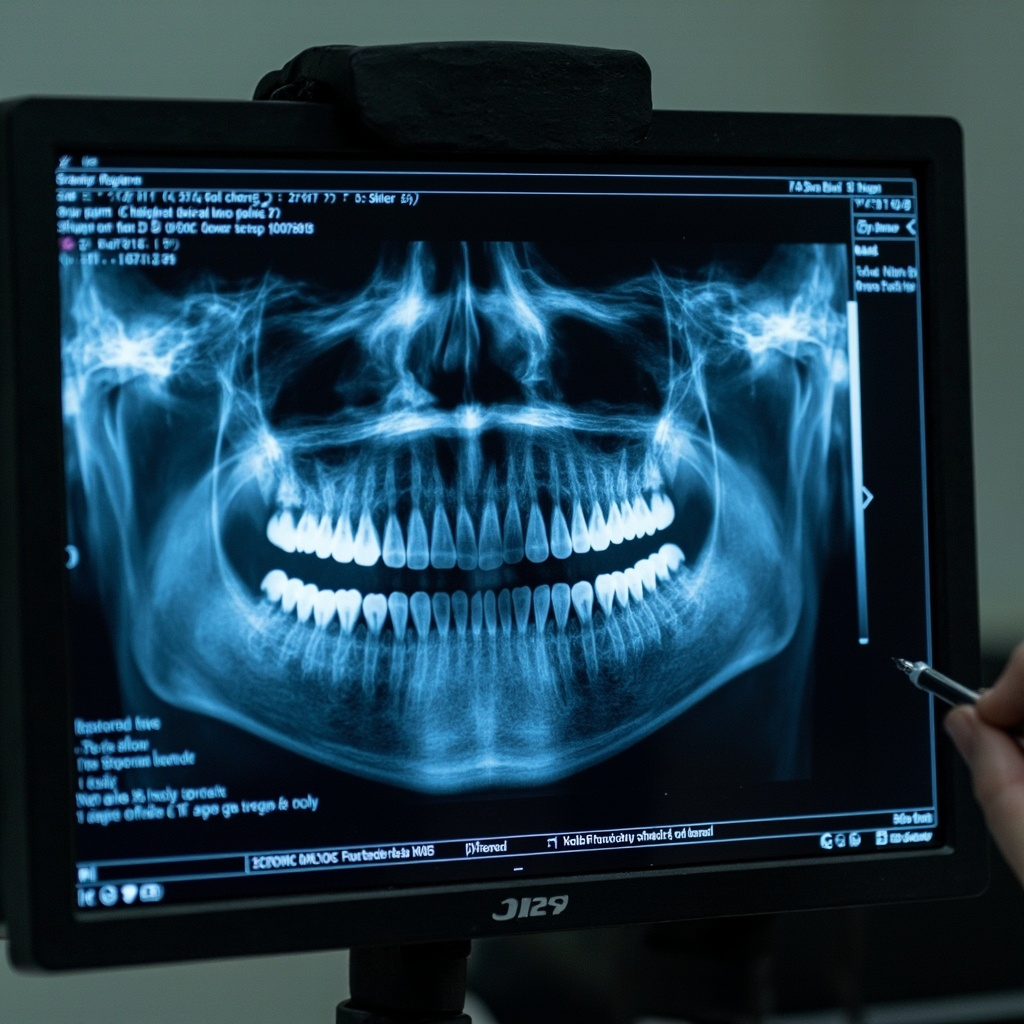
Digital radiography systems rely on software integration for image capture and processing. Connection problems between sensors and computers can cause capture failures or image corruption. Verify USB connections and ensure proper driver installation.
Image processing delays may indicate insufficient computer memory or processor capabilities. Modern systems require adequate computing resources to handle high-resolution image data efficiently. Regular software updates help maintain compatibility and performance.
Preventive Maintenance Protocols
Regular maintenance prevents many common issues from developing into major problems. Daily cleaning procedures should include sensor disinfection using appropriate antimicrobial solutions. Avoid submersion of electronic components and use only manufacturer-approved cleaning agents.
Weekly inspections should verify proper mechanical operation, including positioning arm movement and exposure control function. Monthly calibration checks ensure consistent image quality and exposure accuracy. Documentation of maintenance activities helps track equipment performance over time.
Advanced Diagnostic Features
Modern intraoral systems often include sophisticated diagnostic capabilities like High Definition (HD) mode, which records up to 800 individual images during rotation to create low-noise, high-resolution volumes with resolution up to 80 μm. These features require proper understanding for effective troubleshooting.
Metal Artifact Reduction Software (MARS) helps minimize shadowing and streaking effects from radiopaque objects. When artifacts persist despite MARS activation, verify proper positioning and technique selection. Some cases may require alternative imaging approaches or manual artifact correction.
When to Contact Service Support
While many issues can be resolved through basic troubleshooting, certain problems require professional service intervention. Contact manufacturer support for consistent exposure failures, mechanical component damage, or software corruption that persists after standard troubleshooting procedures.
Maintaining detailed service records helps technicians diagnose recurring issues more efficiently. Include date, symptoms, corrective actions taken, and final resolution in all service documentation. This information proves valuable for warranty claims and long-term equipment planning.