Dental X-Ray Equipment Workflow Integration and Efficiency Optimization

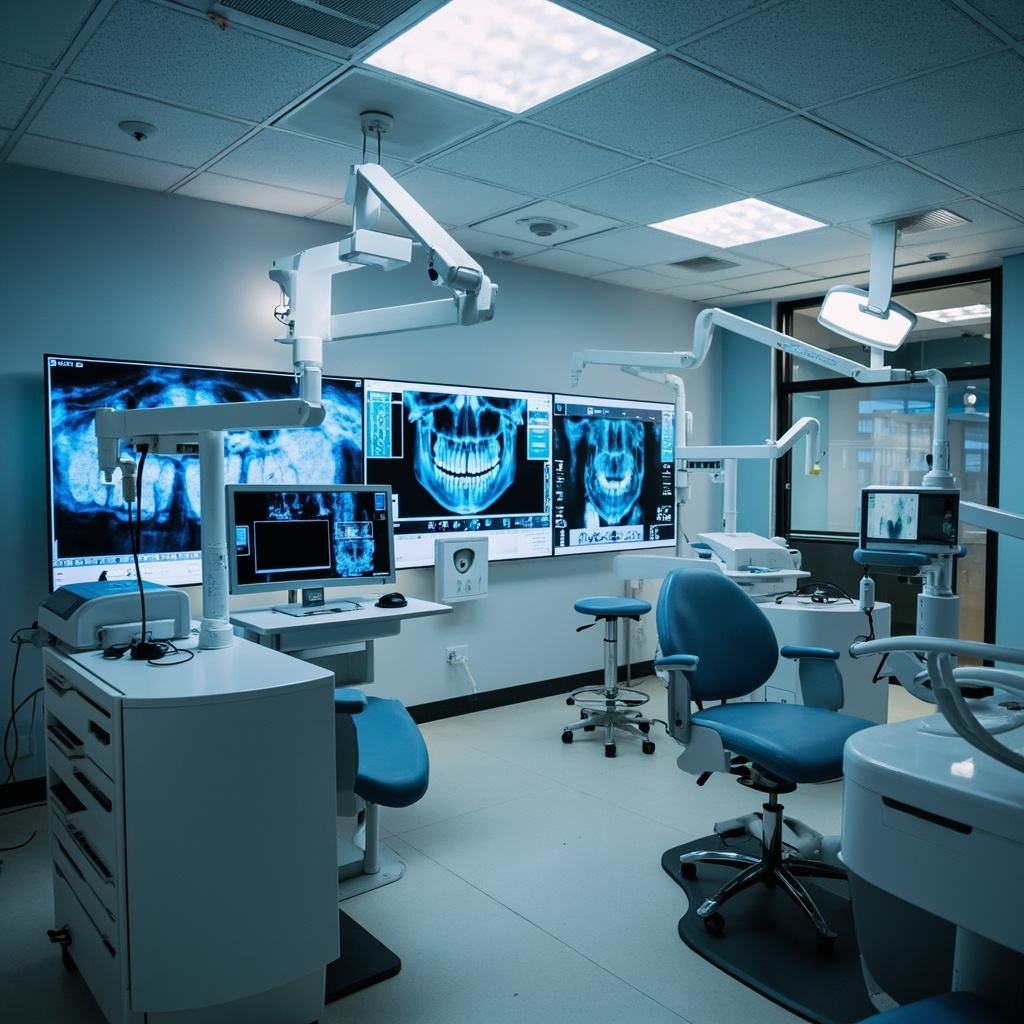
Modern dental practices face increasing demands for efficiency while maintaining exceptional patient care standards. Digital X-ray equipment workflow integration has emerged as a critical factor in practice optimization, with studies showing that properly integrated systems can reduce imaging time by up to 40% while improving diagnostic accuracy.

Understanding Workflow Integration Challenges

Traditional dental X-ray workflows often involve multiple disconnected systems that create bottlenecks and inefficiencies. Common pain points include manual data entry, incompatible software platforms, and fragmented patient records that require technicians to navigate between multiple applications during a single imaging session.

The 2026 dental technology landscape demands seamless integration between X-ray hardware, practice management software, and diagnostic tools. Practices utilizing integrated workflows report significant improvements in both patient throughput and staff satisfaction.
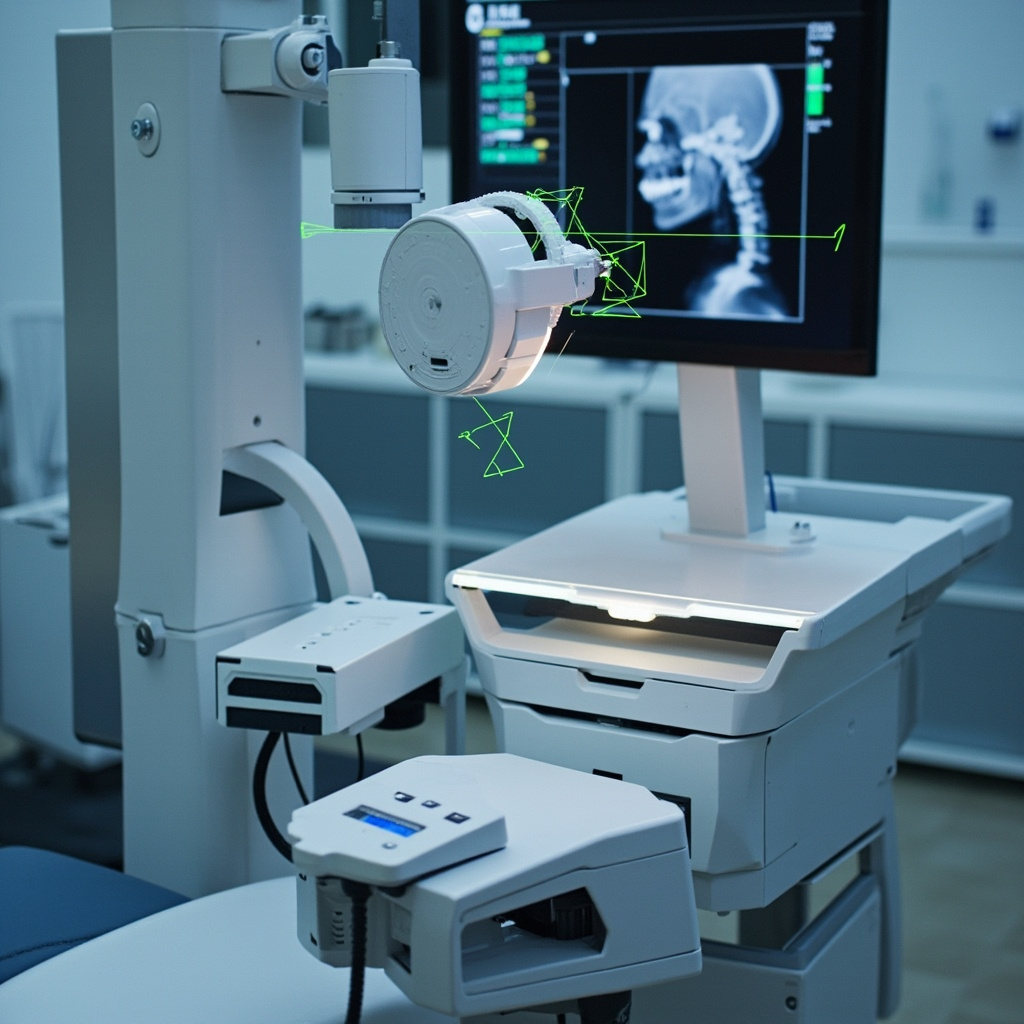
Digital X-ray sensor positioning device with automated workflow integration

Key Components of Optimized X-Ray Workflows

Automated Patient Data Transfer

Modern dental X-ray systems should automatically populate patient information from practice management software, eliminating manual entry errors and reducing setup time. DICOM compliance ensures seamless data exchange between imaging equipment and storage systems.

Real-Time Quality Assessment

Integrated quality control systems provide immediate feedback on image quality, allowing for immediate retakes when necessary rather than discovering issues during review. This reduces patient recall appointments and improves first-pass success rates.

Streamlined Image Processing

Automated image enhancement and processing algorithms can improve diagnostic quality while reducing the time radiographers spend on manual adjustments. Advanced systems learn from user preferences to optimize processing parameters automatically.

Measuring and Improving Workflow Efficiency

Successful workflow optimization requires comprehensive metrics tracking and analysis. Key performance indicators include image acquisition time, processing duration, and integration points between systems.

Dashboard showing dental practice efficiency metrics and workflow analytics

Essential Efficiency Metrics

  • Patient throughput time: Total time from patient positioning to completed radiograph
  • System integration delays: Time lost during data transfer between systems
  • Retake rates: Percentage of images requiring additional exposures
  • Staff utilization: Optimal allocation of radiographer time and responsibilities

Implementation Best Practices

Begin workflow optimization with a comprehensive audit of current processes, identifying specific bottlenecks and integration gaps. Prioritize high-impact improvements that address the most significant time delays or error sources.

Staff training is crucial for successful implementation. Ensure all team members understand new workflows and can troubleshoot common integration issues. Regular refresher training sessions help maintain optimal efficiency levels.

Future-Proofing Your X-Ray Workflow

The dental technology landscape continues evolving rapidly. Select X-ray equipment and software platforms that support open standards and API integration to ensure compatibility with future innovations.

Cloud-based solutions offer enhanced flexibility and scalability, allowing practices to adapt workflows as patient volume grows. Consider systems that support artificial intelligence integration for automated diagnosis assistance and predictive maintenance.

Regular workflow assessments and updates ensure your practice maintains peak efficiency as technology advances and patient expectations evolve.
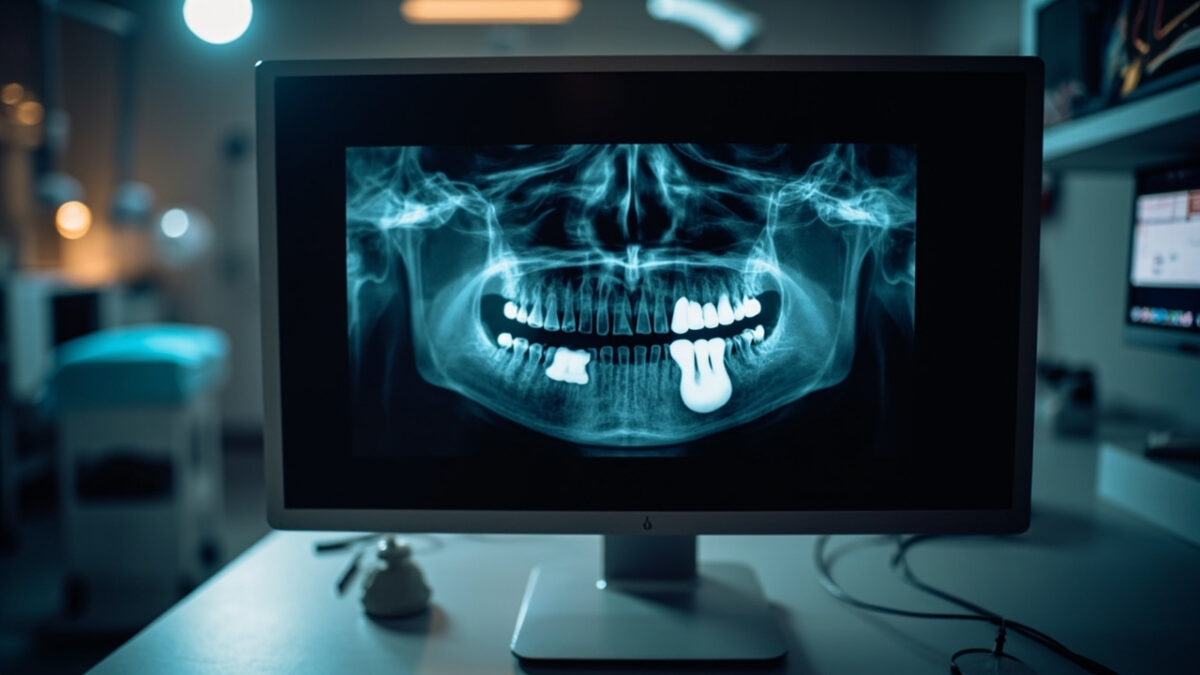
Common Dental X-ray Artifacts and How to Troubleshoot Them

Even the most experienced dental professionals encounter image artifacts that compromise diagnostic quality. Whether you are working with traditional film, digital sensors, or phosphor storage plates (PSP), understanding the causes of common X-ray artifacts — and knowing how to correct them — is critical for accurate diagnosis and efficient workflow. This guide covers the most frequently encountered dental X-ray artifacts, their root causes, and practical troubleshooting steps.

What Are X-ray Artifacts?

An artifact is any feature that appears on a radiographic image that does not represent actual patient anatomy. Artifacts can mimic pathology, obscure important diagnostic information, or simply degrade image quality to the point where a retake is necessary. Every retake means additional radiation exposure for the patient and lost chair time for the practice, making artifact prevention a priority.

Patient Positioning Errors

Positioning errors are among the most common causes of artifacts in intraoral and panoramic X-ray imaging.

Cone Cutting

Cone cutting occurs when the X-ray beam is not properly aligned with the sensor or film, resulting in a clear unexposed area on the image. This is immediately recognizable as a sharp, curved border between the exposed and unexposed portions of the image.

Troubleshooting: Ensure the position-indicating device (PID) is properly aligned with the sensor holder. Using beam-alignment devices (such as XCP or Rinn holders) significantly reduces cone cutting. Take a moment to verify alignment before each exposure.

Elongation and Foreshortening

Elongation makes teeth appear longer than they actually are, while foreshortening makes them appear shorter. Both result from incorrect vertical angulation of the X-ray beam relative to the sensor and tooth.

Troubleshooting: Elongation occurs when the vertical angle is too shallow (insufficient angle). Foreshortening occurs when the angle is too steep. Using the paralleling technique with proper beam-alignment instruments helps maintain consistent and correct angulation.

Overlapping

Overlapping of interproximal surfaces makes it impossible to evaluate contact areas for caries — defeating the primary purpose of bitewing X-ray images.

Troubleshooting: Overlapping results from incorrect horizontal angulation. The central ray must be directed through the contact points perpendicular to the interproximal surfaces. Adjust the horizontal angle so the beam passes cleanly between the teeth of interest.

Panoramic X-ray Artifacts

Panoramic radiography introduces a unique set of positioning-related artifacts due to the rotational nature of image acquisition.

Ghost Images

Ghost images are blurred, magnified duplicates of radiopaque objects (such as earrings, necklaces, or cervical spine vertebrae) that appear on the opposite side of the image from their actual location. They are created when a dense object is located between the X-ray source and the center of rotation.

Troubleshooting: Remove all metallic jewelry, eyeglasses, hearing aids, and removable dental prostheses before exposure. Ensure the patient’s cervical spine is straightened (chin slightly tucked) to minimize vertebral ghost images.

Patient Positioned Too Far Forward or Back

When the patient’s anterior teeth are positioned too far forward relative to the focal trough, they appear narrowed and blurred. If positioned too far back, the anterior teeth appear widened and magnified.

Troubleshooting: Use the bite guide and light positioning indicators on the panoramic unit. Ensure the patient bites the notch on the bite block with their upper and lower incisors edge-to-edge. Follow the manufacturer’s positioning protocol carefully.

Digital Sensor Artifacts

Digital imaging systems introduce their own category of artifacts that are distinct from those seen with traditional film.

Dead Pixels and Lines

CCD and CMOS digital sensors can develop dead or stuck pixels that appear as consistent black or white spots on every image. Damaged sensors may also show lines or bands across the image.

Troubleshooting: Run the sensor’s built-in calibration tool if available. If dead pixels or lines persist, the sensor may need professional repair or replacement. Handle sensors carefully to prevent damage — never drop, bend, or crush them.

Cable and Connection Issues

Damaged USB cables or loose connections can produce intermittent artifacts including image noise, partial image capture, or complete image failure. These issues may be mistaken for sensor damage.

Troubleshooting: Inspect the cable for visible damage, especially near the sensor housing where strain is greatest. Try a different USB port. If using a USB hub, connect directly to the computer instead. Replace cables that show signs of wear.

Phosphor Plate (PSP) Artifacts

Phosphor storage plates present their own unique artifact challenges.

Residual Image (Double Exposure)

If a PSP plate is not fully erased before reuse, a faint ghost of the previous exposure can appear superimposed on the new image. This is one of the most common PSP artifacts.

Troubleshooting: Always erase PSP plates on a light box or in the scanner’s erase cycle before each use. If plates have been stored for an extended period, erase them before first use to clear any accumulated background radiation exposure.

Scratches and Surface Damage

PSP plates are delicate. Scratches on the phosphor surface appear as fine white lines on the processed image. These artifacts are permanent and worsen over time.

Troubleshooting: Handle plates by the edges only. Use protective barrier envelopes during intraoral placement. Inspect plates regularly and retire any that show visible surface damage. PSP plates have a finite lifespan — most manufacturers recommend replacement after a set number of scan cycles.

Exposure Setting Errors

Incorrect exposure parameters produce images that are too dark (overexposed) or too light (underexposed). While digital systems offer some latitude for post-processing adjustment, severely over- or underexposed images cannot be salvaged.

Troubleshooting: Follow manufacturer-recommended exposure charts based on patient size and anatomy. Adjust kVp and mA settings appropriately for pediatric versus adult patients and for anterior versus posterior regions. Maintain a reference chart at each X-ray unit and train all operators on proper technique selection.

Building a Quality Assurance Program

The best approach to artifacts is prevention. Implement a quality assurance (QA) program that includes regular equipment testing, staff training, and image quality audits. Periodically review rejected images to identify patterns — if the same type of artifact recurs, it points to a systematic issue with technique, equipment, or training that can be addressed proactively.

By understanding the causes behind common dental X-ray artifacts, your team can minimize retakes, reduce unnecessary radiation exposure, and ensure that every image captured provides maximum diagnostic value.