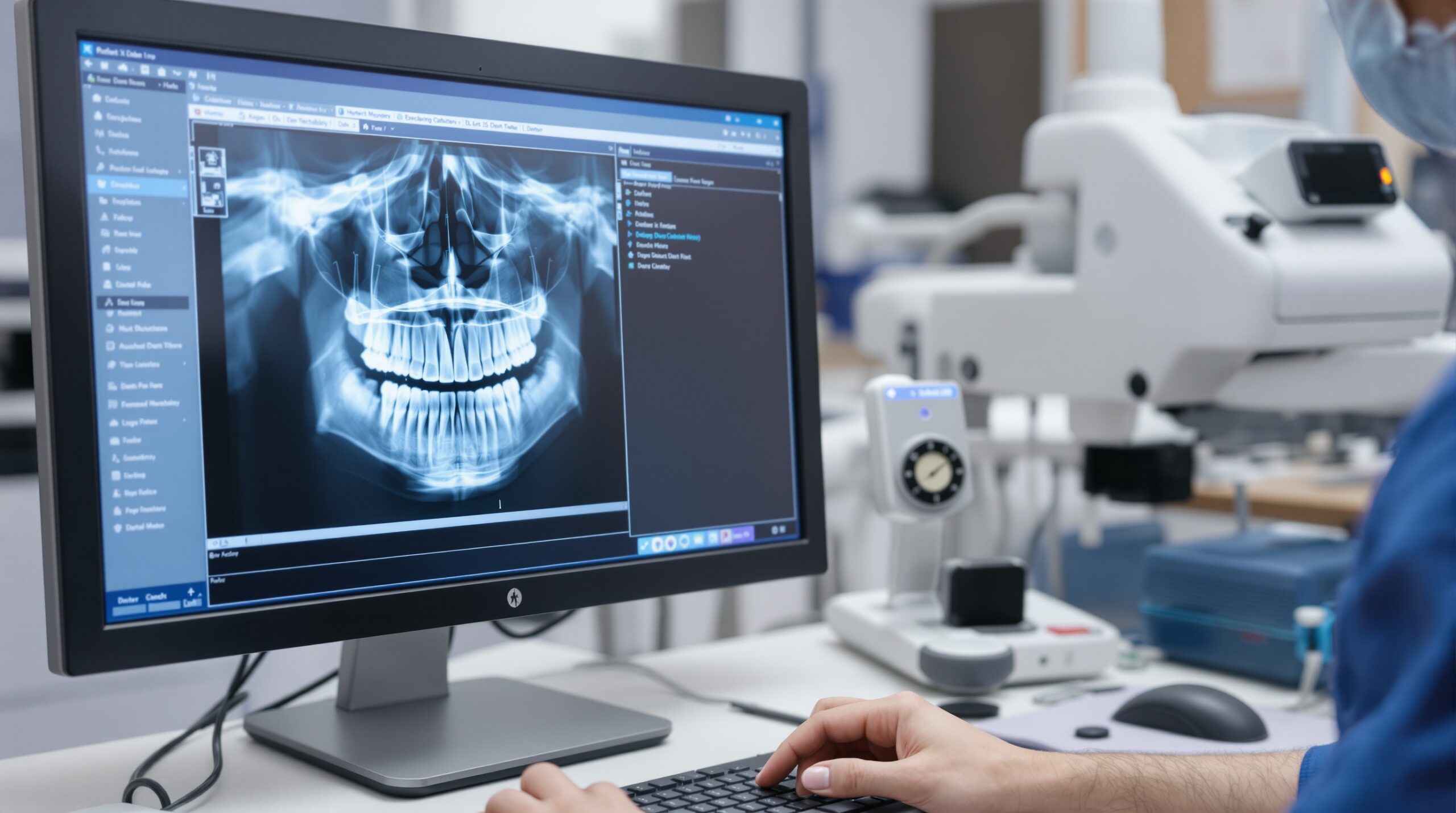
Discover how CBCT technology is revolutionizing dental imaging in 2026 with enhanced 3D visualization, reduced radiation exposure, and expanded clinical applications for modern dental practices.
New 2026 research reveals how AI systems compare to human dentists in diagnosing periapical pathosis. Discover the breakthrough findings, implementation strategies, and future of AI in dental radiography.
Radiation safety remains a fundamental concern in dental radiography, requiring continuous attention to evolving protocols, regulatory standards, and best practices. As imaging technology advances and exposure guidelines are refined, dental professionals must maintain comprehensive safety programs that protect patients, staff, and themselves while ensuring optimal diagnostic quality. This guide examines current radiation safety protocols, implementation strategies, and emerging considerations for modern dental practices.
Understanding Radiation Exposure in Dental Imaging
Dental radiographic procedures expose patients and operators to ionizing radiation, necessitating careful balance between diagnostic benefit and radiation risk. Modern digital X-ray systems significantly reduce exposure compared to traditional film-based methods, but proper safety protocols remain essential regardless of the technology employed.
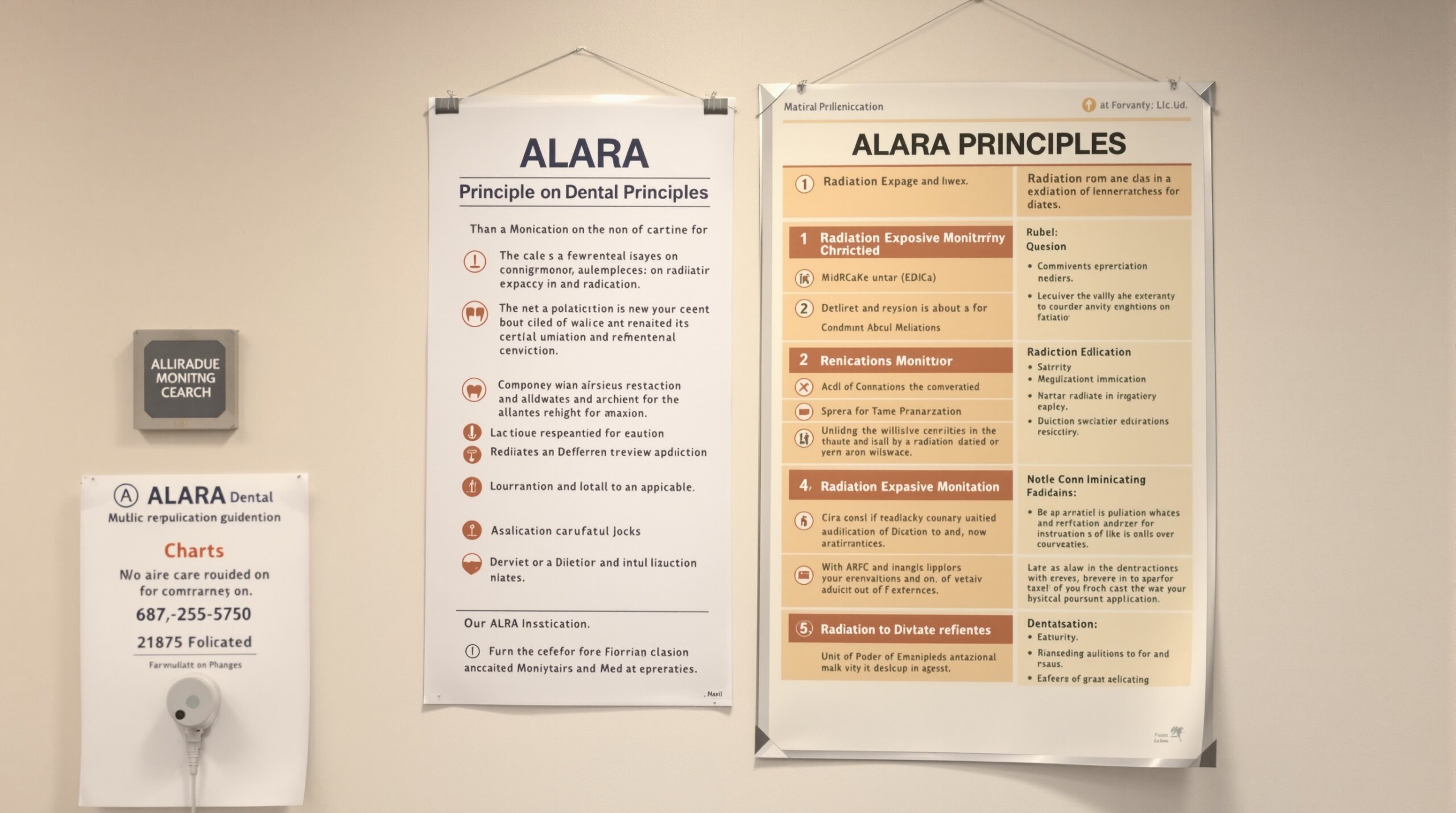
The ALARA principle (As Low As Reasonably Achievable) serves as the foundation for all radiation safety protocols. This philosophy requires minimizing radiation exposure through technical optimization, appropriate patient selection, and proper equipment utilization while maintaining diagnostic image quality necessary for clinical decision-making.
Current exposure levels for dental radiography are measured in microsieverts (μSv), with typical intraoral X-rays delivering approximately 5-10 μSv per exposure. To put this in perspective, these doses are comparable to natural background radiation exposure received during a few hours of normal daily activities.
Regulatory Framework and Standards
Radiation safety in dentistry operates under federal, state, and local regulatory oversight. The Nuclear Regulatory Commission (NRC), along with Agreement States, establishes fundamental radiation protection standards, while individual states maintain specific licensing requirements and inspection protocols for dental X-ray equipment.
The National Council on Radiation Protection and Measurements (NCRP) provides scientific recommendations that inform regulatory standards and clinical practice guidelines. NCRP Report No. 177 specifically addresses radiation safety in dentistry, offering comprehensive guidance on equipment specifications, facility design, and operational procedures.
Professional organizations, including the American Dental Association (ADA) and American Academy of Oral and Maxillofacial Radiology (AAOMR), publish practice guidelines and position papers that translate regulatory requirements into practical clinical protocols.
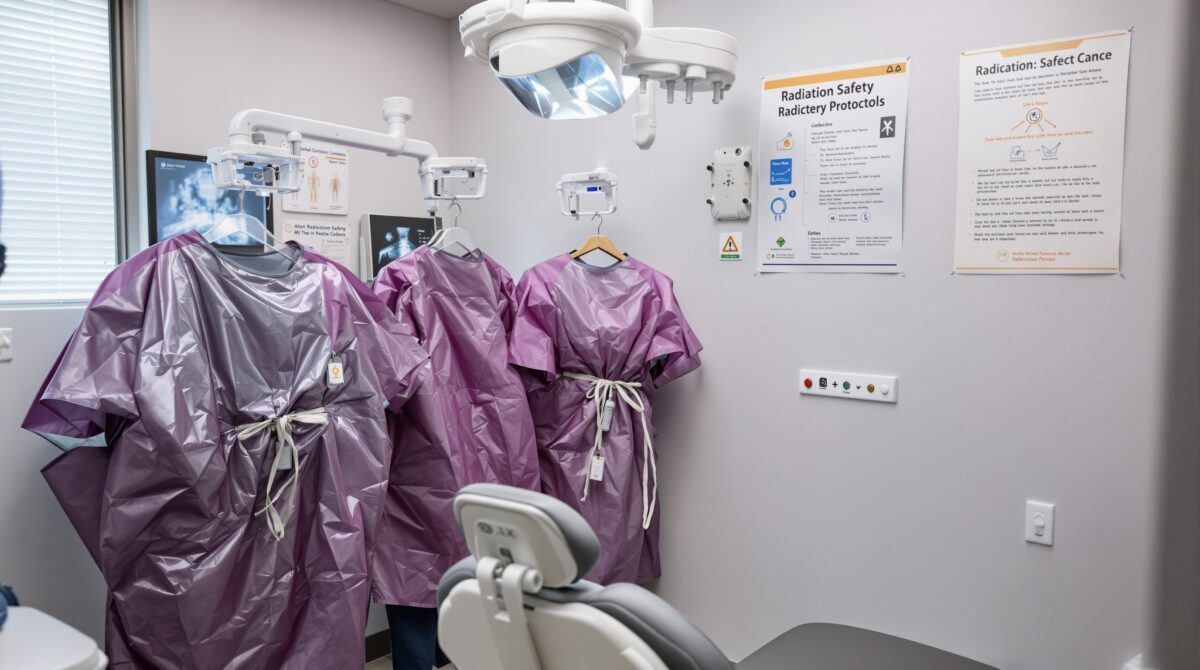
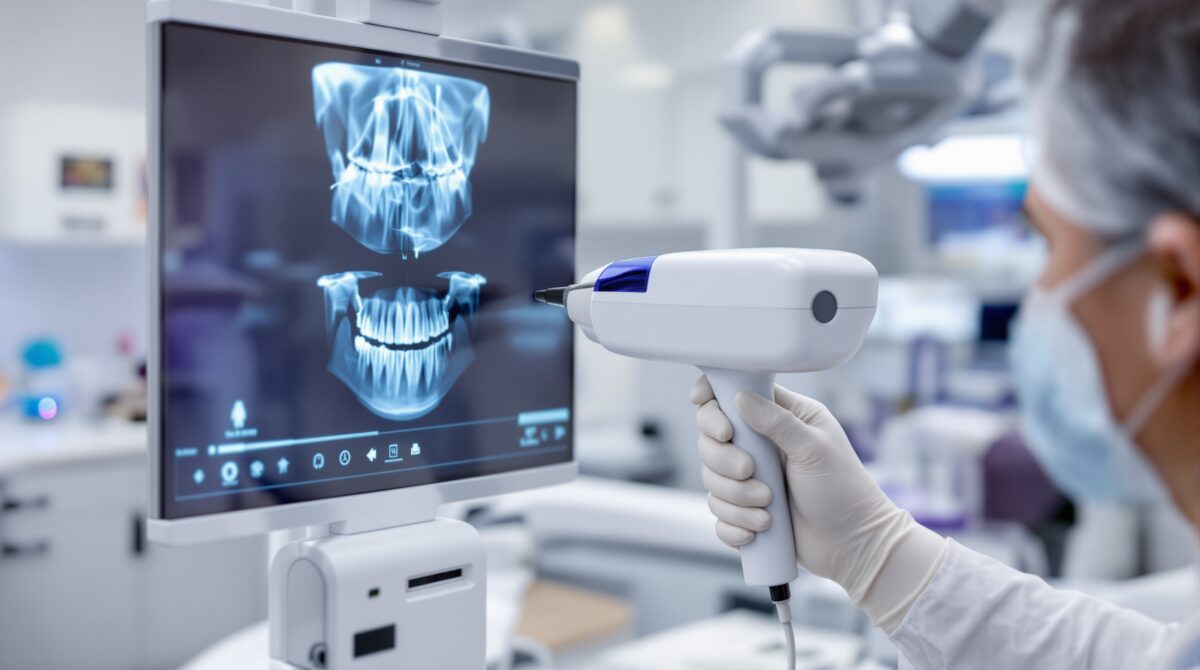
Comprehensive safety documentation and protocol posters serve as constant reminders of proper radiation safety procedures.
Essential Equipment Safety Features
X-Ray Machine Requirements
Modern dental X-ray equipment must incorporate multiple safety features to ensure compliance with current standards. Tube head design should include adequate filtration (minimum 2.5mm aluminum equivalent for machines operating above 70 kVp), proper beam collimation, and position-indicating devices (PIDs) that restrict beam size to the image receptor area.
Digital imaging systems offer inherent safety advantages through reduced exposure requirements, but proper calibration and quality assurance remain critical. Regular equipment testing ensures consistent performance and optimal radiation output characteristics.
Facility Design Considerations
Proper facility design minimizes radiation exposure to staff and adjacent areas. Primary barriers (walls, floors, ceilings) must provide adequate shielding based on workload calculations and occupancy factors. Secondary barriers protect against scattered and leakage radiation, with requirements varying based on distance and use factors.
Controlled areas, where radiation exposure may exceed certain thresholds, require restricted access and appropriate warning signage. Uncontrolled areas must maintain exposure levels below regulatory limits for members of the general public.
Personal Protection Equipment and Monitoring
Lead aprons and thyroid collars provide essential patient protection during radiographic procedures. Current recommendations specify lead equivalency requirements (typically 0.25-0.5mm lead equivalent) and proper coverage areas. Regular inspection and testing ensure continued protective effectiveness, with damaged protective garments requiring immediate replacement.
Operator protection relies primarily on distance and shielding rather than personal protective equipment. The six-foot rule establishes minimum distance requirements from the primary beam, while protective barriers or adequate distance provides secondary radiation protection.
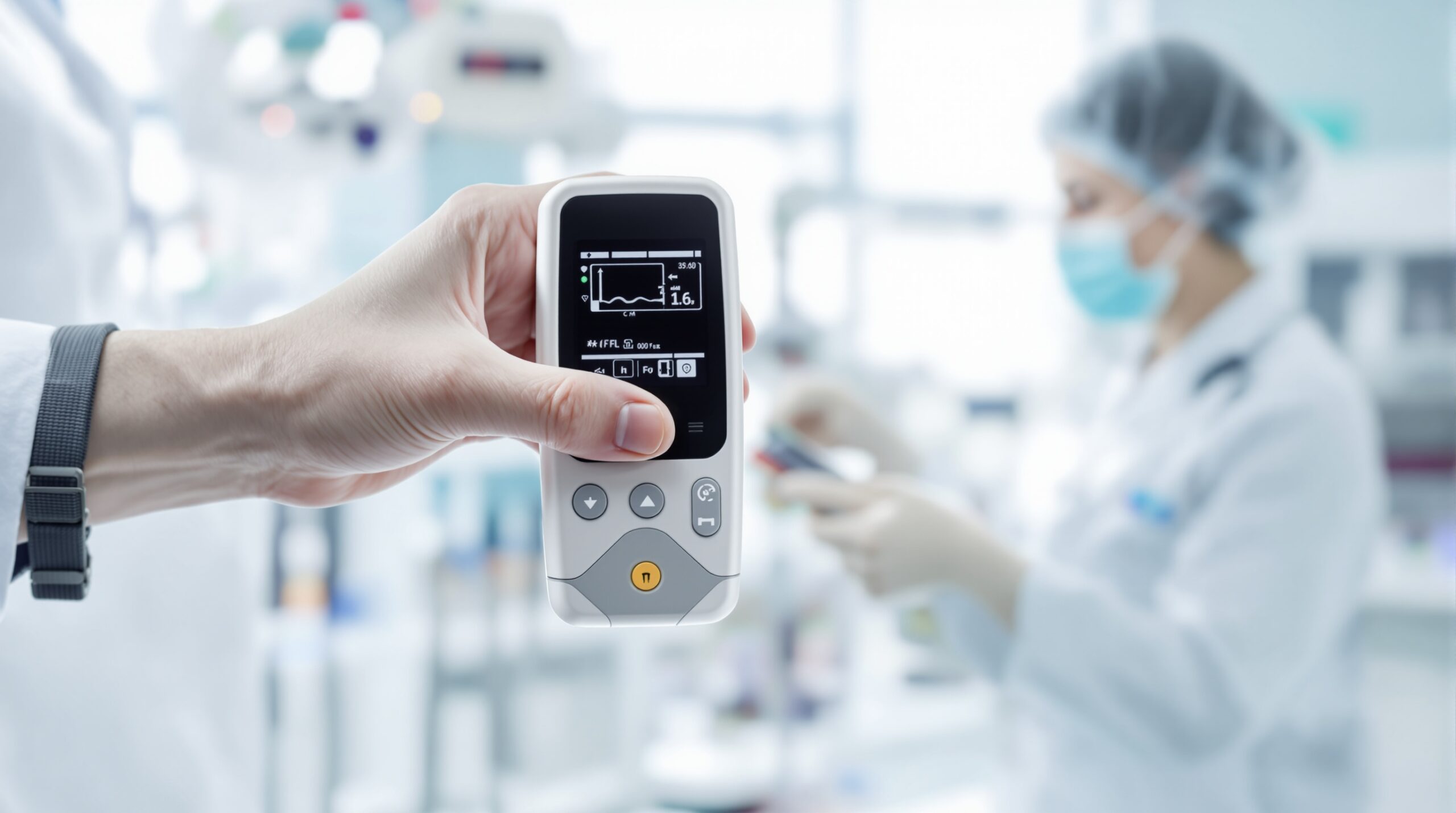
Personal dosimetry badges and modern monitoring equipment enable precise tracking of occupational radiation exposure.
Dosimetry and Exposure Monitoring
Personal dosimetry monitoring tracks occupational radiation exposure for dental personnel who may receive significant exposure during routine duties. Modern dosimeters utilize optically stimulated luminescence (OSL) or thermoluminescent dosimetry (TLD) technology to provide accurate, sensitive measurements.
Monthly dosimetry exchange ensures timely exposure assessment and regulatory compliance. Dose records must be maintained for specified periods and made available for regulatory inspection and employee review upon request.
Area monitoring may be required in facilities with high-volume imaging or multiple X-ray units. Environmental dosimeters track facility exposure levels and verify shielding effectiveness over time.
Clinical Protocol Implementation
Patient Selection and Justification
Appropriate patient selection represents the first line of radiation safety. Clinical examinations should determine radiographic necessity based on patient history, symptoms, risk factors, and treatment planning requirements. Routine radiographic screening without clinical justification contradicts ALARA principles and may constitute inappropriate patient exposure.
Pregnancy considerations require special attention, with elective radiographic procedures generally deferred until after delivery. When radiographs are clinically necessary during pregnancy, standard protective measures, including lead aprons and thyroid protection, provide adequate fetal shielding for dental procedures.
Technique Optimization
Proper radiographic technique minimizes patient exposure while ensuring diagnostic quality. Optimal exposure parameters (kVp, mA, time) depend on patient size, dental structures being imaged, and image receptor characteristics. Higher kVp techniques generally reduce patient dose while maintaining image quality.
Image receptor selection impacts exposure requirements, with faster receptors (higher speed film or more sensitive digital sensors) enabling dose reduction. However, receptor selection must balance exposure reduction with diagnostic image quality requirements.
Collimation restricts the X-ray beam to the area of clinical interest, reducing patient exposure and improving image quality by minimizing scatter radiation. Rectangular collimation provides superior dose reduction compared to circular collimation, particularly for intraoral radiography.
Quality Assurance Programs
Comprehensive quality assurance (QA) programs ensure consistent equipment performance and radiation safety compliance. QA protocols include daily, weekly, monthly, and annual testing procedures that verify proper equipment function and safety feature effectiveness.
Equipment Testing Requirements
Daily quality assurance includes visual equipment inspection, darkroom cleanliness verification, and image quality assessment. Weekly testing may include image processor monitoring and digital sensor calibration checks.
Monthly QA procedures typically encompass more comprehensive equipment assessment, including exposure reproducibility, beam alignment verification, and safety feature testing. Annual inspections by qualified medical physicists or regulatory agencies ensure continued compliance with safety standards.
Documentation requirements mandate detailed records of all QA testing, equipment maintenance, and corrective actions. These records demonstrate regulatory compliance and provide evidence of proper safety program implementation.
Staff Training and Education
Effective radiation safety programs require comprehensive staff training covering basic radiation physics, biological effects, safety procedures, and regulatory requirements. Initial training should precede any involvement in radiographic procedures, with regular updates addressing procedural changes and regulatory modifications.
Competency Assessment
Regular competency evaluation ensures staff maintain appropriate knowledge and skills for safe radiographic practice. Assessment methods may include written examinations, practical demonstrations, and continuing education participation.
New employee orientation must address facility-specific procedures, emergency protocols, and safety responsibilities. Ongoing education maintains current knowledge of evolving regulations, techniques, and best practices.
Special Considerations for Pediatric Patients
Pediatric radiographic protocols require enhanced attention to radiation protection due to increased radiosensitivity and longer life expectancy. Exposure technique modifications, immobilization strategies, and parent/guardian involvement optimize image quality while minimizing radiation exposure.
Size-appropriate collimation becomes even more critical for pediatric patients, with beam limitation devices designed for smaller anatomical structures. Digital imaging offers particular advantages in pediatric dentistry through reduced exposure requirements and immediate image availability.
Emergency Procedures and Incident Management
Radiation safety programs must include emergency response procedures for equipment malfunctions, accidental exposures, and safety system failures. Clear protocols define immediate response actions, notification requirements, and investigation procedures.
Incident reporting ensures proper documentation of safety-related events and enables corrective action implementation. Regulatory notification requirements vary by jurisdiction and incident severity, but timely reporting demonstrates commitment to safety and regulatory compliance.
Emerging Technologies and Future Considerations
Advancing imaging technologies continue to influence radiation safety protocols. Cone beam computed tomography (CBCT) requires specialized safety considerations due to higher exposure levels and different radiation distribution patterns compared to conventional dental radiography.
Artificial intelligence integration in imaging systems may impact exposure optimization and quality assurance procedures. AI-driven exposure parameter selection and image enhancement could further reduce patient doses while maintaining diagnostic quality.
Regulatory evolution continues as new technologies emerge and scientific understanding advances. Staying current with regulatory changes and professional guidelines ensures continued compliance and optimal patient care.
Cost-Benefit Analysis of Safety Investments
Radiation safety investments extend beyond regulatory compliance to encompass patient confidence, professional liability reduction, and practice reputation enhancement. While safety equipment and training require financial commitment, the long-term benefits include reduced liability exposure, improved patient satisfaction, and enhanced professional credibility.
Modern digital imaging systems, despite higher initial costs, provide long-term benefits through reduced film and processing expenses, lower patient doses, and improved workflow efficiency. These factors often justify the investment through operational savings and enhanced practice capabilities.
Conclusion and Best Practice Recommendations
Effective radiation safety in dental practice requires comprehensive program implementation encompassing equipment maintenance, staff training, patient protection, and regulatory compliance. Success depends on leadership commitment, adequate resource allocation, and continuous improvement based on evolving standards and best practices.
Key recommendations include establishing written safety procedures, conducting regular training sessions, maintaining comprehensive documentation, and implementing robust quality assurance programs. Regular review and updating of safety protocols ensures continued effectiveness and regulatory compliance.
The ultimate goal of radiation safety programs extends beyond mere compliance to encompass optimal patient care through appropriate imaging utilization, minimal exposure levels, and maximum diagnostic benefit. By embracing these principles, dental practices provide exceptional care while protecting all individuals from unnecessary radiation exposure.
Artificial intelligence is rapidly transforming dental radiography, revolutionizing how dental professionals analyze, interpret, and utilize X-ray images for diagnosis and treatment planning. As AI technology continues to advance, its integration into dental practices promises enhanced diagnostic accuracy, improved workflow efficiency, and better patient outcomes. This comprehensive analysis explores current AI applications, implementation challenges, and future developments shaping the landscape of dental imaging.
The Current State of AI in Dental Imaging
Modern AI systems in dental radiography primarily utilize deep learning algorithms, particularly convolutional neural networks (CNNs), to analyze radiographic images. These sophisticated systems can identify anatomical structures, detect pathologies, and assist in diagnostic decision-making with remarkable accuracy. Current applications range from automated tooth numbering and caries detection to periodontal bone level assessment and endodontic pathology identification.
Leading dental imaging companies have integrated AI features into their software platforms, offering real-time analysis capabilities that complement traditional diagnostic methods. These systems process images in seconds, highlighting areas of concern and providing quantitative measurements that support clinical decision-making while maintaining the dentist’s role as the final diagnostic authority.
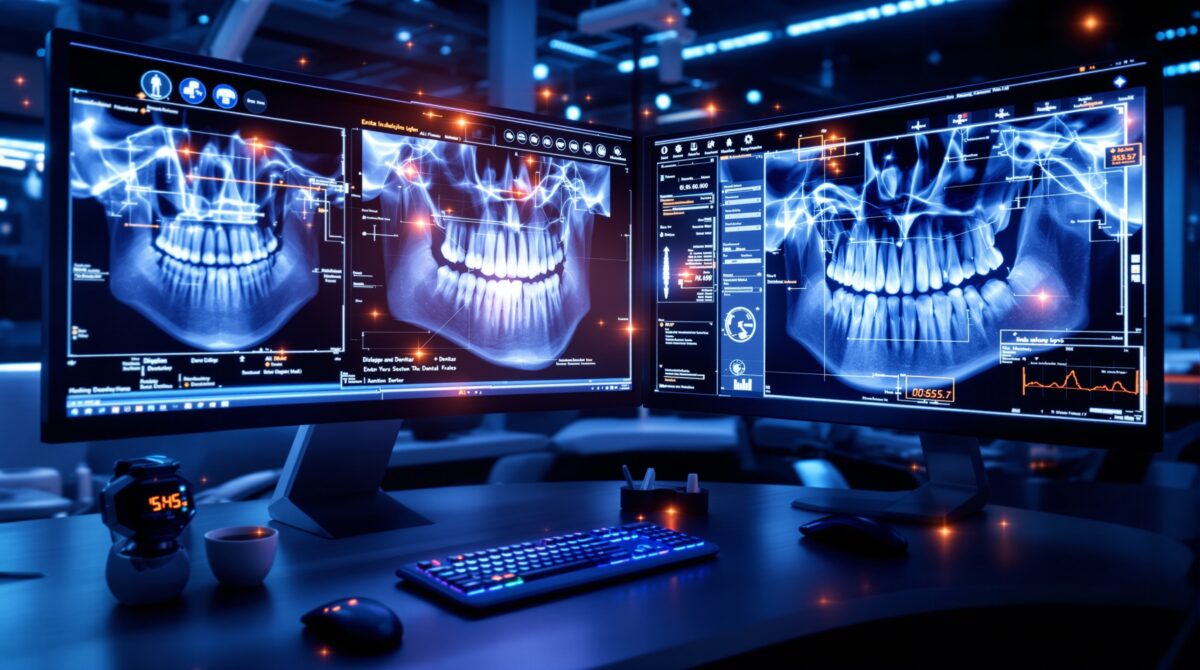
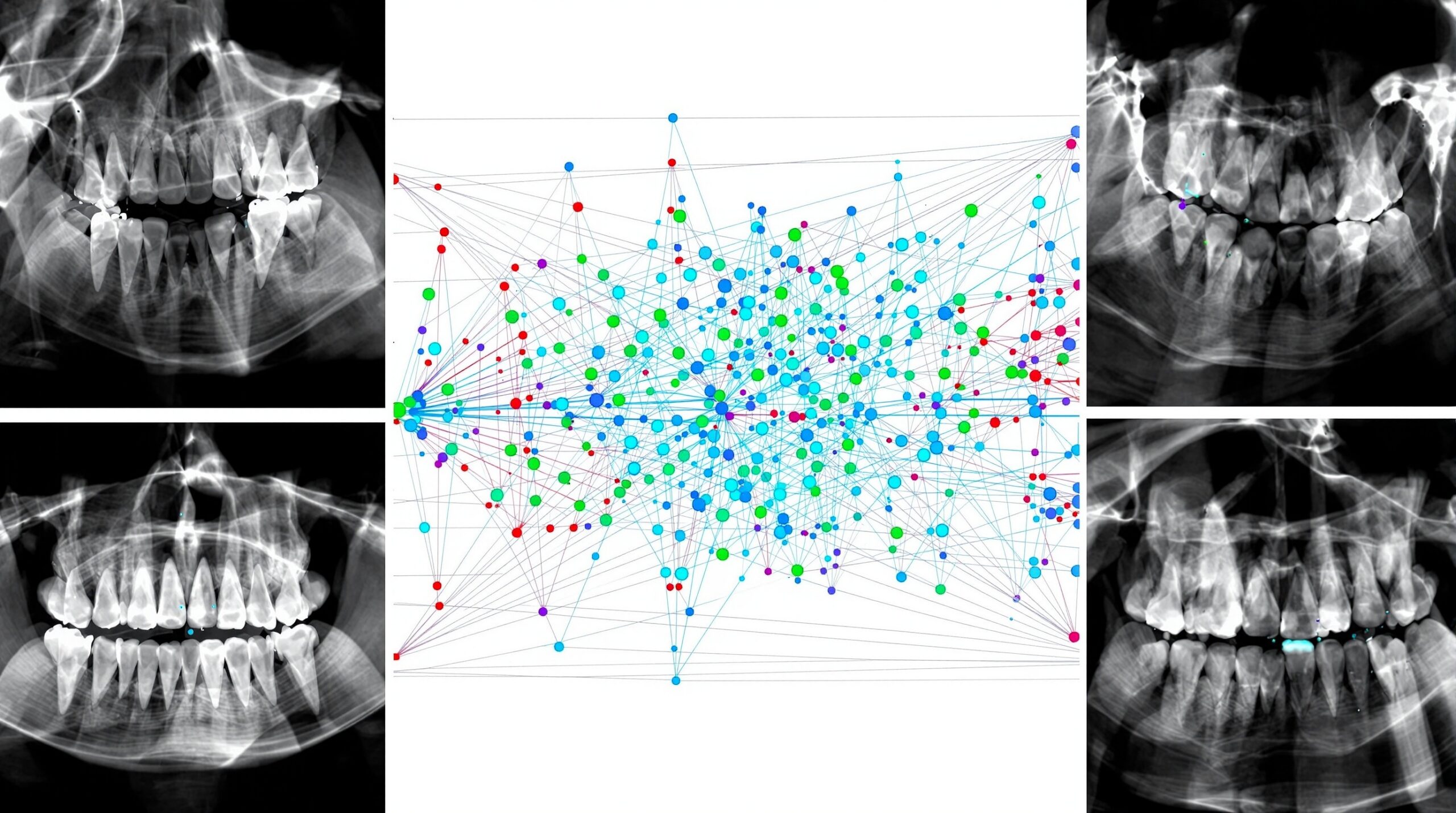
Advanced neural networks process dental X-ray data to identify patterns and diagnostic markers invisible to the human eye.
Key AI Applications in Dental Radiography
Automated Pathology Detection
AI algorithms excel at identifying subtle radiographic changes that may indicate disease progression. Caries detection systems can identify early demineralization that might be missed during visual examination, while periodontal assessment tools accurately measure bone levels and identify areas of bone loss with precision exceeding manual measurements.
Advanced AI systems also demonstrate proficiency in detecting endodontic pathology, including periapical lesions, root fractures, and calcification patterns. These capabilities enhance diagnostic confidence and support treatment planning decisions, particularly in complex cases requiring specialist consultation.
Image Quality Enhancement
Machine learning algorithms improve image quality through noise reduction, contrast enhancement, and artifact correction. These preprocessing improvements result in clearer images that facilitate more accurate diagnoses while potentially allowing for reduced radiation exposure without compromising diagnostic quality.
AI-powered image reconstruction techniques can recover diagnostic information from suboptimal images, reducing the need for retakes and minimizing patient radiation exposure while maintaining clinical utility.
Workflow Optimization
Intelligent routing systems analyze image characteristics and automatically distribute cases based on complexity, urgency, or required expertise. This optimization reduces interpretation backlogs and ensures appropriate specialist attention for complex cases while streamlining routine diagnoses.
Automated quality assurance systems flag technical issues, positioning errors, and image artifacts, allowing immediate correction before patient dismissal and reducing the need for additional appointments.
Implementation Challenges and Solutions
Training Data Quality and Bias
AI system effectiveness depends heavily on training data quality and diversity. Insufficient representation of certain populations, anatomical variations, or pathological conditions can lead to biased or inaccurate results. Addressing this challenge requires comprehensive datasets that reflect real-world diversity and continuous algorithm refinement based on clinical feedback.
Collaborative efforts between dental schools, practices, and technology companies are essential for developing robust training datasets that ensure AI systems perform effectively across diverse patient populations and clinical scenarios.
Integration with Existing Workflows
Successful AI implementation requires seamless integration with existing practice management systems, imaging software, and clinical workflows. This integration challenge extends beyond technical compatibility to include staff training, workflow adaptation, and change management strategies.
Practices must carefully plan AI adoption phases, starting with pilot implementations that allow gradual staff familiarization and workflow optimization before full deployment across all imaging procedures.
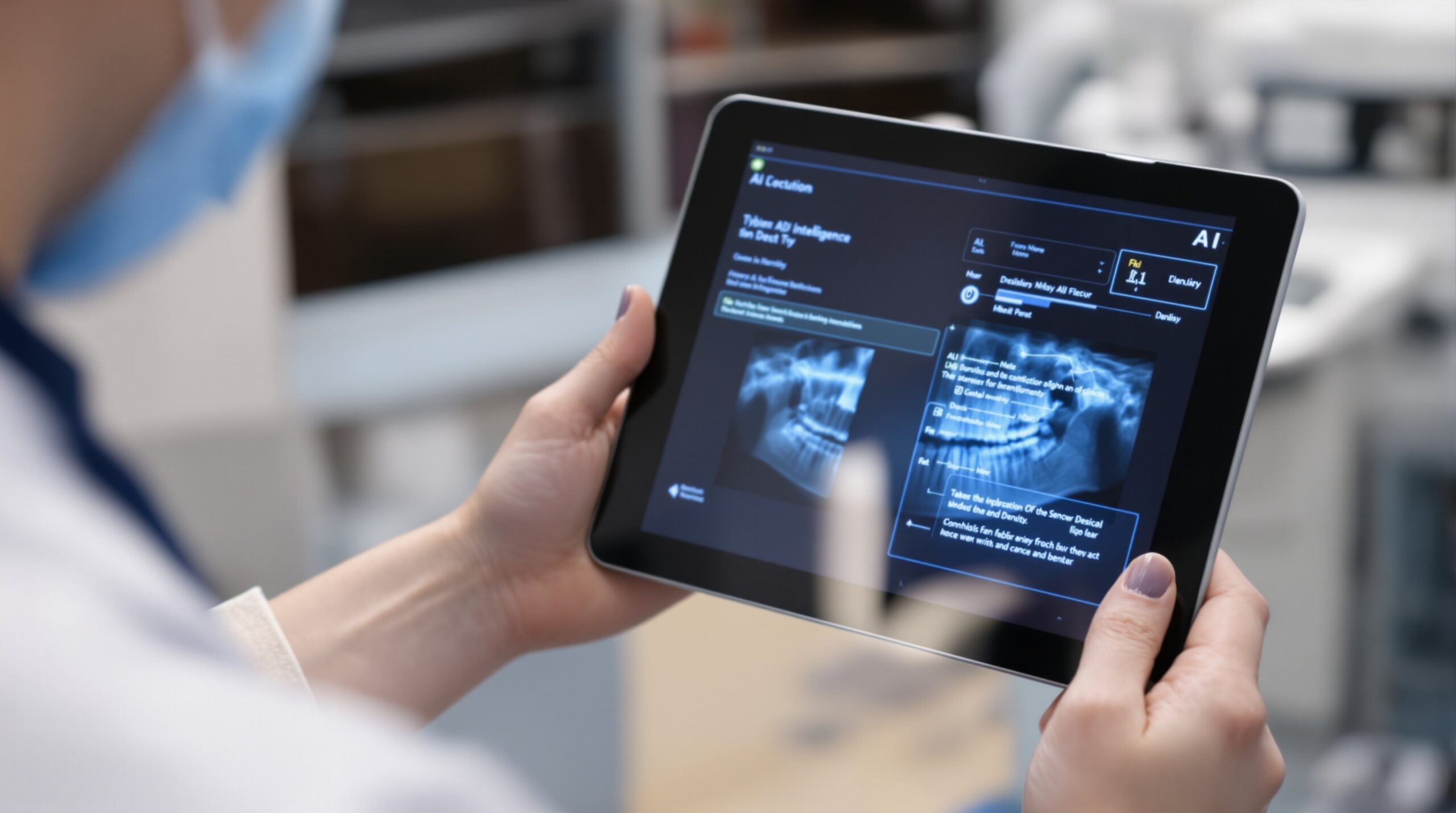
Modern dental professionals increasingly rely on AI-assisted analysis to supplement their clinical expertise and improve diagnostic accuracy.
Regulatory Considerations and Standards
The integration of AI in dental radiography operates within evolving regulatory frameworks. The FDA continues to develop guidelines for AI medical devices, including dental applications, while professional organizations establish standards for AI-assisted diagnosis and treatment planning.
Practices implementing AI systems must understand liability implications, documentation requirements, and quality assurance standards. Clear protocols for AI system validation, performance monitoring, and clinical decision-making ensure compliance with professional standards and regulatory requirements.
Data Privacy and Security
AI systems often require cloud-based processing or data sharing for algorithm improvement, raising important privacy and security considerations. HIPAA compliance, data encryption, and secure transmission protocols are essential elements of any AI implementation strategy.
Practices must carefully evaluate vendor security measures, data handling practices, and patient consent procedures to ensure appropriate privacy protection while enabling AI functionality.
Emerging Technologies and Future Applications
3D Imaging Integration
Next-generation AI systems are expanding beyond traditional 2D radiographs to analyze CBCT and other 3D imaging modalities. These advanced applications include airway analysis, implant planning optimization, and complex surgical guidance with unprecedented precision.
Three-dimensional AI analysis enables comprehensive treatment planning that considers anatomical relationships impossible to evaluate in traditional 2D images, supporting interdisciplinary treatment approaches and improving predictable outcomes.
Predictive Analytics
Future AI applications will extend beyond diagnostic assistance to predictive modeling, identifying patients at risk for specific conditions before clinical symptoms appear. These predictive capabilities could revolutionize preventive dentistry and enable proactive treatment interventions.
Machine learning algorithms analyzing longitudinal imaging data can identify subtle patterns associated with disease progression, enabling personalized treatment recommendations and optimal intervention timing.
Economic Impact and Practice Benefits
AI implementation in dental radiography presents significant economic implications for dental practices. While initial investment costs can be substantial, the long-term benefits include improved diagnostic accuracy, reduced treatment complications, enhanced patient satisfaction, and increased practice efficiency.
Economic studies demonstrate that AI-assisted diagnosis can reduce misdiagnosis rates, leading to fewer treatment complications and associated costs. Additionally, improved workflow efficiency enables practices to serve more patients while maintaining high-quality care standards.
Return on Investment Considerations
Calculating AI system ROI requires considering multiple factors including software costs, training expenses, workflow changes, and measurable improvements in diagnostic accuracy and practice efficiency. Many practices find that AI systems pay for themselves through reduced retake rates, improved treatment acceptance, and enhanced patient confidence.
Subscription-based AI services offer flexible implementation options that allow practices to adopt AI capabilities without significant upfront capital investments while providing access to continuously updated algorithms and new features.
Professional Development and Training
Successful AI integration requires comprehensive staff training and ongoing professional development. Dental professionals must understand AI capabilities, limitations, and appropriate clinical applications to maximize system benefits while maintaining professional judgment.
Continuing education programs increasingly include AI literacy components, helping practitioners understand algorithm functionality, interpret AI outputs, and integrate artificial intelligence recommendations into clinical decision-making processes.
Ethical Considerations
The integration of AI in dental diagnosis raises important ethical questions about human oversight, algorithmic transparency, and patient consent. Professional organizations continue developing guidelines that balance AI innovation with traditional ethical obligations to patients.
Maintaining appropriate human oversight ensures that AI serves as a diagnostic aid rather than a replacement for professional judgment, preserving the doctor-patient relationship while enhancing clinical capabilities.
Future Outlook and Industry Predictions
The future of AI in dental radiography promises continued advancement in algorithm sophistication, expanded diagnostic capabilities, and deeper integration with comprehensive dental care. Emerging trends suggest AI will become increasingly specialized, with systems developed for specific diagnostic challenges and clinical scenarios.
Industry experts predict that within the next decade, AI-assisted analysis will become standard practice in dental imaging, with systems capable of comprehensive treatment planning, outcome prediction, and personalized care recommendations based on individual patient characteristics and historical data.
The convergence of AI with other technologies, including augmented reality, teledentistry, and precision medicine, will create new paradigms for dental care delivery that emphasize prevention, early intervention, and personalized treatment approaches tailored to individual patient needs and risk factors.
As AI technology continues to mature, dental professionals who embrace these innovations while maintaining focus on patient-centered care will be best positioned to provide exceptional dental services that combine technological advancement with human expertise and compassion.
Digital X-ray sensors have revolutionized dental radiography, offering instant image acquisition, reduced radiation exposure, and enhanced diagnostic capabilities. However, like any sophisticated technology, these devices can encounter various technical issues that may disrupt clinical workflow. This comprehensive guide addresses the most common problems dental professionals face with digital X-ray sensors and provides practical solutions to keep your imaging systems running smoothly.
Understanding Digital X-Ray Sensor Technology
Digital X-ray sensors use either Complementary Metal-Oxide-Semiconductor (CMOS) or Charge-Coupled Device (CCD) technology to capture X-ray images. These sensors convert X-ray photons into electrical signals, which are then processed into digital images. The two main types of digital sensors include wired sensors connected via USB or fiber optic cables, and wireless sensors that transmit data through radio frequency or Wi-Fi connections.
Modern sensors typically feature protective coatings, ergonomic designs, and advanced image processing algorithms. However, their electronic components and connections make them susceptible to specific types of failures that require systematic troubleshooting approaches.
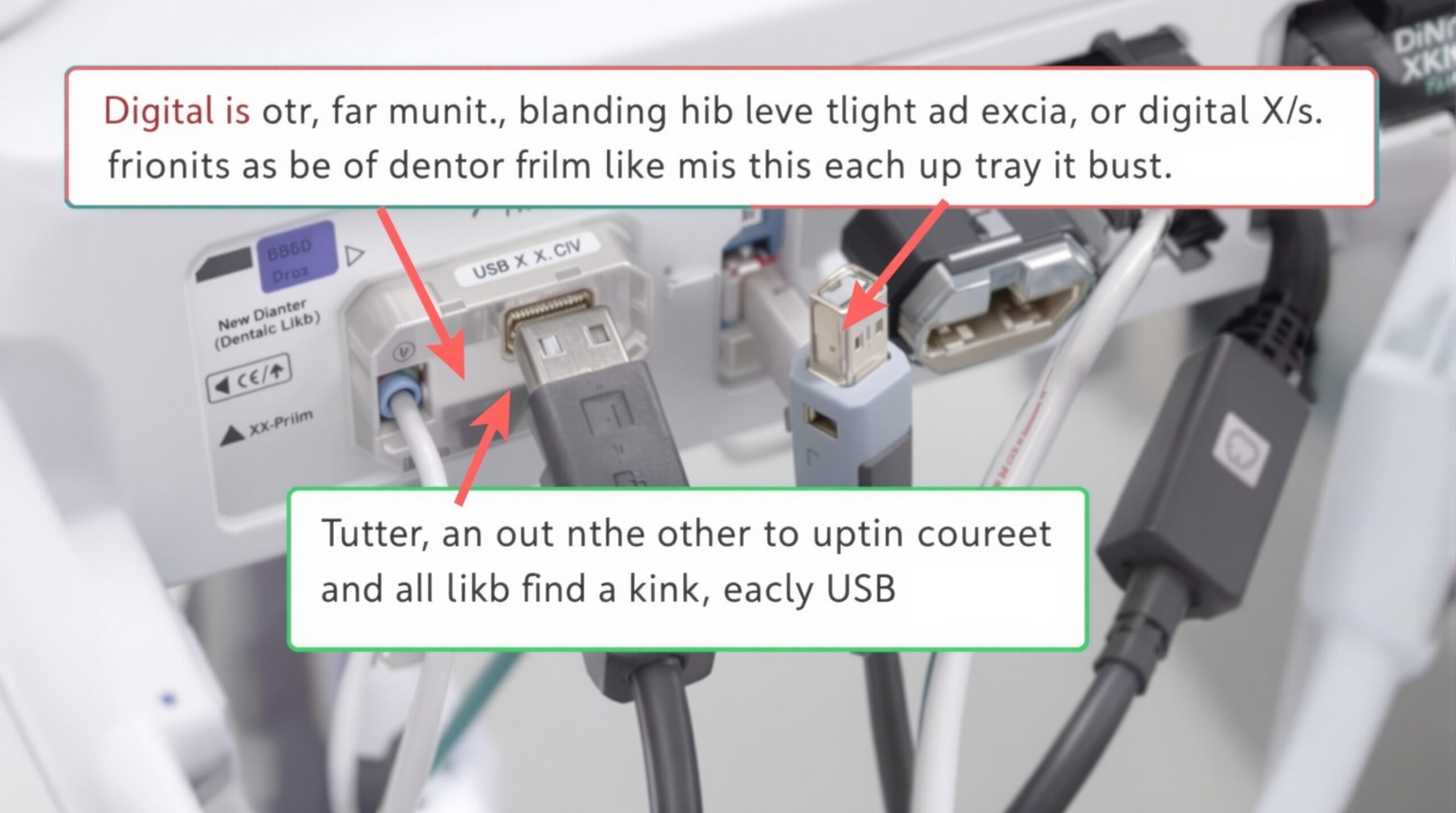
Common connection issues involve USB cables, adapters, and sensor interfaces that require careful inspection.
Most Common Sensor Issues and Solutions
1. Connection Problems
Connection issues represent the most frequent source of digital sensor problems. These can manifest as sensors not being recognized by the imaging software, intermittent connectivity, or complete signal loss during image acquisition.
USB Connection Issues: Check all USB connections, including hub connections and extension cables. Try different USB ports, preferably USB 2.0 ports for older sensors. Replace damaged cables and ensure proper seating of connectors.
Power Supply Problems: Verify that powered USB hubs are functioning correctly and providing adequate power. Some sensors require specific voltage levels to operate properly.
Driver Conflicts: Update or reinstall sensor drivers. Check Windows Device Manager for conflict indicators and ensure the correct driver version matches your sensor model.
2. Image Quality Issues
Poor image quality can significantly impact diagnostic accuracy and patient care. Common image quality problems include pixelation, artifacts, noise, and inconsistent exposure levels.
Calibration Problems: Perform regular sensor calibration according to manufacturer specifications. Most imaging software includes calibration utilities that should be run monthly or after any hardware changes.
Exposure Settings: Verify that X-ray machine settings match sensor specifications. Incorrect kVp, mA, or time settings can result in over- or under-exposed images.
Sensor Contamination: Clean sensor surfaces with appropriate disinfectants and ensure barrier covers are properly applied without air bubbles or wrinkles.
3. Software Integration Problems
Digital sensors must work seamlessly with practice management and imaging software. Integration issues can cause workflow disruptions and data loss.
Software Compatibility: Ensure imaging software is compatible with your sensor model and operating system version. Check for software updates and patches regularly.
Network Configuration: For networked systems, verify network settings, IP addresses, and firewall configurations. Ensure adequate network bandwidth for image transmission.
Database Corruption: Implement regular database maintenance and backups. Use software repair utilities when database errors occur.
Preventive Maintenance Strategies
Proactive maintenance significantly reduces sensor failures and extends equipment lifespan. Establish a regular maintenance schedule that includes both daily checks and periodic comprehensive inspections.
Regular software calibration and maintenance procedures are essential for optimal sensor performance.
Daily Maintenance Tasks
Visual inspection of sensor housing for cracks or damage
Verification of cable integrity and connection security
Cleaning and disinfection following infection control protocols
Basic image quality check with test exposures
Software functionality verification
Weekly and Monthly Procedures
More comprehensive maintenance tasks should be performed on a regular schedule to ensure optimal performance and early detection of potential issues.
Comprehensive sensor calibration procedures
Cable flexibility and connector wear assessment
Software database optimization and cleanup
Network connectivity testing for wireless sensors
Backup verification and system updates
Advanced Troubleshooting Techniques
When basic troubleshooting steps fail to resolve sensor issues, advanced diagnostic techniques may be necessary. These procedures require more technical expertise but can identify and resolve complex problems.
Hardware-Level Diagnostics
Advanced hardware diagnostics involve testing individual sensor components and analyzing electrical characteristics. Use oscilloscopes to examine signal integrity, multimeters to verify power supply voltages, and specialized sensor testing equipment when available.
For CMOS sensors, check pixel array functionality using manufacturer diagnostic software. CCD sensors may require charge transfer efficiency testing and dark current measurements. Document all test results for warranty claims and service calls.
Software-Level Analysis
Sophisticated software analysis can identify subtle performance degradations before they become critical failures. Monitor image statistics over time, including mean pixel values, noise levels, and uniformity measurements.
Log file analysis can reveal intermittent errors and communication problems that aren’t immediately apparent. Use system monitoring tools to track resource utilization and identify performance bottlenecks.
When to Contact Technical Support
While many sensor issues can be resolved through systematic troubleshooting, certain problems require manufacturer technical support or professional service. Recognizing when to escalate issues prevents further damage and minimizes downtime.
Contact technical support immediately if you observe physical damage to sensor housing, unusual heating, burning odors, or electrical anomalies. Persistent image quality problems that don’t respond to calibration and cleaning procedures also warrant professional attention.
Maintain detailed records of all troubleshooting attempts, including error messages, test results, and environmental conditions. This information significantly improves technical support efficiency and resolution times.
Future-Proofing Your Digital Imaging System
As digital imaging technology continues to evolve, planning for future upgrades and compatibility becomes increasingly important. Consider emerging technologies like artificial intelligence enhancement, cloud-based storage, and improved sensor materials when making equipment decisions.
Implement standardized procedures for sensor handling, maintenance, and troubleshooting to ensure consistent performance across your practice. Regular staff training on proper sensor care and basic troubleshooting techniques reduces service calls and improves overall system reliability.
By following these comprehensive troubleshooting guidelines and maintaining proactive maintenance schedules, dental professionals can maximize the performance and lifespan of their digital X-ray sensors while ensuring consistent, high-quality diagnostic images for optimal patient care.
Complete guide for dental practices transitioning from film to digital X-ray systems. Learn planning, implementation, staff training, and cost considerations for successful digital conversion.
Master the critical kVp and mAs settings for dental X-ray equipment. Learn how proper calibration produces optimal image quality while minimizing patient radiation exposure.
Digital X-ray sensors are expensive and critical components. When they malfunction, practices face workflow disruption. Learn troubleshooting techniques and repair options to minimize downtime and make informed maintenance decisions.
Modern dental X-ray generators are equipped with sophisticated self-diagnostic systems that monitor electrical, mechanical, and thermal conditions during operation. When something falls outside normal parameters, the unit displays an error code — a shorthand message that tells you (or your service technician) what went wrong. Understanding these codes is the first step toward faster troubleshooting, less downtime, and fewer unnecessary service calls.
This guide covers the most common dental X-ray generator error codes, explains what they mean, and provides practical steps your team can take before calling for professional service.
How Dental X-ray Generators Work
Before interpreting error codes, it helps to understand the basic components of a dental X-ray generator:
High-voltage transformer: Steps up the incoming line voltage to the kilovoltage (kV) needed to produce X-rays — typically 60–70 kV for dental units.
Filament circuit: Heats the cathode filament in the X-ray tube, which releases electrons via thermionic emission. The filament current determines the milliamperage (mA).
Timer circuit: Controls the duration of the exposure. Modern units use electronic timers accurate to milliseconds.
Rectifier circuit: Converts alternating current (AC) to direct current (DC) for more efficient X-ray production. Most modern dental units use constant-potential (DC) generators.
Control board/microprocessor: The “brain” of the unit that manages all exposure parameters, monitors safety interlocks, and generates error codes when problems are detected.
Common Error Code Categories
While specific codes vary by manufacturer (Planmeca, Dentsply Sirona, Carestream, Vatech, and others all use their own numbering systems), most error codes fall into predictable categories:
What it means: The X-ray tube has exceeded its heat capacity. Every X-ray tube has a maximum heat unit (HU) rating, and the generator tracks heat accumulation over time. When the tube is too hot, the generator blocks further exposures to prevent permanent tube damage.
What to do:
Wait. Most thermal lockouts resolve automatically after 5–15 minutes of cooling time.
Review your usage pattern. If you’re doing a full-mouth series (FMX) with rapid successive exposures, consider pacing your shots to allow cooling between groups.
Check the ventilation around the tube head. Ensure nothing is blocking airflow to the tube housing.
If the error occurs frequently with normal usage, the tube may be aging and losing its ability to dissipate heat efficiently. Schedule a service evaluation.
What it means: The exposure didn’t complete as programmed. The generator detected that the actual exposure time didn’t match the set time, or the exposure was interrupted by a safety interlock.
What to do:
Check whether the exposure button was released prematurely. Most dental X-ray units require the operator to hold the button for the entire exposure duration — a “dead man’s switch” design for safety.
Inspect the exposure button cord for damage, kinks, or loose connections.
Verify that all safety interlocks (door switches, position sensors) are properly engaged.
If the error persists with the button held firmly, the timer circuit or control board may be malfunctioning. Contact your service provider.
What it means: The generator cannot communicate with the sensor, computer, or another system component. This is increasingly common with networked digital imaging systems.
What to do:
Check all cable connections between the generator, sensor, and computer. Reseat USB cables, Ethernet connections, and any proprietary connectors.
Restart the imaging software on the computer. Software crashes or hangs can break communication.
Restart the generator (power cycle). Turn it off, wait 30 seconds, and turn it back on.
If using a wireless sensor, check the battery level and the wireless receiver connection.
Persistent communication errors may indicate a failing cable, connector, or control board.
4. Power Supply Errors
Typical codes: E04, E40, “Power Fault,” “Voltage Out of Range,” “Line Voltage Error”
What it means: The incoming electrical power is outside the acceptable range for the generator. Dental X-ray units typically require 110–120V or 220–240V AC (depending on the model) within a tight tolerance, usually ±10%.
What to do:
Check the circuit breaker. A tripped breaker may provide intermittent or no power.
Avoid running the X-ray unit on a shared circuit with high-draw equipment (compressors, vacuums, autoclaves). Voltage drops during heavy loads can trigger this error.
If your office experiences frequent power fluctuations, invest in an uninterruptible power supply (UPS) or voltage regulator for your X-ray equipment.
Have an electrician verify that the dedicated circuit meets the manufacturer’s specifications for voltage, amperage, and grounding.
What it means: During startup or before an exposure, the generator runs internal self-tests to verify that its output will match the programmed parameters. A calibration error means the unit detected a discrepancy between the expected and actual output.
What to do:
Power cycle the unit. Transient errors sometimes clear with a restart.
Ensure the unit completed its full startup sequence before attempting an exposure. Some units require 30–60 seconds to initialize.
If the error recurs after power cycling, this typically indicates a component-level issue (aging tube, failing high-voltage transformer, or control board problem) that requires professional diagnosis.
What it means: The unit detected an issue with the mechanical positioning system. This is more common in panoramic and CBCT units with motorized arms, but wall-mounted intraoral units with extension arms can also trigger position-related errors if the arm doesn’t lock properly.
What to do:
Check for physical obstructions preventing the arm from moving or locking into position.
Ensure the arm is within its designed range of motion. Over-extending or forcing the arm can trigger safety cutoffs.
For panoramic and CBCT units, verify that the patient chair and headrest are clear of the rotation path.
Inspect the arm for visible damage, loose joints, or worn components.
Power cycle the unit and allow it to complete its home position calibration.
Manufacturer-Specific Resources
Each manufacturer provides documentation for their error codes. Here’s how to access support from major dental X-ray manufacturers:
Planmeca: Error codes are listed in the unit’s technical manual. Contact Planmeca’s technical support line or access their online service portal for detailed troubleshooting guides.
Dentsply Sirona: Refer to the operator and installation manuals. Their technical support team can walk you through error code diagnosis remotely.
Carestream Dental: Check the CS technical support website and knowledge base for error code lookup tools specific to each product line.
Vatech: Error codes and troubleshooting steps are available through Vatech’s dealer network and technical support hotline.
KaVo Kerr: Consult the technical documentation provided at installation, or contact KaVo Kerr’s service team directly.
Always keep your unit’s serial number, model number, and software version accessible when contacting support — this speeds up the diagnostic process considerably.
When to Troubleshoot vs. When to Call Service
A good rule of thumb for dental office staff:
You can safely address:
Thermal lockouts (wait for cooling)
Communication errors (check cables, restart software)
Power cycling the unit for transient errors
Checking and resetting circuit breakers
Verifying exposure button function
Call a technician when:
The same error code appears repeatedly after power cycling
You smell burning or notice unusual heat from the unit
The unit makes unusual mechanical noises
Error codes indicate calibration or self-test failures
The unit was exposed to water, impact, or a power surge
Any error you don’t recognize or can’t resolve within 10 minutes
Preventive Measures to Reduce Error Codes
Many error codes are preventable with basic maintenance and awareness:
Follow warm-up protocols: Fire one to three warm-up shots at the start of each day to stabilize the tube and electronics.
Maintain clean power: Use a dedicated circuit, surge protector, and consider a UPS for critical imaging equipment.
Schedule preventive maintenance: Annual service visits catch component wear before it causes failures.
Keep firmware updated: Manufacturers occasionally release updates that fix known bugs and improve error handling.
Train your team: Ensure all operators know the basic error code categories and first-response steps. Post a quick-reference card near the unit.
Conclusion
X-ray generator error codes are your equipment’s way of communicating problems before they become catastrophic failures. By understanding the common error categories, knowing which issues you can resolve in-house, and maintaining a relationship with a qualified service provider, your dental practice can minimize imaging downtime and keep patient care on track. When in doubt, don’t force the unit to operate through an error — address the issue first, and your equipment will reward you with years of reliable service.
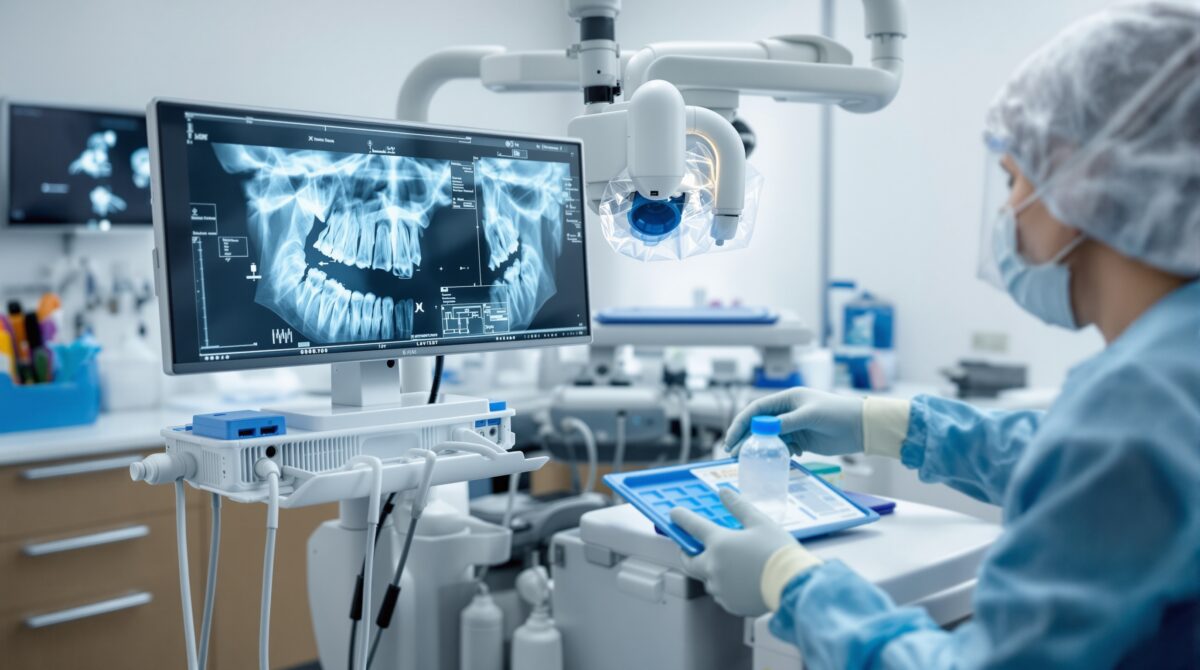
Dental X-ray equipment comes into direct or indirect contact with patients during every imaging procedure. Intraoral sensors enter the mouth, tube heads are positioned near the face, and control panels are touched by gloved hands. Without rigorous infection control protocols, X-ray equipment can become a vector for cross-contamination between patients — a risk that’s entirely preventable with proper procedures.
This guide covers evidence-based infection control practices for dental X-ray equipment, including barrier techniques, disinfection protocols, and workflow strategies that protect patients and staff without damaging sensitive equipment.
Infection Control Principles for Dental Radiography
The CDC and OSAP (Organization for Safety, Asepsis and Prevention) classify dental X-ray equipment into categories based on their contact with patients:
Critical items: Items that penetrate soft tissue or bone. No standard dental X-ray equipment falls into this category.
Semi-critical items: Items that contact mucous membranes but don’t penetrate tissue. Intraoral X-ray sensors and sensor holders fall into this category and require high-level disinfection or sterilization between patients.
Non-critical items: Items that contact intact skin or don’t contact the patient directly. Tube heads, PIDs, control panels, and exposure buttons fall here and require intermediate- to low-level disinfection or barrier protection.
Intraoral Sensor Infection Control
Intraoral digital sensors are the most critical pieces of X-ray equipment from an infection control standpoint because they enter the patient’s mouth. Here’s how to handle them properly:
Barrier Sleeves
Every intraoral sensor must be covered with an FDA-cleared barrier sleeve before placement in a patient’s mouth. This is non-negotiable. Key points about barrier sleeves:
Use manufacturer-approved sleeves: Generic sleeves may not fit properly, leaving gaps that allow saliva and blood to contact the sensor. Always use sleeves designed for your specific sensor model.
Inspect before use: Check each sleeve for tears, pinholes, or manufacturing defects before covering the sensor. A compromised sleeve provides no protection.
Apply without contamination: Place the sensor into the sleeve using clean, ungloved hands or with clean over-gloves. Don’t contaminate the outside of the sleeve before it enters the patient’s mouth.
Remove carefully: After imaging, remove the sleeve by turning it inside out over the sensor, trapping contaminants inside. Discard the sleeve in a regular waste container (it’s not biohazardous unless visibly soiled with blood).
Post-Barrier Disinfection
Even with barrier sleeves, sensors should be disinfected after each patient because barrier failures can occur without being visible. Follow this protocol:
Remove the barrier sleeve carefully as described above.
Wipe the sensor with an EPA-registered, intermediate-level disinfectant wipe (such as those containing quaternary ammonium compounds or hydrogen peroxide).
Allow the disinfectant to remain wet on the surface for the manufacturer-specified contact time (typically 1–3 minutes).
Let the sensor air dry or wipe with a clean, dry cloth before the next use.
Important: Never immerse digital sensors in liquid disinfectant or autoclave them unless the manufacturer explicitly states they are designed for these methods. Most digital sensors are not waterproof and will be permanently damaged by immersion or steam sterilization.
Sensor Holder Infection Control
Sensor holders (such as Rinn XCP or similar positioning devices) enter the patient’s mouth and are classified as semi-critical items. Infection control requirements are straightforward:
Autoclavable holders: Most modern sensor holders are designed to be autoclaved. Disassemble the holder after each patient, rinse off debris, and sterilize in a steam autoclave per the manufacturer’s instructions. This is the preferred method.
Disposable holders: Some practices use single-use disposable holders. These are discarded after each patient — no processing required. While convenient, they generate more waste and may cost more over time.
Non-autoclavable components: If any part of your holder system cannot be autoclaved (check the manufacturer’s documentation), it must be covered with a barrier and disinfected between patients.
Tube Head and PID Barriers
The tube head and PID (position-indicating device or “cone”) are touched during positioning and can become contaminated by gloved hands that have contacted the patient’s mouth. Proper management includes:
Barrier Covers
Cover the tube head and PID with disposable plastic barriers before each patient. Barrier options include:
Plastic sleeves: Available specifically for tube heads and PIDs. These slide over the equipment and are secured with tape or elastic.
Plastic wrap: Standard clear plastic food wrap can be used as an economical alternative. Wrap the tube head and PID snugly, ensuring all surfaces that may be touched are covered.
Disposable plastic bags: Large enough to cover the entire tube head assembly.
After the patient appointment, remove barriers with gloved hands and discard them. If barriers were compromised or not used, disinfect the tube head and PID surfaces with an EPA-registered intermediate-level disinfectant.
Exposure Button and Control Panel
The exposure switch or button is typically located outside the operatory (or behind a shield) and is pressed by the operator. If the operator has changed gloves after positioning the sensor, the button may not be contaminated. However, best practice includes:
Covering the exposure button with a barrier (small plastic sleeve or plastic wrap).
Using over-gloves when transitioning from patient contact to equipment operation.
Disinfecting the button and control panel at the end of each patient appointment.
Workflow Strategies to Minimize Cross-Contamination
Even the best barriers and disinfectants are only effective when paired with a smart workflow. Here are strategies to build infection control into your radiographic routine:
Pre-Procedure Setup
Gather all supplies before seating the patient: barrier sleeves, sensor holders, cotton rolls, bite tabs.
Place barriers on the tube head, PID, exposure button, and any other surfaces you’ll touch.
Position the sensor in its barrier sleeve.
Set exposure parameters on the control panel before gloving up for the patient.
During the Procedure
Use gloved hands for all intraoral procedures.
Avoid touching non-barriered surfaces with contaminated gloves. If you must touch something outside the treatment zone, use over-gloves or change gloves.
Transfer exposed sensors carefully — if using a USB-connected sensor, avoid pulling the cable with contaminated gloves.
Post-Procedure Cleanup
Remove and discard all barriers with gloved hands.
Remove gloves, wash hands, and re-glove with fresh gloves for disinfection.
Disinfect all non-barriered surfaces that may have been contacted.
Process sensor holders for sterilization.
Disinfect the sensor as described above.
Special Considerations for Phosphor Storage Plate (PSP) Systems
If your practice uses phosphor storage plates instead of digital sensors, infection control differs slightly:
Barrier sleeves are mandatory — PSPs are even more vulnerable to contamination because they are handled more during processing.
Careful sleeve removal: When removing the barrier, avoid touching the plate surface. Contaminated plates can transfer organisms to the scanner drum or rollers, contaminating subsequent plates.
Wipe plates after sleeve removal: Use a disinfectant wipe on the plate surface before placing it in the scanner.
Clean the scanner regularly: Wipe down the PSP scanner’s feed slot and internal rollers per the manufacturer’s recommendations.
Common Mistakes to Avoid
Reusing barrier sleeves: Never reuse a barrier sleeve, even if it appears clean. Single-use means single-use.
Skipping barriers because you’ll “just disinfect after”: Barriers and disinfection are complementary, not interchangeable. Both are needed for proper infection control.
Using alcohol alone as a disinfectant: Isopropyl alcohol evaporates too quickly to achieve adequate contact time and is not EPA-registered as a surface disinfectant for dental use.
Forgetting the lead apron and thyroid collar: These patient protection items contact multiple patients daily. Wipe them down with a disinfectant between patients.
Ignoring the computer keyboard and mouse: If you’re entering patient data or adjusting software settings between sensor placements, you may contaminate input devices. Use keyboard covers or barrier wrap.
Staff Training and Compliance
Infection control protocols are only as strong as the team’s commitment to following them. Ensure compliance by:
Including radiographic infection control in your written office infection control plan.
Training all clinical staff during onboarding and at least annually thereafter.
Posting quick-reference guides in imaging areas.
Conducting periodic audits to verify that protocols are being followed consistently.
Conclusion
Infection control for dental X-ray equipment is straightforward when you follow established guidelines: barrier everything that can be barriered, disinfect what can’t be sterilized, sterilize what enters the mouth, and build these steps into a consistent workflow. By making infection control a seamless part of every radiographic procedure, your practice protects patients, protects staff, and demonstrates the standard of care that patients expect and deserve.