UPS Backup Power Systems for Dental X-ray Equipment: Installation and Troubleshooting Guide

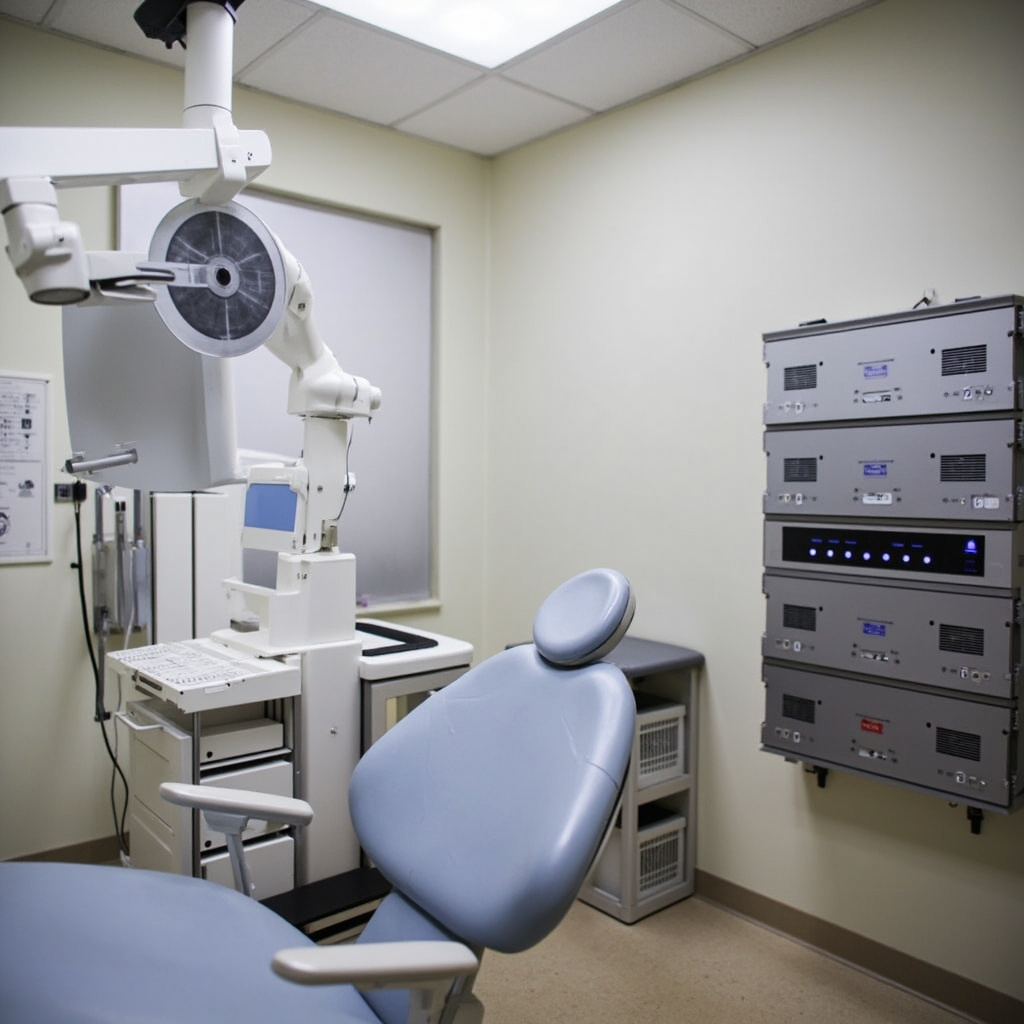
Uninterruptible Power Supply (UPS) systems are critical infrastructure components for dental offices that rely on digital X-ray equipment. Power interruptions during imaging procedures can corrupt files, damage sensitive electronics, and compromise patient care workflows. This comprehensive guide covers UPS selection, installation, and troubleshooting specifically for dental X-ray applications.
Understanding UPS Requirements for Dental X-ray Equipment
Digital X-ray systems require stable, clean power to function properly. Unlike traditional office computers, dental imaging equipment has specific power quality requirements that standard backup systems cannot meet. Power disruptions during image capture frequently result in corrupted files, forcing costly reshoot procedures and extending patient appointment times.
Medical-grade UPS systems differ from consumer units in several critical ways. They provide faster switching times (less than 4 milliseconds), superior voltage regulation, and extended runtime capabilities. These features are essential for protecting expensive X-ray sensors, preventing data loss during network transfers, and maintaining DICOM compliance standards.
Modern dental X-ray equipment typically consumes between 500-2000 watts during operation, with peak power demands occurring during tube warmup sequences. UPS systems must be sized to handle these power spikes while providing adequate runtime for safe system shutdown procedures.
UPS Selection and Sizing Guidelines
Selecting the appropriate UPS capacity requires careful analysis of your X-ray equipment’s power consumption patterns. Start by documenting the nameplate ratings for all connected devices: X-ray generator, digital sensors, computer workstations, monitors, and network equipment.
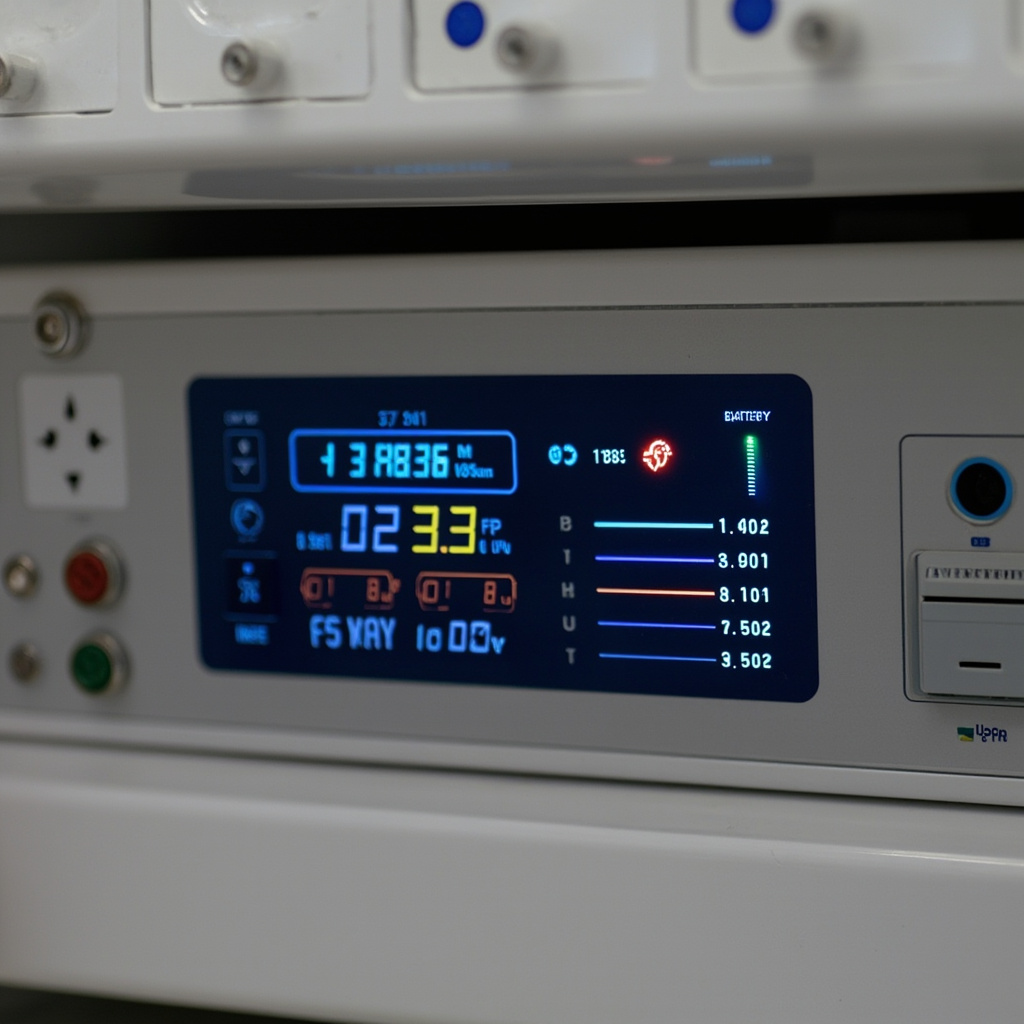
Load calculations should include a 25-30% safety margin above actual consumption to accommodate equipment aging and future upgrades. For typical dental installations, a 3000-5000 VA UPS provides adequate protection for a single X-ray room, while larger practices may require 8000-10000 VA systems for multiple rooms.
Runtime requirements vary based on your backup strategy. If automatic shutdown procedures are implemented, 10-15 minutes of runtime suffices. However, practices requiring continued operation during brief outages should consider extended battery configurations providing 30-60 minutes of protection.
Battery technology selection impacts both performance and maintenance requirements. Sealed lead-acid batteries are cost-effective but require replacement every 3-4 years. Lithium-ion alternatives offer longer service life and smaller footprints but involve higher initial costs.
Installation Best Practices and Wiring Requirements
Proper UPS installation begins with electrical infrastructure assessment. Dedicated circuits are recommended for X-ray equipment to minimize interference from other office loads. Ground fault circuit interrupters (GFCI) should not be used on UPS-protected circuits, as they may cause nuisance tripping during power transfer events.
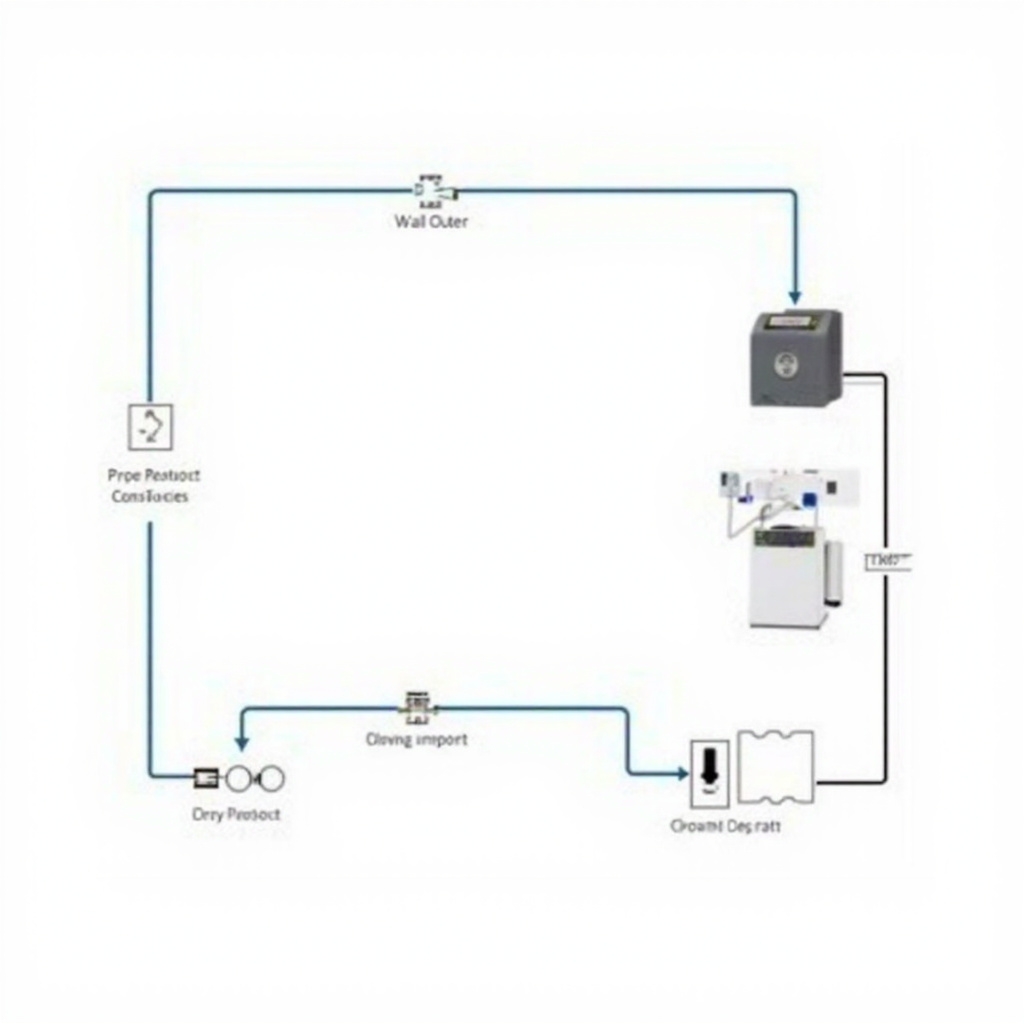
UPS units should be installed in climate-controlled environments away from direct sunlight and heat sources. Adequate ventilation is critical for battery longevity, with temperature increases above 25°C significantly reducing service life. Wall-mounting options help conserve floor space while ensuring proper airflow around cooling vents.
Grounding connections require special attention in medical environments. The UPS must be connected to the equipment grounding conductor, and isolated grounding systems should be evaluated by qualified electrical contractors to ensure compliance with NEC Article 517 requirements for patient care areas.
Network connectivity enables remote monitoring and automated shutdown capabilities. SNMP cards or USB connections allow practice management systems to receive power failure notifications and initiate graceful shutdown procedures before battery depletion.
Common UPS Problems and Troubleshooting Procedures
Battery failure represents the most frequent UPS issue in dental offices. Symptoms include reduced runtime, frequent low-battery alarms, and failure to transfer to battery power during outages. Battery testing should be performed annually, with replacement typically required every 3-5 years depending on usage patterns and environmental conditions.
Overload conditions occur when connected equipment exceeds UPS capacity. Digital X-ray systems may develop higher power consumption over time due to aging components or software updates. Regular load monitoring helps identify gradual increases before they cause protection failures.
Input voltage problems can trigger unnecessary battery mode operation, reducing battery life and generating nuisance alarms. Voltage logging helps identify utility power quality issues that may require additional conditioning or utility company consultation.
Communication failures between UPS and connected systems prevent proper shutdown procedures during extended outages. Regular testing of network monitoring software and backup communication methods ensures reliable operation when primary power fails.
Maintenance Schedules and Performance Testing
Preventive maintenance extends UPS service life and ensures reliable protection when needed. Monthly visual inspections should verify proper ventilation, check for loose connections, and confirm status indicator functionality. Battery voltage measurements help identify failing cells before complete failure occurs.
Annual performance testing validates UPS capacity and transfer timing under controlled conditions. These tests should be scheduled during non-patient hours and coordinated with X-ray equipment manufacturers to avoid warranty issues.
Battery replacement intervals depend on environmental conditions and discharge cycling frequency. High-temperature environments accelerate battery aging, while frequent power outages increase cycle stress. Maintaining detailed maintenance logs helps optimize replacement timing and identify potential system issues.
Firmware updates for UPS systems should be evaluated carefully, as they may affect compatibility with existing monitoring software or change operational parameters. Always verify compatibility with X-ray equipment manufacturers before implementing updates in clinical environments.