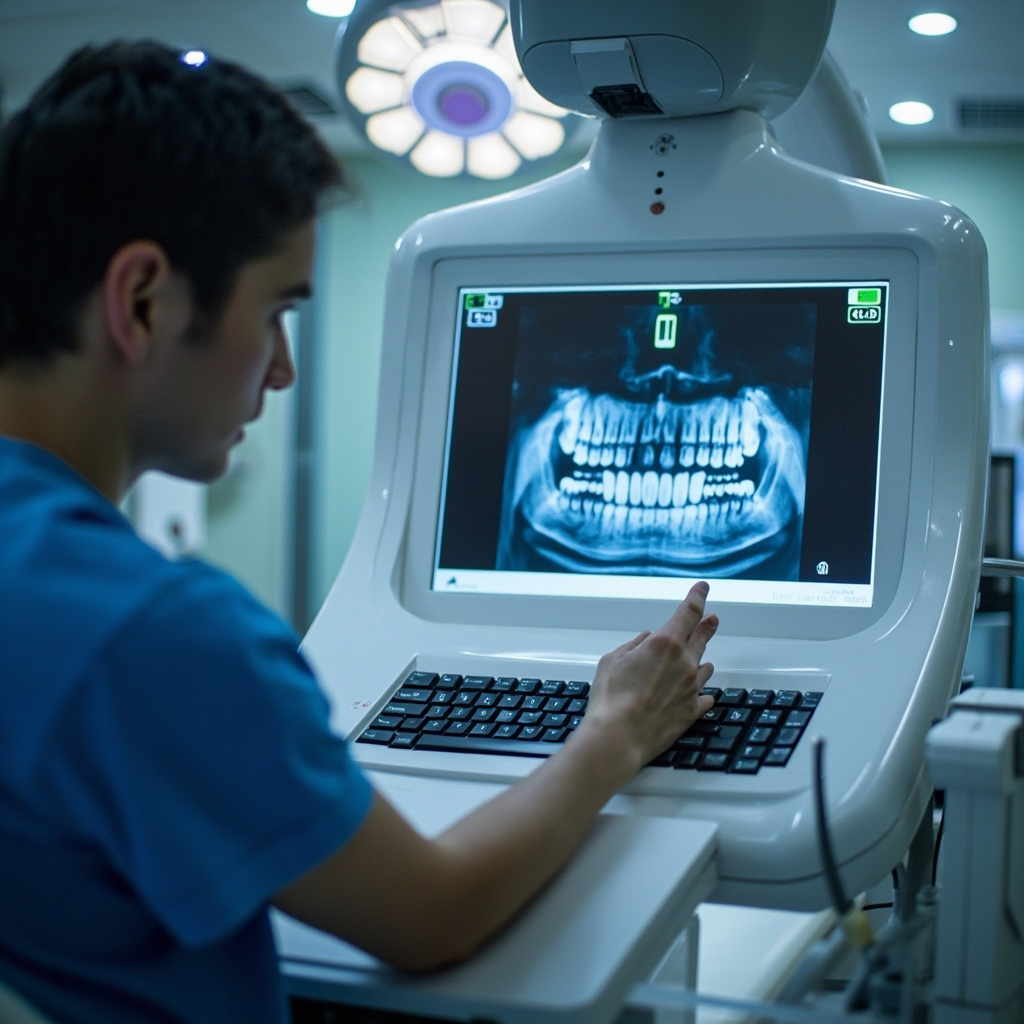
Essential Maintenance Guide for Dental X-Ray Equipment

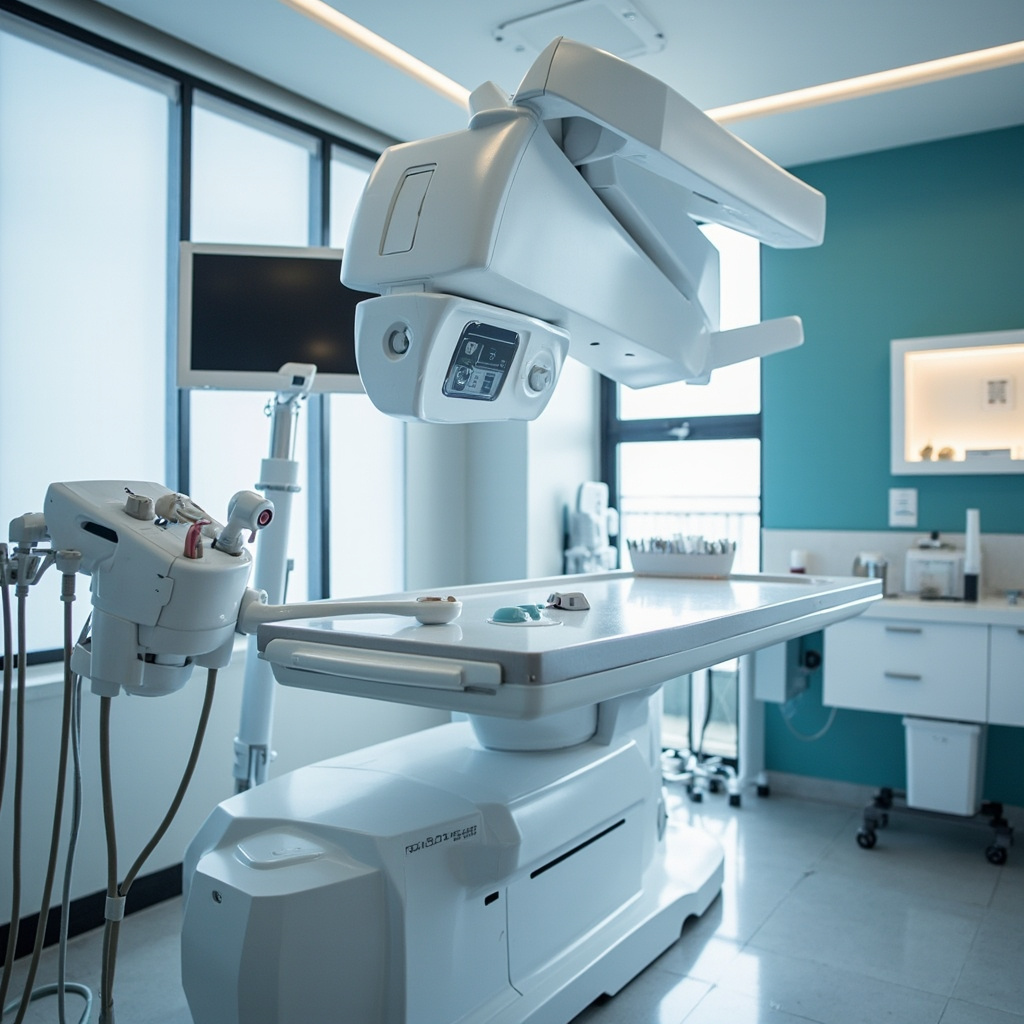
Maintaining optimal performance of your dental X-ray equipment requires a systematic approach to preventive care. Regular maintenance not only ensures patient safety and image quality but also extends the lifespan of your valuable digital radiography investment.

Essential Daily Maintenance Tasks

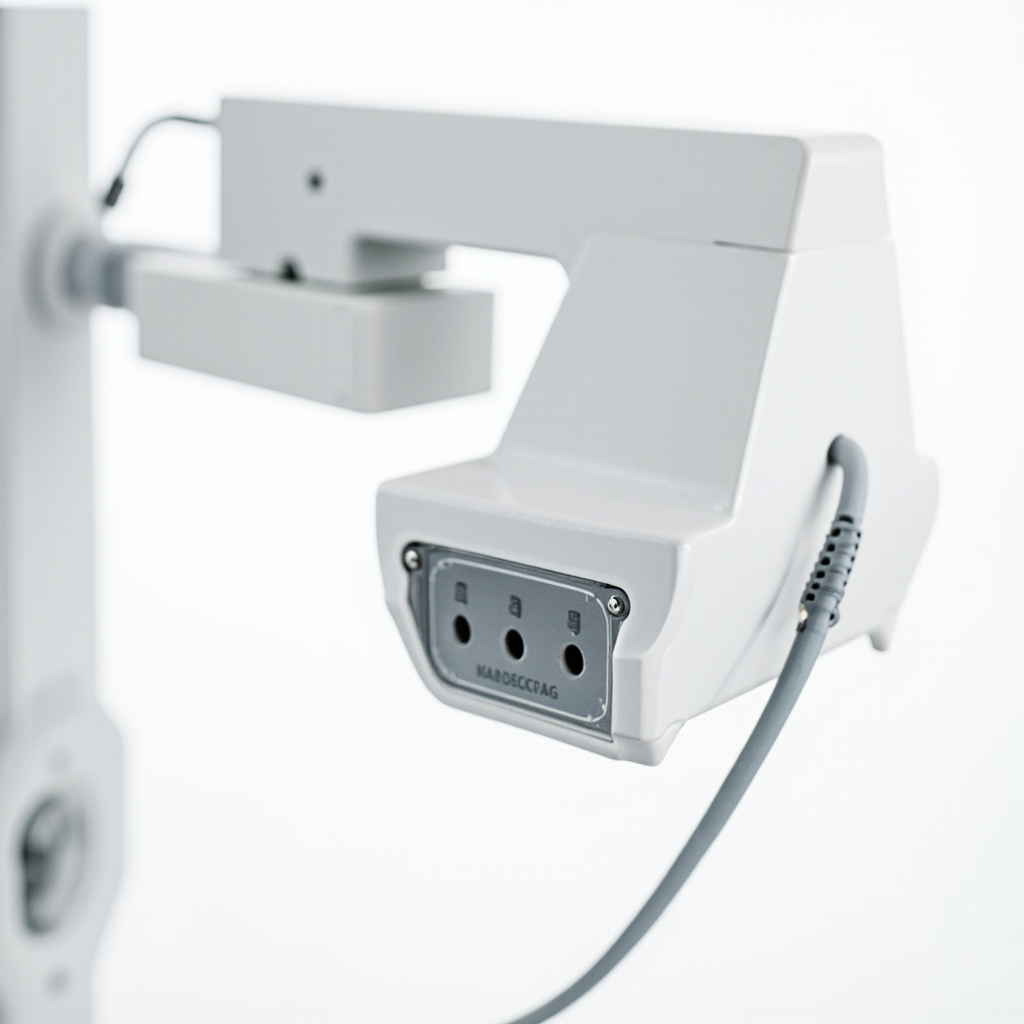
Start each day with a basic inspection of your X-ray equipment. Check for any visible damage to the tubehead, positioning arms, and control panel. Ensure all cables and connections are secure and undamaged. Clean the positioning devices and bite blocks according to infection control protocols using approved disinfectants.

The digital sensors require special attention. Gently clean sensor surfaces with approved wipes, avoiding harsh chemicals that could damage the protective covering. Check sensor cables for kinks, bends, or fraying that could compromise image quality or pose safety risks.

Weekly Calibration and Quality Checks
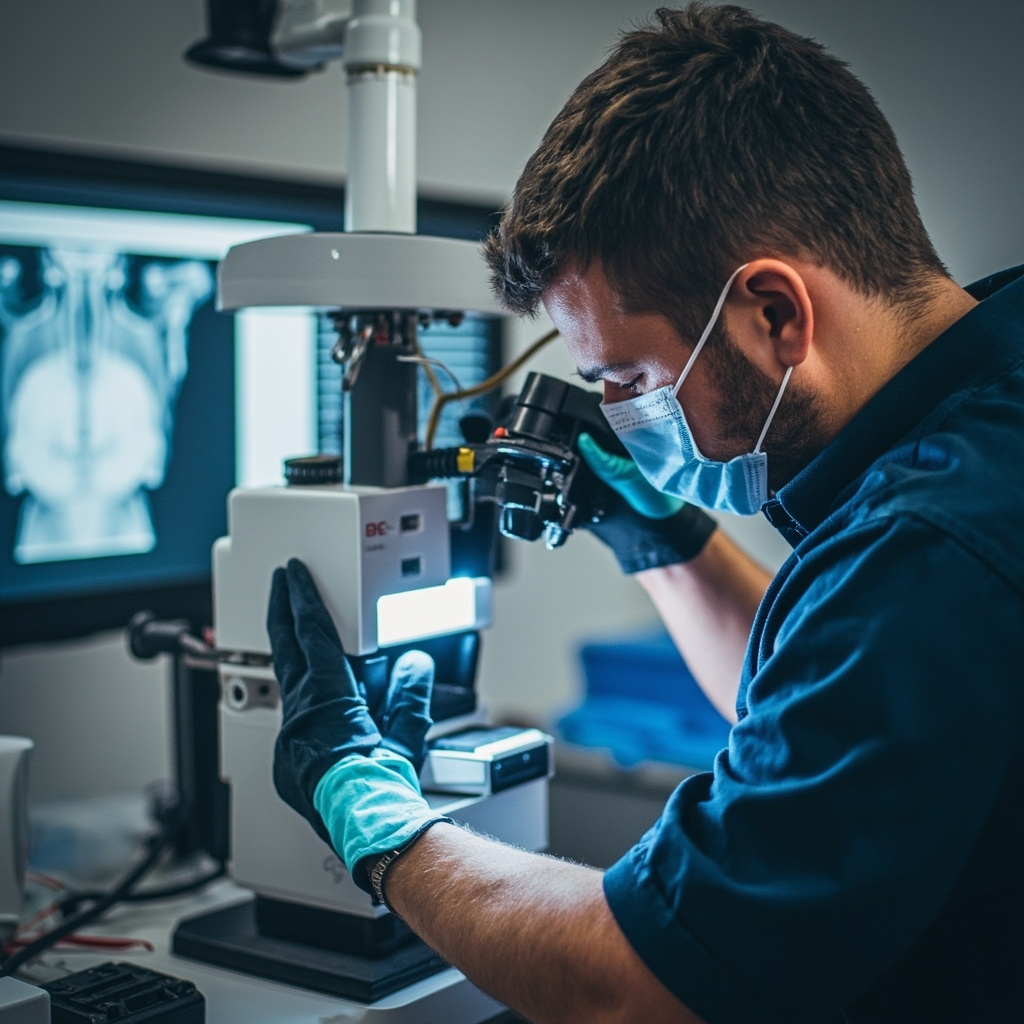
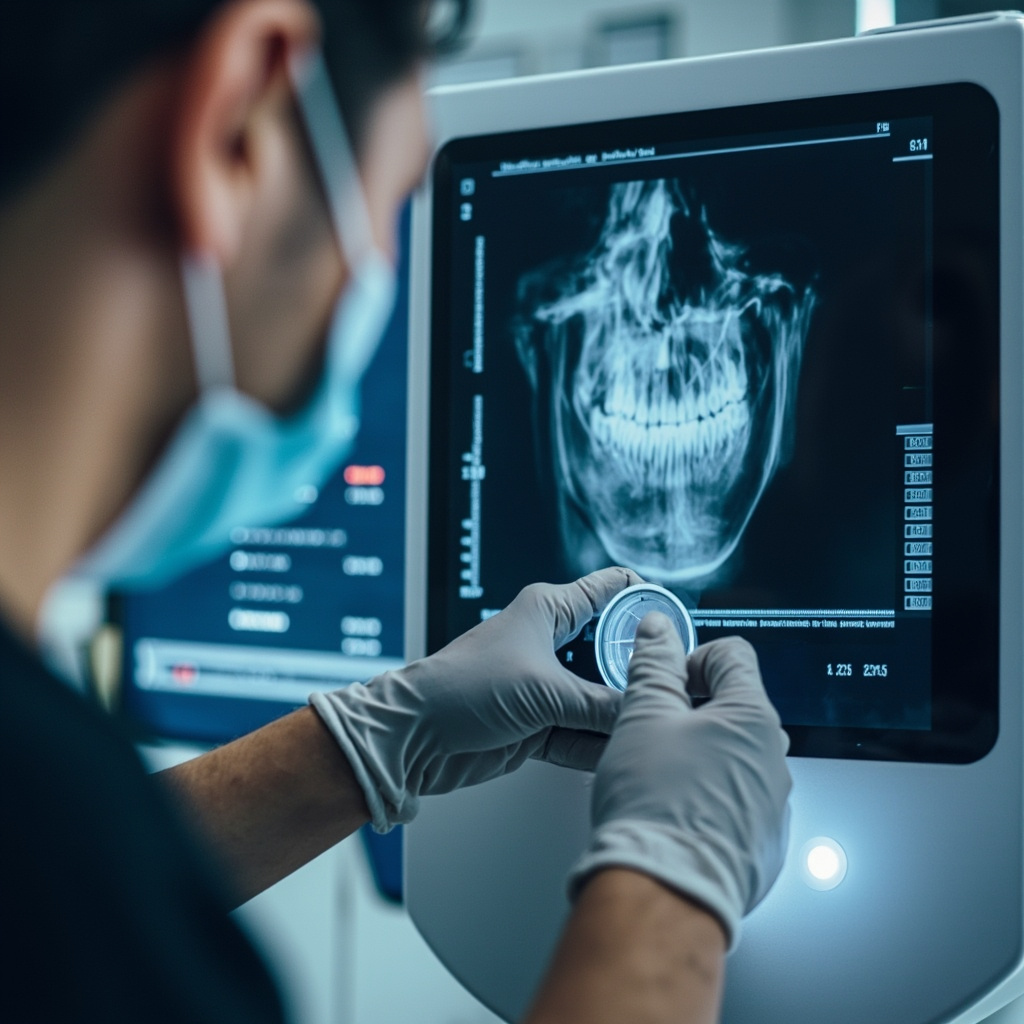
Dental technician performing maintenance on digital X-ray sensor equipment

Weekly quality assurance testing ensures consistent image quality and proper equipment function. Perform step-wedge tests to verify appropriate contrast and density settings. Document exposure times and verify they match manufacturer specifications across different anatomical regions.

Check the collimation accuracy using appropriate test tools. Misaligned collimation can result in unnecessary radiation exposure and poor image quality. Verify that the positioning indicator device (PID) alignment matches the actual X-ray beam path.

Monthly System Inspections

Monthly inspections should include thorough examination of mechanical components. Check the tubehead suspension system for smooth operation and proper counterbalancing. Lubricate moving parts according to manufacturer specifications, typically using medical-grade lubricants.

Inspect the electrical systems, including control panel functions, timer accuracy, and emergency stop mechanisms. Test all safety interlocks to ensure they function properly. Document any irregularities for further investigation.

Sensor Care and Storage
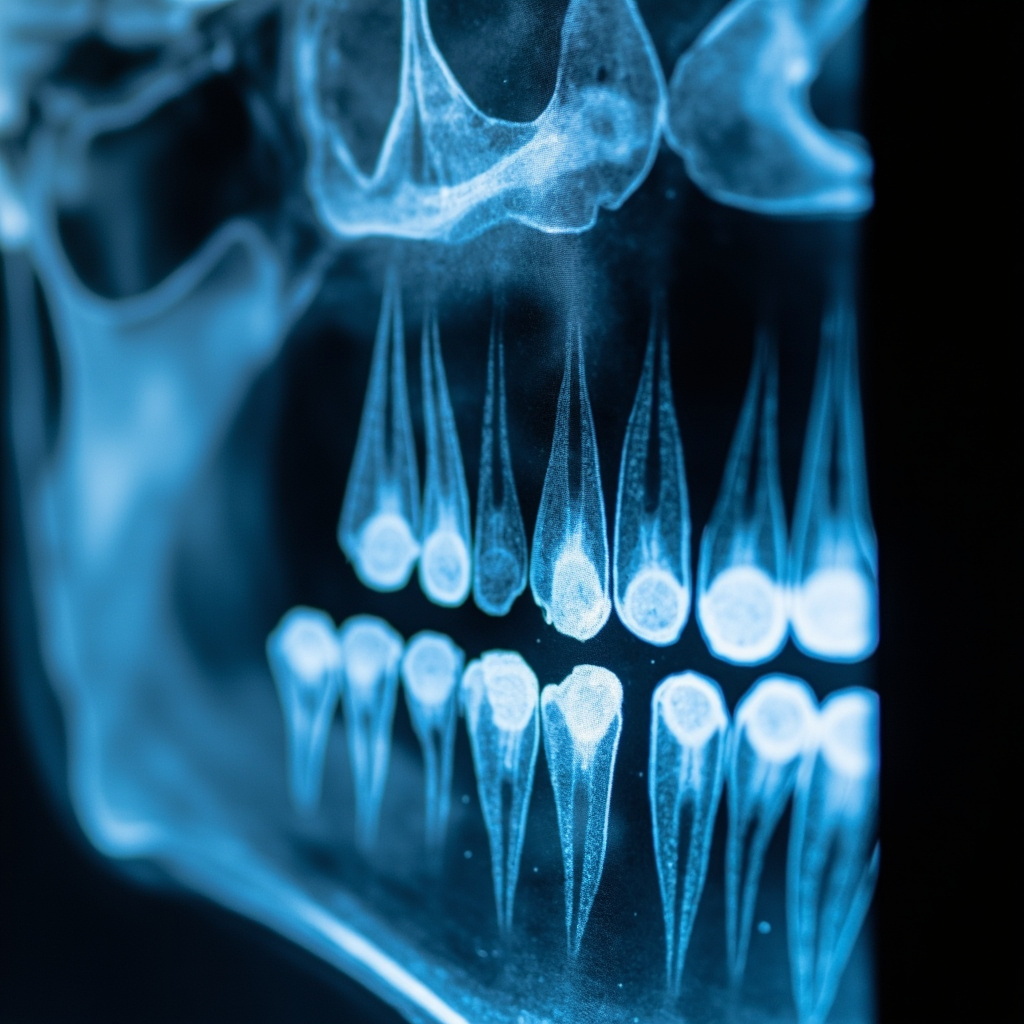
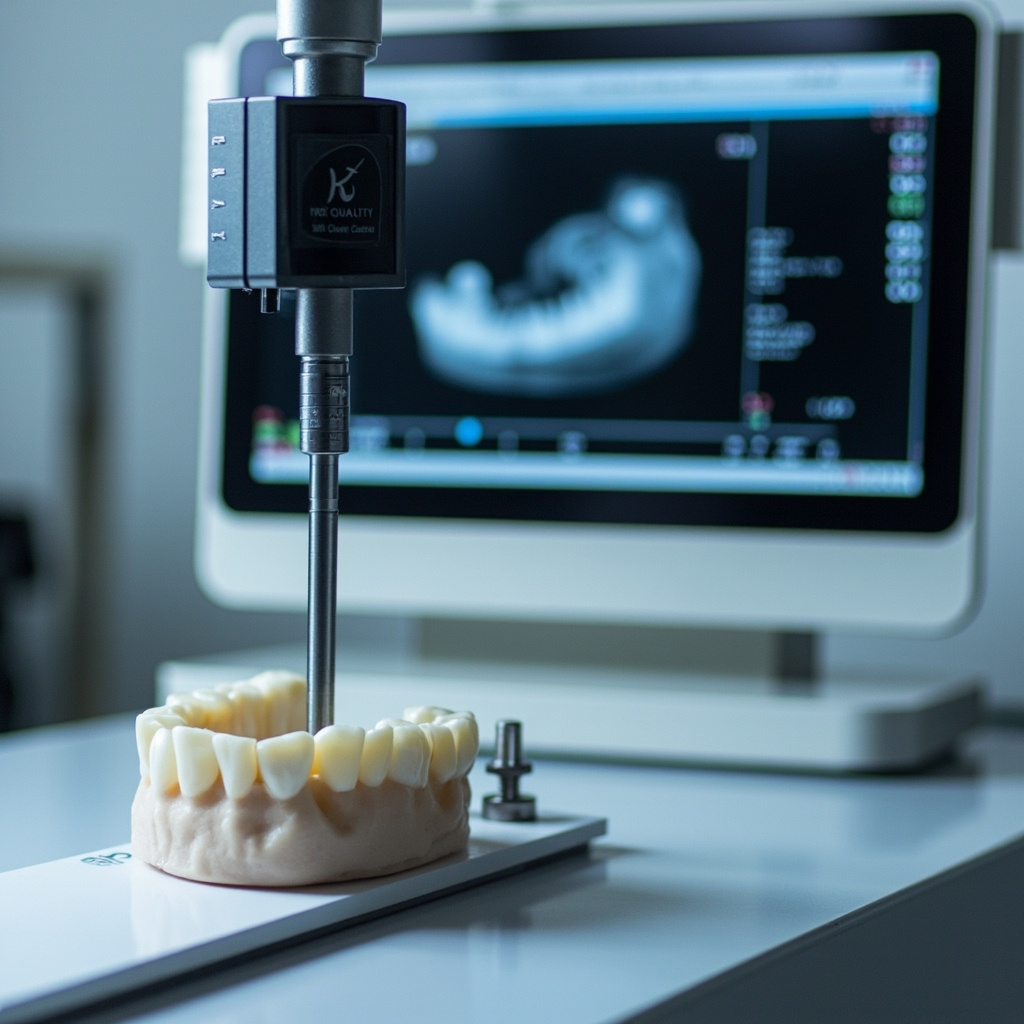
Close-up of dental X-ray imaging sensors and digital radiography components

Digital sensors represent a significant investment requiring careful handling. Store sensors in protective cases when not in use, avoiding extreme temperatures and humidity. Regularly inspect sensor housings for cracks or wear that could allow moisture intrusion.

Keep spare protective sleeves and positioning accessories stocked. Replace worn positioning devices promptly to maintain patient comfort and image consistency. Consider rotating sensors between operatories to distribute wear evenly.

Professional Service Requirements

Annual professional servicing by qualified technicians remains essential despite regular in-house maintenance. These inspections include radiation output measurements, safety system verification, and comprehensive mechanical assessments beyond typical practice capabilities.

Professional services typically include X-ray output calibration, safety shutter function testing, and collimation accuracy verification. They also perform electrical safety inspections and update firmware or software as needed.

Troubleshooting Common Issues

Image quality problems often trace to maintenance oversights. Dark or light images may indicate exposure setting drift or generator issues. Blurry images frequently result from patient movement, but can also indicate mechanical instability in the positioning system.

Sensor connectivity problems typically involve cable damage or connection corrosion. Regular cable inspection and gentle handling prevent most sensor-related issues. Keep backup sensors available for critical situations.

Documentation and Record Keeping

Maintain detailed maintenance logs documenting all inspections, tests, and service activities. Include dates, findings, corrective actions, and technician signatures. These records demonstrate regulatory compliance and help identify recurring issues.

Track exposure parameters, image quality metrics, and equipment performance trends. This data proves invaluable for warranty claims, regulatory inspections, and equipment replacement planning.

Cost-Effective Maintenance Strategies

Preventive maintenance costs significantly less than emergency repairs or premature equipment replacement. Budget approximately 3-5% of equipment value annually for maintenance activities, including professional services and replacement parts.

Consider service contracts for complex digital systems, particularly during warranty periods. These agreements often provide priority service response and predictable maintenance costs, crucial for busy practices.

Training and Staff Responsibilities

Ensure all staff members understand proper equipment handling procedures. Regular training updates keep everyone current on manufacturer recommendations and regulatory requirements. Designate specific maintenance responsibilities to qualified team members.

Create clear protocols for reporting equipment problems or performance changes. Early detection and correction prevent minor issues from becoming major failures affecting patient care and practice productivity.
Essential Guide to Dental X-Ray Equipment Calibration: Ensuring Accurate Diagnostics

Proper calibration of dental X-ray equipment is critical for accurate diagnostics, patient safety, and regulatory compliance. This comprehensive guide covers the essential steps and best practices for maintaining optimal X-ray performance in your dental practice.

Why Calibration Matters

Dental X-ray machines must be calibrated regularly to ensure consistent image quality and accurate exposure parameters. Improper calibration can lead to:

  • Poor image quality affecting diagnostic accuracy
  • Excessive radiation exposure to patients
  • Regulatory compliance issues
  • Equipment damage from incorrect settings

Professional standards require dental X-ray equipment to be inspected and calibrated at regular intervals, typically annually or as specified by local regulations.

Digital X-ray sensor calibration

Essential Calibration Equipment

Before beginning calibration procedures, ensure you have the necessary equipment:

  • Calibration phantom or test object
  • Dosimetry equipment for exposure measurement
  • Step wedge for contrast evaluation
  • Resolution test patterns
  • Digital measurement tools

Step-by-Step Calibration Process

1. Initial Equipment Assessment

Begin by documenting current machine settings and performance baselines. Check for any obvious mechanical issues or wear patterns that might affect calibration results.

2. Exposure Parameter Verification

Verify that exposure settings match the intended values using appropriate measurement equipment. Common parameters to check include:

  • Tube voltage (kVp) accuracy
  • Exposure time precision
  • Beam filtration effectiveness
  • Collimation alignment

3. Image Quality Assessment

Using standardized phantoms, evaluate image quality parameters including contrast resolution, spatial resolution, and noise characteristics. Document any deviations from acceptable ranges.

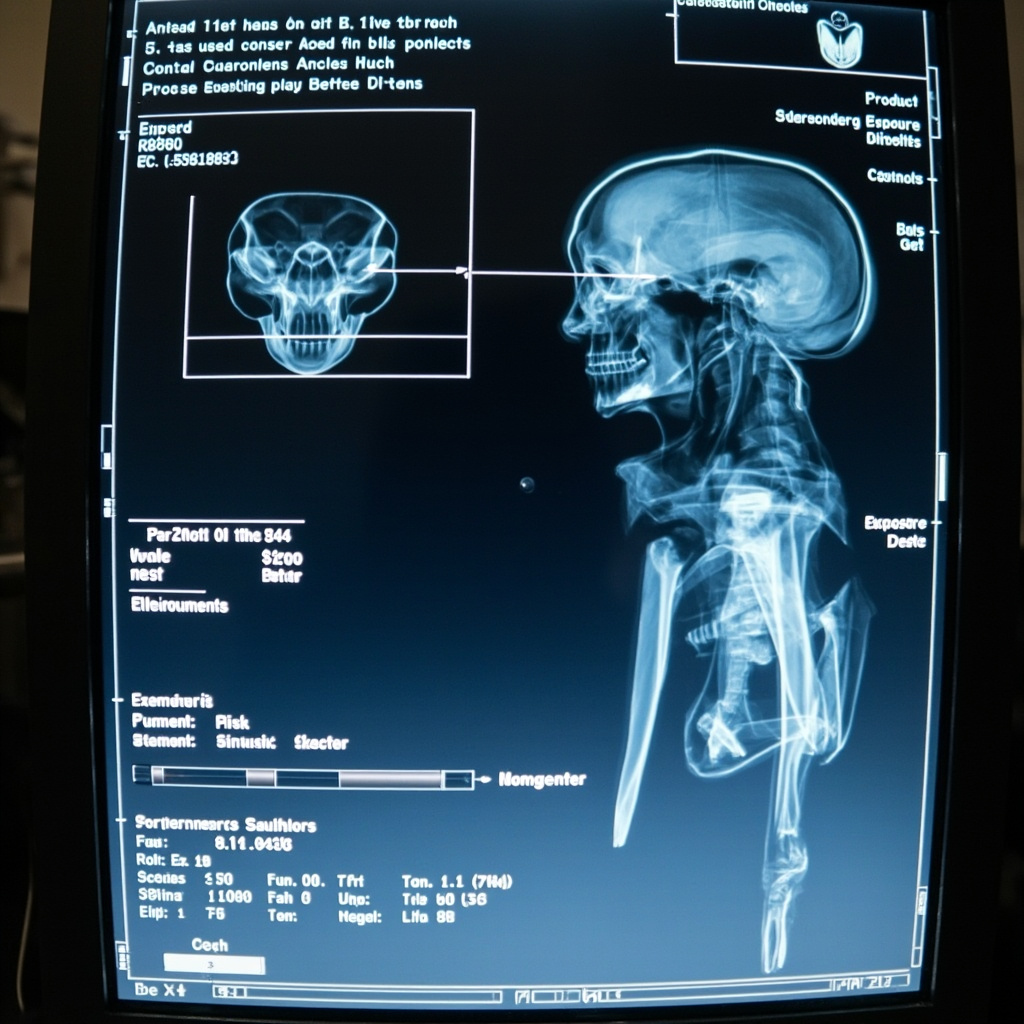
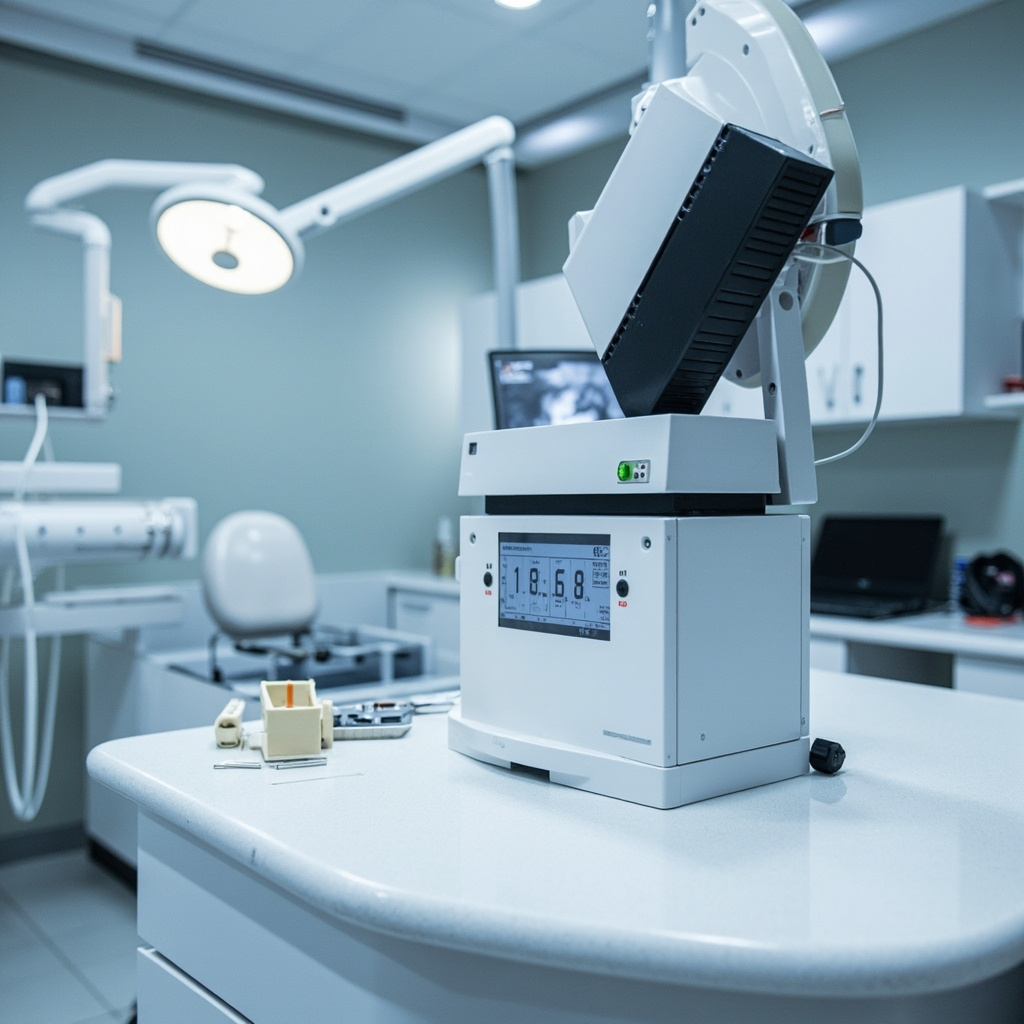
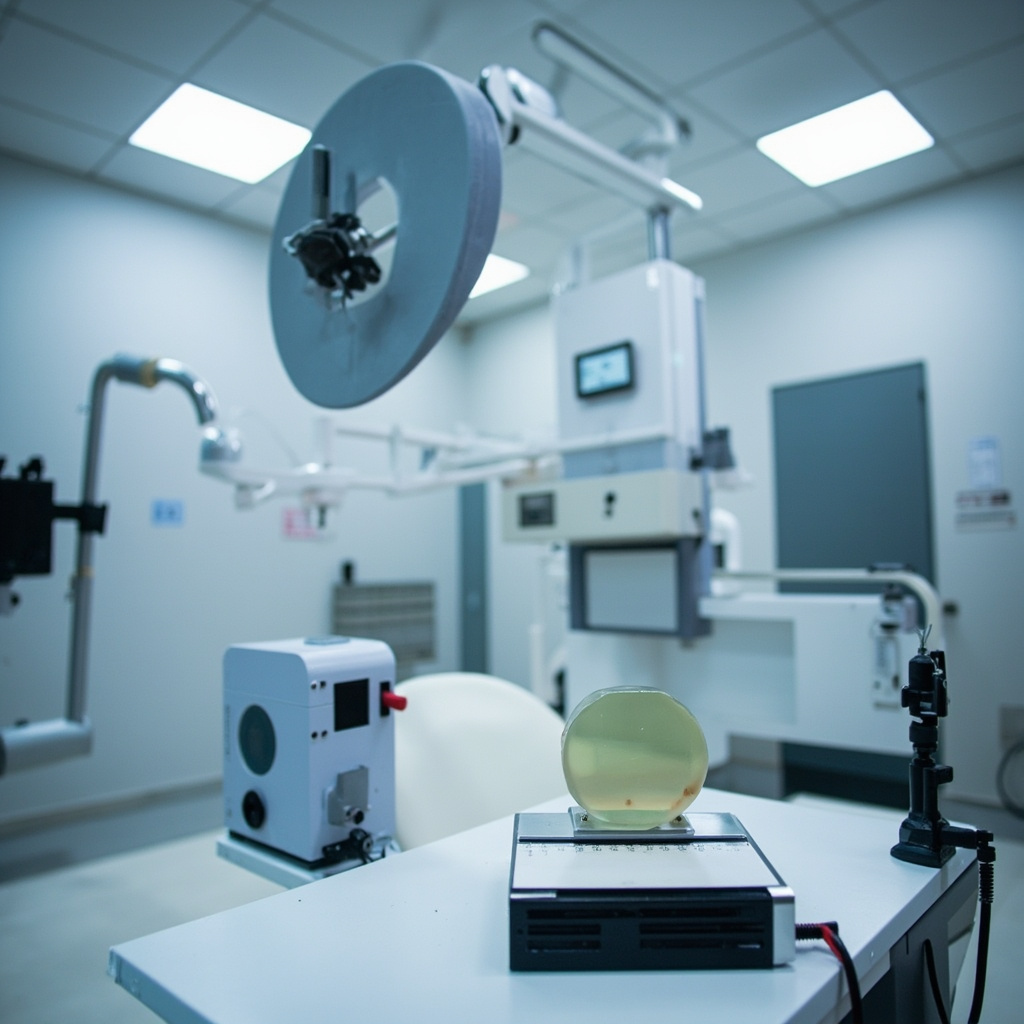
X-ray control panel settings

Common Calibration Issues and Solutions

Exposure Inconsistencies

If exposure readings vary significantly from set values:

  • Check tube aging and replace if necessary
  • Verify generator calibration
  • Inspect high-voltage cables for damage
  • Review timer accuracy

Image Quality Problems

Poor image quality may indicate:

  • Misaligned beam collimation
  • Inadequate filtration
  • Sensor calibration drift
  • Processing parameter errors

Maintaining Calibration Records

Proper documentation is essential for regulatory compliance and equipment tracking. Maintain detailed records including:

  • Calibration dates and procedures performed
  • Measured values and acceptable ranges
  • Corrective actions taken
  • Equipment serial numbers and service history

Professional Service Recommendations

While routine checks can be performed in-house, comprehensive calibration should be conducted by qualified service technicians. Schedule professional calibration:

  • Annually for most equipment
  • After major repairs or component replacement
  • When performance issues are detected
  • As required by local regulations

Quality Assurance Best Practices

Implement ongoing quality assurance protocols to maintain calibration between service visits:

  • Daily constancy checks using reference images
  • Weekly exposure reproducibility tests
  • Monthly image quality assessments
  • Quarterly comprehensive performance reviews

Regular calibration and quality assurance ensure your dental X-ray equipment continues to provide accurate, high-quality diagnostic images while maintaining optimal patient safety. When in doubt, consult with qualified service professionals to address any calibration concerns.

Digital X-Ray Sensor Troubleshooting: Common Problems and Quick Solutions

Digital X-ray sensors have revolutionized dental imaging, but they can present unique challenges that require specific troubleshooting approaches. Understanding the most common sensor problems and their solutions can save valuable chair time and prevent patient inconvenience.

Most Common Digital Sensor Issues

Digital X-ray sensors typically experience problems related to connectivity, image quality, positioning errors, and software communication. These issues often manifest as sensor not detected errors, poor image quality, or complete system failures.

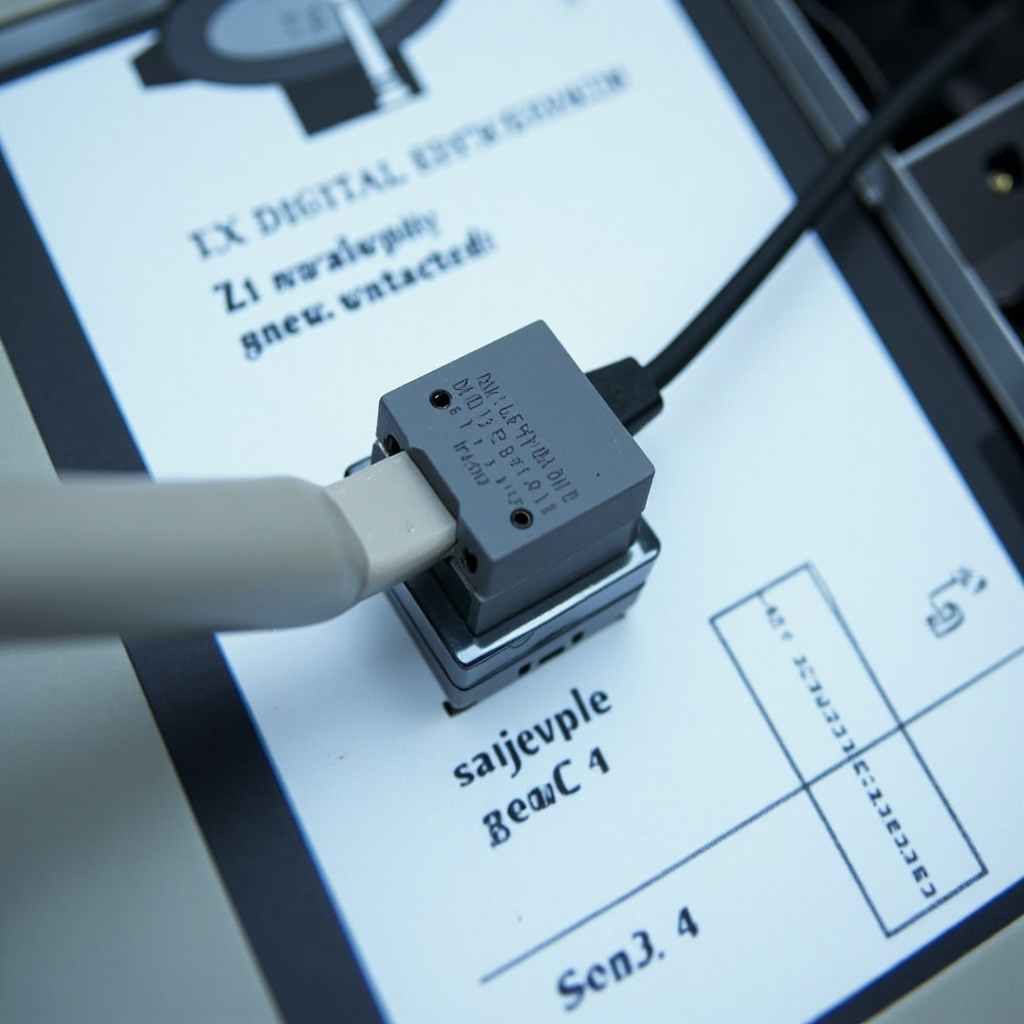
Close-up view of digital X-ray sensor showing USB connection

Sensor Not Detected Problems

When your digital X-ray sensor is not being recognized by the imaging software, the issue is usually related to:

  • USB Connection Issues: Loose or damaged USB cables are the most frequent culprit. Check all connections and try a different USB port.
  • Driver Problems: Outdated or corrupted sensor drivers can prevent proper communication between the sensor and computer.
  • Software Conflicts: Multiple imaging programs running simultaneously can create conflicts that prevent sensor detection.
  • Power Management Settings: Windows power management can disable USB ports to save energy, causing intermittent sensor failures.

Quick Fix Steps

Start with these immediate troubleshooting steps:

  1. Disconnect and reconnect the USB cable firmly
  2. Try a different USB port, preferably a USB 2.0 port
  3. Restart the imaging software completely
  4. Check Device Manager for yellow warning icons
  5. Disable USB selective suspend in Power Options

Image Quality Problems

Poor image quality from digital sensors often relates to exposure settings, sensor positioning, or environmental factors affecting the sensor itself.

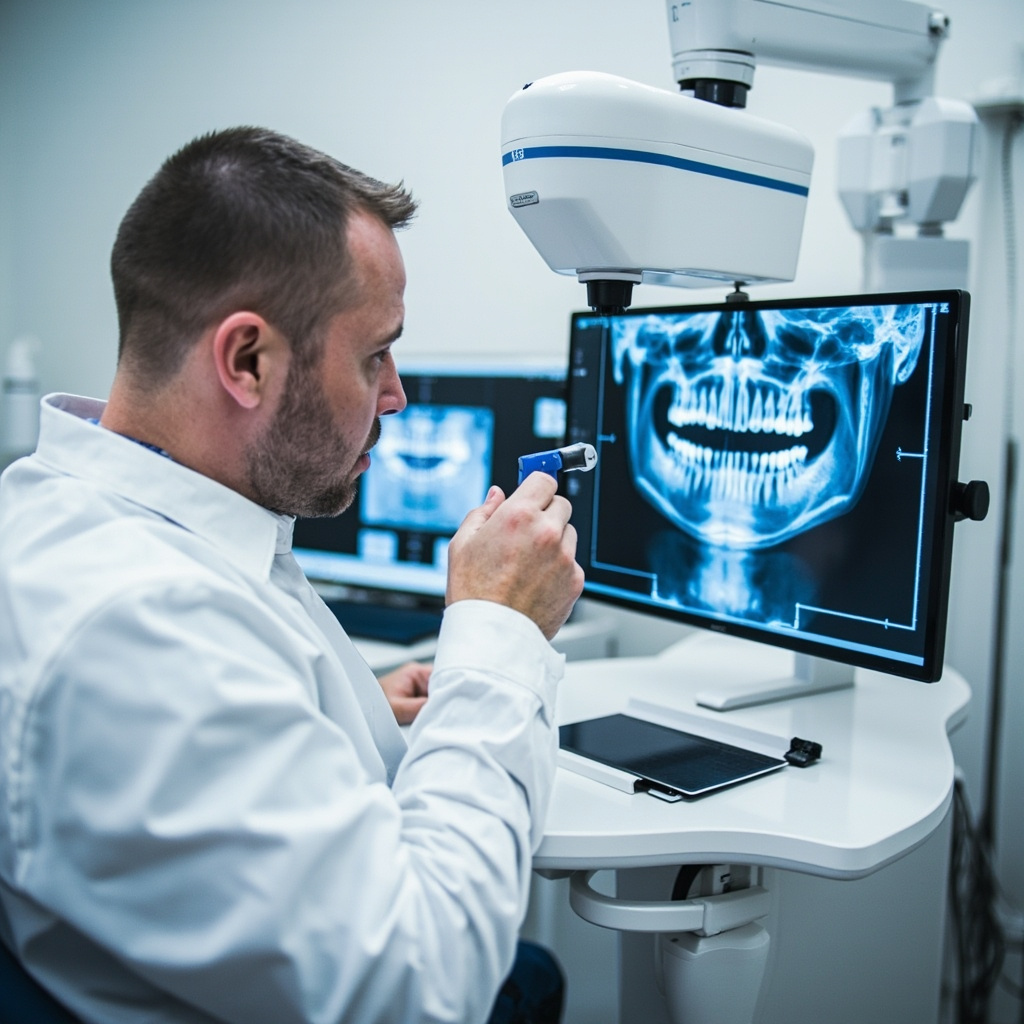
Dental professional analyzing X-ray image quality on computer screen

Exposure Setting Corrections

Digital sensors require different exposure parameters compared to traditional film:

  • Reduced Exposure Time: Digital sensors are more sensitive than film, requiring 50-80% less exposure time
  • kVp Adjustments: Higher kVp settings (70-90 kVp) often produce better digital images
  • mA Settings: Consistent milliamperage settings help maintain image quality across different patients

Sensor Positioning Best Practices

Proper sensor placement is critical for diagnostic quality images:

  • Ensure the sensor is parallel to the long axis of teeth being imaged
  • Use appropriate sensor holders to minimize movement
  • Check that the sensor is not bent or twisted during placement
  • Verify the X-ray tube is properly aligned with the sensor

Preventive Maintenance

Regular maintenance can prevent many common sensor problems:

  • Daily Cleaning: Use appropriate disinfectant wipes designed for digital sensors
  • Cable Management: Avoid sharp bends or kinks in USB cables
  • Software Updates: Keep imaging software and sensor drivers current
  • Regular Calibration: Follow manufacturer recommendations for sensor calibration frequency

When to Call for Service

Some problems require professional service intervention:

  • Consistent poor image quality despite proper settings
  • Repeated sensor failure messages
  • Physical damage to the sensor or cable
  • Intermittent connectivity issues that persist after troubleshooting

Professional service can diagnose hardware failures, perform specialized calibrations, and replace damaged components that cannot be addressed through basic troubleshooting.

Documentation for Service Calls

When contacting service support, document:

  • Specific error messages or symptoms
  • Steps already attempted
  • When the problem first occurred
  • Any recent software or hardware changes
  • Patient volume and usage patterns

Digital X-ray sensors are sophisticated devices that require proper handling and maintenance. By understanding common problems and implementing systematic troubleshooting approaches, dental practices can maintain optimal imaging performance and minimize downtime.

Common Digital Dental X-ray Sensor Problems and How to Fix Them

Digital dental X-ray sensors have revolutionized modern dentistry, providing instant high-quality images while reducing radiation exposure. However, like all electronic devices, digital sensors can experience various problems that disrupt workflow and patient care. Understanding common sensor issues and their solutions can help dental practices maintain optimal imaging performance.

Sensor Detection and Connection Issues

One of the most frequent problems dental practices encounter is when the imaging software fails to detect the digital sensor. This typically manifests as error messages stating “sensor not found” or “no device detected.” The issue often stems from loose USB connections, faulty cables, or driver conflicts.

Digital dental X-ray sensor close-up

Troubleshooting steps:

  • Check all cable connections and ensure they are firmly seated
  • Try a different USB port on the computer
  • Restart the imaging software and computer
  • Update or reinstall sensor drivers
  • Test with a known working cable if available

Image Quality Problems

Poor image quality can significantly impact diagnostic accuracy. Common image quality issues include:

  • White or overexposed images: Often caused by sensor misfiring or pre-triggering
  • Dark or underexposed images: Usually indicates insufficient X-ray exposure
  • Static or noise: Can result from electromagnetic interference or sensor malfunction
  • Partial images or cone cuts: Typically caused by improper positioning

Many image quality problems can be resolved by adjusting exposure settings, ensuring proper sensor positioning, and checking for external interference sources such as cell phones or other electronic devices.

Software and Calibration Issues

Digital radiography systems require proper calibration to function optimally. When sensors lose calibration, images may appear distorted, have incorrect contrast, or display unusual artifacts.

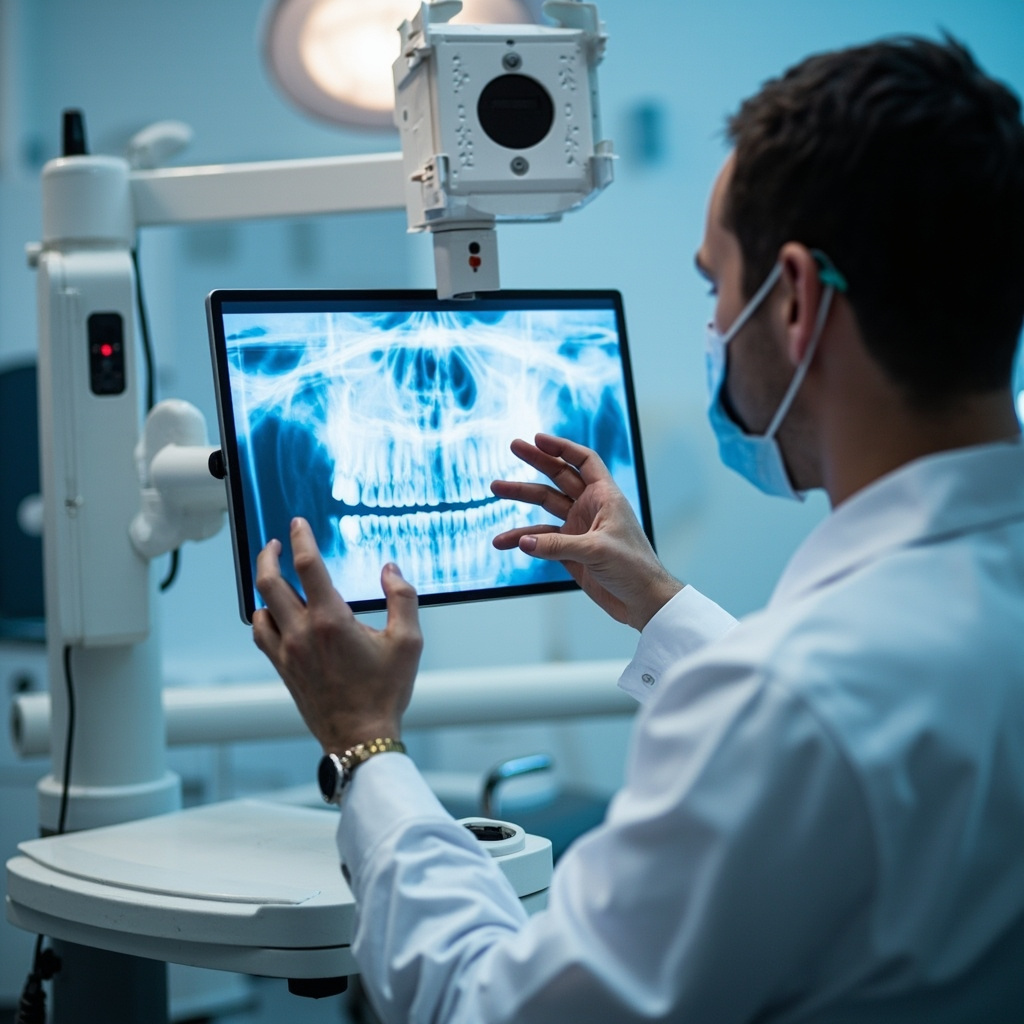
X-ray diagnostic computer screen

Common software-related problems include:

  • Sensor calibration drift over time
  • Compatibility issues after software updates
  • Incorrect exposure settings for specific sensor types
  • Integration problems with practice management software

Physical Sensor Damage

Digital sensors are delicate instruments that can be damaged through normal use. Physical damage often occurs from:

  • Patient biting down too hard on the sensor
  • Dropping the sensor on hard surfaces
  • Excessive bending or twisting of cables
  • Exposure to moisture or sterilization solutions

Signs of physical damage include cracked sensor housings, visible cable damage, or permanent dead pixels in images. Physical damage typically requires professional repair or sensor replacement.

Preventive Maintenance

Proper maintenance can prevent many sensor problems and extend equipment lifespan:

  • Handle sensors gently and use protective sheaths
  • Clean sensors according to manufacturer guidelines
  • Store sensors in designated holders when not in use
  • Regularly check cables for wear or damage
  • Keep imaging software updated
  • Schedule regular calibration checks

When to Call for Professional Help

While many sensor problems can be resolved in-house, certain issues require professional technical support:

  • Persistent hardware failures after basic troubleshooting
  • Sensor calibration problems that cannot be corrected
  • Physical damage to sensors or cables
  • Recurring software crashes or system instability
  • Integration problems with existing dental software

By understanding these common digital X-ray sensor problems and their solutions, dental practices can minimize downtime and maintain consistent imaging quality. Regular maintenance and proper handling procedures are essential for maximizing the lifespan and reliability of digital radiography equipment.

Common Digital Radiography Exposure Errors and Solutions

Digital radiography has revolutionized dental imaging, but exposure errors remain one of the most common technical challenges faced by dental practices. These errors can compromise diagnostic quality, necessitate retakes, and increase patient radiation exposure.

Understanding Exposure Parameters

Proper exposure in digital radiography depends on three critical factors: exposure time, kilovoltage peak (kVp), and milliamperage (mA). Unlike traditional film, digital sensors have different sensitivity characteristics that require careful adjustment of these parameters.

Underexposed dental X-ray comparison showing correct vs incorrect exposure

Most digital X-ray systems provide preset exposure values, but these defaults may not be optimal for every sensor type or clinical situation. Understanding how to manually adjust these settings is crucial for consistent image quality.

Common Exposure Errors

Underexposure

Underexposed images appear too light or dark (depending on the software display settings) and lack sufficient contrast for accurate diagnosis. This error typically results from:

  • Insufficient exposure time
  • Too low kVp settings
  • Inadequate mA values
  • Incorrect distance from the X-ray source

To correct underexposure, gradually increase exposure time in small increments (typically 0.1-0.2 seconds) rather than making large adjustments. For thicker anatomical areas like molars, consider increasing kVp rather than just extending exposure time.

Overexposure

Overexposed images show excessive density and poor contrast resolution. While digital sensors are more forgiving than film, overexposure can still degrade image quality and unnecessarily increase patient radiation dose.

Signs of overexposure include:

  • Loss of anatomical detail in dense structures
  • Reduced contrast between tissues
  • Artifacts in the image processing

Systematic Troubleshooting Approach

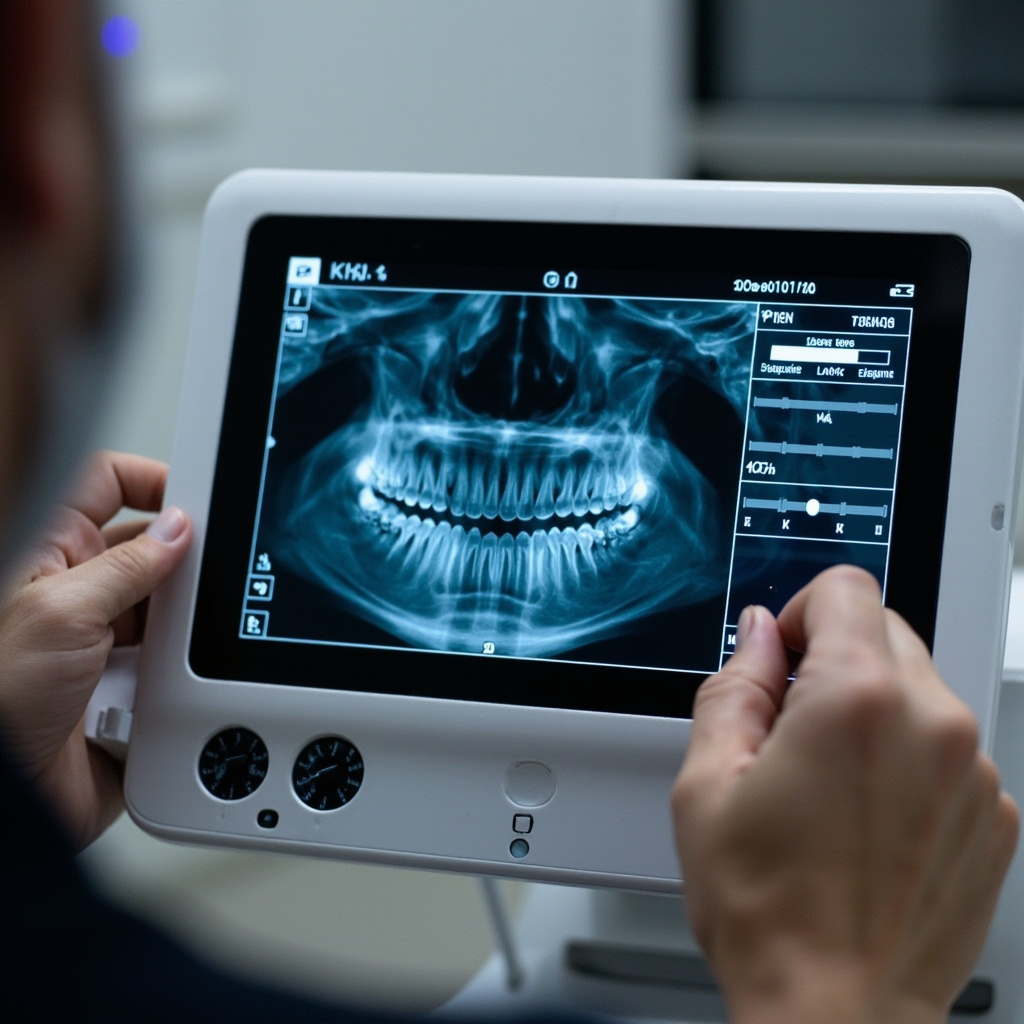
Digital X-ray control panel showing exposure settings adjustment

When encountering exposure problems, follow this systematic approach:

Step 1: Verify Equipment Settings

Check that the X-ray machine settings match your sensor specifications. Many manufacturers provide recommended exposure charts for their sensors that serve as starting points.

Step 2: Assess Patient Factors

Patient size, age, and anatomical density significantly affect required exposure. Pediatric patients typically require 25-50% less exposure than adults, while larger patients may need increased settings.

Step 3: Evaluate Technique Factors

Ensure proper sensor placement, adequate patient positioning, and correct cone positioning. Poor technique can necessitate retakes regardless of exposure settings.

Sensor-Specific Considerations

Different digital sensor technologies (CCD, CMOS, photostimulable phosphor plates) have varying sensitivity characteristics. CCD sensors generally require less exposure than PSP plates, while newer CMOS sensors offer improved sensitivity with lower radiation doses.

Always consult your sensor manufacturer’s exposure recommendations as a baseline, then adjust based on clinical results and image quality assessment.

Quality Assurance Protocol

Establish a regular quality assurance program that includes:

  • Monthly exposure consistency testing
  • Sensor performance evaluation
  • Image quality assessment using standardized phantoms
  • Documentation of exposure adjustments and outcomes

Regular monitoring helps identify equipment drift, sensor degradation, or technique variations that could affect exposure accuracy.

Conclusion

Mastering digital radiography exposure requires understanding the interplay between equipment capabilities, sensor characteristics, and patient variables. By implementing systematic troubleshooting approaches and maintaining consistent quality assurance protocols, dental practices can minimize exposure errors and optimize both image quality and patient safety.

Remember that every exposure should be as low as reasonably achievable (ALARA principle) while maintaining diagnostic quality. When in doubt, consult with your equipment manufacturer’s technical support team for sensor-specific guidance.

Dental X-Ray Sensor Calibration: Essential Troubleshooting Guide for 2026

Proper calibration of dental X-ray sensors is critical for accurate diagnostics and regulatory compliance. This comprehensive guide addresses the most common calibration issues and provides step-by-step troubleshooting solutions for dental practices in 2026.

Understanding Sensor Calibration Requirements

All dental X-ray machines must be inspected and calibrated at regular intervals according to regulatory standards. Calibration ensures accurate output, proper collimation, and optimal image quality while minimizing patient radiation exposure.

Dental technician calibrating X-ray sensor equipment

Common Calibration Problems and Solutions

1. Output Variations

Inconsistent radiation output is one of the most frequent issues. Check timing accuracy, mA settings, and kVp stability. Use calibrated dosimetry equipment to measure actual output versus displayed settings.

2. Collimation Issues

Improper beam alignment can cause inconsistent exposures. Verify light beam alignment with the actual X-ray beam using test tools and adjust accordingly.

3. Tubehead Drift

Mechanical stability problems affect positioning accuracy. Inspect tubehead mounting hardware and replace worn components that allow unwanted movement.

Calibration Testing Protocol

Modern calibration requires specialized phantoms and measurement devices. The Unfors Xi system represents current best practice for comprehensive testing, providing precise measurements across all critical parameters.

Dental X-ray calibration phantom showing test results

Digital Sensor Specific Issues

Image Quality Degradation

Digital sensors can develop dead pixels, sensitivity variations, or calibration drift over time. Regular quality control testing using standardized phantoms helps identify these issues early.

Exposure Parameter Optimization

Each sensor type requires specific exposure parameters. Improper settings can result in over-exposure, under-exposure, or increased noise levels that compromise diagnostic quality.

Preventive Maintenance Schedule

Establish a routine calibration schedule:

  • Annual comprehensive calibration by certified technician
  • Quarterly quality control testing
  • Monthly visual inspection of equipment
  • Weekly image quality assessment

Regulatory Compliance

Maintain detailed calibration records for regulatory inspections. Document all test results, corrective actions, and equipment modifications. These records demonstrate compliance with safety regulations and quality standards.

When to Call for Professional Service

Contact qualified service technicians when:

  • Calibration values exceed acceptable tolerances
  • Repeated failures occur despite troubleshooting
  • Hardware modifications are required
  • Annual certification is due

Proper calibration ensures optimal diagnostic quality while maintaining patient safety. Regular testing and prompt attention to calibration issues keeps your X-ray system operating at peak performance.

X-Ray Equipment Maintenance: Essential Protocols for Optimal Performance

Proper maintenance of dental X-ray equipment is critical for ensuring consistent image quality, patient safety, and regulatory compliance. A comprehensive maintenance program protects your investment while maintaining the highest standards of diagnostic imaging.

Preventive Maintenance Fundamentals

Regular preventive maintenance prevents costly breakdowns and ensures optimal equipment performance:

  • Daily Cleaning Protocols: Proper disinfection and cleaning procedures
  • Weekly System Checks: Basic functionality and performance verification
  • Monthly Inspections: Comprehensive system evaluation and calibration
  • Annual Professional Service: Complete system analysis and certification

Daily Maintenance Procedures

Consistent daily maintenance ensures reliable equipment operation:

Cleaning and Disinfection

  • Sensor Protection: Use appropriate barrier sleeves and handle sensors carefully
  • Surface Disinfection: Clean all contact surfaces with approved disinfectants
  • Cable Management: Inspect cables for damage and ensure proper storage
  • Control Panel Care: Clean displays and control surfaces without liquid infiltration

Operational Checks

Verify essential system functions daily:

  • Power-on self-test completion
  • Exposure indicator functionality
  • Patient positioning device operation
  • Emergency stop button testing

Sensor Care and Handling

Digital sensors require special attention to maintain optimal performance:

  • Gentle Handling: Avoid dropping or excessive pressure on sensors
  • Proper Storage: Store sensors in protective cases when not in use
  • Cable Protection: Prevent excessive bending or twisting of sensor cables
  • Regular Cleaning: Follow manufacturer protocols for sensor disinfection

Common Sensor Problems

Recognize early warning signs of sensor issues:

  • Image Artifacts: Spots, lines, or distortions in images
  • Connectivity Issues: Intermittent sensor recognition
  • Calibration Drift: Changes in image brightness or contrast
  • Physical Damage: Cracks, chips, or cable damage

Quality Assurance Testing

Regular quality assurance protocols ensure consistent imaging performance:

Image Quality Assessment

  • Phantom Testing: Regular evaluation using standardized test phantoms
  • Exposure Reproducibility: Verification of consistent radiation output
  • Image Resolution: Assessment of spatial resolution and contrast
  • Artifact Evaluation: Detection and correction of image artifacts

Professional Service Requirements

Annual professional service ensures regulatory compliance and optimal performance:

  • Radiation Safety Inspection: Verification of proper radiation shielding and safety systems
  • Calibration Verification: Precise measurement and adjustment of system parameters
  • Software Updates: Installation of latest firmware and software versions
  • Documentation: Complete service records for regulatory compliance

Troubleshooting Common Issues

Understand solutions for frequent equipment problems:

Image Quality Problems

  • Blurred Images: Check patient movement and positioning
  • Over/Under Exposure: Verify exposure settings and sensor calibration
  • Positioning Errors: Review positioning techniques and patient instruction

System Malfunctions

  • Failed Exposures: Check power supply and control connections
  • Software Crashes: Verify system requirements and memory availability
  • Network Connectivity: Troubleshoot network settings and connections

Documentation and Record Keeping

Maintain comprehensive maintenance records:

  • Daily cleaning logs and operational checks
  • Monthly inspection reports and calibration results
  • Service history and repair documentation
  • Quality assurance test results and trending

Proper maintenance protocols ensure your X-ray equipment operates at peak performance while maintaining the safety and quality standards essential for modern dental practice.

Digital X-Ray Systems: Transforming Dental Diagnostics in 2026

Digital radiography has become the gold standard in modern dental practice, offering superior image quality, instant results, and enhanced patient care. As we advance through 2026, digital X-ray systems continue to evolve, providing unprecedented diagnostic capabilities and operational efficiency.

The Digital Advantage

Digital X-ray systems offer compelling benefits over traditional film-based radiography:

  • Instant Image Acquisition: Images appear immediately on screen, eliminating development time
  • Superior Image Quality: Enhanced contrast and resolution with digital manipulation capabilities
  • Reduced Radiation Exposure: Up to 90% less radiation compared to conventional film
  • Environmental Benefits: No chemical processing or film waste

Advanced Imaging Technologies

Modern digital systems incorporate cutting-edge technologies that enhance diagnostic accuracy:

Sensor Technology

Current digital sensors offer remarkable improvements:

  • CCD Sensors: Excellent image quality with proven reliability
  • CMOS Technology: Lower power consumption and faster image processing
  • Photostimulable Phosphor Plates: Flexible sizing options for various anatomical areas
  • Wireless Systems: Enhanced patient comfort and positioning flexibility

Clinical Applications and Benefits

Digital radiography enhances multiple aspects of dental practice:

Diagnostic Capabilities

  • Caries Detection: Enhanced visualization of early decay stages
  • Periodontal Assessment: Precise measurement of bone levels and changes
  • Endodontic Evaluation: Detailed root anatomy and working length determination
  • Oral Surgery Planning: Accurate assessment of anatomical structures

Patient Communication

Digital imaging revolutionizes patient education and treatment acceptance:

  • Immediate image review with patients
  • Enhancement tools for better visualization
  • Comparison capabilities for monitoring progression
  • Electronic transmission for referrals and consultations

Integration and Workflow Optimization

Modern digital X-ray systems seamlessly integrate with practice management systems:

  • DICOM Compatibility: Universal standard for medical imaging
  • Cloud Storage: Secure backup and multi-location access
  • AI-Assisted Diagnostics: Computer-aided detection of pathology
  • Mobile Integration: Access to images on tablets and smartphones

Quality Assurance and Maintenance

Digital systems require specific quality assurance protocols:

  • Regular sensor calibration and testing
  • Monitor quality assessment and calibration
  • Software updates and security patches
  • Backup system verification

Troubleshooting Common Issues

Understanding common digital radiography problems ensures optimal system performance:

  • Image Artifacts: Identifying and eliminating digital noise
  • Sensor Problems: Recognizing signs of sensor degradation
  • Software Issues: Maintaining system stability and performance
  • Network Connectivity: Ensuring reliable data transmission

Future Developments

The future of digital radiography continues to evolve with emerging technologies like artificial intelligence integration, improved sensor materials, and enhanced image processing algorithms.

Digital X-ray technology remains essential for modern dental practices, providing the foundation for accurate diagnosis, effective treatment planning, and exceptional patient care in our increasingly digital healthcare environment.

CBCT Revolution: How 3D Imaging Transforms Dental Practice Safety

Cone Beam Computed Tomography (CBCT) has revolutionized dental diagnostics, offering unprecedented imaging capabilities that enhance both treatment accuracy and patient safety. This technology represents a paradigm shift from traditional 2D radiography to comprehensive 3D visualization.

Understanding CBCT Technology

CBCT systems use a cone-shaped X-ray beam that rotates around the patient to capture hundreds of images from different angles. These images are then reconstructed into detailed 3D models that provide complete anatomical information.

  • 3D Visualization: Complete spatial relationships between teeth, bone, and soft tissues
  • High Resolution: Submillimeter accuracy for precise treatment planning
  • Lower Radiation: Significantly less exposure compared to traditional medical CT scans
  • Fast Imaging: Complete scan typically takes 10-40 seconds

Clinical Applications in Modern Dentistry

CBCT technology has expanded the diagnostic capabilities of dental practices across multiple specialties:

Implant Planning

CBCT provides critical information for successful implant placement:

  • Bone Density Assessment: Accurate measurement of available bone volume
  • Anatomical Mapping: Identification of vital structures like nerves and sinuses
  • Virtual Planning: Computer-guided surgical placement
  • Prosthetic Integration: Optimal positioning for final restoration

Endodontic Treatment

Root canal therapy benefits significantly from 3D imaging:

  • Complex root canal anatomy visualization
  • Detection of missed canals and fractures
  • Assessment of periapical pathology
  • Evaluation of treatment outcomes

Safety Advantages

Modern CBCT systems incorporate advanced safety features that protect both patients and operators:

  • Dose Optimization: Automatic exposure control based on patient size
  • Collimation: Precise beam limitation to area of interest
  • Image Quality Monitoring: Real-time assessment prevents repeat exposures
  • Safety Protocols: Built-in compliance with radiation protection standards

Integration with Digital Workflows

CBCT seamlessly integrates with other digital technologies:

  • CAD/CAM restorative workflows
  • 3D printing for surgical guides
  • Virtual treatment planning software
  • Digital impressions and models

Enhanced Patient Communication

3D imaging dramatically improves patient understanding and acceptance of treatment plans. Visual representation of conditions and proposed treatments increases case acceptance and patient confidence.

Equipment Considerations

When selecting CBCT equipment, consider factors such as field of view options, image resolution requirements, space constraints, and integration capabilities with existing practice management systems.

CBCT technology continues to evolve, with improvements in image quality, reduced radiation exposure, and enhanced diagnostic capabilities making it an increasingly essential tool for comprehensive dental care.