Digital X-Ray Sensor Dead Pixels and Hot Pixels: Troubleshooting and Repair Guide

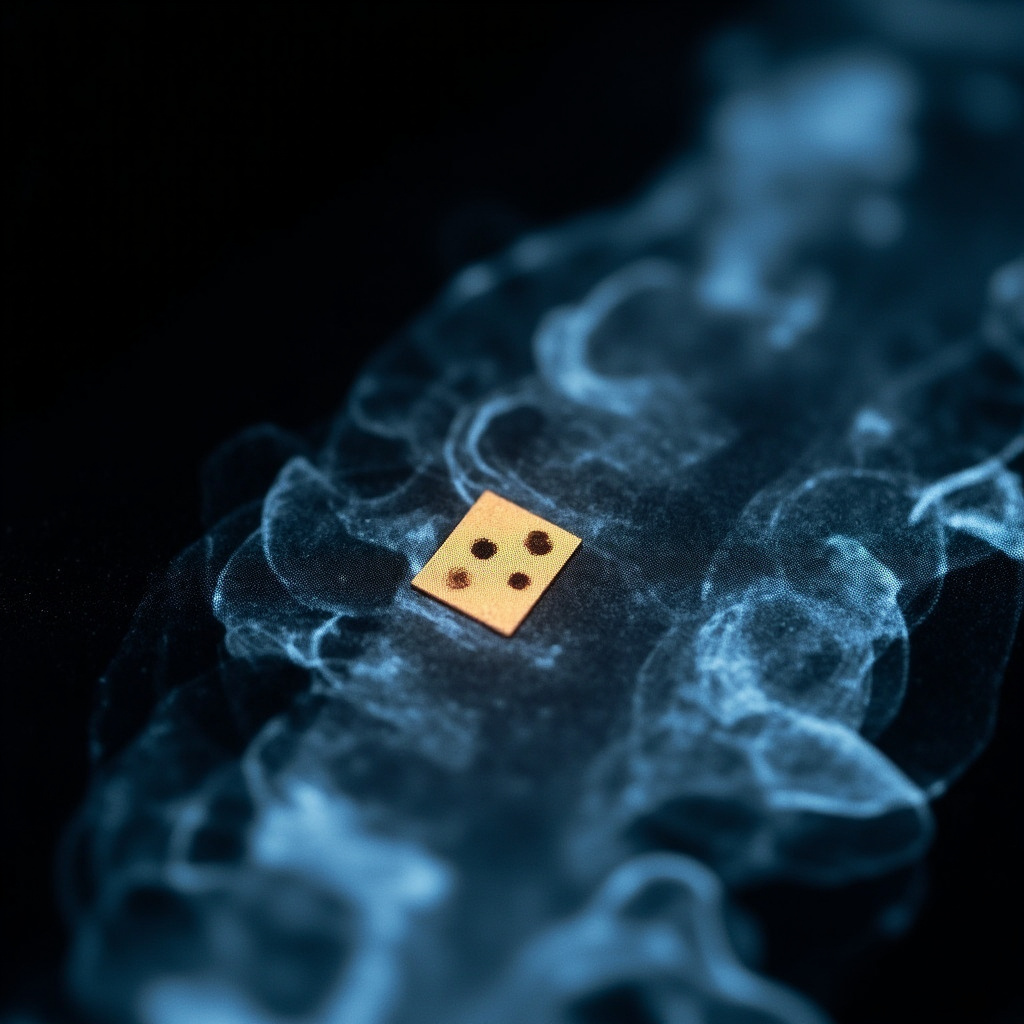
Digital X-ray sensors are critical components in modern dental imaging, but like all electronic devices, they can develop pixel defects over time. Dead pixels and hot pixels represent two of the most common sensor failures that can significantly impact image quality and diagnostic accuracy. Understanding these defects and their solutions is essential for maintaining optimal X-ray performance.

Understanding Pixel Defects in Digital X-Ray Sensors

Modern dental X-ray sensors use either CCD (Charge-Coupled Device) or CMOS (Complementary Metal-Oxide-Semiconductor) technology. Both sensor types contain millions of individual pixels that convert X-ray photons into electrical signals. When these pixels malfunction, they create visible artifacts in the resulting images.

Dead pixels appear as consistently black spots in X-ray images. These pixels fail to respond to X-ray exposure and remain at zero signal regardless of the radiation intensity. Hot pixels manifest as consistently white or bright spots, remaining at maximum signal output even without X-ray exposure.

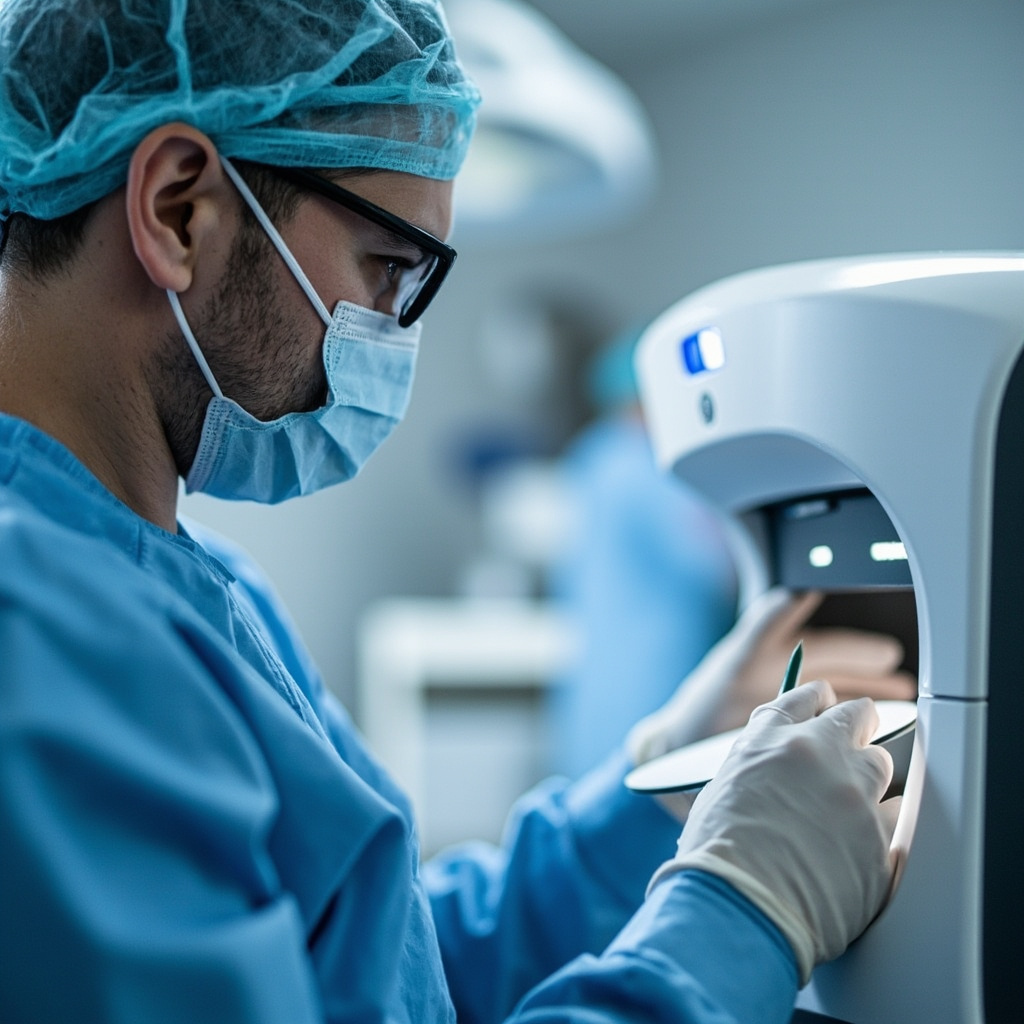
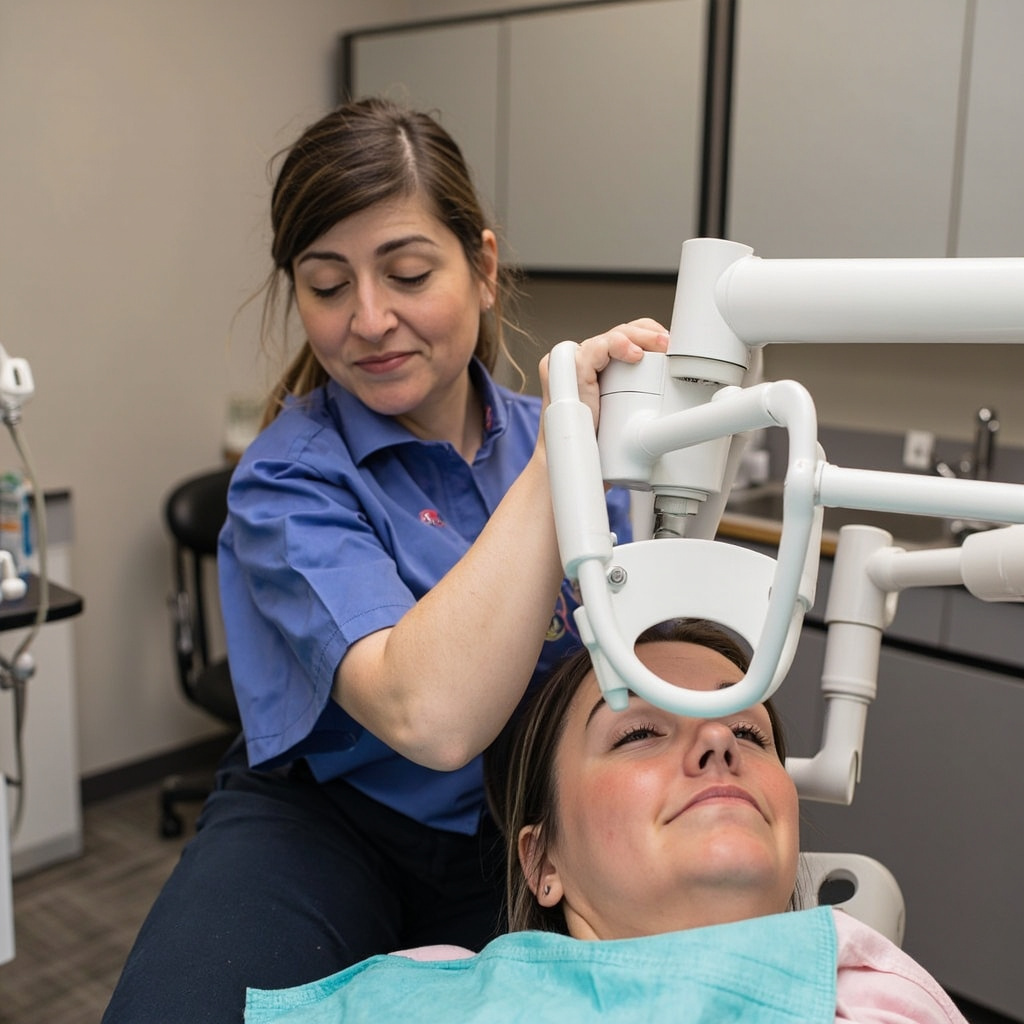
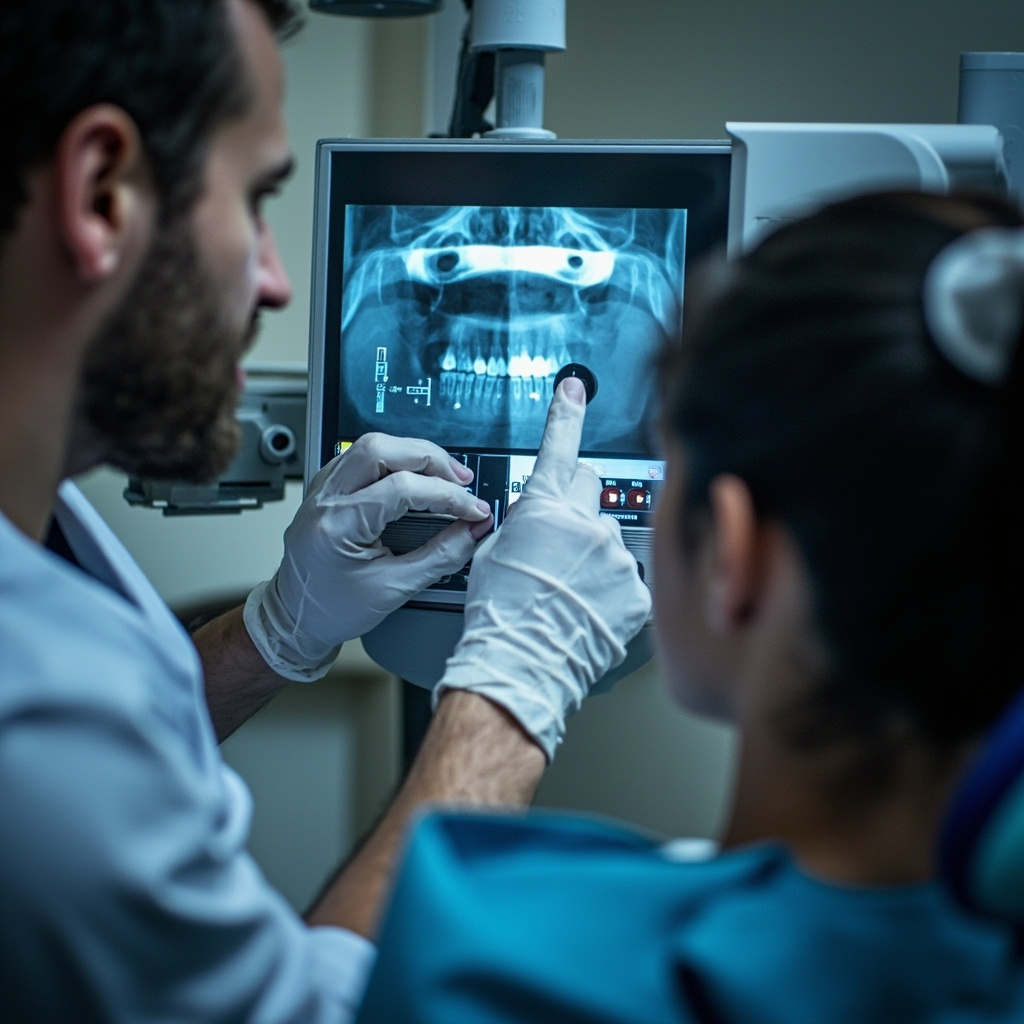
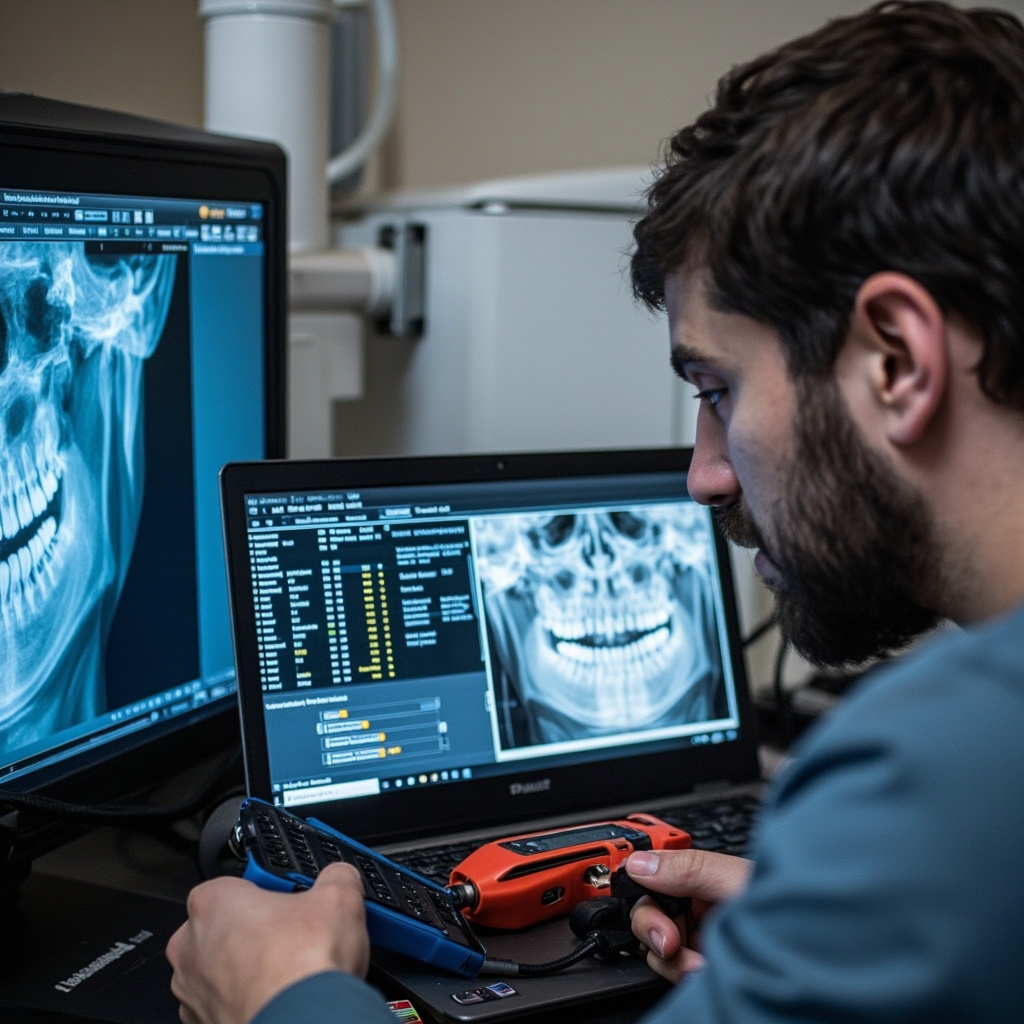
Technician examining digital X-ray sensor

Common Causes of Pixel Defects

Several factors contribute to pixel degradation in digital X-ray sensors:

  • Radiation damage: Prolonged exposure to X-rays can damage semiconductor structures within individual pixels
  • Manufacturing defects: Some pixels may be faulty from production but only become apparent after extended use
  • Physical trauma: Drops, impacts, or excessive pressure can damage pixel arrays
  • Thermal stress: Temperature fluctuations during operation or storage can affect pixel integrity
  • Age-related degradation: Normal wear over time causes gradual pixel failure in older sensors

Detection and Diagnostic Methods

Regular quality assurance testing helps identify pixel defects before they impact clinical imaging:

  • Dark field imaging (no X-ray exposure) reveals hot pixels as bright spots
  • Flat field imaging (uniform X-ray exposure) shows dead pixels as dark spots
  • Pixel mapping software can automatically detect and catalog defective pixels
  • Visual inspection of clinical images for recurring artifacts in consistent locations

Troubleshooting Pixel Defects

When pixel defects are discovered, several troubleshooting steps can help determine the severity and potential solutions:
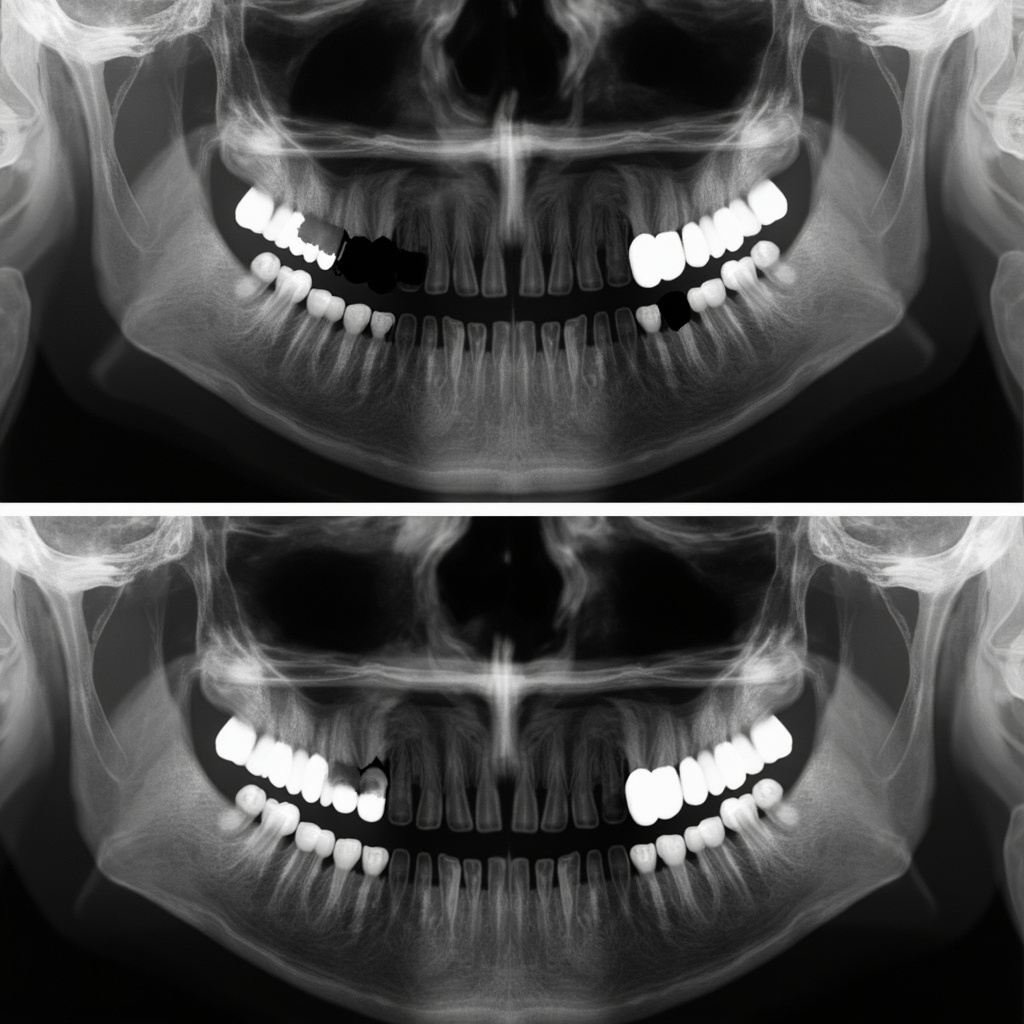
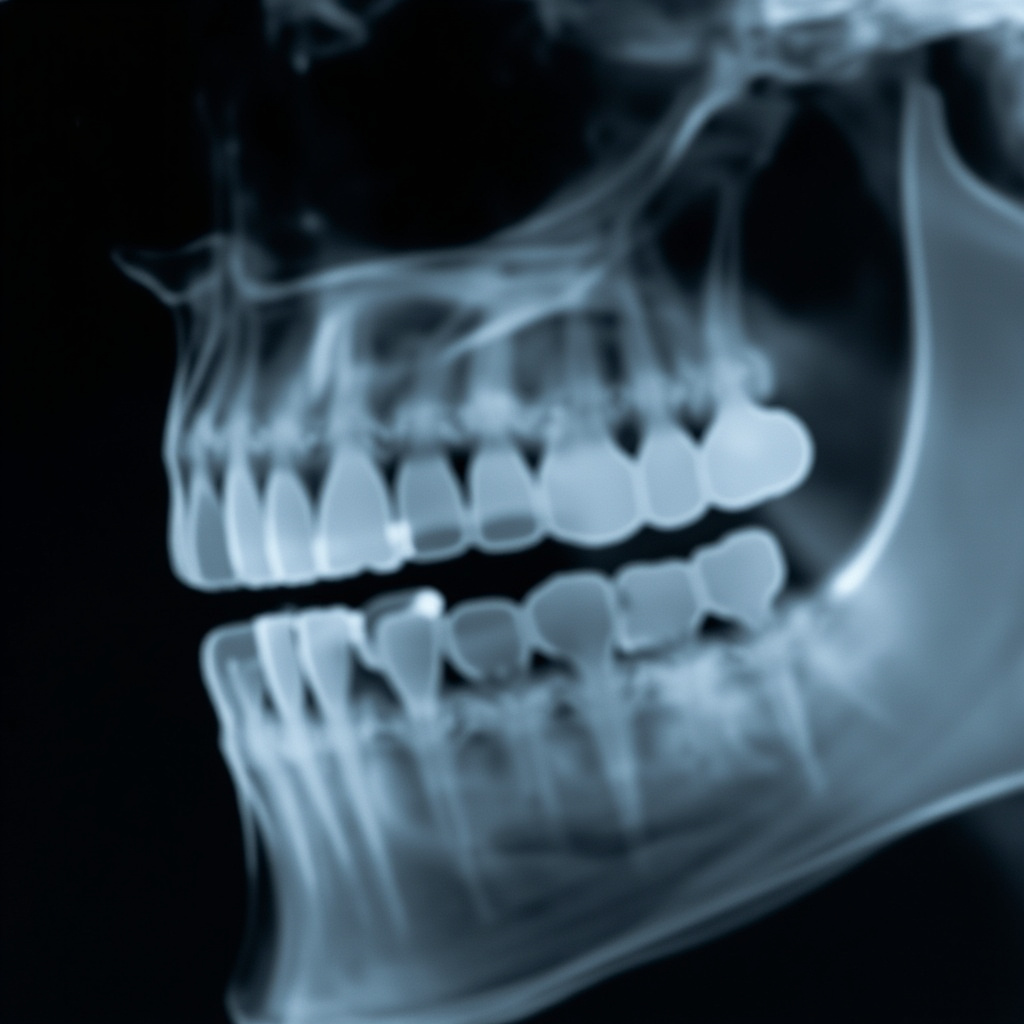
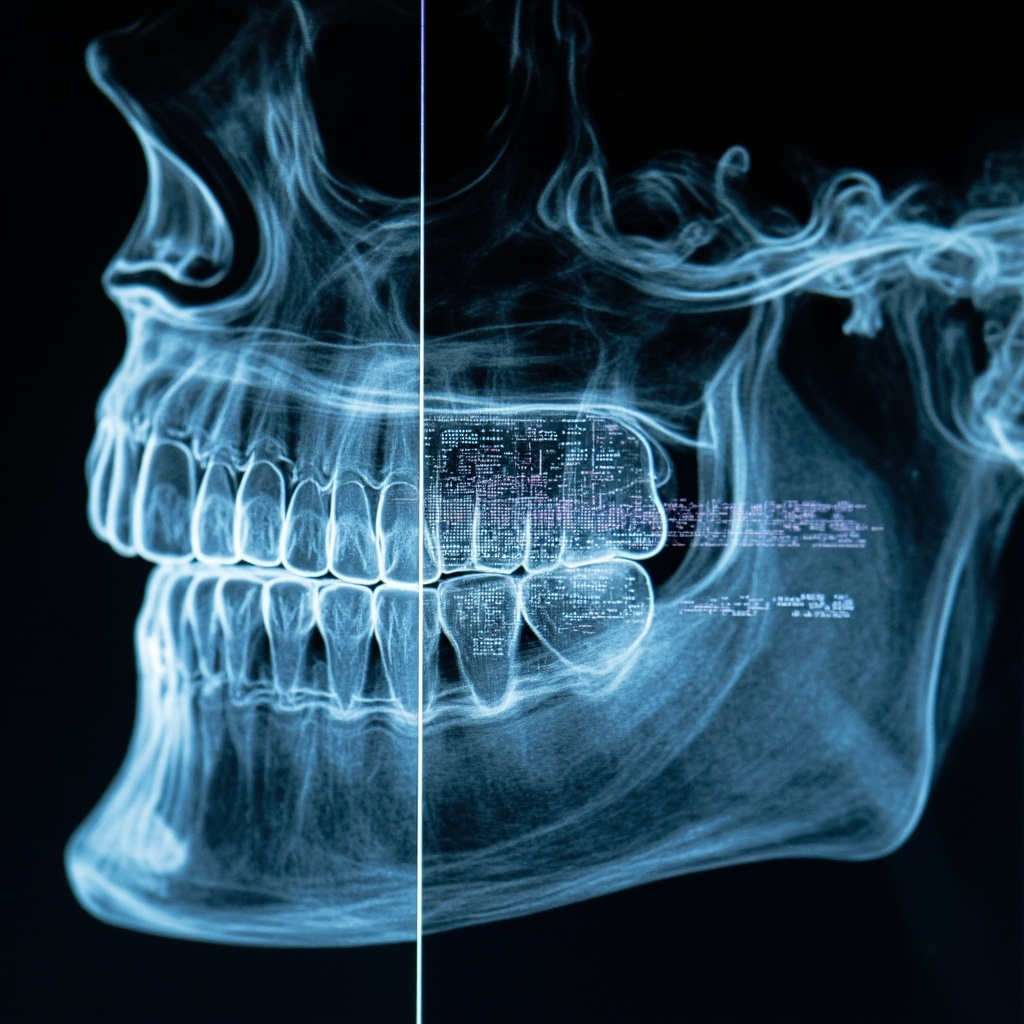
X-ray image showing pixel defects

Software-Based Solutions

Modern X-ray imaging software includes pixel defect correction capabilities:

  • Dead pixel interpolation: Software calculates missing pixel values based on surrounding pixels
  • Hot pixel suppression: Algorithms detect and correct consistently bright pixels
  • Pixel mapping updates: Regular calibration updates the sensor’s defect map
  • Noise reduction filters: Advanced filtering can minimize the visual impact of minor pixel defects

Hardware Repair Options

When software corrections aren’t sufficient, hardware intervention may be necessary:

  • Sensor recalibration: Professional recalibration can sometimes restore pixel functionality
  • Component replacement: In severe cases, sensor array replacement may be required
  • Professional repair services: Specialized technicians can perform micro-level repairs on high-value sensors
  • Warranty considerations: Check if pixel defects are covered under manufacturer warranty

Prevention and Maintenance

Proper sensor care significantly reduces the likelihood of pixel defects:

  • Use protective covers during clinical procedures
  • Avoid excessive pressure when positioning sensors
  • Store sensors in appropriate temperature and humidity conditions
  • Implement regular quality assurance testing protocols
  • Train staff on proper handling techniques

When to Replace vs. Repair

The decision between repair and replacement depends on several factors:

  • Number of defective pixels: More than 5-10 defects typically warrant replacement
  • Location of defects: Central defects impact diagnosis more than edge defects
  • Sensor age: Older sensors may develop additional defects quickly
  • Repair costs: Compare repair expenses against new sensor investment
  • Downtime considerations: Factor in practice disruption during repair periods

Conclusion

Dead pixels and hot pixels in digital X-ray sensors are inevitable challenges in modern dental imaging. However, with proper understanding, regular monitoring, and appropriate maintenance protocols, their impact on diagnostic quality can be minimized. When pixel defects do occur, a combination of software corrections and professional repair services can often restore sensor functionality. Regular quality assurance testing remains the cornerstone of early detection and effective management of pixel defects in dental X-ray systems.

Dental X-Ray Tube Replacement and Upgrade Procedures: Complete Installation Guide

Dental X-ray tube replacement is a critical maintenance procedure that ensures optimal imaging quality and extends equipment lifespan. This comprehensive guide provides essential information for dental practice managers, service technicians, and equipment specialists on proper tube replacement and upgrade procedures.

When X-Ray Tube Replacement Becomes Necessary

X-ray tubes have finite lifespans, typically ranging from 5-10 years depending on usage patterns and maintenance quality. Key indicators that replacement is needed include:

  • Decreased Image Quality: Gradual reduction in contrast and sharpness despite proper technique settings
  • Extended Exposure Times: Longer exposure requirements to achieve adequate image density
  • Filament Burnout: Complete failure of the tungsten filament, preventing X-ray production
  • Anode Wear: Pitting or cracking of the anode target surface affecting beam quality
  • Housing Leakage: Radiation leakage exceeding regulatory limits during routine testing

Regular performance monitoring and annual quality assurance testing help identify degradation before complete failure occurs.

Compatibility and Selection Considerations

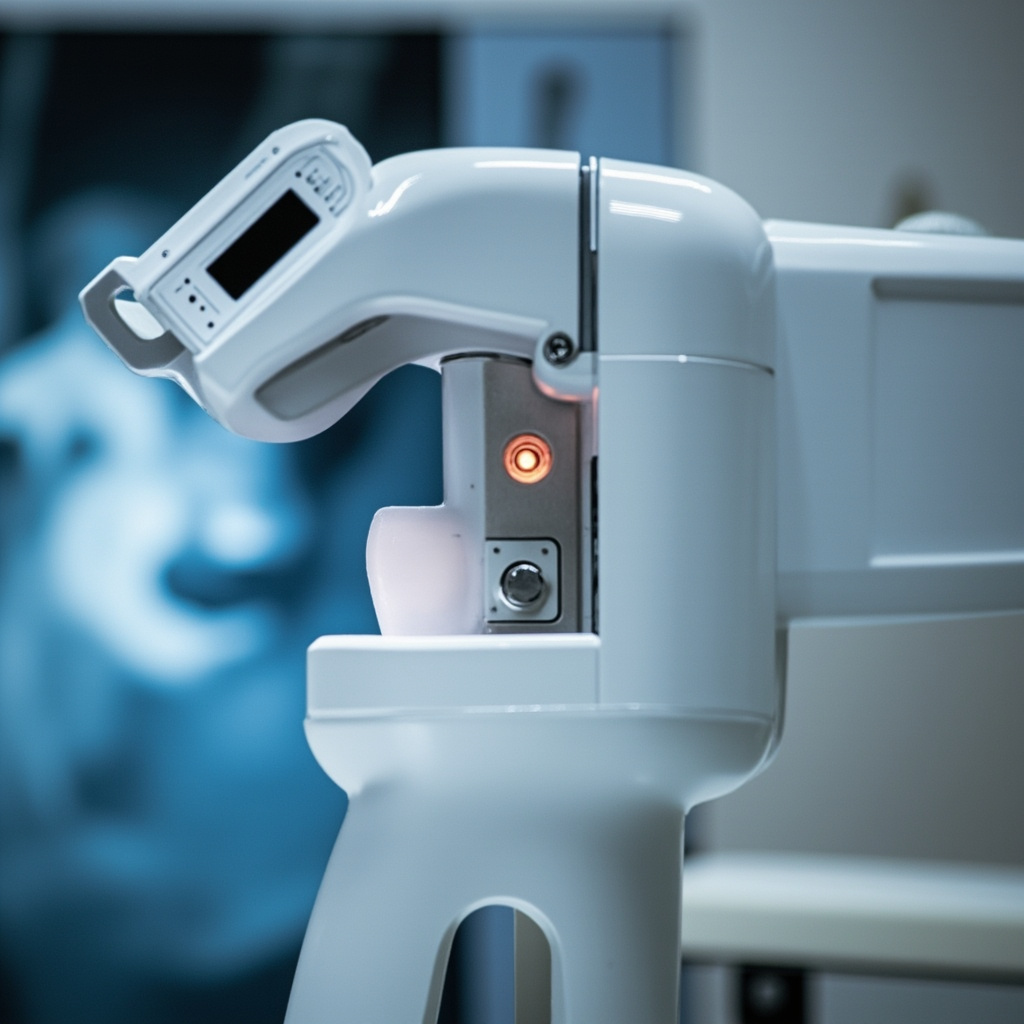
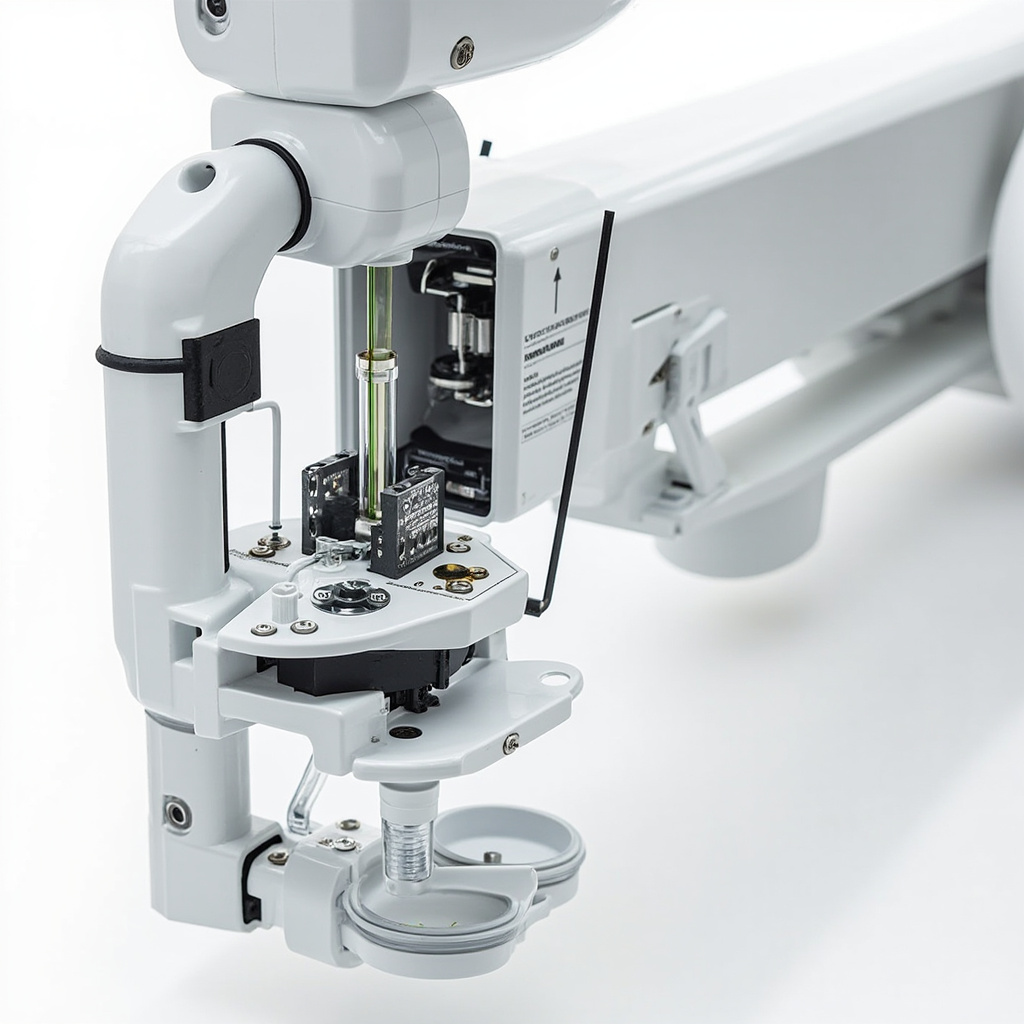
X-ray tube components and installation hardware

Proper tube selection requires careful attention to compatibility factors:

Electrical Specifications

  • Voltage Rating: Match the kVp range (typically 60-70 kVp for intraoral, 60-90 kVp for panoramic)
  • Current Rating: Ensure adequate mA capacity for required exposure times
  • Focal Spot Size: Consider image resolution requirements (0.4-1.0mm typical)

Physical Compatibility

  • Housing Dimensions: Verify tube head housing can accommodate new tube assembly
  • Mounting Configuration: Check bolt patterns and mechanical interfaces
  • Cooling Requirements: Ensure adequate heat dissipation capacity
  • Cable Connections: Verify high-voltage cable compatibility and insulation ratings

Always consult manufacturer specifications and consider upgrading the entire tube head assembly if the existing housing cannot accommodate modern tube designs.

Safety Requirements and Preparation

X-ray tube replacement involves high-voltage components and radiation safety considerations:

Required Safety Equipment

  • High-voltage safety gloves rated for equipment voltage levels
  • Insulated tools and test equipment
  • Radiation survey meter for leakage testing
  • Personal dosimetry badges

Pre-Installation Steps

  • Power Isolation: Disconnect and lock out main power supply
  • Discharge Verification: Test all high-voltage components with appropriate meters
  • Documentation: Record existing settings and calibration parameters
  • Work Area Preparation: Ensure adequate lighting and workspace organization

Only qualified service technicians should perform tube replacements due to electrical hazards and regulatory requirements.

Installation Procedures

Proper installation follows manufacturer-specific procedures with common steps:

Tube Removal

  1. Remove tube head housing covers and protective barriers
  2. Disconnect high-voltage cables using proper lifting techniques
  3. Remove mounting bolts securing tube assembly to housing
  4. Carefully extract old tube, noting orientation and connection points

New Tube Installation

  1. Inspect new tube for shipping damage and verify model compatibility
  2. Position tube in housing using proper lifting equipment for heavy assemblies
  3. Secure mounting bolts to manufacturer torque specifications
  4. Reconnect high-voltage cables ensuring proper insulation and strain relief
  5. Install housing covers and radiation shielding components

Critical Installation Points

  • Cable Management: Ensure proper routing to prevent pinching or stress
  • Cooling Airflow: Verify unobstructed ventilation paths
  • Grounding: Confirm proper electrical grounding connections
  • Mechanical Alignment: Check tube positioning relative to collimator and patient positioning

Post-Installation Testing and Calibration

Professional calibration testing of dental X-ray equipment

Comprehensive testing ensures safe operation and optimal performance:

Initial Function Tests

  • Power-On Sequence: Verify normal startup and system diagnostics
  • Exposure Tests: Confirm proper X-ray production at various settings
  • Timer Accuracy: Test exposure time consistency across all available settings
  • kVp Calibration: Verify voltage output matches display settings

Safety and Leakage Testing

  • Radiation Leakage: Survey tube head housing for stray radiation
  • Beam Quality: Test half-value layer and filtration adequacy
  • Collimation Accuracy: Verify beam alignment with light field indicators
  • Patient Dose Assessment: Measure entrance dose rates for typical exposures

Image Quality Verification

  • Test Phantom Imaging: Capture standardized test images
  • Contrast Resolution: Verify ability to distinguish tissue densities
  • Spatial Resolution: Test line pair visibility and edge definition
  • Noise Assessment: Evaluate image uniformity and artifact presence

Document all test results and maintain records for regulatory compliance and warranty purposes.

Cost-Benefit Analysis and Decision Making

Tube replacement decisions involve several financial considerations:

Replacement Costs

  • Tube Assembly: $2,000-$8,000 depending on specifications
  • Labor Costs: $500-$1,500 for professional installation
  • Testing and Calibration: $300-$800 for compliance verification
  • Potential Downtime: Lost production during service period

Upgrade Opportunities

  • Improved Efficiency: Modern tubes may reduce exposure times
  • Enhanced Image Quality: Better focal spot design and filtration
  • Extended Lifespan: Advanced materials and construction techniques
  • Energy Efficiency: Reduced power consumption and heat generation

Alternative Considerations

  • Complete Unit Replacement: May be cost-effective for aging equipment
  • Refurbished Tubes: Lower-cost option for older systems
  • Preventive Maintenance: Extending current tube life through proper care

Consider total cost of ownership, including maintenance, energy consumption, and image quality requirements when making replacement decisions.

Conclusion

Dental X-ray tube replacement requires careful planning, proper safety protocols, and thorough post-installation testing. While the procedure involves significant costs and technical complexity, timely replacement ensures continued diagnostic capability and regulatory compliance.

Working with qualified service technicians and maintaining detailed documentation helps ensure successful installations and optimal equipment performance. Regular monitoring and preventive maintenance can extend tube life and provide advance warning of replacement needs.

For practices considering tube replacement, evaluate both immediate needs and long-term equipment strategies to make informed decisions that support quality patient care and operational efficiency.

Storage Phosphor Plate Artifacts in Dental X-Ray Imaging: Identification and Resolution Guide

Storage phosphor plates (PSP) have become essential components in digital dental radiography, offering reusable imaging solutions with excellent image quality. However, various artifacts can compromise image integrity and diagnostic accuracy. Understanding these artifacts, their causes, and resolution strategies is crucial for maintaining optimal imaging performance.

Understanding PSP Artifacts

Storage phosphor plate artifacts are unwanted image distortions that can appear on digital radiographs. These artifacts can be categorized into three main types: physical plate damage, scanning system issues, and handling-related problems. Each category presents distinct visual characteristics that require specific identification and resolution approaches.

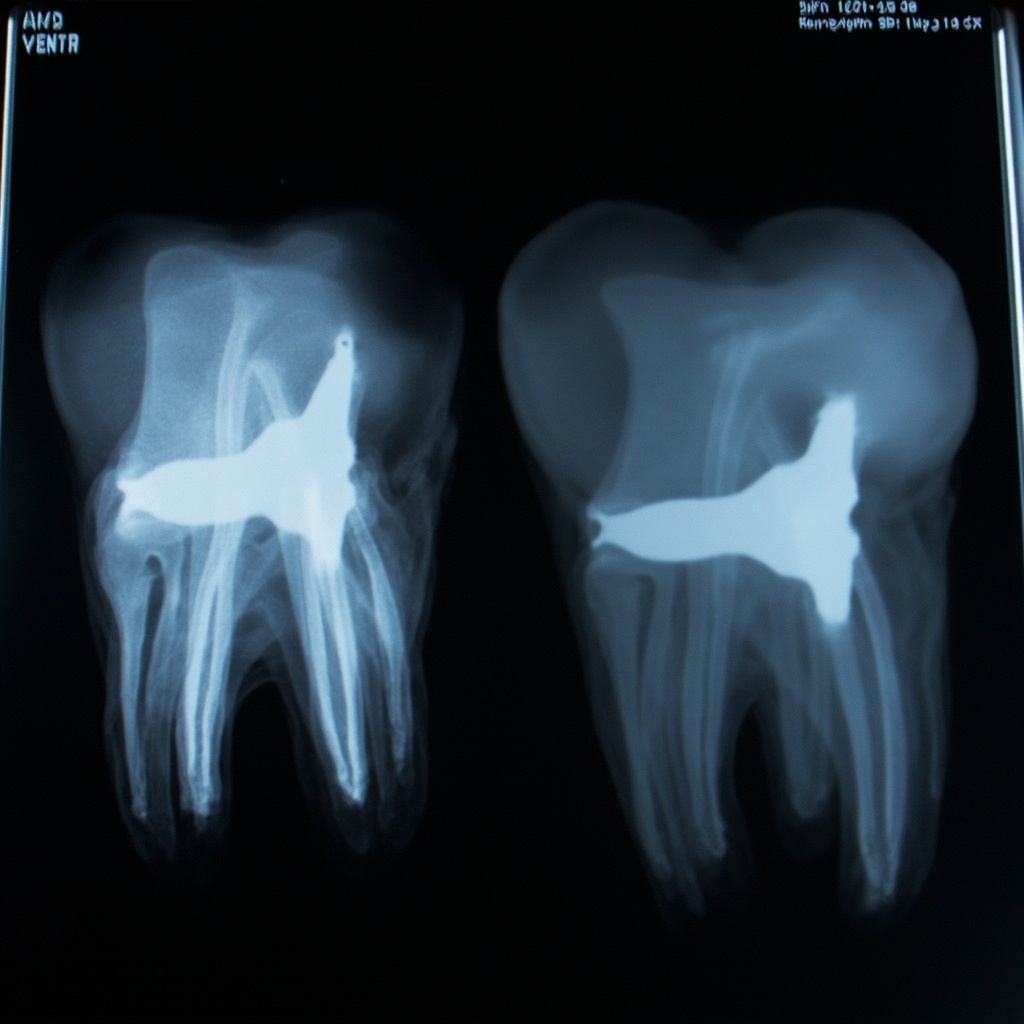
Close-up view of storage phosphor plate artifacts

Common Types of PSP Artifacts

Physical Damage Artifacts

Physical damage to PSP plates manifests as permanent marks or distortions on radiographic images. These include:

  • Scratches and Abrasions: Appear as white or dark linear marks across the image, typically caused by improper handling or contact with sharp objects
  • Creases and Bends: Result in permanent deformation lines that show as artifacts on all subsequent images
  • Edge Damage: Worn or damaged plate edges can cause border artifacts and reduced image area

Contamination Artifacts

Foreign material on PSP plates creates distinctive artifact patterns:

  • Dust and Debris: Small particles appear as white spots or specks on the final image
  • Fingerprints and Moisture: Create cloudy or smudged areas that can obscure diagnostic information
  • Chemical Contamination: Residues from cleaning solutions can cause permanent staining or altered sensitivity areas

Scanner-Related Artifacts

Issues with the PSP scanner system can introduce systematic artifacts:

  • Dirty Scanner Components: Dust or debris in the scanner creates repeating line patterns
  • Calibration Drift: Improper scanner calibration results in density variations or color shifts
  • Mechanical Wear: Worn transport mechanisms can cause irregular spacing or speed variations

Artifact Prevention Strategies

Preventing PSP artifacts requires systematic attention to handling, storage, and maintenance protocols. Proper preventive measures significantly reduce artifact occurrence and extend plate lifespan.

Quality control procedures for storage phosphor plates

Proper Handling Techniques

Implement standardized handling procedures to minimize physical damage:

  • Use clean, dry hands or appropriate gloves when handling plates
  • Hold plates by edges only, avoiding contact with the active imaging surface
  • Store plates in protective sleeves or containers when not in use
  • Avoid stacking plates without adequate protection between surfaces

Environmental Controls

Maintain appropriate environmental conditions:

  • Control humidity levels to prevent moisture-related artifacts
  • Minimize dust exposure through proper air filtration
  • Maintain stable temperature conditions to prevent thermal stress
  • Implement clean room practices in imaging areas

Resolution and Troubleshooting

Immediate Response Protocols

When artifacts are detected, immediate assessment and action are essential:

  • Identify the Artifact Type: Determine whether the issue is physical damage, contamination, or scanner-related
  • Isolate Affected Equipment: Remove damaged plates from service and identify problematic scanner components
  • Document Findings: Record artifact patterns, affected equipment, and suspected causes

Cleaning and Restoration Procedures

For contamination-related artifacts:

  • Use manufacturer-approved cleaning solutions and techniques
  • Employ lint-free cloths and gentle circular motions
  • Ensure complete drying before returning plates to service
  • Test cleaned plates with quality assurance exposures

Scanner Maintenance and Calibration

Regular scanner maintenance prevents systematic artifacts:

  • Clean scanner transport mechanisms and optical components
  • Perform regular calibration checks using reference standards
  • Replace worn components according to manufacturer schedules
  • Monitor scanner performance through quality control testing

Quality Assurance Testing

Implement comprehensive quality assurance programs to detect artifacts early:

  • Daily Testing: Perform basic functionality checks and artifact screening
  • Weekly Assessment: Conduct detailed plate inspections and scanner calibration verification
  • Monthly Evaluation: Complete comprehensive quality assurance testing including exposure consistency and artifact assessment

Cost-Benefit Considerations

Effective artifact management provides significant economic benefits:

  • Reduced retake rates and associated radiation exposure
  • Extended equipment lifespan through proper maintenance
  • Improved diagnostic accuracy and patient satisfaction
  • Decreased downtime and productivity losses

Conclusion

Storage phosphor plate artifacts in dental X-ray imaging require systematic identification, prevention, and resolution strategies. By implementing proper handling procedures, maintaining environmental controls, and establishing comprehensive quality assurance programs, dental practices can minimize artifact occurrence and maintain optimal imaging performance. Regular training and protocol adherence ensure consistent results and maximize the benefits of PSP technology in modern dental radiography.

Automatic Exposure Control (AEC) Sensor Calibration and Troubleshooting in Dental X-Ray Equipment

Automatic Exposure Control (AEC) systems are critical components in modern dental X-ray equipment, ensuring consistent image quality while minimizing radiation exposure to patients. However, when AEC sensors fall out of calibration or malfunction, they can significantly impact diagnostic image quality and workflow efficiency. This comprehensive guide covers the essential calibration procedures and troubleshooting techniques for dental AEC systems.

Understanding AEC Photocell Sensor Operation

AEC systems function by measuring the amount of radiation transmitted through the patient using specialized photocell sensors or ionization chambers. These sensors convert radiation into electrical signals that terminate the X-ray exposure when a predetermined threshold is reached. The calibration of these sensors determines the optical density and contrast characteristics of the final radiographic image.

Dental X-ray technician calibrating photocell sensor detector

Modern digital dental X-ray systems rely on precise AEC calibration to maintain consistent detector dose indicator (DDI) values and signal-to-noise ratios across varying tube potentials and patient anatomical differences.

Common AEC Calibration Issues and Symptoms

Several indicators suggest that your AEC system requires recalibration or maintenance:

  • Inconsistent image density – Images appear too light or too dark despite proper technique selection
  • Excessive retakes – Higher frequency of repeat exposures due to poor image quality
  • Erratic exposure times – Unpredictable variation in automatic exposure durations
  • Sensor drift – Gradual change in calibration over time, particularly noticeable with phantom testing
  • Temperature sensitivity – Performance changes with ambient temperature fluctuations

Diagnostic Testing Procedures

Begin AEC troubleshooting with systematic phantom testing using standardized acrylic or aluminum phantoms. Document baseline measurements and compare against manufacturer specifications to identify calibration drift patterns.

Step-by-Step Calibration Protocol

Professional AEC calibration requires specialized test equipment and should be performed by qualified service technicians. However, understanding the process helps dental professionals recognize calibration issues:

Pre-calibration preparation:

  • Ensure X-ray tube warmup according to manufacturer specifications
  • Verify stable line voltage and temperature conditions
  • Clean photocell sensors and remove any debris or contamination
  • Check mechanical alignment of sensors relative to the X-ray beam

Close-up view of dental X-ray automatic exposure control circuit board and electronics

Calibration sequence:

  1. Access service mode through manufacturer-specific procedures
  2. Set baseline reference values using standardized phantoms
  3. Adjust sensitivity curves for different kV settings
  4. Verify linearity across the full operating range
  5. Test backup timer functionality and failsafe systems
  6. Document all calibration values and settings

Preventive Maintenance Strategies

Regular maintenance prevents many AEC calibration issues before they affect image quality:

  • Monthly cleaning – Gently clean sensor surfaces with manufacturer-approved solutions
  • Quarterly phantom testing – Document performance trends using consistent test protocols
  • Annual professional calibration – Schedule comprehensive service including electronic adjustments
  • Environmental monitoring – Maintain stable temperature and humidity in equipment areas

When to Contact Service Support

Contact qualified service technicians immediately if you observe:

  • Phantom test results outside acceptable tolerance ranges
  • Intermittent sensor failures or backup timer activation
  • Visible damage to sensor assemblies or connecting cables
  • Error codes related to exposure control systems

Advanced Troubleshooting Considerations

Modern digital radiography systems present unique challenges for AEC calibration due to the wide dynamic range of digital detectors compared to conventional film systems. Calibration must account for detector characteristics, image processing algorithms, and display monitor settings that affect perceived image quality.

Additionally, facilities using multiple detector types (direct digital sensors, phosphor plates, film) may require separate AEC calibration profiles to optimize image quality for each receptor technology.

Proper AEC sensor calibration ensures consistent, high-quality diagnostic images while maintaining radiation protection principles. Regular monitoring, preventive maintenance, and professional calibration services are essential components of any comprehensive dental X-ray quality assurance program.

Motion Blur and Double Exposure Artifacts in Dental X-Ray Imaging: Prevention and Troubleshooting Guide

Motion blur and double exposure artifacts represent two of the most common image quality problems in dental radiography. These technical errors can significantly compromise diagnostic accuracy and require immediate correction to maintain clinical standards.

Understanding Motion Blur Artifacts

Motion blur occurs when the patient, X-ray tube head, or image receptor moves during the exposure time. This movement creates characteristic blurred edges and unclear anatomical details that can mask important diagnostic information.

Primary Causes of Motion Blur

  • Patient Movement: Involuntary head or body motion during exposure
  • Inadequate Patient Stabilization: Loose headrests or improper bite block placement
  • Equipment Vibration: Unstable tube head positioning or mechanical issues
  • Prolonged Exposure Times: Extended exposure duration increasing movement probability

Clinical research indicates that even minimal movement of 0.5mm during exposure can create noticeable blur artifacts, particularly affecting fine anatomical structures like the periodontal ligament space and lamina dura.

Double exposure artifact showing overlapping ghosted dental structures

Double Exposure Artifacts: Recognition and Prevention

Double exposure artifacts occur when the same image receptor is inadvertently exposed twice, creating overlapping ghosted images. This error is more common with phosphor storage plates (PSP) than with digital sensors.

Identifying Double Exposure Characteristics

  • Overlapping Structures: Two identical anatomical features superimposed
  • Density Variations: Areas of excessive radiopacity from double radiation exposure
  • Ghost Images: Faint secondary images offset from primary structures
  • Geometric Distortion: Misaligned anatomical relationships

Double exposures most commonly result from PSP plate reuse without proper erasure, accidental re-exposure of used receptors, or software errors in digital imaging systems.

Proper patient positioning technique demonstrating stabilization methods to prevent motion blur

Technical Solutions and Prevention Protocols

Motion Blur Prevention Strategies

Implementing proper patient positioning and stabilization techniques significantly reduces motion blur incidents:

  • Headrest Optimization: Adjust headrest to provide three-point contact stabilization
  • Bite Block Selection: Use appropriate bite block size and positioning for receptor stability
  • Clear Communication: Provide specific breath-hold instructions with countdown timing
  • Exposure Time Minimization: Use optimal technique factors to reduce exposure duration

Double Exposure Elimination Methods

Systematic workflow protocols prevent double exposure artifacts:

  • PSP Plate Management: Implement immediate erasure protocols after image acquisition
  • Digital Receptor Tracking: Use color-coding or labeling systems for used receptors
  • Software Integration: Enable automatic exposure logging in imaging software
  • Quality Control Checks: Review images immediately after acquisition

Diagnostic Impact and Clinical Considerations

Both motion blur and double exposure artifacts can significantly impact diagnostic accuracy. Motion blur particularly affects:

  • Periodontal bone level assessment
  • Root fracture detection
  • Caries diagnosis in interproximal areas
  • Endodontic length determination

Double exposures create false positive findings and can mask actual pathology, requiring complete retake of affected radiographs.

Equipment Maintenance and Calibration

Regular equipment maintenance prevents many artifact-causing issues. Monthly calibration should include tube head stability testing, exposure timer verification, and image receptor quality assessment.

Modern digital systems offer motion detection algorithms and exposure validation features that can alert operators to potential artifacts before image finalization.

Staff Training and Protocols

Comprehensive staff training on artifact recognition and prevention ensures consistent image quality. Regular continuing education sessions should cover new techniques and technology updates for artifact minimization.

Implementing standardized protocols for patient positioning, equipment operation, and quality control creates a systematic approach to artifact prevention and maintains diagnostic imaging standards.

Dental X-Ray Equipment Workflow Integration and Efficiency Optimization

Modern dental practices face increasing demands for efficiency while maintaining exceptional patient care standards. Digital X-ray equipment workflow integration has emerged as a critical factor in practice optimization, with studies showing that properly integrated systems can reduce imaging time by up to 40% while improving diagnostic accuracy.

Understanding Workflow Integration Challenges

Traditional dental X-ray workflows often involve multiple disconnected systems that create bottlenecks and inefficiencies. Common pain points include manual data entry, incompatible software platforms, and fragmented patient records that require technicians to navigate between multiple applications during a single imaging session.

The 2026 dental technology landscape demands seamless integration between X-ray hardware, practice management software, and diagnostic tools. Practices utilizing integrated workflows report significant improvements in both patient throughput and staff satisfaction.

Digital X-ray sensor positioning device with automated workflow integration

Key Components of Optimized X-Ray Workflows

Automated Patient Data Transfer

Modern dental X-ray systems should automatically populate patient information from practice management software, eliminating manual entry errors and reducing setup time. DICOM compliance ensures seamless data exchange between imaging equipment and storage systems.

Real-Time Quality Assessment

Integrated quality control systems provide immediate feedback on image quality, allowing for immediate retakes when necessary rather than discovering issues during review. This reduces patient recall appointments and improves first-pass success rates.

Streamlined Image Processing

Automated image enhancement and processing algorithms can improve diagnostic quality while reducing the time radiographers spend on manual adjustments. Advanced systems learn from user preferences to optimize processing parameters automatically.

Measuring and Improving Workflow Efficiency

Successful workflow optimization requires comprehensive metrics tracking and analysis. Key performance indicators include image acquisition time, processing duration, and integration points between systems.

Dashboard showing dental practice efficiency metrics and workflow analytics

Essential Efficiency Metrics

  • Patient throughput time: Total time from patient positioning to completed radiograph
  • System integration delays: Time lost during data transfer between systems
  • Retake rates: Percentage of images requiring additional exposures
  • Staff utilization: Optimal allocation of radiographer time and responsibilities

Implementation Best Practices

Begin workflow optimization with a comprehensive audit of current processes, identifying specific bottlenecks and integration gaps. Prioritize high-impact improvements that address the most significant time delays or error sources.

Staff training is crucial for successful implementation. Ensure all team members understand new workflows and can troubleshoot common integration issues. Regular refresher training sessions help maintain optimal efficiency levels.

Future-Proofing Your X-Ray Workflow

The dental technology landscape continues evolving rapidly. Select X-ray equipment and software platforms that support open standards and API integration to ensure compatibility with future innovations.

Cloud-based solutions offer enhanced flexibility and scalability, allowing practices to adapt workflows as patient volume grows. Consider systems that support artificial intelligence integration for automated diagnosis assistance and predictive maintenance.

Regular workflow assessments and updates ensure your practice maintains peak efficiency as technology advances and patient expectations evolve.

Anti-Scatter Grid Artifacts in Dental X-Ray Imaging: Diagnosis and Prevention Guide

Anti-scatter grids are essential components in dental X-ray imaging systems, designed to improve image quality by reducing scattered radiation. However, improper grid positioning, alignment issues, or equipment malfunctions can create distinctive artifacts that compromise diagnostic quality. This comprehensive guide addresses the identification, diagnosis, and prevention of grid-related artifacts in dental radiography.

Understanding Anti-Scatter Grid Function

Anti-scatter grids consist of thin lead strips separated by radiolucent material, designed to absorb scattered X-rays while allowing primary radiation to pass through. In dental imaging, grids are particularly important for extraoral radiography, panoramic systems, and CBCT imaging where scattered radiation can significantly degrade image quality.

Grid artifact patterns visible on dental X-ray display

Common Grid Artifact Patterns

Grid Line Artifacts

Grid line artifacts appear as parallel lines running across the image, typically perpendicular to the lead strips. These artifacts result from:

  • Improper grid alignment with the X-ray beam
  • Grid positioning errors relative to the imaging receptor
  • Incorrect focal distance settings
  • Grid frequency mismatch with digital detector sampling

Moiré Pattern Formation

Moiré patterns create wavy, interference patterns across the image when the grid frequency interacts with the detector pixel array. This is particularly common with digital radiography systems where the grid frequency approaches the Nyquist frequency of the detector.

Grid Cutoff Effects

Grid cutoff manifests as uneven density across the image, typically showing darkened areas where the grid has absorbed primary radiation. Common causes include:

  • Lateral decentering of the grid
  • Angular misalignment
  • Incorrect focal distance
  • Grid inversion (upside-down installation)

Diagnostic Procedures for Grid Issues

Visual Inspection Protocol

Systematic visual examination should include:

  • Grid physical condition assessment
  • Alignment verification using laser positioning systems
  • Focal distance measurement and verification
  • Grid frequency documentation and comparison to detector specifications

Test Pattern Analysis

Regular test exposures using phantoms can reveal subtle grid artifacts before they affect clinical images. Test protocols should include:

  • Uniform field exposures to detect grid line artifacts
  • Edge response testing for alignment verification
  • Density uniformity assessment across the image field

Technician adjusting grid positioning mechanism

Prevention and Correction Strategies

Proper Grid Installation

Correct grid installation requires precise attention to:

  • Grid orientation relative to the X-ray tube
  • Focal distance settings matching grid specifications
  • Centering accuracy within ±1cm tolerance
  • Secure mounting to prevent movement during operation

Digital System Optimization

For digital radiography systems, grid artifact reduction involves:

  • Software-based grid line suppression algorithms
  • Detector calibration with grid-specific corrections
  • Anti-aliasing filter implementation
  • Grid frequency selection based on detector pixel pitch

Maintenance Requirements

Regular maintenance protocols should include:

  • Quarterly grid alignment verification
  • Annual grid condition assessment
  • Immediate investigation of any visible artifacts
  • Documentation of grid specifications and installation parameters

Advanced Troubleshooting Techniques

Grid Frequency Analysis

Modern dental X-ray systems may benefit from grid frequency analysis using:

  • Fast Fourier Transform (FFT) analysis of test images
  • Frequency domain filtering to identify grid artifacts
  • Spectral analysis to optimize grid selection

Software-Based Corrections

Contemporary imaging systems offer software solutions including:

  • Real-time grid artifact suppression
  • Automatic grid line detection and removal
  • Adaptive filtering based on image content
  • Grid registration and correction algorithms

Quality Assurance Protocols

Implementing comprehensive QA protocols ensures consistent image quality and early detection of grid-related issues. Monthly assessments should evaluate grid artifact presence, image uniformity, and overall system performance. Documentation of findings enables trend analysis and preventive maintenance scheduling.

Grid artifacts in dental X-ray imaging represent a significant image quality concern that requires systematic approach to diagnosis and prevention. Through proper installation, regular maintenance, and appropriate quality assurance protocols, dental practices can ensure optimal image quality while maintaining radiation safety standards.

Digital X-Ray Sensor and PSP Plate Cleaning: Essential Maintenance Protocols for 2026

Proper cleaning and maintenance of digital X-ray sensors and photostimulable phosphor (PSP) imaging plates are critical for ensuring optimal image quality, extending equipment lifespan, and maintaining strict infection control standards. This comprehensive guide covers essential protocols and best practices for both intraoral sensors and PSP plates in dental imaging systems.

Understanding Digital Imaging Components

Modern dental practices rely on two primary digital imaging technologies: direct digital sensors and PSP plate systems. Each requires specific cleaning protocols to maintain performance while preventing cross-contamination between patients.

Direct digital sensors contain sensitive electronic components that require careful handling, while PSP plates use photostimulable phosphor coatings that can be damaged by improper cleaning agents. Both systems demand meticulous attention to manufacturer specifications and infection control guidelines.

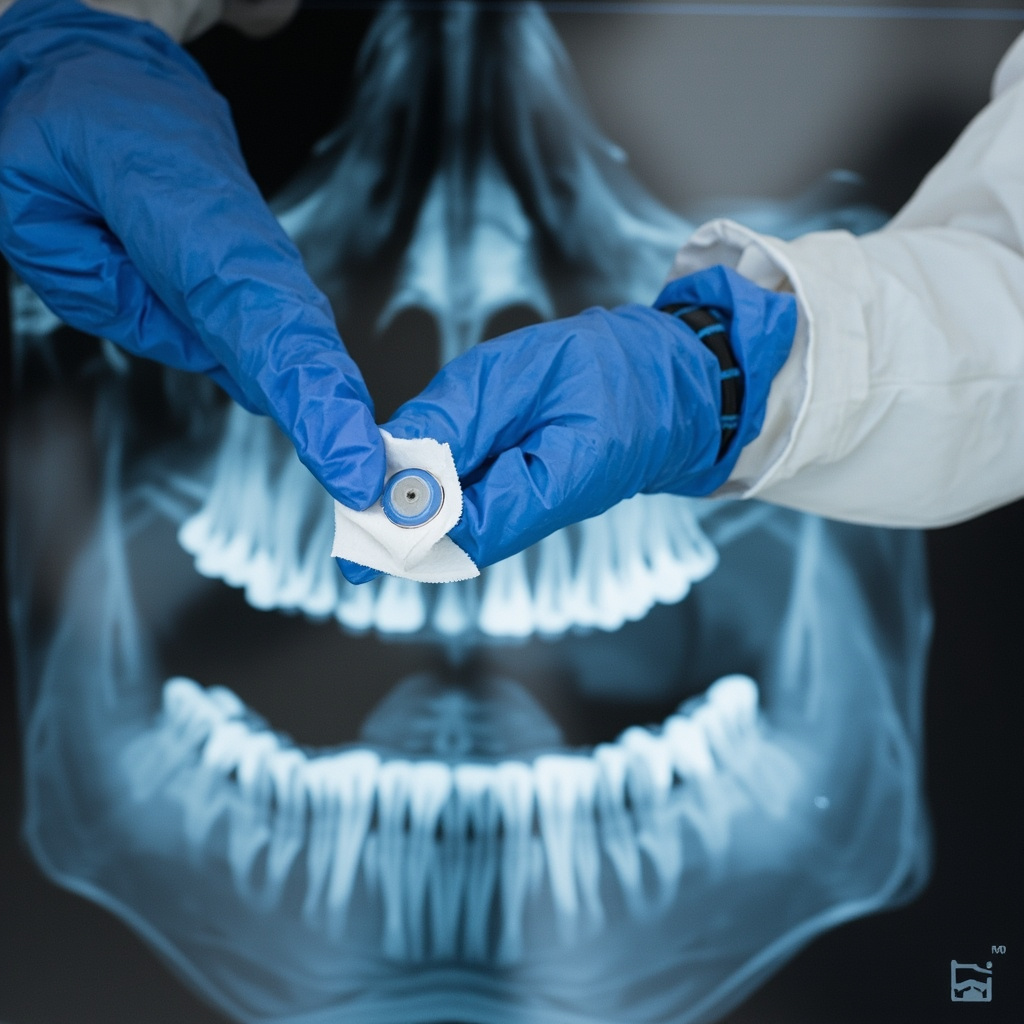
PSP phosphor imaging plates maintenance procedure

Intraoral Sensor Cleaning Protocols

Digital intraoral sensors require immediate cleaning after each patient use to prevent biofilm formation and ensure consistent image quality. The cleaning process must balance thorough disinfection with component protection.

Pre-Cleaning Preparation

Before beginning the cleaning process, ensure all personnel wear appropriate personal protective equipment, including disposable gloves and eye protection. Remove the sensor from the patient’s mouth carefully, avoiding contact with contaminated surfaces.

  • Use sterile gauze to remove visible debris
  • Handle sensors by the cable or designated grip areas only
  • Avoid touching the imaging surface directly
  • Place sensors on a clean, designated surface

Primary Cleaning Steps

The manufacturer-approved cleaning process typically involves multiple steps to ensure complete disinfection without component damage. Always consult your specific sensor manufacturer’s guidelines, as cleaning agents and procedures vary between brands.

  • Apply manufacturer-approved disinfectant wipes or solutions
  • Clean all surfaces including the sensor body and cable
  • Use gentle circular motions, avoiding excessive pressure
  • Allow appropriate contact time as specified by disinfectant manufacturer
  • Dry thoroughly with sterile lint-free cloths

Proper digital X-ray sensor cleaning technique demonstration

PSP Plate Maintenance Procedures

Photostimulable phosphor plates require specialized care due to their sensitive phosphor coating. These reusable plates can provide thousands of exposures when properly maintained, making correct cleaning procedures essential for maximizing return on investment.

Daily Cleaning Protocol

PSP plates should be cleaned after each use and undergo daily maintenance to remove accumulated debris and prevent phosphor degradation. The cleaning process differs significantly from sensor cleaning due to the plate’s unique construction.

  • Remove plates from protective sleeves immediately after use
  • Use only manufacturer-recommended cleaning solutions
  • Clean with gentle, linear motions to avoid scratching
  • Never use alcohol-based cleaners unless specifically approved
  • Ensure complete drying before storage

Weekly Deep Cleaning

In addition to daily cleaning, PSP plates benefit from weekly deep cleaning procedures that remove accumulated residue and maintain optimal phosphor sensitivity. This process typically involves more intensive cleaning agents and longer contact times.

  • Perform visual inspection for scratches or damage
  • Use approved enzyme cleaners for protein removal
  • Follow extended contact time protocols
  • Conduct quality control testing after deep cleaning

Disinfection Agent Selection

Choosing appropriate disinfection agents is crucial for maintaining both infection control standards and equipment integrity. Not all disinfectants are suitable for digital imaging equipment, and using incorrect products can cause permanent damage.

Approved Cleaning Solutions

Most manufacturers provide specific lists of approved cleaning agents. Common approved solutions include certain quaternary ammonium compounds, glutaraldehyde-based solutions, and specialized medical device disinfectants. Always verify compatibility before use.

  • EPA-registered hospital-grade disinfectants
  • Manufacturer-specified cleaning wipes
  • pH-neutral enzyme cleaners for protein removal
  • Alcohol-based solutions (when manufacturer-approved)

Prohibited Substances

Certain chemicals can cause irreversible damage to digital imaging equipment. These substances should never be used on sensors or PSP plates, regardless of their effectiveness on other dental equipment.

  • High-concentration bleach solutions
  • Phenolic compounds
  • Iodophors (unless specifically approved)
  • Abrasive cleaners or scrubbing pads
  • Autoclave sterilization

Quality Control and Testing

Regular quality control testing ensures that cleaning procedures maintain both infection control standards and image quality. Establish routine testing protocols to identify issues before they affect patient care.

Perform weekly image quality assessments using standardized test objects to detect any cleaning-related issues. Document results and investigate any degradation in image quality immediately.

Storage and Handling

Proper storage conditions are essential for maintaining cleaned sensors and PSP plates. Store equipment in clean, dry environments away from direct sunlight and temperature extremes.

Use appropriate storage containers or sleeves to prevent contamination between uses. Implement inventory rotation systems to ensure even wear across multiple plates or sensors.

Staff Training and Compliance

Comprehensive staff training ensures consistent adherence to cleaning protocols. Provide initial training for all personnel handling digital imaging equipment, followed by regular refresher sessions and competency assessments.

Document all training activities and maintain records of compliance monitoring. Address any deviations from established protocols immediately through additional training or process modifications.

Troubleshooting Common Issues

Even with proper cleaning protocols, digital imaging equipment may develop performance issues. Understanding common problems and their solutions helps maintain optimal system performance.

Image artifacts, reduced sensitivity, or visible scratches often indicate cleaning-related problems. Implement systematic troubleshooting procedures to identify root causes and prevent recurrence.

Conclusion

Effective cleaning and maintenance of digital X-ray sensors and PSP plates requires dedicated attention to manufacturer specifications, infection control guidelines, and quality assurance protocols. By implementing comprehensive cleaning procedures and maintaining strict adherence to established protocols, dental practices can ensure optimal image quality while providing safe, effective patient care.

Regular review and updates of cleaning protocols help practices stay current with evolving technology and regulatory requirements, ultimately supporting better patient outcomes and equipment longevity.

Essential Preventive Maintenance Schedules for Dental X-Ray Equipment: A Comprehensive Guide

Regular preventive maintenance is the foundation of reliable dental X-ray equipment operation. A well-structured maintenance schedule not only extends equipment lifespan but also ensures consistent image quality, reduces emergency repairs, and maintains compliance with regulatory standards.

Daily Maintenance Protocols

Start each day with a visual inspection of your X-ray equipment. Check for any visible damage to cables, positioning arms, and control panels. Verify that all safety interlocks are functioning properly and that exposure indicator lights are working correctly.

Clean all surfaces that come into contact with patients using appropriate disinfectants. Pay special attention to positioning guides, bite blocks, and sensor holders. Document any irregularities in your daily maintenance log.

Dental x-ray equipment control panel maintenance

Weekly Maintenance Tasks

Perform a more thorough cleaning of equipment housings and stands. Inspect all mechanical joints and positioning mechanisms for smooth operation. Check that cables are properly secured and show no signs of wear or damage.

Test the emergency stop functions and verify that exposure timers are accurate. Run a quick calibration check using standard test procedures to ensure consistent output parameters.

Monthly Comprehensive Inspections

Monthly maintenance should include detailed documentation of equipment performance parameters. Check X-ray tube housing for any signs of overheating or damage. Inspect filtration systems and collimation accuracy.

Review and update maintenance logs, noting any trends in performance or recurring issues. This is also an ideal time to verify that backup systems and safety equipment are functioning properly.

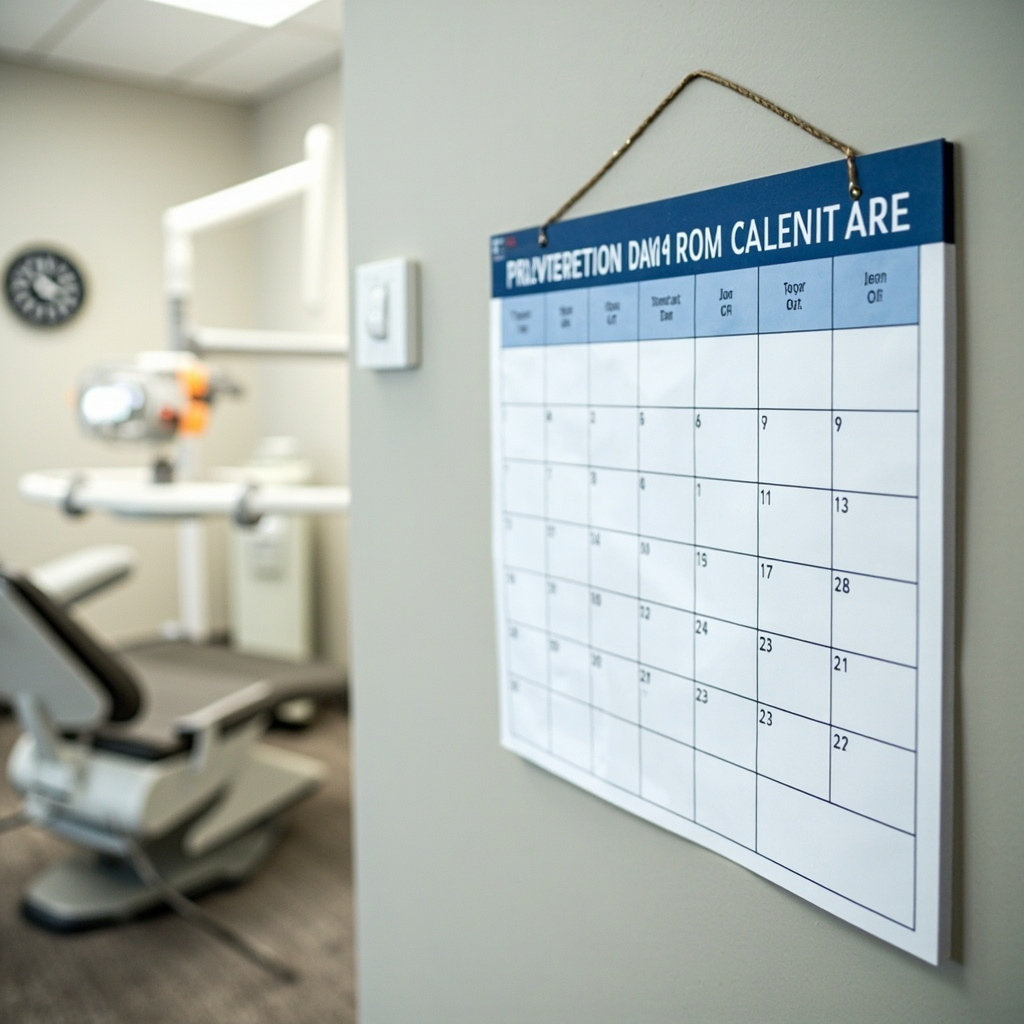
Dental office maintenance calendar schedule

Quarterly Professional Services

Schedule professional service technician visits every three months for comprehensive system evaluations. These visits should include electrical safety testing, radiation output measurements, and mechanical alignment verification.

Professional maintenance ensures compliance with regulatory requirements and identifies potential issues before they become costly repairs. Technicians can also provide valuable training updates for staff on proper equipment operation.

Annual Maintenance Requirements

Annual maintenance represents the most comprehensive evaluation of your X-ray systems. This includes complete electrical safety testing, radiation shielding assessments, and image quality evaluations.
Update all safety protocols and staff training materials based on manufacturer recommendations and regulatory changes. Plan for any major component replacements or upgrades during scheduled downtime.

Creating Your Maintenance Schedule

Develop a customized maintenance calendar that accounts for your specific equipment models and practice volume. Use digital scheduling tools to send automatic reminders for routine maintenance tasks.

Assign specific staff members responsibility for different maintenance aspects, ensuring clear accountability and consistent execution. Maintain detailed records of all maintenance activities for regulatory compliance and warranty purposes.

Cost-Benefit Analysis

Investing in preventive maintenance typically costs 3-5 times less than emergency repairs. Equipment maintained according to manufacturer specifications lasts 20-30% longer than neglected systems.

Regular maintenance also maintains image quality consistency, reducing retakes and improving patient satisfaction. The time invested in preventive care pays dividends in reduced downtime and extended equipment life.

Common Maintenance Oversights

Many practices focus only on cleaning and ignore mechanical components until problems arise. Regular lubrication of moving parts and adjustment of positioning mechanisms prevents premature wear.

Another frequent oversight is failing to document maintenance activities. Comprehensive records are essential for warranty claims, regulatory inspections, and identifying performance trends.

Establish a culture of proactive maintenance rather than reactive repairs. Your patients, staff, and bottom line will benefit from this systematic approach to equipment care.

Dental X-Ray Equipment Firmware Updates: Complete Management and Recovery Guide for 2026

Modern dental X-ray equipment relies heavily on firmware to operate efficiently and maintain optimal image quality. Regular firmware updates ensure your equipment performs at peak capacity, addresses security vulnerabilities, and incorporates the latest imaging enhancements. This comprehensive guide covers firmware update procedures, troubleshooting common issues, and recovery strategies for dental practices.

Understanding Firmware in Dental X-Ray Equipment

Firmware serves as the bridge between your X-ray equipment hardware and software systems. It controls exposure timing, image processing algorithms, communication protocols, and safety mechanisms. Unlike software updates that can be easily reversed, firmware changes directly modify the equipment operating system, making proper procedures essential.

Firmware update interface on dental X-ray equipment

Most dental X-ray manufacturers release firmware updates quarterly to address performance improvements, security patches, and regulatory compliance requirements. These updates typically include enhanced image processing algorithms, improved network connectivity, and refined calibration procedures.

Pre-Update Preparation and Best Practices

Before initiating any firmware update, establish a comprehensive backup strategy. Document current firmware versions, calibration settings, and system configurations. Create recovery media using manufacturer-provided tools, and ensure you have stable power supply with uninterrupted power source (UPS) protection.

Schedule firmware updates during non-patient hours to avoid disrupting clinical operations. Notify all staff members about planned maintenance windows and establish contingency protocols for emergency imaging needs during the update process.

Essential Pre-Update Checklist

  • Verify current firmware version and compatibility requirements
  • Download latest firmware from manufacturer verified sources only
  • Test network connectivity and bandwidth stability
  • Backup existing configuration files and calibration data
  • Prepare recovery USB drives with emergency firmware
  • Document all custom settings and user preferences

Firmware Update Procedures by Equipment Type

Different X-ray equipment types require specific update procedures. Intraoral sensors typically update through USB connections or network protocols, while panoramic units often require direct console access. CBCT systems generally use network-based updates with extended installation times due to their complex imaging algorithms.

Always follow manufacturer-specific procedures precisely. Generic update methods can result in equipment failure, warranty voidance, and potential safety hazards. Maintain documentation throughout the process for regulatory compliance and future reference.

Network-Based Updates

Most modern dental X-ray equipment supports network-based firmware updates. These systems download updates directly from manufacturer servers, verify digital signatures, and install automatically. Monitor network traffic during updates to ensure stable connections and avoid interruptions.

Common Firmware Update Problems and Solutions

Technician troubleshooting X-ray equipment firmware issues

Firmware update failures can occur due to power interruptions, network instability, corrupted download files, or incompatible hardware configurations. Understanding common failure modes enables rapid diagnosis and resolution, minimizing equipment downtime.

Update Interruption Recovery

If firmware updates are interrupted by power loss or network disconnection, most equipment enters recovery mode automatically. This protective mechanism prevents complete system failure by maintaining core functionality while allowing firmware restoration.

Recovery procedures typically involve connecting recovery media to equipment USB ports and following manufacturer-specific boot sequences. Some systems require specific key combinations during startup to access recovery modes.

Version Compatibility Issues

Installing incompatible firmware versions can cause system instability, imaging artifacts, or complete equipment failure. Always verify hardware model numbers, software version requirements, and regional compliance standards before proceeding with updates.

Maintain detailed equipment inventories including model numbers, serial numbers, and current firmware versions. This documentation streamlines compatibility verification and simplifies support interactions with manufacturers.

Recovery and Rollback Strategies

When firmware updates fail or cause unexpected issues, rapid recovery procedures restore equipment functionality. Most manufacturers provide emergency recovery tools and procedures for critical situations requiring immediate equipment restoration.

Factory reset procedures return equipment to original firmware versions but eliminate all custom configurations and calibration data. Use this option only when other recovery methods fail, and ensure you have complete backup documentation for reconfiguration.

Creating Recovery Media

Prepare recovery USB drives before problems occur. Download manufacturer recovery tools and emergency firmware images to dedicated storage devices. Test recovery procedures during scheduled maintenance to verify functionality and familiarity with processes.

Label recovery media clearly with equipment model numbers, firmware versions, and creation dates. Store recovery drives in secure locations accessible during emergency situations but protected from environmental damage.

Post-Update Verification and Testing

After successful firmware updates, comprehensive testing ensures all systems function correctly. Verify imaging quality, calibration accuracy, network connectivity, and safety interlocks before returning equipment to clinical service.

Perform test exposures using standardized phantoms to verify image quality consistency. Check exposure timing accuracy, dose output stability, and image processing functionality. Document all test results for regulatory compliance and quality assurance records.

Performance Validation

Compare post-update performance metrics with baseline measurements. Monitor exposure consistency, image noise levels, and processing speeds to identify any degradation requiring attention. Address performance issues immediately to maintain optimal patient care standards.

Ongoing Firmware Management

Establish systematic firmware management procedures including regular update schedules, security monitoring, and performance tracking. Subscribe to manufacturer notification services for critical updates and security advisories.

Maintain current firmware inventories across all equipment and coordinate updates to avoid compatibility conflicts between interconnected systems. Plan update schedules to minimize clinical disruption while maintaining security compliance.

Document all firmware changes with detailed logs including dates, versions, personnel involved, and any issues encountered. This documentation supports regulatory audits, warranty claims, and troubleshooting future problems.